장기도사 - 최강의 인공지능 장기 프로그램

장기도사 - 최강의 인공지능 장기 프로그램

Board

| 김교진

Play on PC with BlueStacks or from our cloud

  • Overview
  • Game Features
  • How to Play

Page Modified On: August 29, 2025

Play 장기도사 - 최강의 인공지능 장기 프로그램 on PC or Mac

Explore a whole new adventure with 장기도사 – 최강의 인공지능 장기 프로그램, a Board game created by 김교진. Experience great gameplay with BlueStacks, the most popular gaming platform to play Android games on your PC or Mac.

About the Game

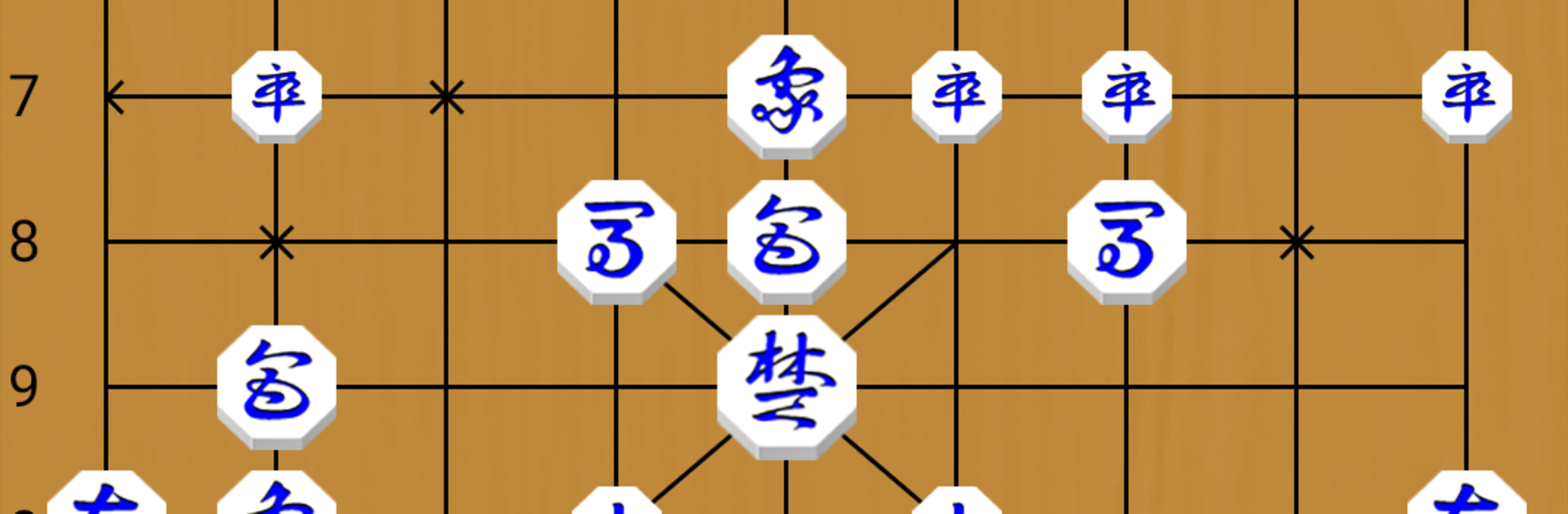
장기도사 – 최강의 인공지능 장기 프로그램 is a serious Board experience for anyone who loves Janggi (Korean chess)—whether you’re just learning or already sparring with masters. Built by 김교진, it blends a strong, flexible AI with tools that actually help you study, experiment, and improve. Prefer a larger view? It also plays nicely on PC through BlueStacks without making it a big production.

Game Features

  • Smart Difficulty Ladder: Five broad tiers—from casual to very advanced—so you can grow at your own pace and still find a real challenge.
  • Play Styles You Can Tweak: Pick from different AI personalities, from solid and classic to quirky and surprising, to keep matchups fresh.
  • Human-Like AI Feel: Turn on optional mistakes so the AI sometimes blunders like a real opponent, not a machine that never slips.
  • Hints and Move Explanations: Stuck? Ask for a hint or explore recommended lines to understand ideas, not just memorize moves.
  • Study-Friendly Tools: Swap sides midgame, set time controls with countdown, or let the AI face itself while you watch and learn.
  • Notation Powerhouse: Save, load, and auto-play game records; store multiple notations in one file; add comments to individual moves; and edit or delete entries anytime.
  • Deep Search and Organization: Find games by event name, player, or opening, then step through variations to analyze critical moments.
  • Position Editor and Puzzles: Build custom setups, test solutions yourself, or ask the AI to tackle the position and see how it thinks.
  • Adaptive Learning: The engine tracks experience, avoids repeating weak lines, and leans toward moves that have produced good results.
  • Make It Yours: Change boards and skins, choose male or female voice, randomize sides or openings, and resume any interrupted match.
  • Handy for Live Play: Use it as a simple chess clock when you’re playing face-to-face with a friend.

Make your gaming sessions memorable with precise controls that give you an edge in close combats and visuals that pop up, bringing every character to life.


Game Features

Enhancements

  • Macros
  • Multi Instance
  • Multi Instance Sync
  • Script
  • Enhancements
Macros

Macros

Automate the predictable in 장기도사 - 최강의 인공지능 장기 프로그램 and transform your gameplay with Macros. Get access to inventive Macros in the BlueStacks Macro Community
Multi Instance

Multi Instance

Play 장기도사 - 최강의 인공지능 장기 프로그램 on one window. And chat with your friend on the other. Press CTRL + Shift + 8 to open the Multi-Instance Manager. And start creating fresh instances or clone an existing one.
Multi Instance Sync

Multi Instance Sync

Play 장기도사 - 최강의 인공지능 장기 프로그램 with the power of Multi-Instance Sync. Replicate what you are doing on the main instance on all other instances. Level up faster, play more.
Script

Script

Script your way to gaming glory in 장기도사 - 최강의 인공지능 장기 프로그램 with BlueStacks Script. Write and run a set of commands to automate repeated tasks. Trigger the command by assigning it to any key.
Read More

How to Download and Play 장기도사 - 최강의 인공지능 장기 프로그램 on PC or Mac

  • Download and install BlueStacks on your PC or Mac

  • Complete Google sign-in to access the Play Store, or do it later

  • Look for 장기도사 - 최강의 인공지능 장기 프로그램 in the search bar at the top right corner

  • Click to install 장기도사 - 최강의 인공지능 장기 프로그램 from the search results

  • Complete Google sign-in (if you skipped step 2) to install 장기도사 - 최강의 인공지능 장기 프로그램

  • Click the 장기도사 - 최강의 인공지능 장기 프로그램 icon on the home screen to start playing

video
Watch Video

Minimum System Requirements

With BlueStacks 5, you can get started on a PC that fulfills the following requirements.

  • Operating System

    Microsoft Windows 7 or above, macOS 11 (Big Sur) or above

  • Processor

    Intel, AMD or Apple Silicon Processor

  • RAM

    at least 4GB

  • HDD

    10GB Free Disk Space

Note:

* You must be an Administrator on your PC. Up to date graphics drivers from Microsoft or the chipset vendor.

장기도사 - 최강의 인공지능 장기 프로그램 - FAQs

  • How to play 장기도사 - 최강의 인공지능 장기 프로그램 on Windows PC & Mac?

    Play 장기도사 - 최강의 인공지능 장기 프로그램 on your PC or Mac by following these simple steps.

    • Click on 'Play 장기도사 - 최강의 인공지능 장기 프로그램 on PC’ to download BlueStacks
    • Install it and log-in to Google Play Store
    • Launch and play the game.
  • Why is BlueStacks the fastest and safest platform to play games on PC?

    BlueStacks respects your privacy and is always safe and secure to use. It does not carry any malware, spyware, or any sort of additional software that could harm your PC.

    It is engineered to optimize speed and performance for a seamless gaming experience.

  • What are 장기도사 - 최강의 인공지능 장기 프로그램 PC requirements?

    Minimum requirement to run 장기도사 - 최강의 인공지능 장기 프로그램 on your PC

    • OS: Microsoft Windows 7 or above MacOS 11 (Big Sur) or above
    • Processor: Intel, AMD or Apple Silicon Processor
    • RAM: Your PC must have at least 4GB of RAM. (Note that having 4GB or more disk space is not a substitute for RAM)
    • HDD: 10GB Free Disk Space.
    • You must be an Administrator on your PC.