Sweetheart Collector

Sweetheart Collector

Card

| Shanghai Hahuan Network Technology Co., LTD

Play on PC with BlueStacks or from our cloud

  • Overview
  • Game Features
  • How to Play

Page Modified On: October 03, 2025

Play Sweetheart Collector on PC or Mac

Step into the World of Sweetheart Collector, a thrilling Card game from the house of Shanghai Hahuan Network Technology Co., LTD. Play this Android game on BlueStacks App Player and experience immersive gaming on PC or Mac.

About the Game

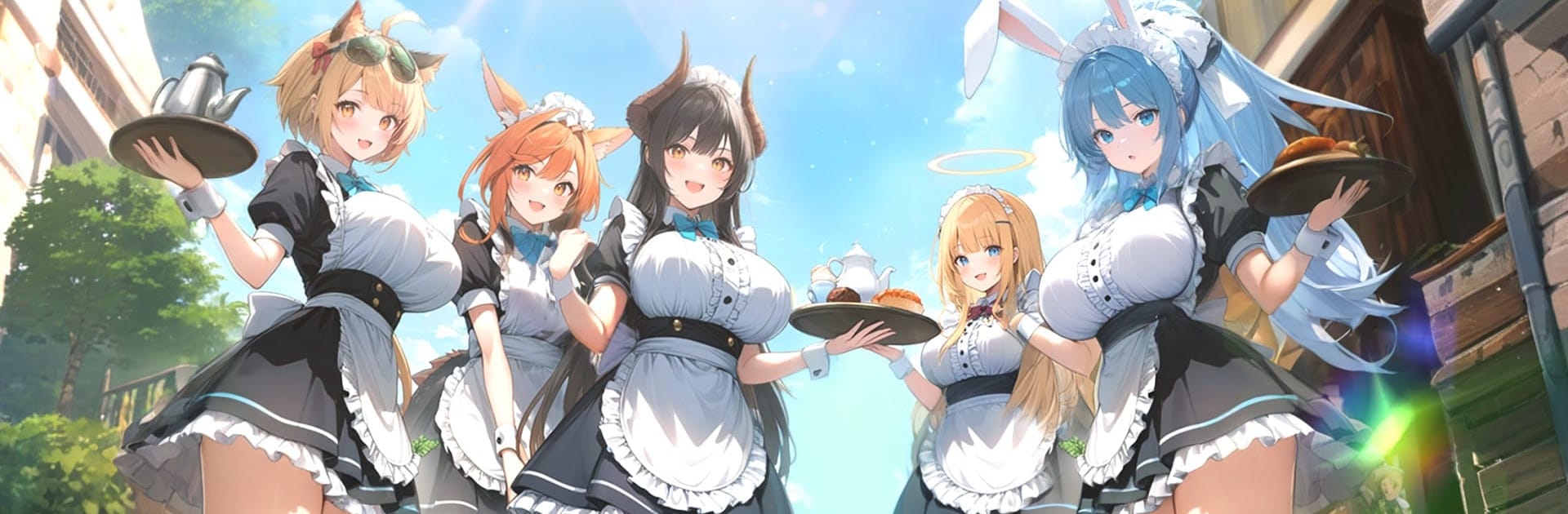
Sweetheart Collector is a Card game where you build a team of charming heroines, fight smart tactical battles, and get to know each character along the way. You play as the “Sweetheart Collector,” guiding a growing roster of flavor‑themed girls who bring their own skills, quirks, and stories. It’s from Shanghai Hahuan Network Technology Co., LTD, and if you like a bigger screen, it plays nicely on PC with BlueStacks.

Game Features

  • Collect Your Crew: Meet over 100 unique sweethearts—shy bakers, cool-headed rivals, bold troublemakers—each with distinct skills and personalities.
  • Flavor Synergy Combat: Mix elements and flavor-themed abilities to trigger team synergies. The right lineup turns tough encounters into satisfying wins.
  • Live2D Reactions: Characters feel present with expressive animations—watch them smile, pout, or tease as you interact and battle together.
  • Choices That Matter: Dialogue options and actions influence affection. Earn trust, unlock personal scenes, and see different sides of your favorite characters.
  • Build and Tune Teams: Upgrade cards, refine roles, and slot in the right combo pieces for bosses and special stages. Strategy counts more than brute force.
  • Intimate Interactions: Feed, gift, and care for your squad to strengthen bonds. A little attention goes a long way when you’re nurturing relationships.
  • Stories and Memories: Collect keepsakes and memory episodes that reveal backstories, secret hobbies, and tender moments you won’t want to miss.
  • Events and Bonuses: Seasonal modes and login rewards keep your roster growing, with special duo units and limited-time surprises to chase.
  • Play Your Way: Quick sessions or longer runs both work—easy to jump in, plan a few smart moves, and step out feeling accomplished.

Ready to top the leaderboard? We bet you do. Let precise controls and sharp visuals optimized on BlueStacks lead you to victory.


Game Features

Enhancements

  • Macros
  • Multi Instance
  • Multi Instance Sync
  • Script
  • Enhancements
Macros

Macros

Automate the predictable in Sweetheart Collector and transform your gameplay with Macros. Get access to inventive Macros in the BlueStacks Macro Community
Multi Instance

Multi Instance

Play Sweetheart Collector on one window. And chat with your friend on the other. Press CTRL + Shift + 8 to open the Multi-Instance Manager. And start creating fresh instances or clone an existing one.
Multi Instance Sync

Multi Instance Sync

Play Sweetheart Collector with the power of Multi-Instance Sync. Replicate what you are doing on the main instance on all other instances. Level up faster, play more.
Script

Script

Script your way to gaming glory in Sweetheart Collector with BlueStacks Script. Write and run a set of commands to automate repeated tasks. Trigger the command by assigning it to any key.
Read More

How to Download and Play Sweetheart Collector on PC or Mac

  • Download and install BlueStacks on your PC or Mac

  • Complete Google sign-in to access the Play Store, or do it later

  • Look for Sweetheart Collector in the search bar at the top right corner

  • Click to install Sweetheart Collector from the search results

  • Complete Google sign-in (if you skipped step 2) to install Sweetheart Collector

  • Click the Sweetheart Collector icon on the home screen to start playing

video
Watch Video

Minimum System Requirements

With BlueStacks 5, you can get started on a PC that fulfills the following requirements.

  • Operating System

    Microsoft Windows 7 or above, macOS 11 (Big Sur) or above

  • Processor

    Intel, AMD or Apple Silicon Processor

  • RAM

    at least 4GB

  • HDD

    10GB Free Disk Space

Note:

* You must be an Administrator on your PC. Up to date graphics drivers from Microsoft or the chipset vendor.

Sweetheart Collector - FAQs

  • How to play Sweetheart Collector on Windows PC & Mac?

    Play Sweetheart Collector on your PC or Mac by following these simple steps.

    • Click on 'Play Sweetheart Collector on PC’ to download BlueStacks
    • Install it and log-in to Google Play Store
    • Launch and play the game.
  • Why is BlueStacks the fastest and safest platform to play games on PC?

    BlueStacks respects your privacy and is always safe and secure to use. It does not carry any malware, spyware, or any sort of additional software that could harm your PC.

    It is engineered to optimize speed and performance for a seamless gaming experience.

  • What are Sweetheart Collector PC requirements?

    Minimum requirement to run Sweetheart Collector on your PC

    • OS: Microsoft Windows 7 or above MacOS 11 (Big Sur) or above
    • Processor: Intel, AMD or Apple Silicon Processor
    • RAM: Your PC must have at least 4GB of RAM. (Note that having 4GB or more disk space is not a substitute for RAM)
    • HDD: 10GB Free Disk Space.
    • You must be an Administrator on your PC.