




Why limit yourself to your small screen on the phone? Run Daily Duas for kids, an app by Osratouna, best experienced on your PC or Mac with BlueStacks, the world’s #1 Android emulator.
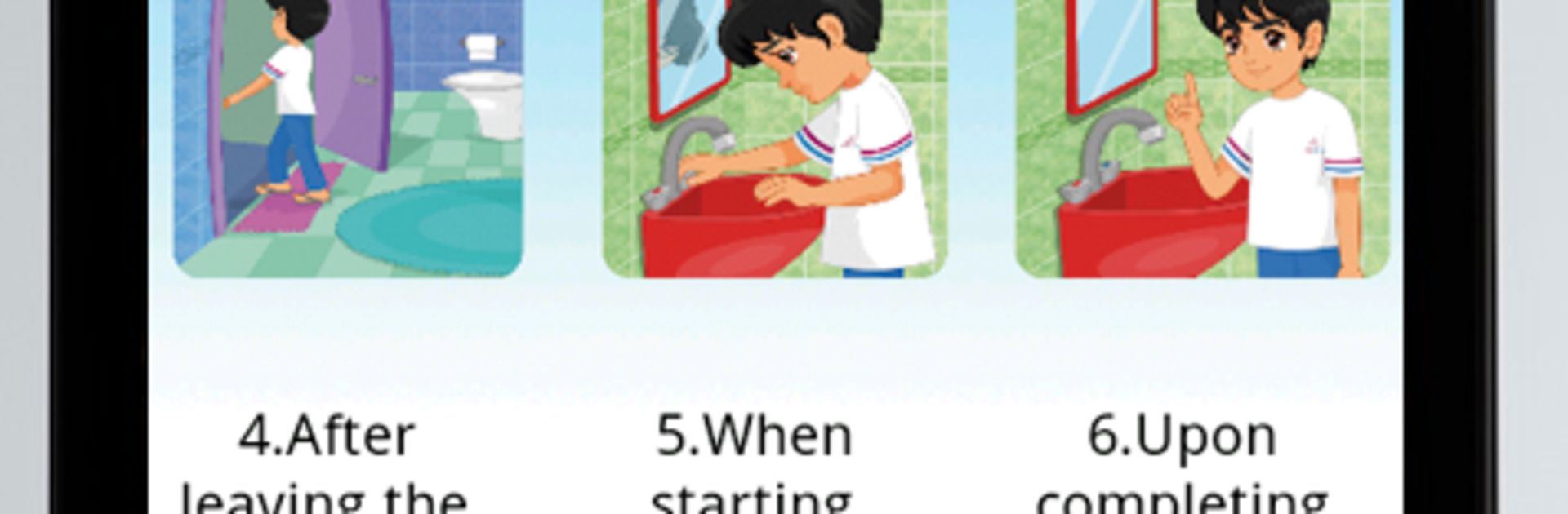
Daily Duas for kids feels like a gentle little library of short prayers for everyday moments, all organized in a way that makes sense. It opens to bright, simple screens with big icons, so a child can tap around without getting lost, and an adult would not feel talked down to either. There are about three dozen duas, each with clear Arabic audio, plus English and French translations alongside small illustrations that help show when to use them. The narrator’s voice is calm and warm, which suits the app’s pace. Reading works fine if someone wants to go slow, and listening helps with pronunciation when the Arabic is new.
On a PC with BlueStacks the whole thing just feels easier on the eyes. The text is larger, the artwork looks nicer, and clicking through the list is straightforward with a mouse. Switching languages is quick too, just click the little action bar up in the top right and pick English or French. Nothing flashy, no confusing menus, just a clean layout that lets the content be the focus. It suits kids learning their first duas, but it also works for older family members who want a quick refresher with audio. If someone needs a calm, no-stress way to review daily duas while hearing proper recitation, this gets the job done without clutter.
BlueStacks brings your apps to life on a bigger screen—seamless and straightforward.





