

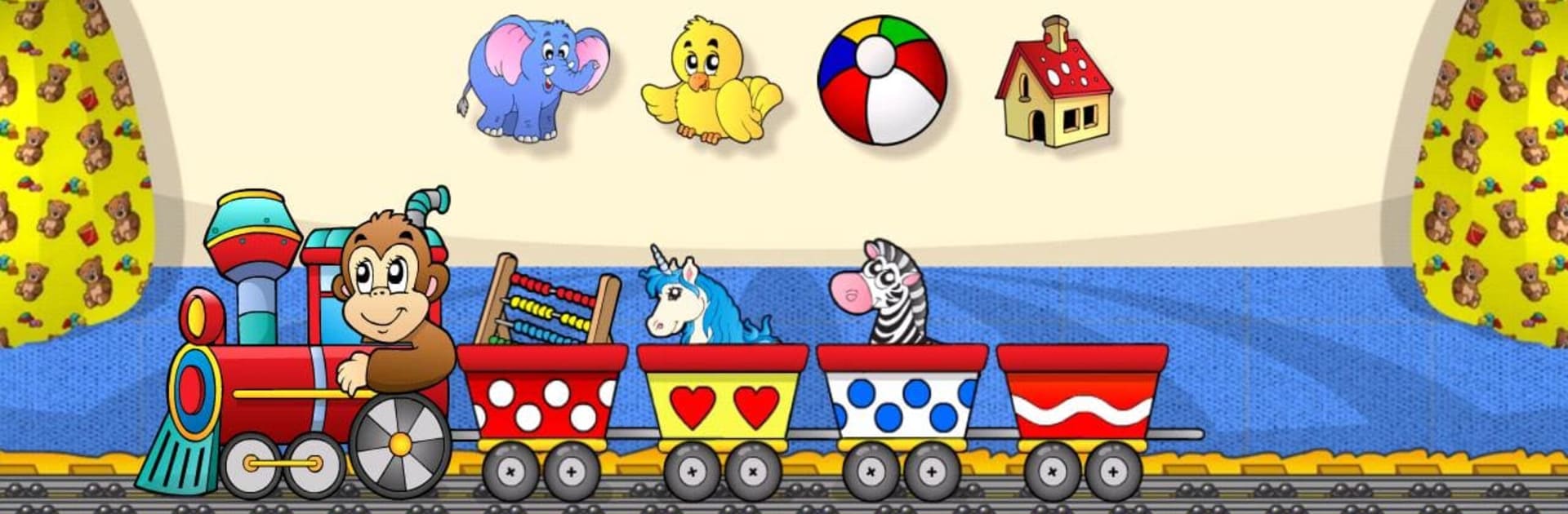
Preschool Learning Games Kids
Gioca su PC con BlueStacks: la piattaforma di gioco Android, considerata affidabile da oltre 500 milioni di giocatori.

Pagina modificata il: Sep 8, 2019
Run Preschool Learning Games Kids on PC or Mac
Why limit yourself to your small screen on the phone? Run Preschool Learning Games Kids , an app by 22LEARN Toddler and Baby Learning Games, LLC, best experienced on your PC or Mac with BlueStacks, the world’s #1 Android emulator.
About the App
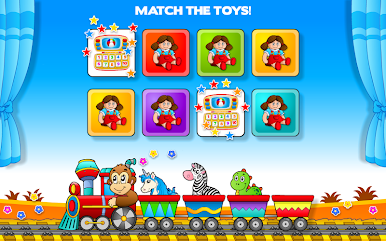
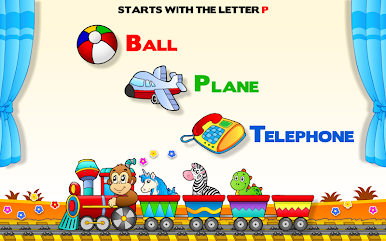
Preschool Learning Games Kids brings a colorful, playful world of learning right to your screen. Created by the team at 22LEARN Toddler and Baby Learning Games, LLC, this education app is designed to grab kids’ attention and make learning the basics genuinely fun. With bright visuals, adorable characters, and a super simple interface, little ones can start exploring letters, numbers, shapes, and way more—no confusing menus or grown-up help needed.
App Features
-
Friendly Guide
An enthusiastic monkey buddy helps kids out every step of the way, making sure no one gets lost or bored. -
Variety of Activities
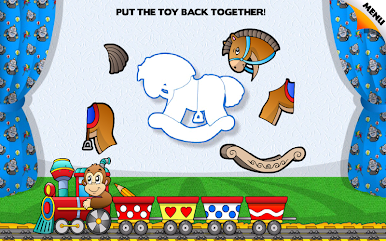
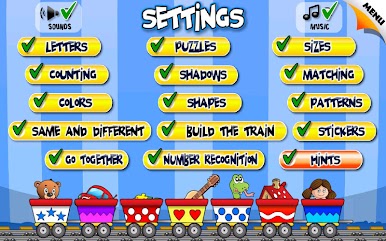
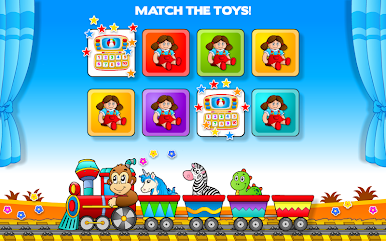
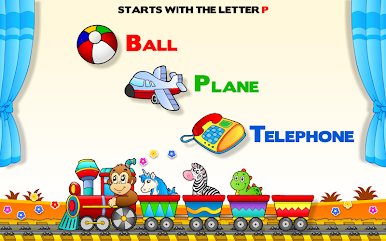
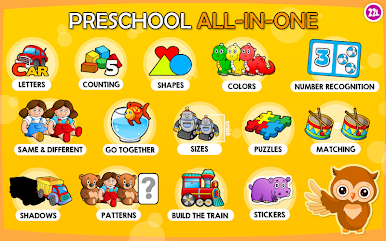
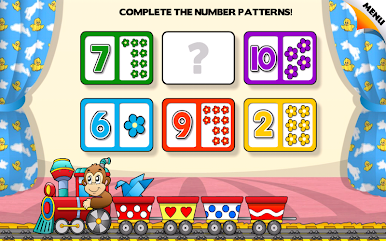
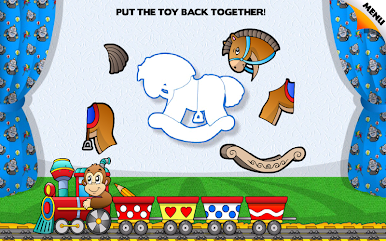
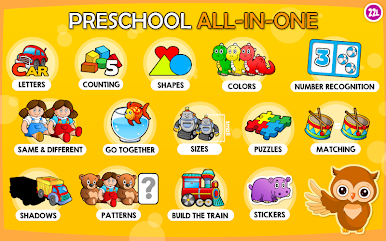
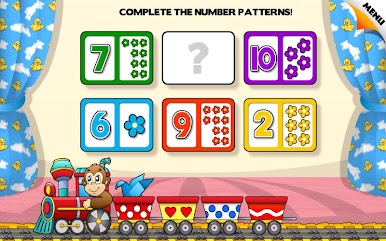
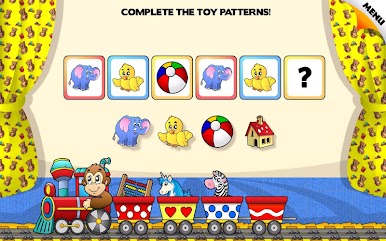
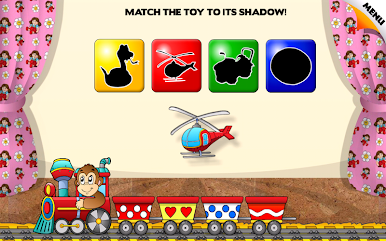
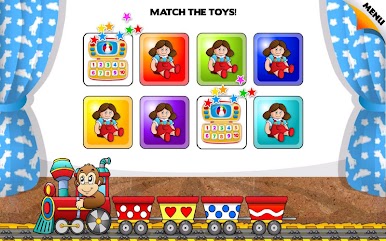
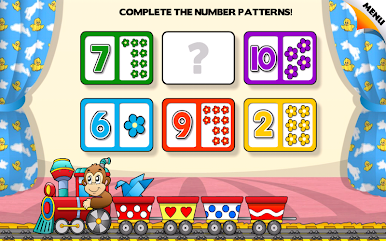
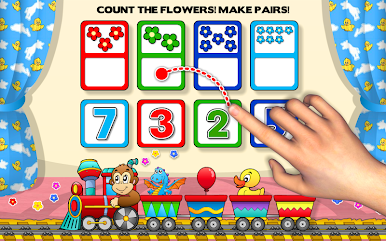
The app packs in 12 engaging games that cover everything from recognizing letters and numbers, to putting together puzzles, matching shapes, and sorting sizes. -
Creative Play
Kids can decorate trains or collect fun stickers as rewards for completing activities—because showing off a cool sticker board just makes things better. -
Focus on Core Skills
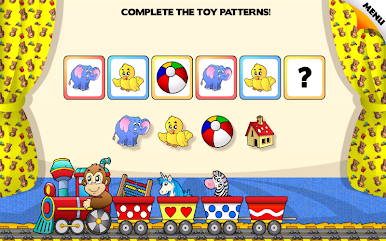
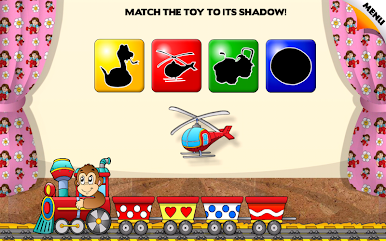
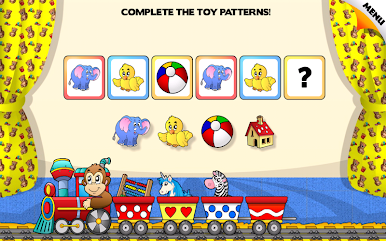
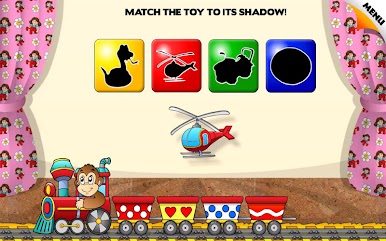
Whether it’s matching shadows, exploring patterns, or finding what’s the same and what’s different, these games are designed by education pros to set kids up for kindergarten basics. -
Clear, Kid-Friendly Design
Big buttons, cheerful sounds, and vibrant graphics mean young children can jump right in without needing a crash course in tech. -
Learning by Doing
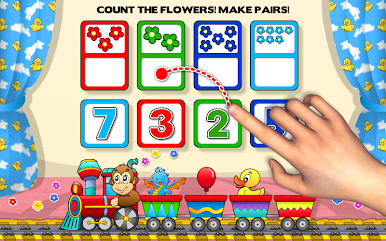
Activities encourage kids to tap, drag, and select answers, so they stay active and involved rather than just watching the screen. -
Family-Approved Content
Developed by trusted experts, every game stays age-appropriate and wholesome. -
Works on Larger Screens
If you like letting your kids use BlueStacks, the app plays just as smoothly on a bigger display, giving them more room for colorful learning adventures.
Big screen. Bigger performance. Use BlueStacks on your PC or Mac to run your favorite apps.



Gioca Preschool Learning Games Kids su PC. È facile iniziare.
-
Scarica e installa BlueStacks sul tuo PC
-
Completa l'accesso a Google per accedere al Play Store o eseguilo in un secondo momento
-
Cerca Preschool Learning Games Kids nella barra di ricerca nell'angolo in alto a destra
-
Fai clic per installare Preschool Learning Games Kids dai risultati della ricerca
-
Completa l'accesso a Google (se hai saltato il passaggio 2) per installare Preschool Learning Games Kids
-
Fai clic sull'icona Preschool Learning Games Kids nella schermata principale per iniziare a giocare

