

Airyware Tuner - strobe & more
Juega en PC con BlueStacks: la plataforma de juegos Android, en la que confían más de 500 millones de jugadores.

Página modificada el: Nov 27, 2025
Run Airyware Tuner - Guitar Tuner & more on PC or Mac
Why limit yourself to your small screen on the phone? Run Airyware Tuner – Guitar Tuner & more, an app by ≡ Airyware ≡, best experienced on your PC or Mac with BlueStacks, the world’s #1 Android emulator.
About the App
If you’ve ever struggled with keeping your instrument sounding just right, Airyware Tuner – Guitar Tuner & more might be your new best friend. Brought to you by ≡ Airyware ≡ in the Music & Audio genre, this tuner doesn’t stop at guitars – it covers a huge range of instruments and tunings. Whether you’re at home practicing or out playing a gig, this app offers quick, precise tuning that even pros rely on.
App Features
-
Wide Tuning Range
Tuning everything from the lowest thumping bass to bright, high-pitched flutes? No problem—Airyware Tuner spans 9 octaves, from 15 Hz up to 8000 Hz. -
Strobe and Needle Modes
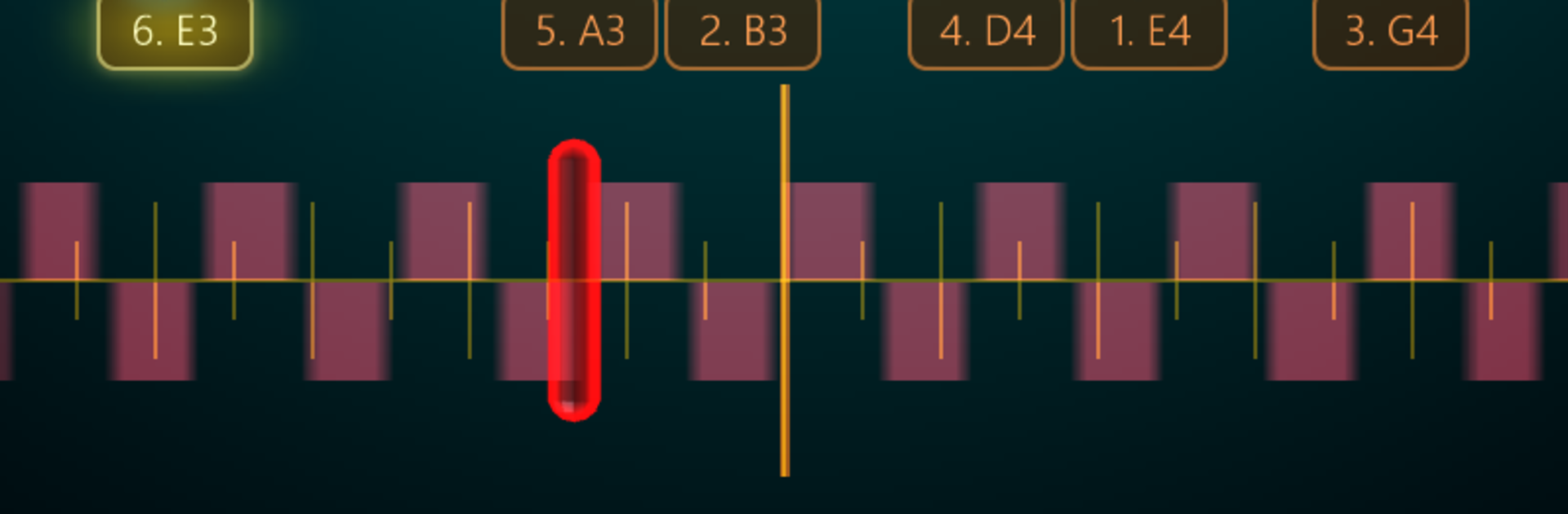
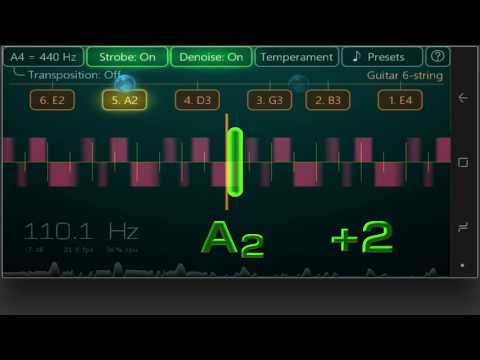
Choose between a classic needle display for visual feedback or a true strobe view for serious accuracy—ideal for those who really want to dial it in. -
Precision That Stands Out
The app provides up to 0.1 cent accuracy, so whether you’re a perfectionist or just picky, you’ll love how trustworthy it feels. -
Hundreds of Supported Instruments
Not just for guitarists. Piano, violin, bagpipe, clarinet, ukulele, even church organ—over 400 instruments and more than 900 alternate tunings are built-in. -
Customizable Settings
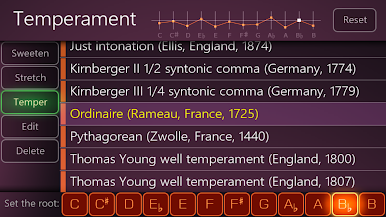
Easily set your own sweeteners, stretched tunings, and custom temperaments. If you’re working with something less conventional, you can even define a custom Railsback curve. -
Personalized Calibration
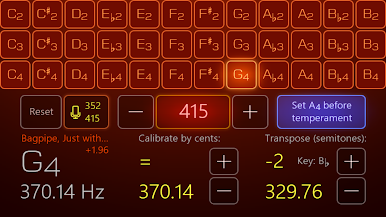
Adjust your “A” reference anywhere from 300 to 600 Hz, or calibrate live to whatever’s happening around you. -
Waveform Inspector
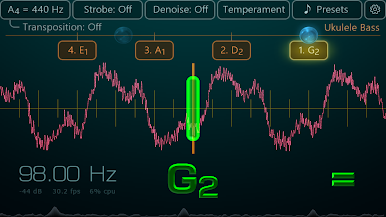
Want to see the sound? Explore the built-in oscilloscope for a different view of your tuning. -
Flexible Mic Support
Use your device’s internal microphone, or plug in an external mic—whatever fits your setup. -
Favorites at Your Fingertips
Save your most-used tunings and come back to them anytime. No hunting through long lists. -
Tone Generator and Pitch Pipe
Need a reference pitch? The app covers C2 to B4 so you can play along or get things started. -
Ambient Noise Reduction
Tuning in noisy places? The app’s noise filter keeps distractions at bay.
You can use Airyware Tuner – Guitar Tuner & more right on your computer with BlueStacks for an extra bit of screen space while practicing or working on detailed setups.
Ready to experience Airyware Tuner – Guitar Tuner & more on a bigger screen, in all its glory? Download BlueStacks now.
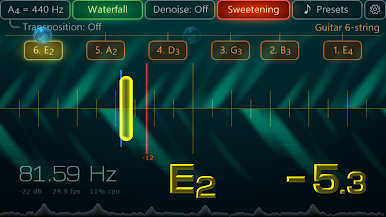
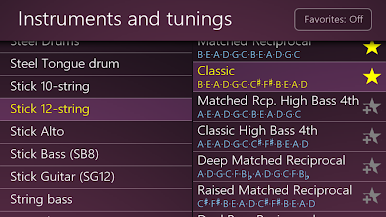
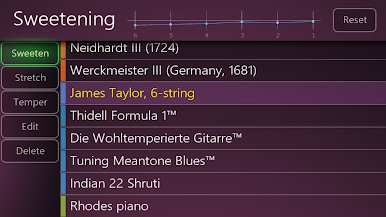
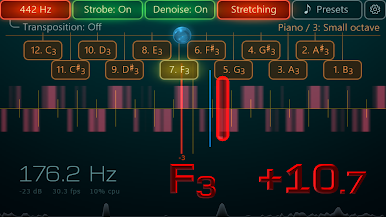
Juega Airyware Tuner - strobe & more en la PC. Es fácil comenzar.
-
Descargue e instale BlueStacks en su PC
-
Complete el inicio de sesión de Google para acceder a Play Store, o hágalo más tarde
-
Busque Airyware Tuner - strobe & more en la barra de búsqueda en la esquina superior derecha
-
Haga clic para instalar Airyware Tuner - strobe & more desde los resultados de búsqueda
-
Complete el inicio de sesión de Google (si omitió el paso 2) para instalar Airyware Tuner - strobe & more
-
Haz clic en el ícono Airyware Tuner - strobe & more en la pantalla de inicio para comenzar a jugar

