


IMUSIC
Gioca su PC con BlueStacks: la piattaforma di gioco Android, considerata affidabile da oltre 500 milioni di giocatori.

Pagina modificata il: Oct 30, 2025
Run imusic.am on PC or Mac
Get freedom from your phone’s obvious limitations. Use imusic.am, made by imusic LLC, a Music & Audio app on your PC or Mac with BlueStacks, and level up your experience.
About the App
Love discovering music and building playlists that fit your mood? imusic.am from imusic LLC is an easygoing spot to stream tons of tracks, share your favorite tunes, and connect with other music fans—all from one place. Whether you’re just browsing or you want to craft the perfect playlist, this app puts everything right at your fingertips. And hey, you can get cozy with your favorite artists or let the app surprise you with recommendations—all in the Music & Audio genre.
App Features
-
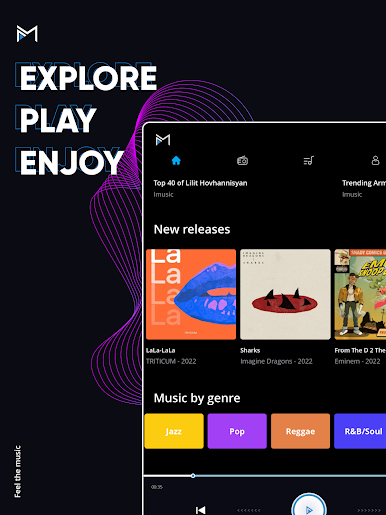
Easy Music Search
Looking for a specific song, artist, or album? The app makes it simple to find what you want, when you want. -
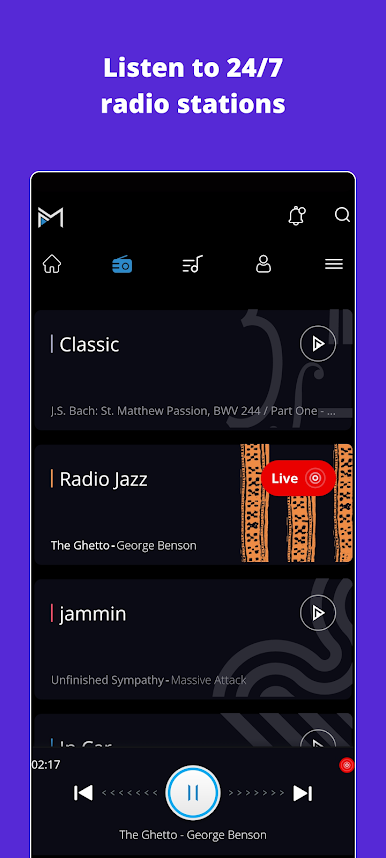
Radio for Every Mood
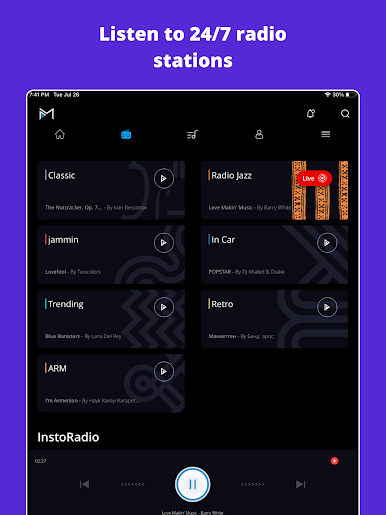
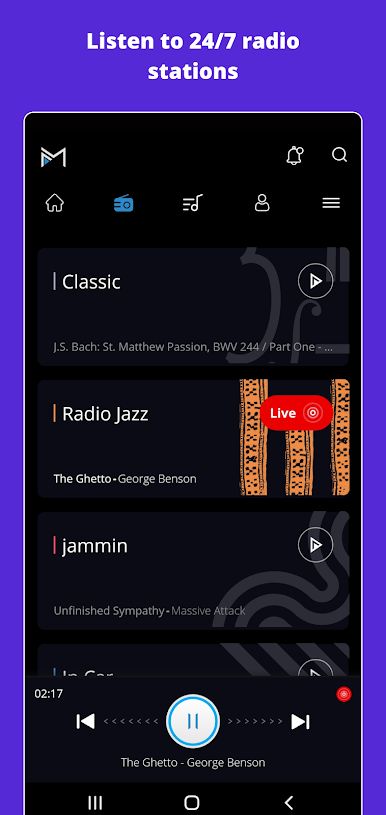
Short on time or not sure what to play? Try out one of four radio stations. Just hit play and let the music set the vibe. -
Listen and Explore
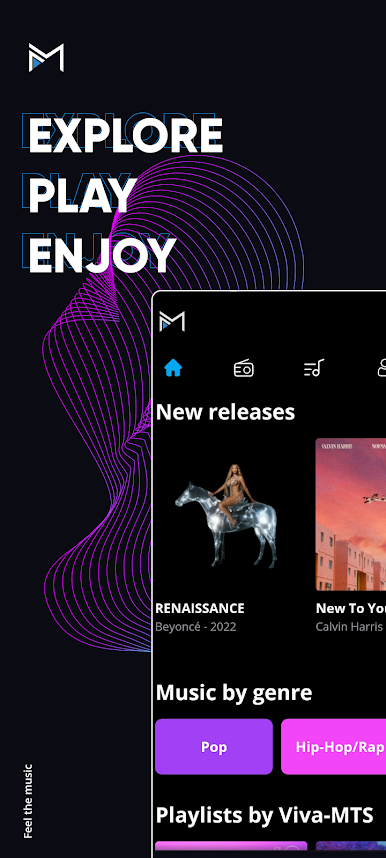
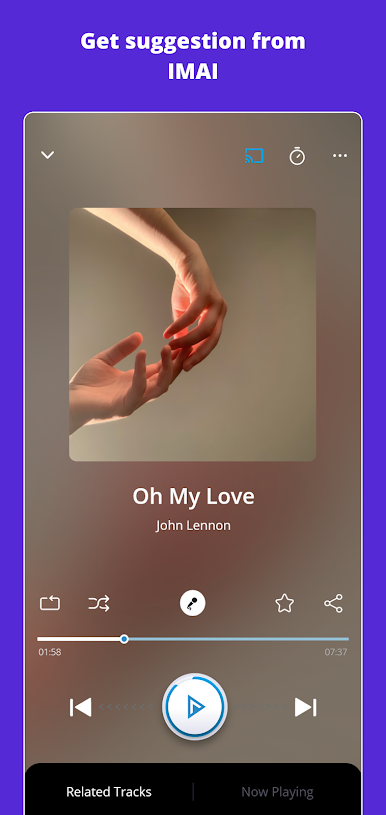
Like poking around new music? You can listen to albums, tracks, curated playlists, and even other users’ favorites. Shuffle and repeat controls are right there for mixing things up or playing on loop. -
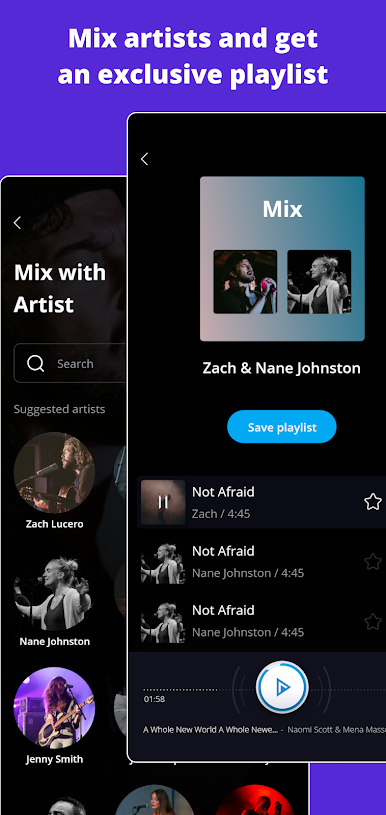
Create, Save, and Share
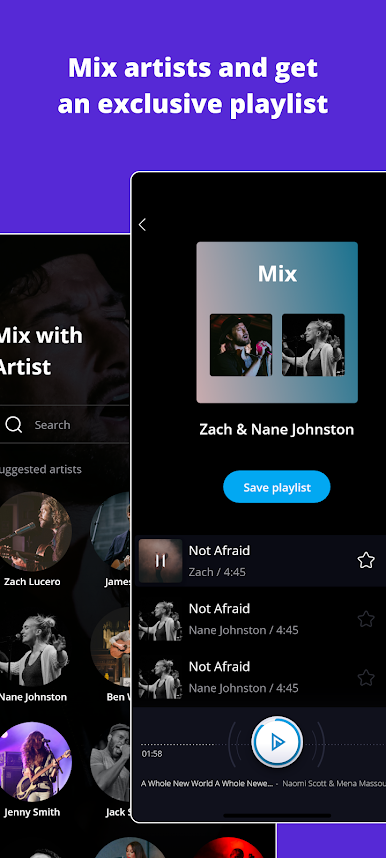
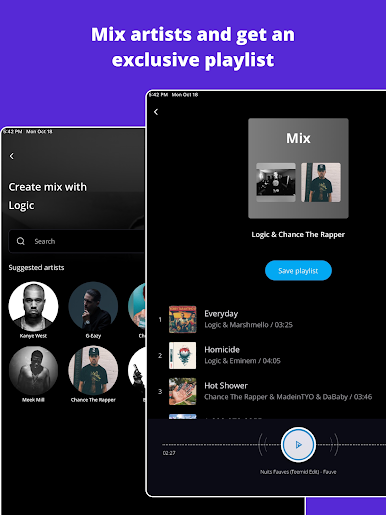
Got a go-to party playlist? Or maybe your own sleepy-time mix? With imusic.am, you can pull together playlists, save your top tracks, and share them with friends. -
User Profiles & Following
If you create an account, you can personalize things even more—follow users with similar taste, keep a listening history, and manage your favorite albums or artists. -
Flexible Access
Feel free to tune in as a guest or sign up to unlock all the features. Your experience grows with you. -
Play Anywhere, Big or Small
imusic.am is made for both tablets and phones, but if you want a bigger soundstage, it also works well through BlueStacks on your computer.
BlueStacks gives you the much-needed freedom to experience your favorite apps on a bigger screen. Get it now.













Gioca IMUSIC su PC. È facile iniziare.
-
Scarica e installa BlueStacks sul tuo PC
-
Completa l'accesso a Google per accedere al Play Store o eseguilo in un secondo momento
-
Cerca IMUSIC nella barra di ricerca nell'angolo in alto a destra
-
Fai clic per installare IMUSIC dai risultati della ricerca
-
Completa l'accesso a Google (se hai saltato il passaggio 2) per installare IMUSIC
-
Fai clic sull'icona IMUSIC nella schermata principale per iniziare a giocare

