


GeoLocator — We Link Family
Mainkan di PC dengan BlueStacks – platform Game-Game Android, dipercaya oleh lebih dari 500 juta gamer.

Play GeoLocator — We Link Family on PC
The app cannot be used to track anyone else (a spouse, for example) even with their knowledge and permission.
Family GPS Tracker and Chat + Baby Monitor Online by GeoLocator is the smartphone app that helps to control your child's movements every day, and helps the family keep each other informed of their locations. With Family GPS Tracker and Chat + Baby Monitor Online by GeoLocator you can watch on the map where your child and the rest of your family are. If you always want to find my kids, just install the tracking app.
Family GPS Tracker and Chat + Baby Monitor Online by GeoLocator is a hybrid self-learning system that prevents false alerts in places where GPS is not available.
Advantages:
Accuracy in tracking
No chaotic movements of markers on the map
Low energy life consumption
Minimum radius of safety zones
Without registration
360 days a year life support
Family GPS Tracker and Chat + Baby Monitor Online by GeoLocator allows determining the location of a kids with a maximum accuracy to track their safety on the move.
Capabilities:
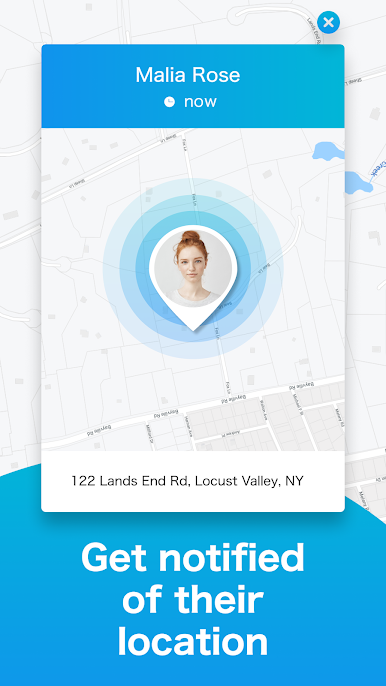
Always know where your kid is
Exchange private messages with familo members in your own circle
Track security of children and receive real-time notifications
Be aware of entering and leaving safety zones
Receive notifications of low battery voltage of your family members smartphones
Call your child back home by one touch
Call your relatives not quitting the app
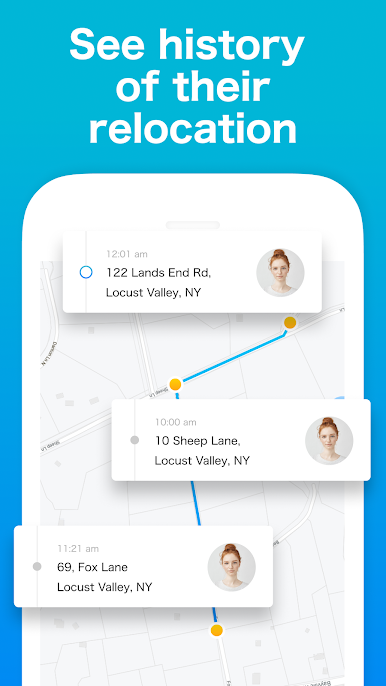
History movement of children
Create a route to the location of your family members with the help of the navigation system
Install a child mode on your child’s smartphone
Connect the web version and watch the kids directly from the computer
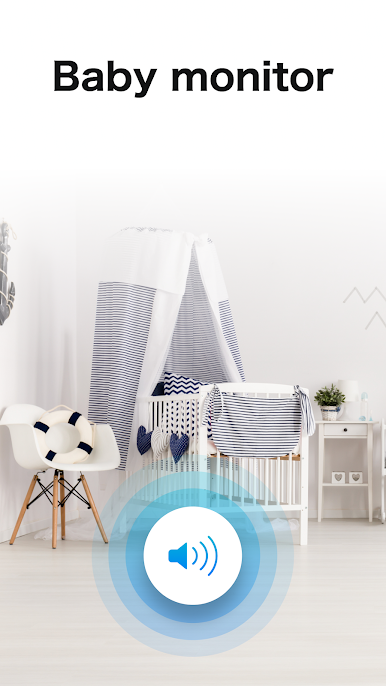
Baby Monitor. You can listen to what is happening around the child. For example, to find out what your nanny is doing at home with your kids or how the teacher talks to your child at school. And maybe you have suspicions that your child is involved a bad company? The best way to find out about this, just does not exist! You can also answer the child through the speakerphone, if necessary.
Ability to turn off silent mode for a family member when calling from an application
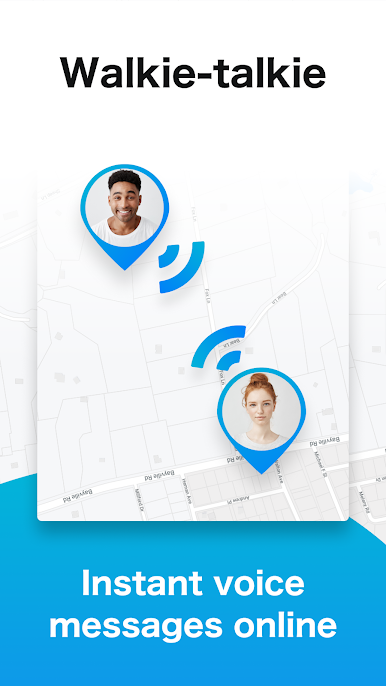
Walkie Talkie. Turn your device into a walkie talkie! The new function works like a regular walkie talkie free, but via the Internet. Conversations with the help of a walkie talkie are fascinating and almost as fast as real communication.
The opportunity to find my phone if the child has lost or forgot the phone at school.
Google Home support
All you need is an Android smartphone with the installed Family GPS locator and Chat + Baby Monitor Online by GeoLocator.
For proper work of the Family GPS geolocation Tracker and Chat + Baby Monitor Online by GeoLocator app you should activate:
Internet connection
Location Services (GPS)
Wi-Fi Scan
The Internet is required for transmitting location data and receiving notifications.
Tip! We recommend you to disable notifications on your child's smartphone to avoid distraction in school.
The app consumes battery energy in an economical way so it can be used all day long, nevertheless, like any applications of GPS, the battery life decreases a little bit. If you always want to find my kids, just install the app.
Your reviews are very important for us!
Please send your offers upon possible improvements and new functions to q@geoloc.app
Your cooperation will be appreciated,
GeoLocator team.

Mainkan GeoLocator — We Link Family di PC Mudah saja memulainya.
-
Unduh dan pasang BlueStacks di PC kamu
-
Selesaikan proses masuk Google untuk mengakses Playstore atau lakukan nanti
-
Cari GeoLocator — We Link Family di bilah pencarian di pojok kanan atas
-
Klik untuk menginstal GeoLocator — We Link Family dari hasil pencarian
-
Selesaikan proses masuk Google (jika kamu melewati langkah 2) untuk menginstal GeoLocator — We Link Family
-
Klik ikon GeoLocator — We Link Family di layar home untuk membuka gamenya

