

Notas - Light Notes
Juega en PC con BlueStacks: la plataforma de juegos Android, en la que confían más de 500 millones de jugadores.

Página modificada el: Jul 20, 2021
Run Light Notes on PC or Mac
What’s better than using Light Notes by LexaUA? Well, try it on a big screen, on your PC or Mac, with BlueStacks to see the difference.
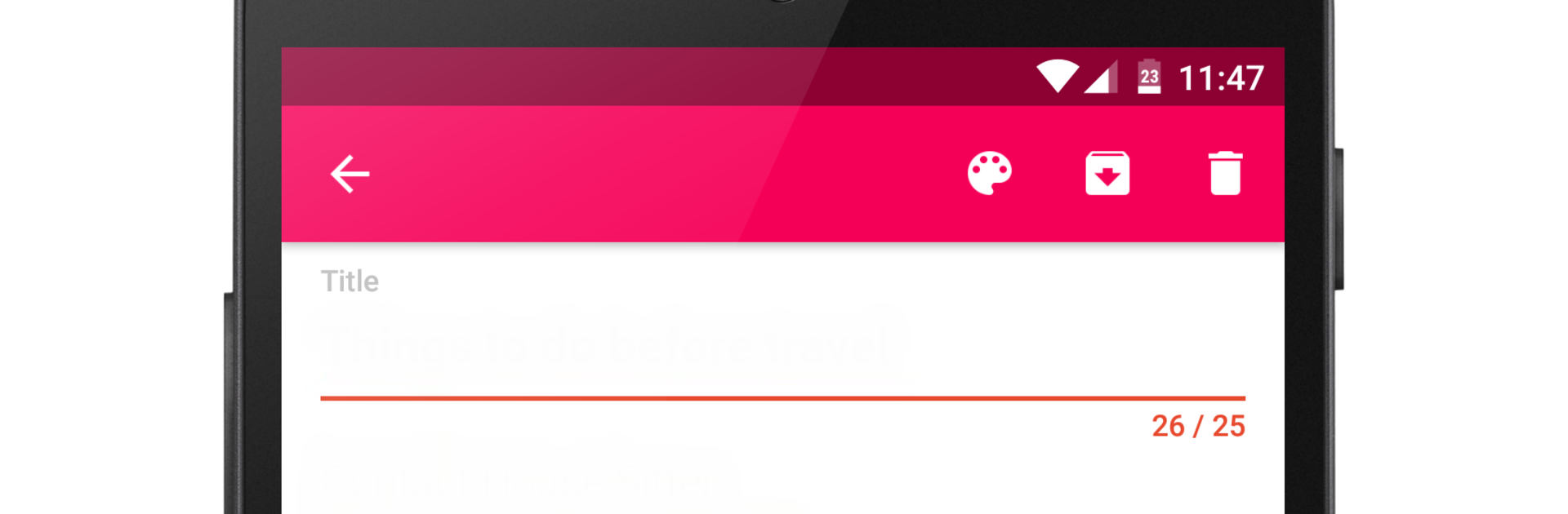
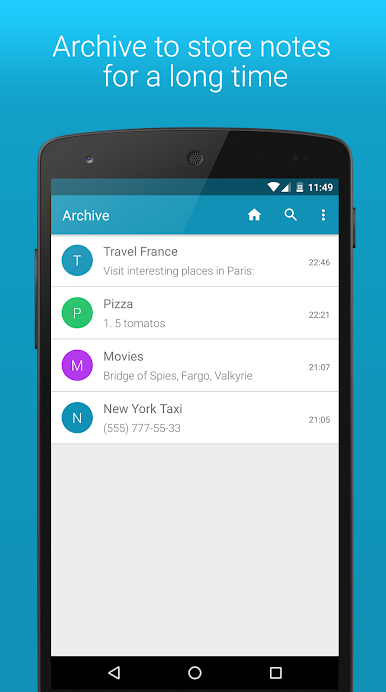
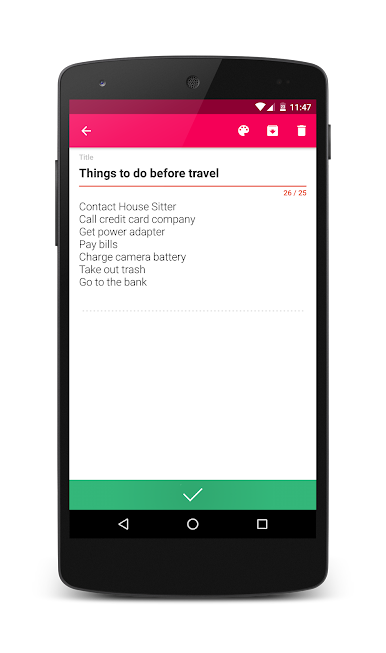
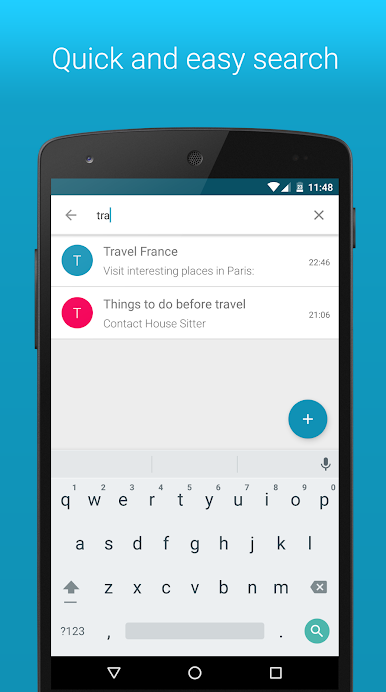
Light Notes feels like a tiny notebook that actually stays out of the way. The app opens quick, new notes appear in a snap, and moving between them is fast enough that someone can punch in a memo or a shopping list and be done before forgetting what they were doing. No heavy menus, no weird extras, just a clean notepad that saves what matters. It suits basic stuff really well like a to-do for the day, a couple of reminders, or that list of things to buy later. Super plain, in a good way.
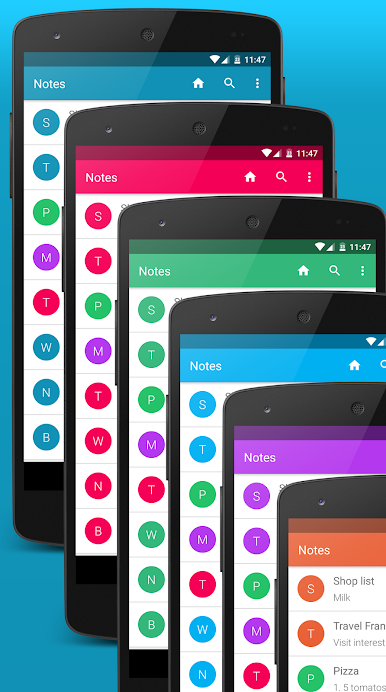
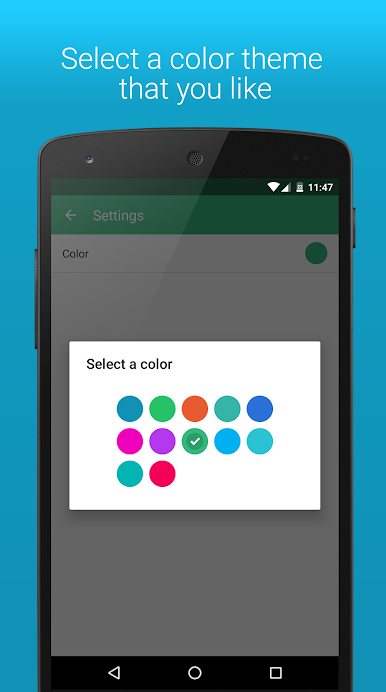
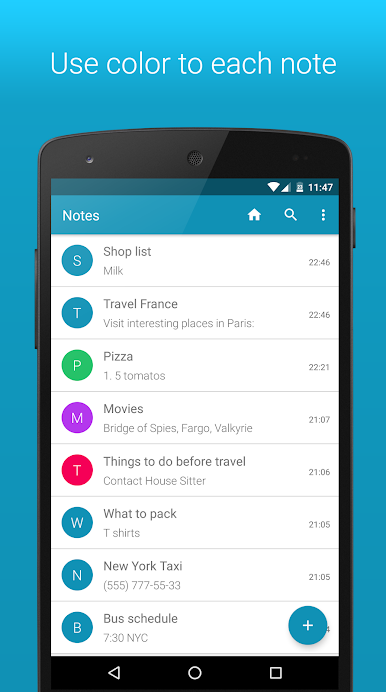
Looks are simple too, with that Material Design style that keeps everything tidy. There are themes with different colors, and each note can get its own color so someone can spot grocery stuff vs work stuff at a glance. On PC with BlueStacks, it gets even easier because a real keyboard makes longer notes painless, and copy-paste from other windows is smooth. Resize the window, park it to the side, jot things down while browsing. The app does not try to be a giant organizer, but it is quick and useful for everyday notes. If someone just wants a lightweight place to write and not fiddle with complicated settings, this hits the mark.
BlueStacks brings your apps to life on a bigger screen—seamless and straightforward.
Juega Notas - Light Notes en la PC. Es fácil comenzar.
-
Descargue e instale BlueStacks en su PC
-
Complete el inicio de sesión de Google para acceder a Play Store, o hágalo más tarde
-
Busque Notas - Light Notes en la barra de búsqueda en la esquina superior derecha
-
Haga clic para instalar Notas - Light Notes desde los resultados de búsqueda
-
Complete el inicio de sesión de Google (si omitió el paso 2) para instalar Notas - Light Notes
-
Haz clic en el ícono Notas - Light Notes en la pantalla de inicio para comenzar a jugar

