


Outliner Pro Key
Mainkan di PC dengan BlueStacks – platform Game-Game Android, dipercaya oleh lebih dari 500 juta gamer.

Run Outliner Pro Key on PC or Mac
Upgrade your experience. Try Outliner Pro Key, the fantastic Productivity app from Alfred Fritz, from the comfort of your laptop, PC, or Mac, only on BlueStacks.
About the App
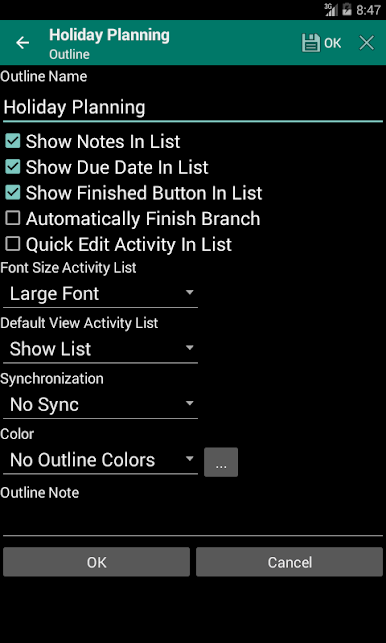
Looking for a more powerful way to keep your lists, memos, and projects under control? Outliner Pro Key unlocks advanced features in Android Outliner, turning a solid organizer into your own personal productivity assistant. Whether you’re mapping out that next big idea or just wrangling your daily to-do’s, this add-on kicks the experience up a notch.
App Features
-
Pro-Level Upgrades
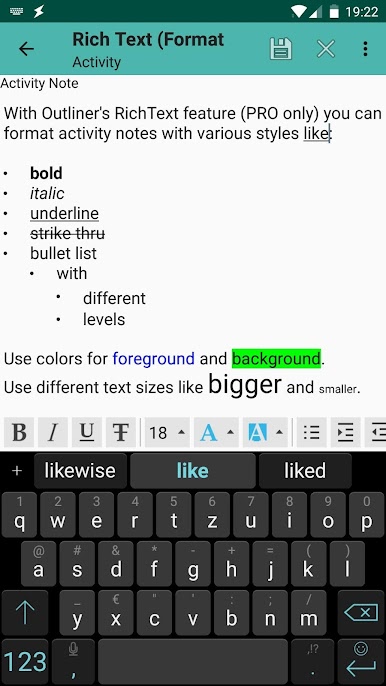
Unlock features that go beyond the basics in Android Outliner, letting you do more with your notes and lists once you’ve got the main app ready. -
Anything Goes Organization
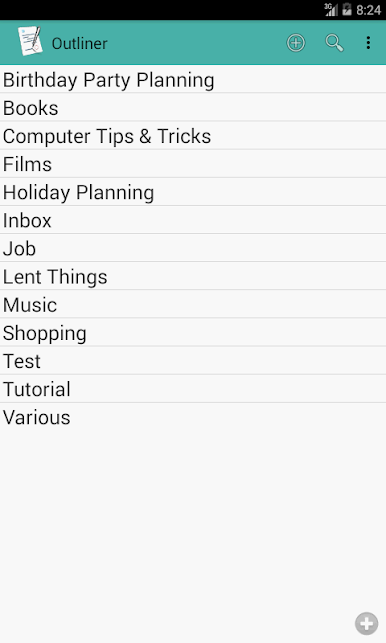
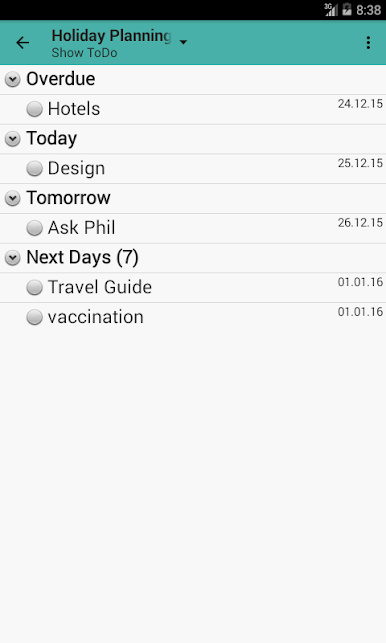
Jot down anything, from groceries to big projects. Outliner Pro Key lets you sort, manage, and track goals, errands, and brainstorms all in one space. -
Tree-Style List Building
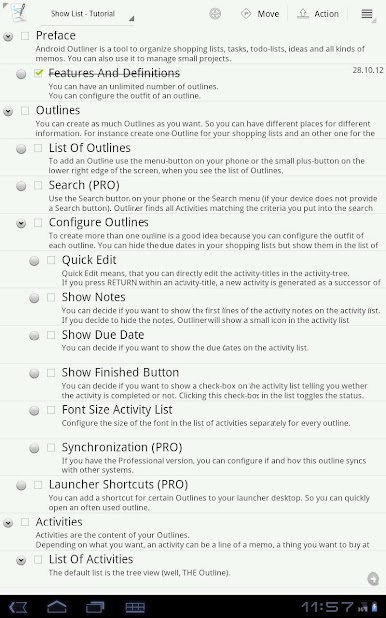
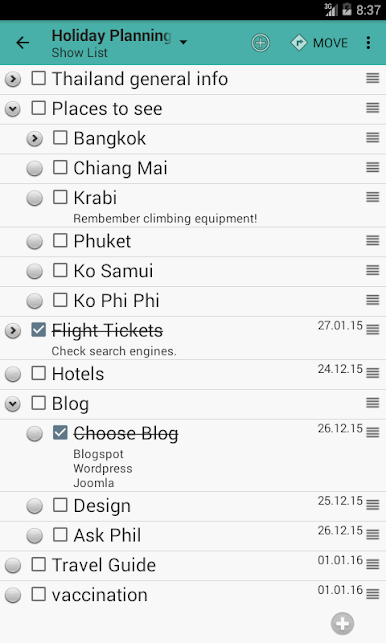
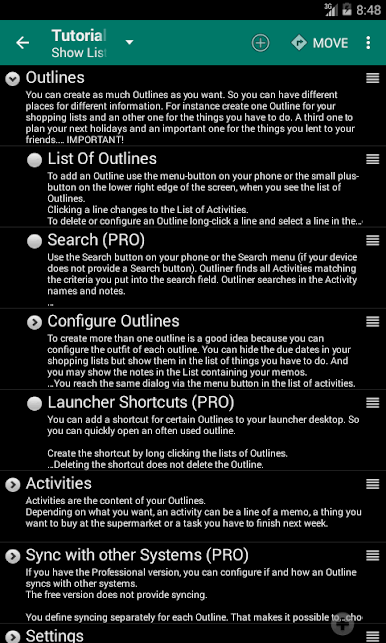
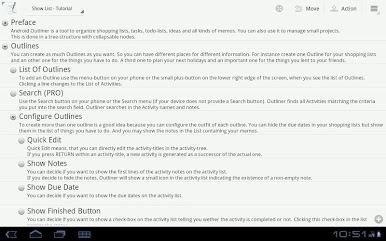
Arrange your thoughts in neat, collapsible trees. Break big tasks into tiny steps, bundle ideas, and close or expand whole sections to clear the clutter. -
Project Management Made Simple
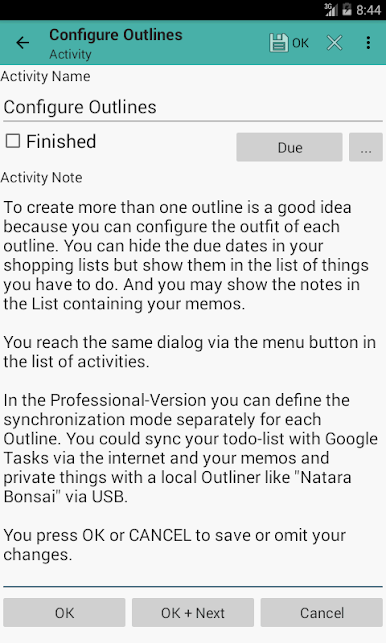
Move past plain lists—set up full project outlines, assign sub-tasks, and keep every detail right where you need it. -
Seamless Integration
Works hand-in-hand with Android Outliner; just install the key, and the pro features click right in. -
Flexible for Any Workflow
Whether you’re jotting on your phone, tablet, or even checking things on BlueStacks, you’re free to manage your stuff the way you like it.
With Outliner Pro Key by Alfred Fritz, your task lists get that satisfying, just-right structure in the Productivity genre—however you choose to use it.
Ready to experience Outliner Pro Key on a bigger screen, in all its glory? Download BlueStacks now.
Mainkan Outliner Pro Key di PC Mudah saja memulainya.
-
Unduh dan pasang BlueStacks di PC kamu
-
Selesaikan proses masuk Google untuk mengakses Playstore atau lakukan nanti
-
Cari Outliner Pro Key di bilah pencarian di pojok kanan atas
-
Klik untuk menginstal Outliner Pro Key dari hasil pencarian
-
Selesaikan proses masuk Google (jika kamu melewati langkah 2) untuk menginstal Outliner Pro Key
-
Klik ikon Outliner Pro Key di layar home untuk membuka gamenya

