


PIEL Survey
Gioca su PC con BlueStacks: la piattaforma di gioco Android, considerata affidabile da oltre 500 milioni di giocatori.

Pagina modificata il: Nov 3, 2025
Gioca PIEL Survey per PC
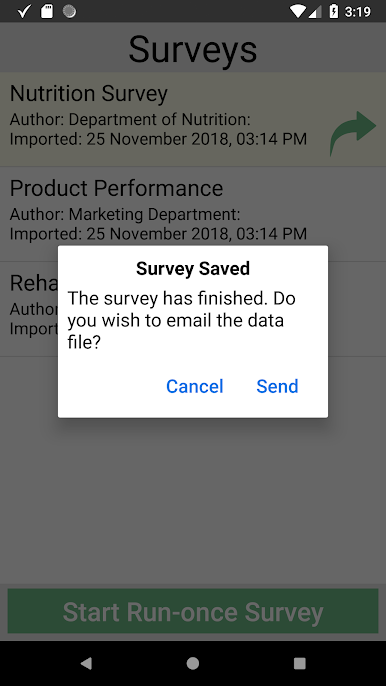
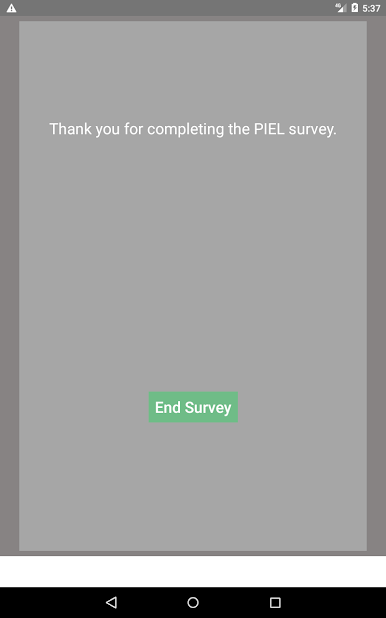
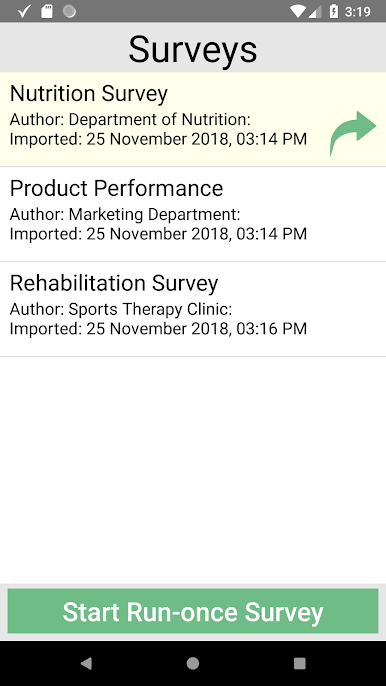
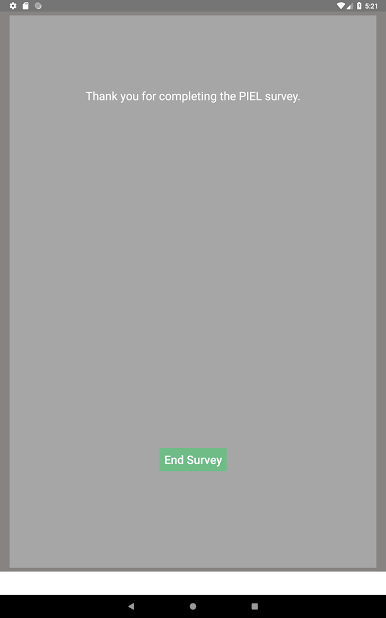
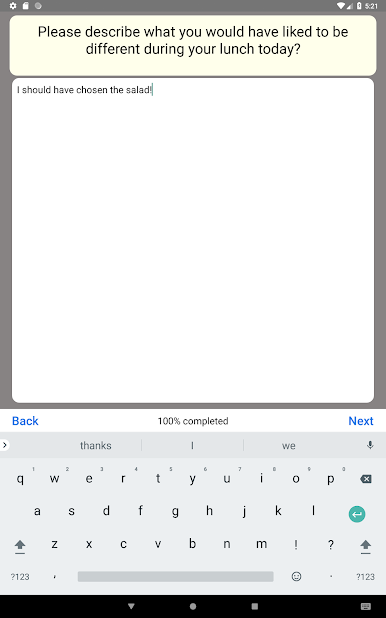
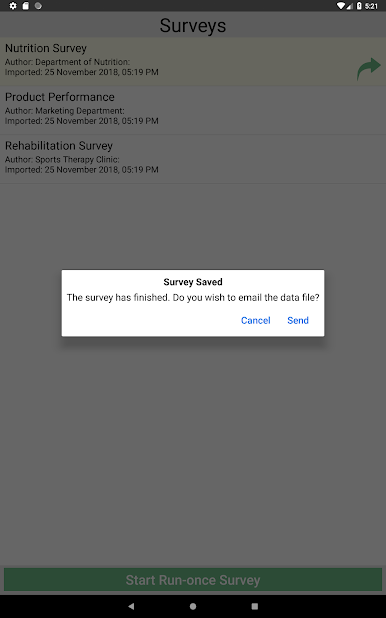
Questo tipo di metodo di sondaggio offre una comprensione più completa dei pensieri e dei sentimenti di un partecipante rispetto ai metodi di sondaggio tradizionali. Questo approccio richiede allarmi precisi poiché la metodologia EMA richiede che si riceva risposta al sondaggio anche quando l’utente non sta attualmente utilizzando il dispositivo. L'app PIEL Survey è stata utilizzata da più di 40 università in tutto il mondo e i risultati sono stati pubblicati in più di 50 articoli sottoposti a peer review.
Caratteristiche principali:
- I sondaggi sono generalmente pianificati e attivati tramite notifiche.
- Sono disponibili anche sondaggi su richiesta.
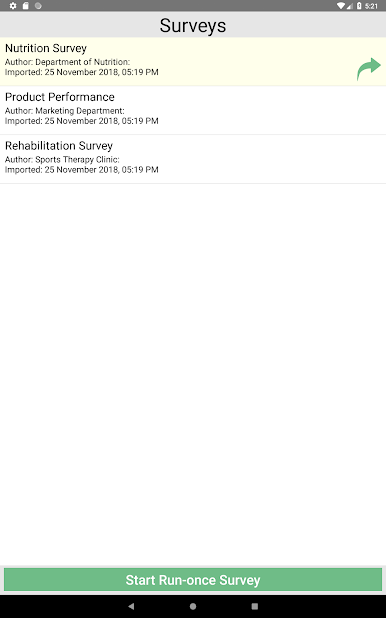
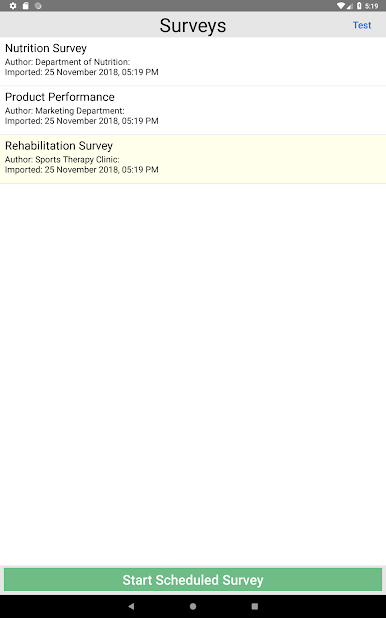
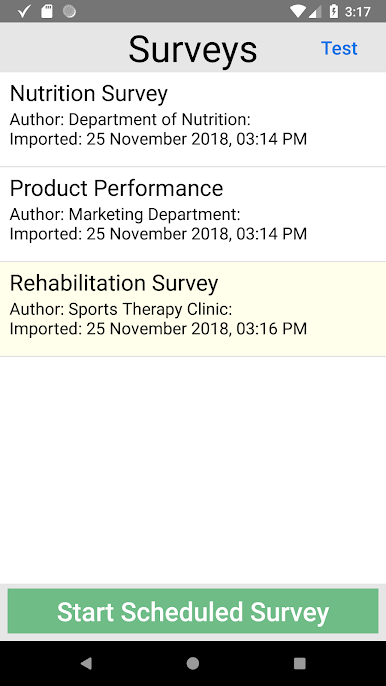
- È possibile contenere più sondaggi in un unico progetto di sondaggio, consentendo di presentare domande diverse in momenti diversi della giornata.
- È possibile impostare un rilevamento iniziale e finale per un progetto di rilevamento.
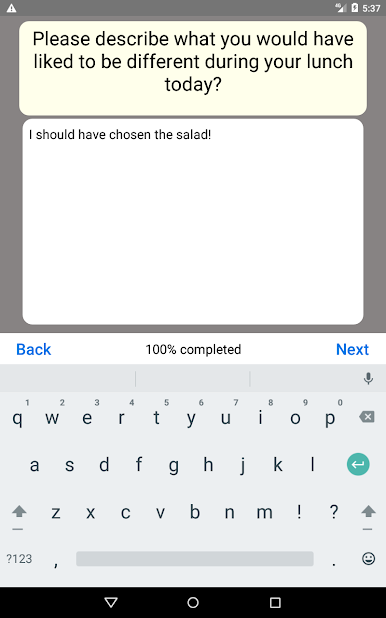
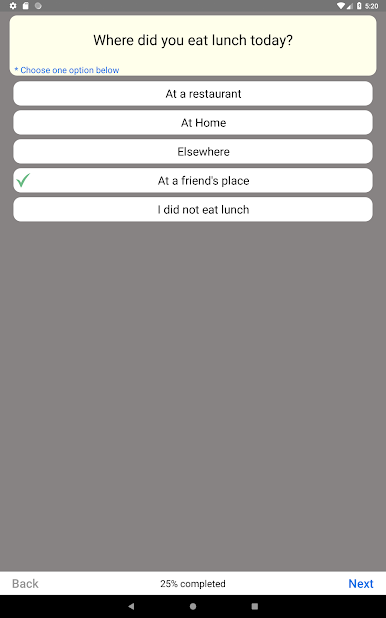
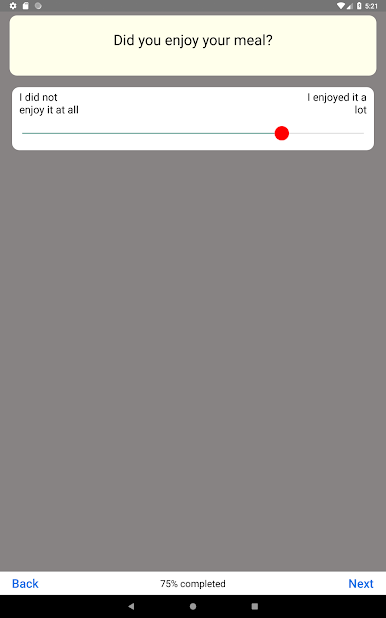
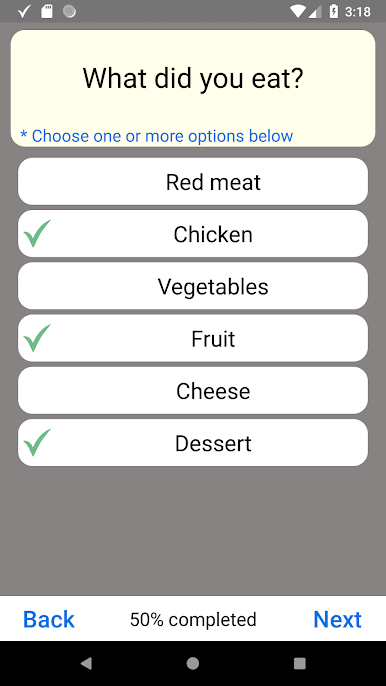
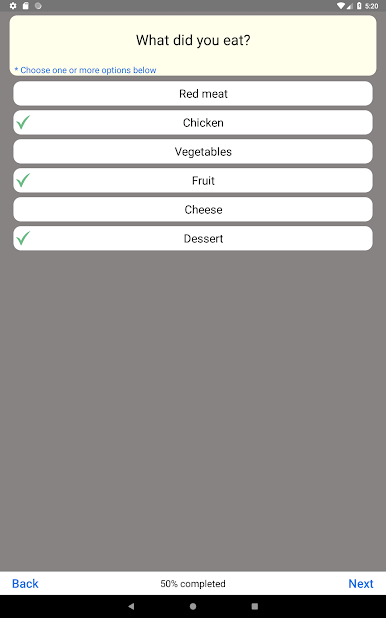
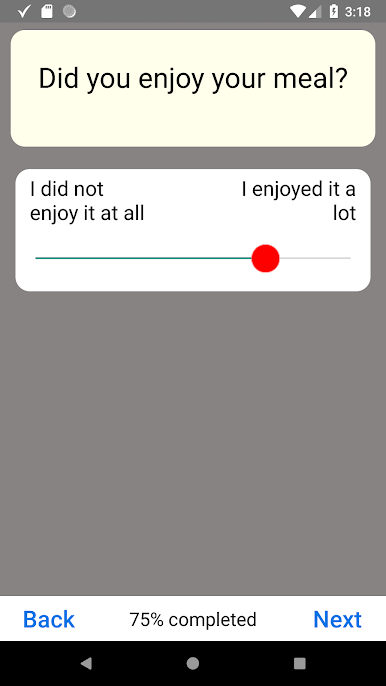
- Attualmente ci sono 4 tipi di domande; elenco, casella di controllo, cursore e testo libero.
- È inoltre possibile fare in modo che le domande si diramano in domande diverse.
- L'ordine delle domande può essere randomizzato.
- I sondaggi verranno eseguiti anche quando non è presente una connessione Internet.
- Gli utenti possono scorrere tra le domande.
- I risultati vengono inviati in un file di dati con un metodo scelto dall'utente.
- L'utente ha il pieno controllo dei propri dati.
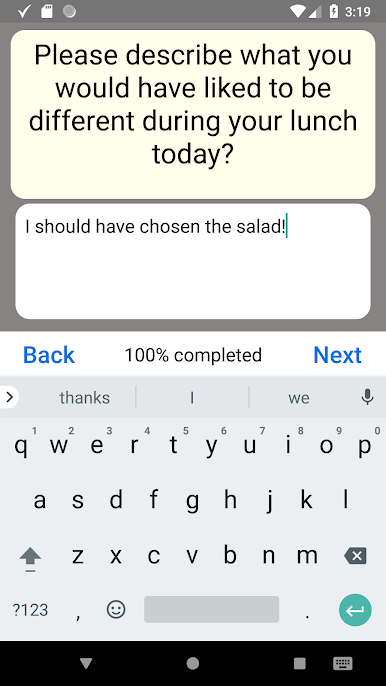
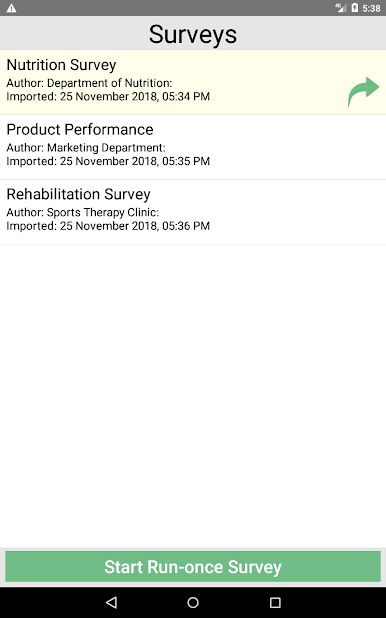
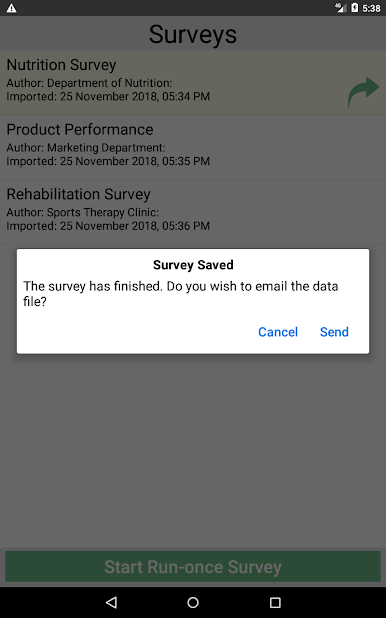
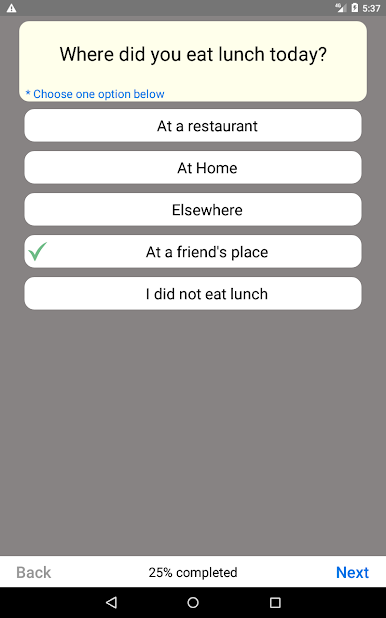
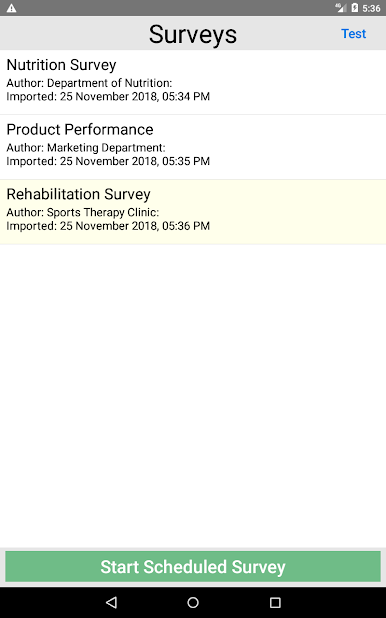
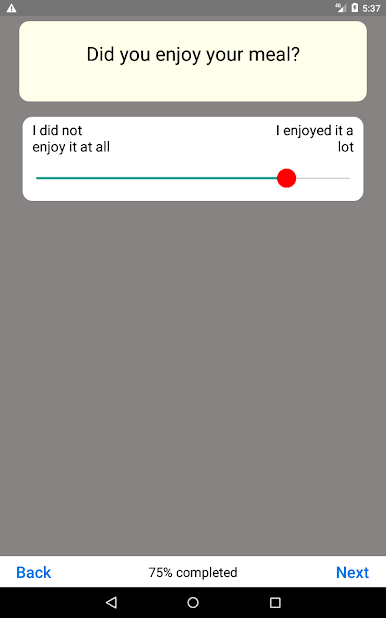
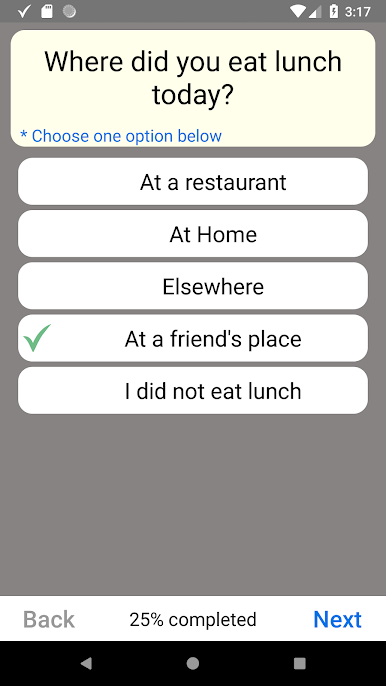
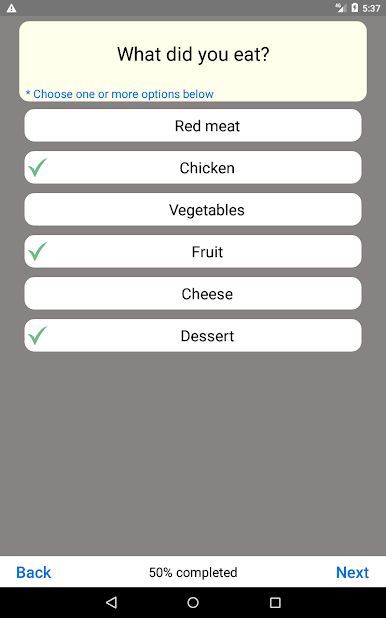
Gioca PIEL Survey su PC. È facile iniziare.
-
Scarica e installa BlueStacks sul tuo PC
-
Completa l'accesso a Google per accedere al Play Store o eseguilo in un secondo momento
-
Cerca PIEL Survey nella barra di ricerca nell'angolo in alto a destra
-
Fai clic per installare PIEL Survey dai risultati della ricerca
-
Completa l'accesso a Google (se hai saltato il passaggio 2) per installare PIEL Survey
-
Fai clic sull'icona PIEL Survey nella schermata principale per iniziare a giocare

