


Palabra Encontrar - Juegos
Juega en PC con BlueStacks: la plataforma de juegos Android, en la que confían más de 500 millones de jugadores.

Página modificada el: Jun 7, 2024
Play Palabra Encontrar - juegos de palabras on PC or Mac
Explore a whole new adventure with Palabra Encontrar – juegos de palabras, a Word game created by Fantasy Word Games. Experience great gameplay with BlueStacks, the most popular gaming platform to play Android games on your PC or Mac.
About the Game
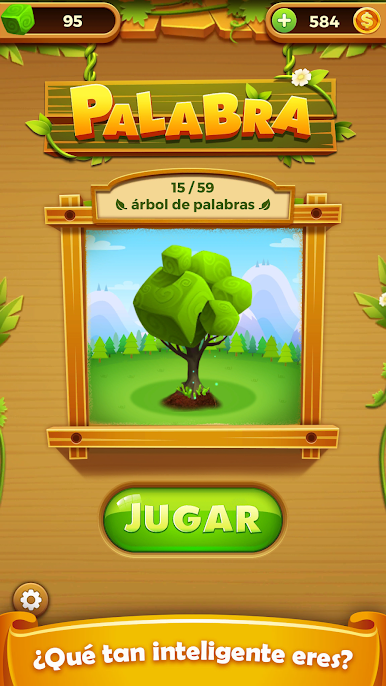
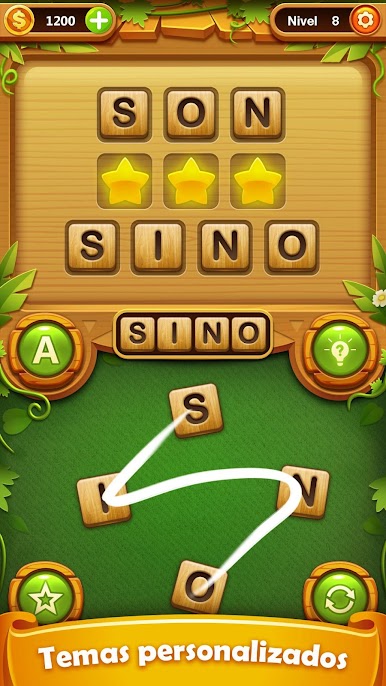
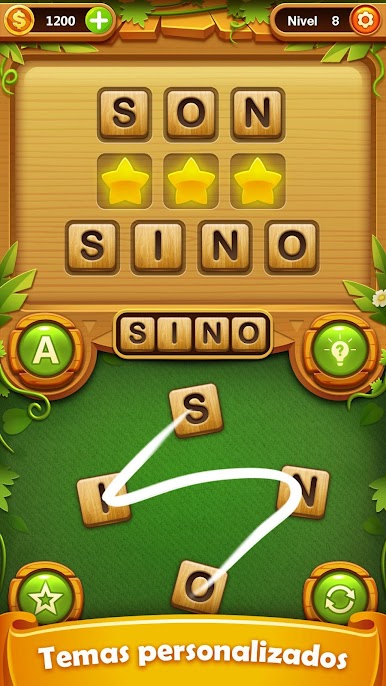
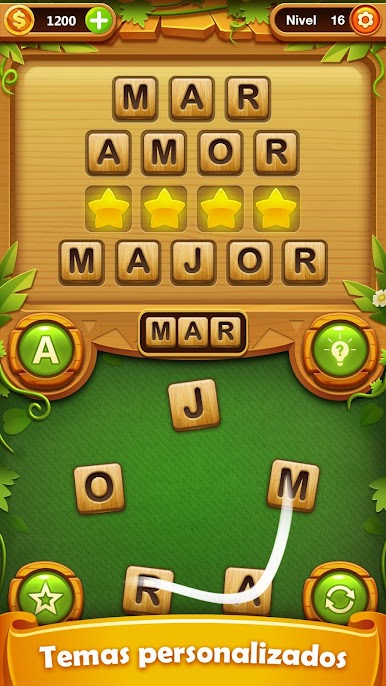
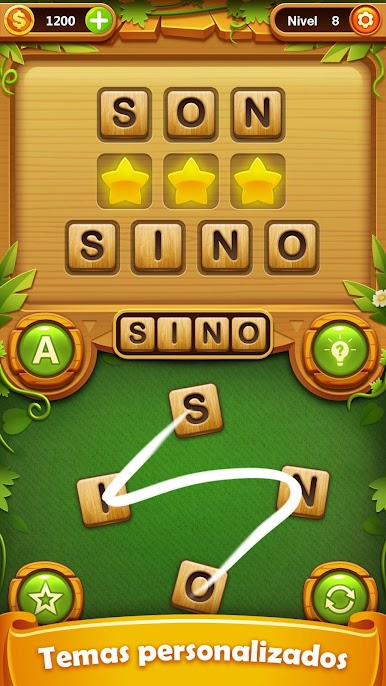
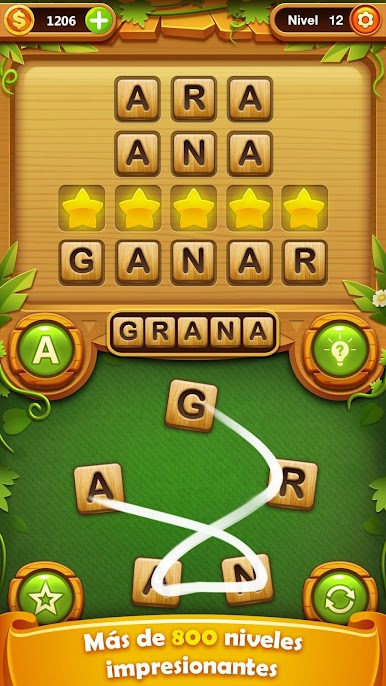
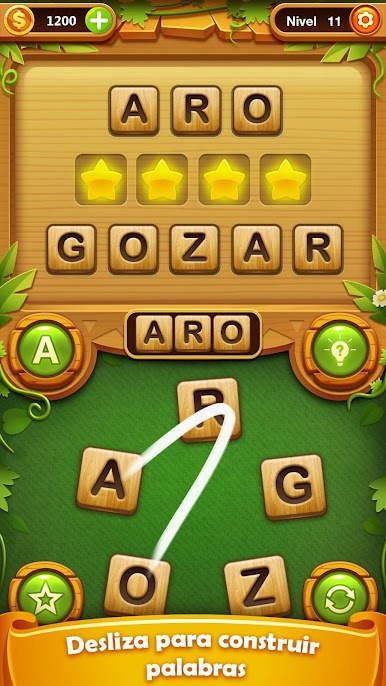
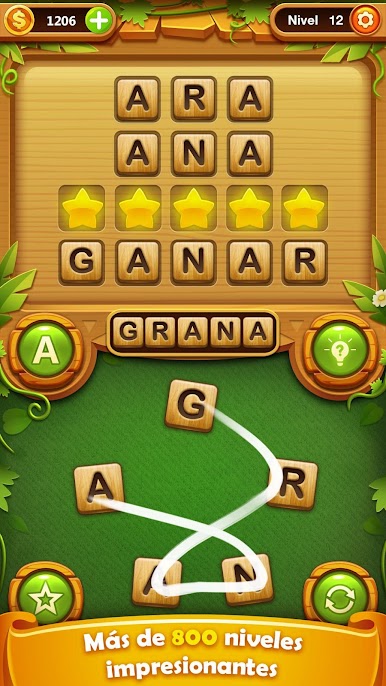
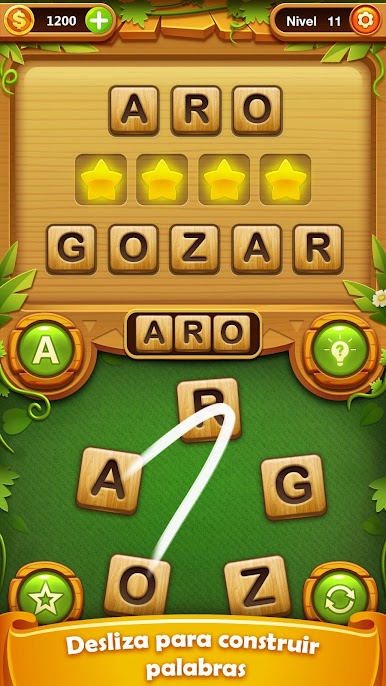
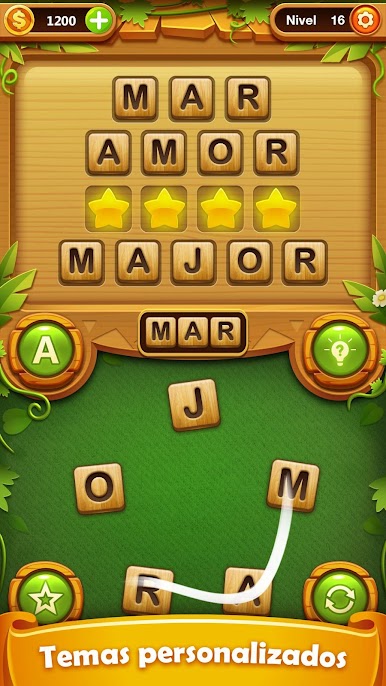
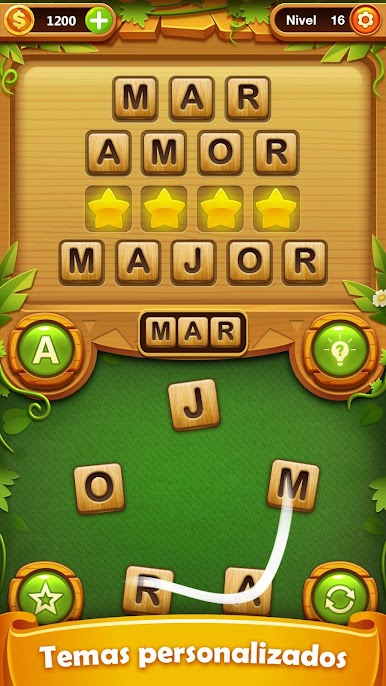
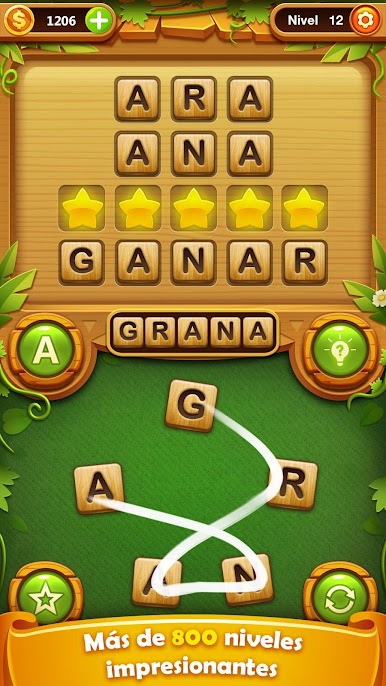
Feel like putting your vocabulary to the test? Palabra Encontrar – juegos de palabras, crafted by Fantasy Word Games, brings plenty of satisfying word challenges straight to your screen. Whether you’re a casual fan of word games or you can out-spell your friends with your eyes closed, this game gives you endless ways to stretch your brain and keep things interesting.
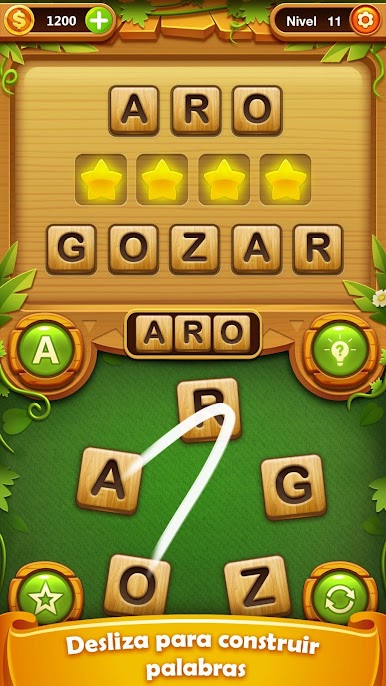
You’ll get a mix of clever puzzles where you slide letters in every direction—up, down, sideways, or even diagonally—to find words you might not have realized were hiding in plain sight. It definitely keeps you on your toes, and with so many levels, there’s always a new twist waiting for you. If you ever want a bigger view, Palabra Encontrar – juegos de palabras works super smoothly on BlueStacks.
Game Features
-
Loads of Puzzles
Over a thousand levels are here to explore. There’s plenty for everyone, from newbies finding their word-game groove to folks who play these on the regular. -
No Rush, No Worries
Take your time with each puzzle. There’s no timer tapping you on the shoulder, so you can relax and find every last word at your own pace. -
Play Anywhere, Anytime
No wifi necessary, which means you can sneak in a quick game wherever you are—waiting in line, on lunch break, or just chilling at home. -
Increasing Challenge
Things start off nice and simple, but trust me, the difficulty creeps up before you know it. By the higher levels, you might find yourself scratching your head a bit more. -
Secret Bonuses
Some surprises are sprinkled throughout the game, so keep your eyes peeled for extra rewards as you solve those tough puzzles. -
Perfect for All Ages
Whether you’re playing solo or with friends and family, it’s built so both adults and kids can jump in and love it. -
Smart Word Lists
Expect puzzles that actually make sense, thanks to well-chosen dictionaries keeping everything fair—and expanding your vocabulary while you play.
Make your gaming sessions memorable with precise controls that give you an edge in close combats and visuals that pop up, bringing every character to life.
Juega Palabra Encontrar - Juegos en la PC. Es fácil comenzar.
-
Descargue e instale BlueStacks en su PC
-
Complete el inicio de sesión de Google para acceder a Play Store, o hágalo más tarde
-
Busque Palabra Encontrar - Juegos en la barra de búsqueda en la esquina superior derecha
-
Haga clic para instalar Palabra Encontrar - Juegos desde los resultados de búsqueda
-
Complete el inicio de sesión de Google (si omitió el paso 2) para instalar Palabra Encontrar - Juegos
-
Haz clic en el ícono Palabra Encontrar - Juegos en la pantalla de inicio para comenzar a jugar

