


MT Manager
Gioca su PC con BlueStacks: la piattaforma di gioco Android, considerata affidabile da oltre 500 milioni di giocatori.

Pagina modificata il: Sep 21, 2026
Panoramica
The main functions are:
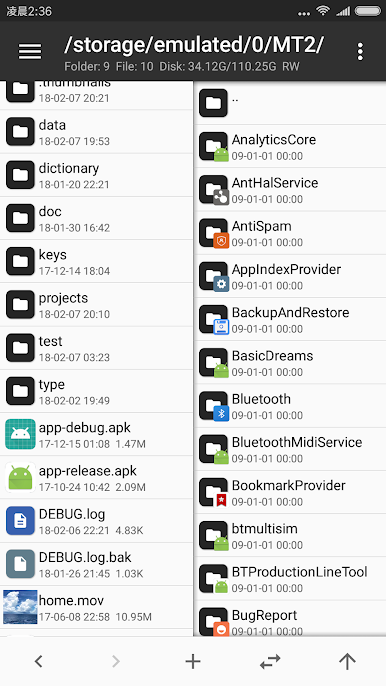
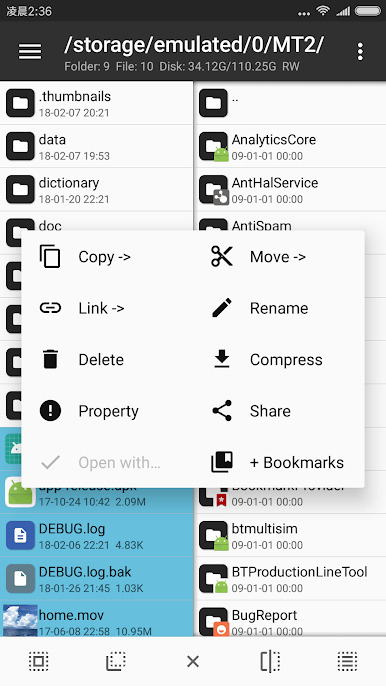
- File management, such as file copy, move, delete. If you give root privilege to MT, you can access the system directory, remount the file system as read-write, modify file permissions and owner.
- Open the ZIP file like WinRAR. You can delete, rename, move, add / replace external files to the ZIP without decompression and repackaging, and decompress files in the ZIP.
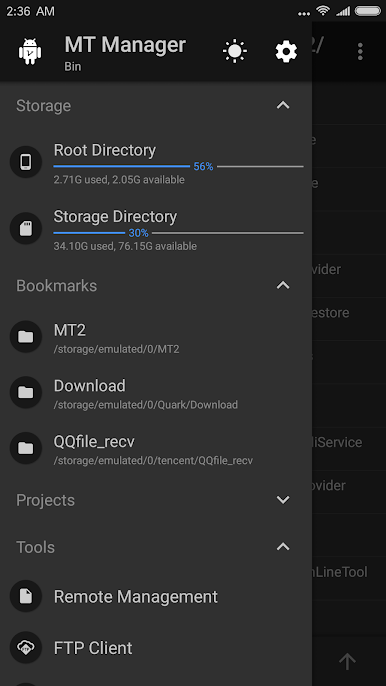
- Text editor, picture viewer, music player, font previewer, script executer, text contrast and other functions, in the sidebar you can easily view the storage device, FTP connection, bookmark, background, tools and so on.
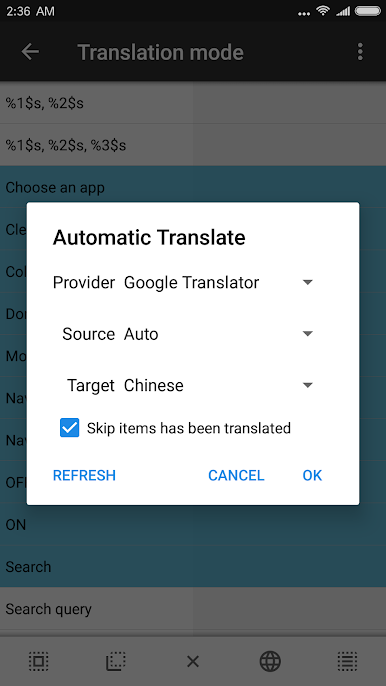
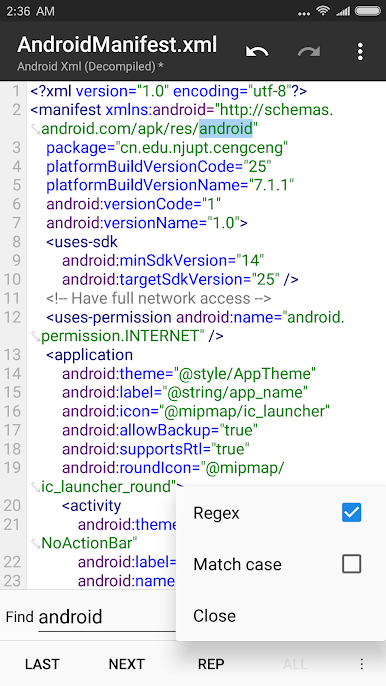
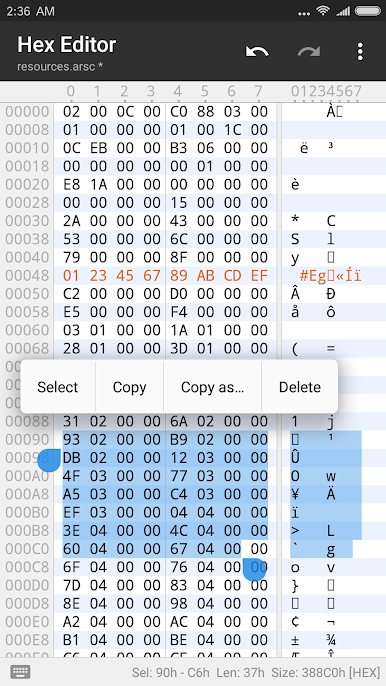
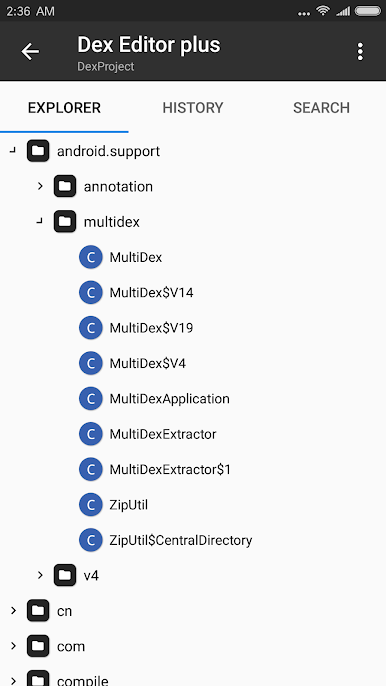
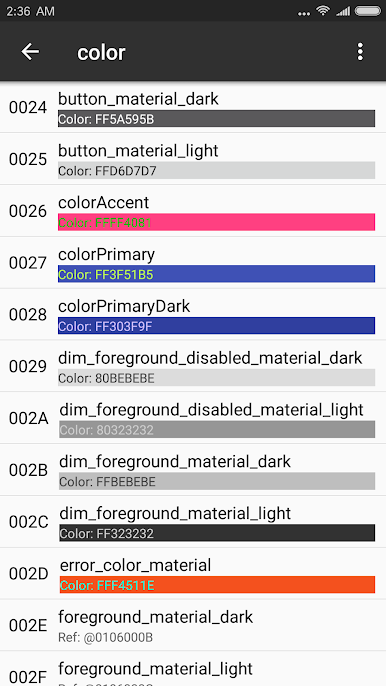
- Many powerful APK editing features, like dex editor, arsc editor, xml editor. you can also sign apk, optimize apk, clone apk, remove signature verification, confuse apk resource, anti-confuse apk resource, translate app.
Gioca MT Manager su PC. È facile iniziare.
-
Scarica e installa BlueStacks sul tuo PC
-
Completa l'accesso a Google per accedere al Play Store o eseguilo in un secondo momento
-
Cerca MT Manager nella barra di ricerca nell'angolo in alto a destra
-
Fai clic per installare MT Manager dai risultati della ricerca
-
Completa l'accesso a Google (se hai saltato il passaggio 2) per installare MT Manager
-
Fai clic sull'icona MT Manager nella schermata principale per iniziare a giocare

