

Blade Ball
Mainkan di PC dengan BlueStacks – platform Game-Game Android, dipercaya oleh lebih dari 500 juta gamer.

Play Blade Ball on PC or Mac
From the innovators and creators at Go Dreams, Blade Ball is another fun addition to the World of Arcade games. Go beyond your mobile screen and play it bigger and better on your PC or Mac. An immersive experience awaits you.
About the Game
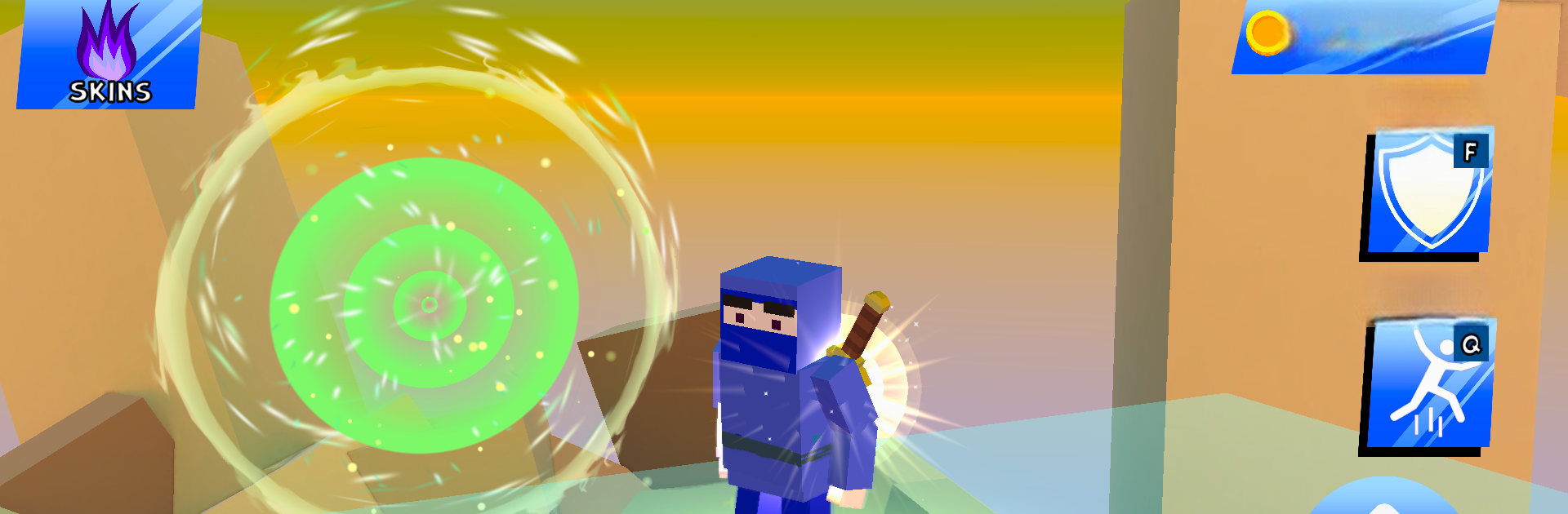
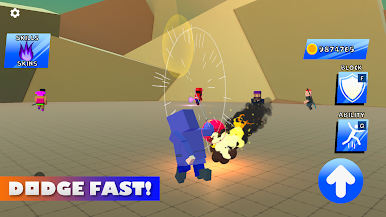
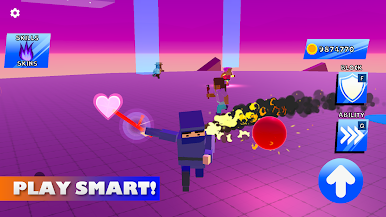
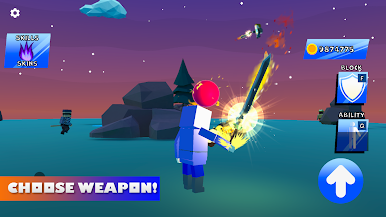
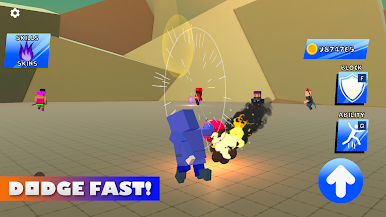
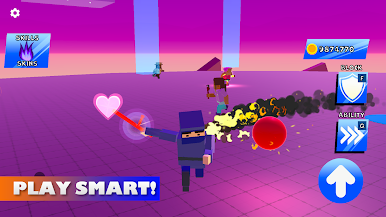
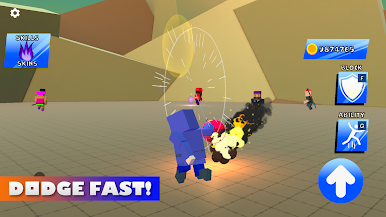
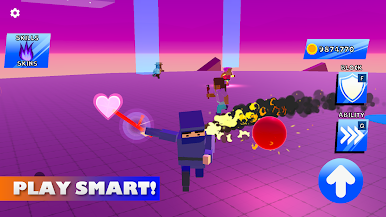
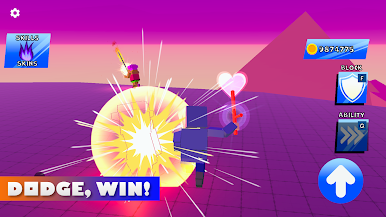
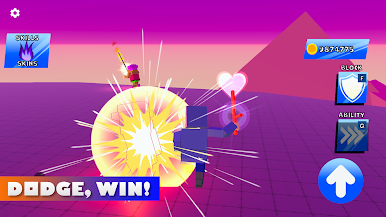
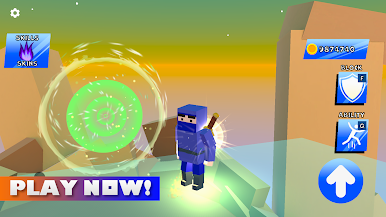
Blade Ball drops you straight into a wild mix of dodgeball, fast-paced arcade action, and a dash of battle royale chaos—all courtesy of Go Dreams. Each round is a blend of frantic reflexes and quick thinking, with you and a bunch of players scrambling to stay in the game while a whizzing sphere keeps everyone on their toes. Win, outwit, or get knocked out—it’s anyone’s game, and everything comes down to those split-second decisions.
Game Features
-
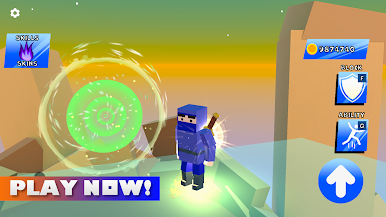
Arena Mayhem: Each match kicks off with up to 15 players in one hectic arena. You never really know what’s coming, so stay sharp!
-
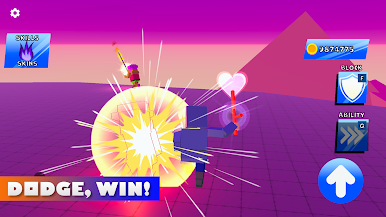
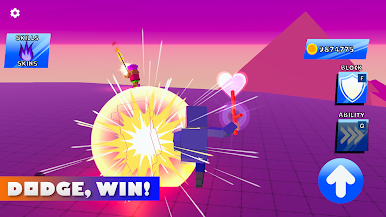
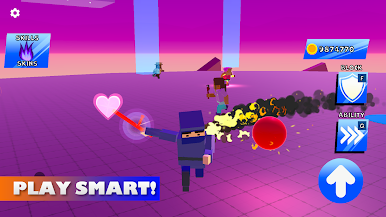
Unpredictable Dodgeball: The spinning sphere will randomly target players. If you don’t block it, you’re out—simple as that. But every block just makes everything faster and wilder.
-
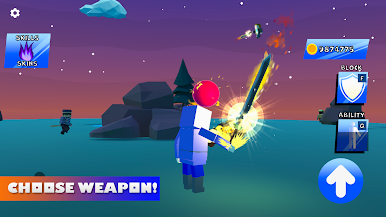
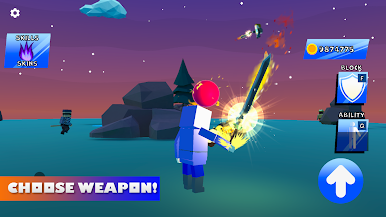
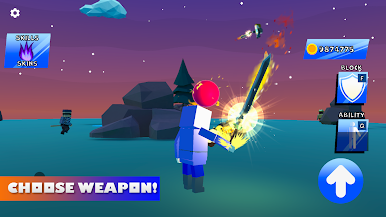
Earn and Spend Coins: Racking up wins and knocking out opponents puts coins in your pocket. Spend them on new characters, flashy blades, or explosive effects to give yourself some style and stand out.
-
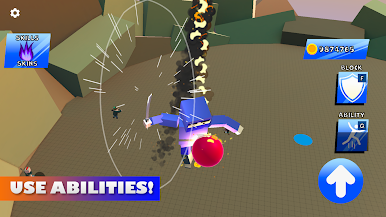
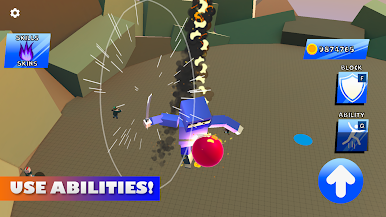
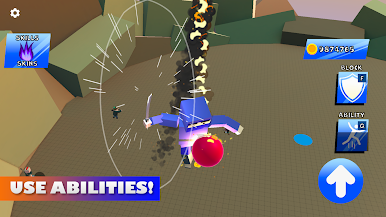
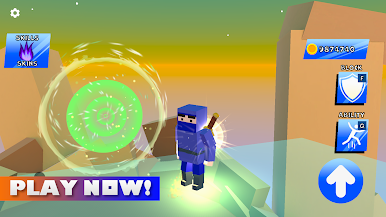
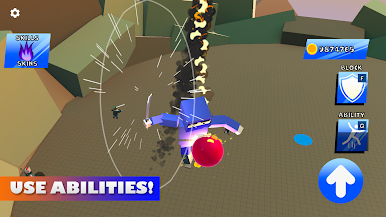
Custom Abilities: Unlock and pick special powers—from turning invisible to dropping a shield or zipping right up to rival players—to totally mess with the competition. It’s up to you to figure out when to use each ability!
-
Upgrade Your Tactics: With every match, you can improve abilities, test wild strategies, and keep opponents guessing. No two games ever really play out the same way.
-
New Content Regularly: Expect a constant trickle of new stuff—new arenas, blades, game modes, and even different ball styles—so there’s always something fresh to master or collect.
-
Offline Friendly: No WiFi? No problem. Play Blade Ball whenever you want, wherever you happen to be.
And if you want to see all this chaos on a bigger screen, Blade Ball pairs up seamlessly with BlueStacks.
Ready to top the leaderboard? We bet you do. Let precise controls and sharp visuals optimized on BlueStacks lead you to victory.

Mainkan Blade Ball di PC Mudah saja memulainya.
-
Unduh dan pasang BlueStacks di PC kamu
-
Selesaikan proses masuk Google untuk mengakses Playstore atau lakukan nanti
-
Cari Blade Ball di bilah pencarian di pojok kanan atas
-
Klik untuk menginstal Blade Ball dari hasil pencarian
-
Selesaikan proses masuk Google (jika kamu melewati langkah 2) untuk menginstal Blade Ball
-
Klik ikon Blade Ball di layar home untuk membuka gamenya

