


Damas - Juegos de mesa
Juega en PC con BlueStacks: la plataforma de juegos Android, en la que confían más de 500 millones de jugadores.

Página modificada el: Apr 5, 2021
Play Checkers - Damas on PC or Mac
From the innovators and creators at Zyna, Checkers – Damas is another fun addition to the World of Board games. Go beyond your mobile screen and play it bigger and better on your PC or Mac. An immersive experience awaits you.
About the Game
Checkers – Damas is a board game classic that lets you face off against friends or go head-to-head with a smart computer rival. Love strategic games or just looking to pass the time with a familiar favorite? This one’s got you covered. With a bunch of checkers variations and a slick setup, you’ll find yourself playing “just one more game” before you know it.
Game Features
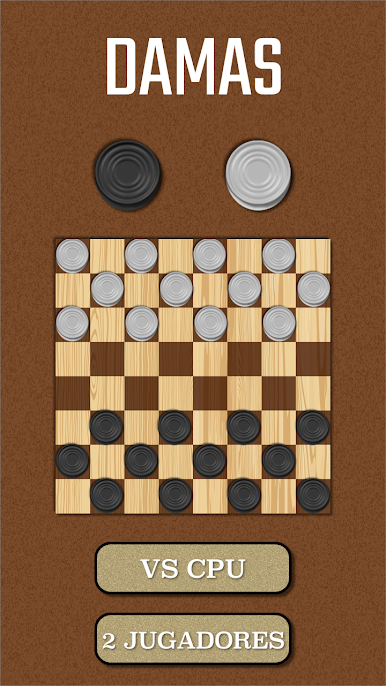
- Solo or Shared Fun: Go for a solo match against the AI if you want a good challenge, or grab a buddy and see who’s got the sharper moves in two-player mode.
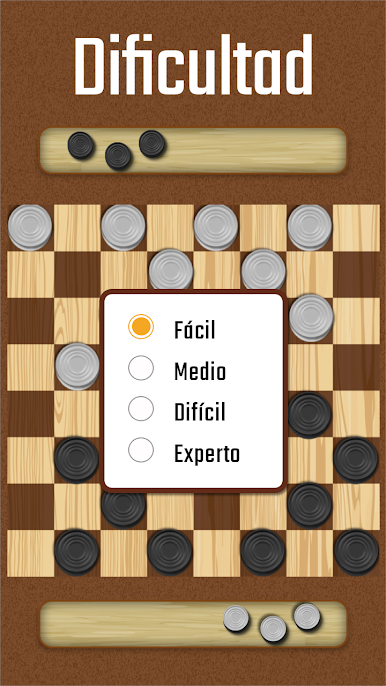
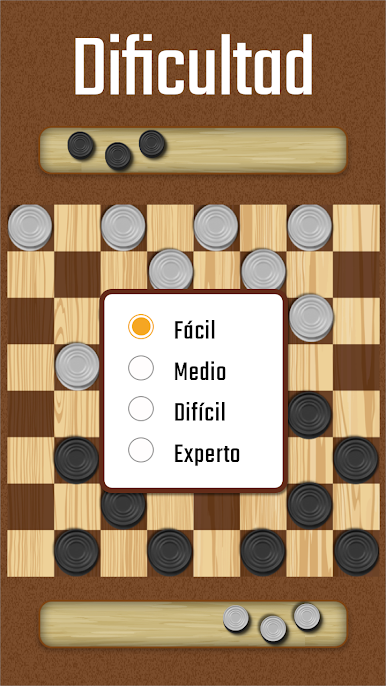
- Difficulty Levels: Whether you’re learning the ropes or you’re a seasoned checkers veteran, five difficulty settings mean you can always find your sweet spot—easy for a casual round or cranked up when you’re in the mood to really think.
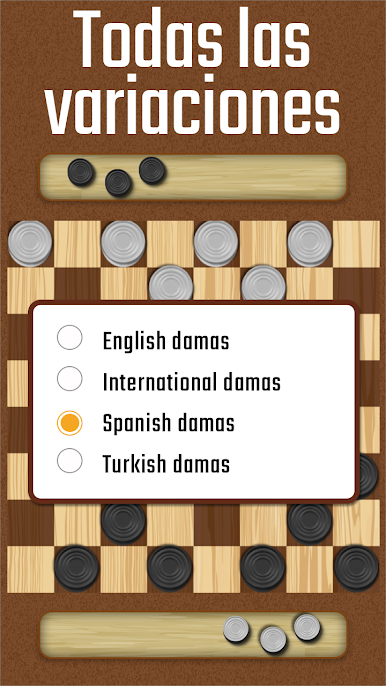
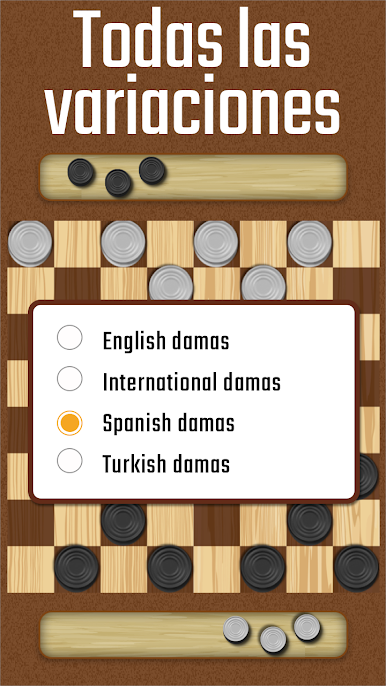
- Play Your Way: Pick from different rulesets like International, English, or Spanish checkers, and try out regional variations you might not have played before.
- Board Size Options: Mix things up with three board choices—big, small, or right in the middle—so games can be as quick or as involved as you want.
- Undo Moves: Hit the wrong square or regret a move? The undo feature has your back, so you can rethink that risky jump.
- Flexible Gameplay: Customize your session—choose whether forced captures are on or off, and get smooth, animated moves for a clean, modern experience.
- Friendly for Phones (and PC): Controls are as simple as tapping your screen, and the auto-save helps make sure you never lose your place, even if you have to take a call. For an even better look and feel, playing on BlueStacks is a solid option.
- Multiple Variations Supported: Whether you call it checkers or draughts, classic or international, there’s a style here that feels just right.
Make your gaming sessions memorable with precise controls that give you an edge in close combats and visuals that pop up, bringing every character to life.
Juega Damas - Juegos de mesa en la PC. Es fácil comenzar.
-
Descargue e instale BlueStacks en su PC
-
Complete el inicio de sesión de Google para acceder a Play Store, o hágalo más tarde
-
Busque Damas - Juegos de mesa en la barra de búsqueda en la esquina superior derecha
-
Haga clic para instalar Damas - Juegos de mesa desde los resultados de búsqueda
-
Complete el inicio de sesión de Google (si omitió el paso 2) para instalar Damas - Juegos de mesa
-
Haz clic en el ícono Damas - Juegos de mesa en la pantalla de inicio para comenzar a jugar

