


Looper! Loop Video Player
Mainkan di PC dengan BlueStacks – platform Game-Game Android, dipercaya oleh lebih dari 500 juta gamer.

Run Looper! Loop Video Player on PC or Mac
Get freedom from your phone’s obvious limitations. Use Looper! Loop Video Player, made by Borama Apps, a Video Players & Editors app on your PC or Mac with BlueStacks, and level up your experience.
About the App
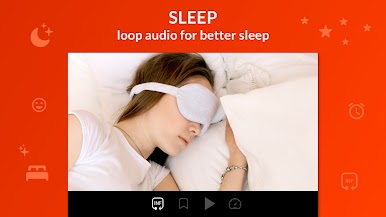
Looper! Loop Video Player from Borama Apps makes studying videos feel simple and intentional. Set tight loops, zoom in on tiny details, and bookmark the moments you actually care about—great for music practice, choreography, sports breakdowns, or any how-to. Prefer a bigger screen? You can run it on your PC with BlueStacks for extra room to see what’s going on.
App Features
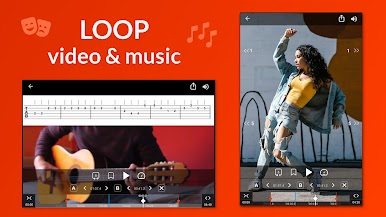
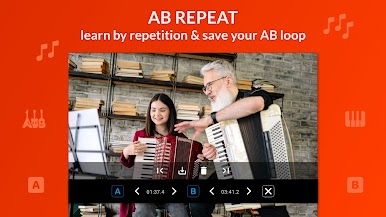
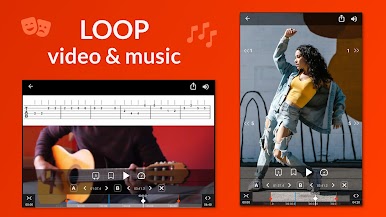
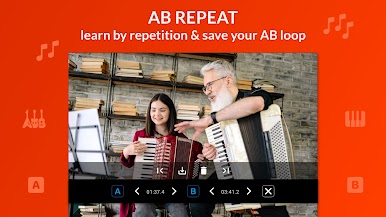
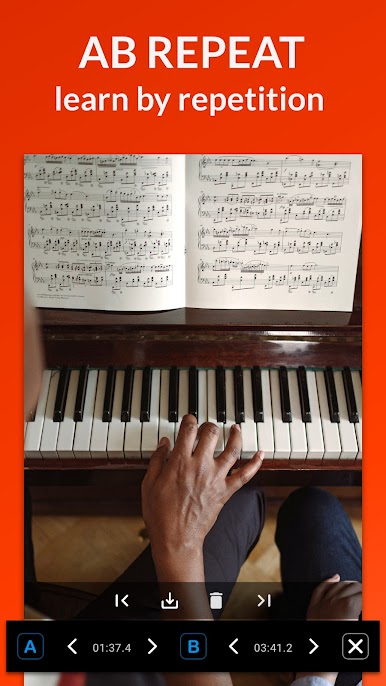
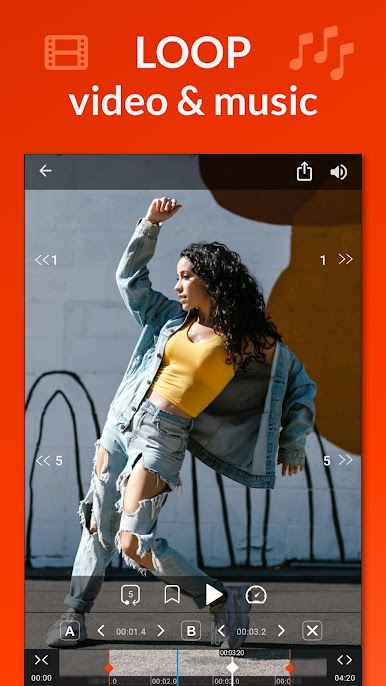
- Precise A–B Loops: Mark a start and end point with the AB repeater, then replay that slice nonstop until it sticks. Jump between saved loops without losing your place.
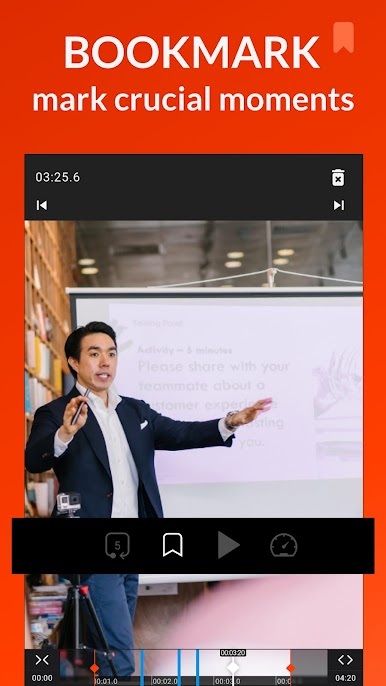
- Smart Bookmarks: Drop bookmarks on key moments so you can return to them instantly—perfect for tricky riffs, footwork, or coaching cues.
- Zoom for Details: Zoom in while the video plays to study form, hand positions, or small movements you’d otherwise miss.
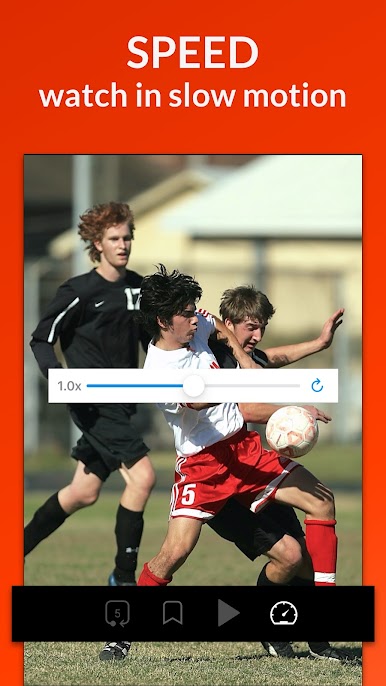
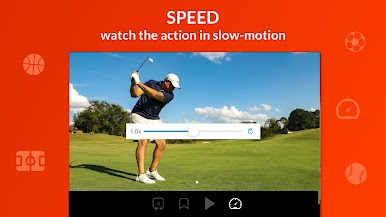
- Speed Control: Slow things down to catch every frame, or speed them up when you’re reviewing. Audio stays in sync so practice still feels natural.
- Quick Navigation: Use skip and replay buttons to move through a clip fast. No more scrubbing forever to find “that part.”
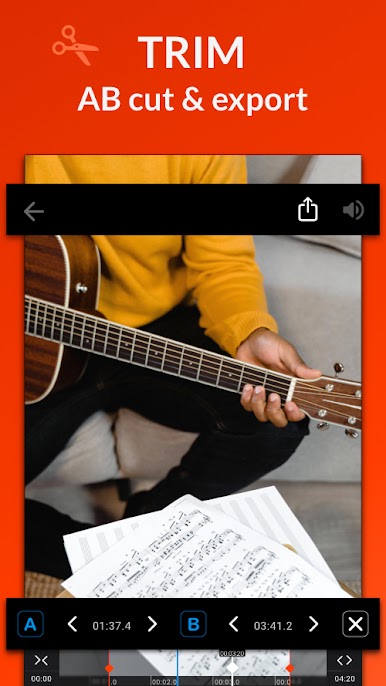
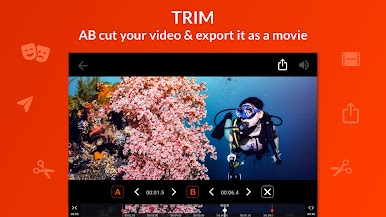
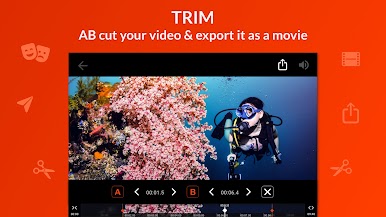
- Trim and Export: Turn your A–B loop into its own clip. Trim using your loop points and export a clean, focused video for later.
- Save Your Loops: Keep your favorite loops and return to them anytime. Great for building a routine or lesson plan.
- Built for Learning: From instruments to sports to acting notes, this Video Players & Editors staple helps you repeat, refine, and remember with less hassle.
Ready to experience Looper! Loop Video Player on a bigger screen, in all its glory? Download BlueStacks now.









Mainkan Looper! Loop Video Player di PC Mudah saja memulainya.
-
Unduh dan pasang BlueStacks di PC kamu
-
Selesaikan proses masuk Google untuk mengakses Playstore atau lakukan nanti
-
Cari Looper! Loop Video Player di bilah pencarian di pojok kanan atas
-
Klik untuk menginstal Looper! Loop Video Player dari hasil pencarian
-
Selesaikan proses masuk Google (jika kamu melewati langkah 2) untuk menginstal Looper! Loop Video Player
-
Klik ikon Looper! Loop Video Player di layar home untuk membuka gamenya

