

RPG Simple Dice PLUS
Juega en PC con BlueStacks: la plataforma de juegos Android, en la que confían más de 500 millones de jugadores.

Página modificada el: 29 de septiembre de 2021
Play RPG Simple Dice PLUS on PC or Mac
Step into the World of RPG Simple Dice PLUS, a thrilling Role Playing game from the house of ToolboxDev. Play this Android game on BlueStacks App Player and experience immersive gaming on PC or Mac.
About the Game
Looking for a hassle-free way to roll dice during your next tabletop session? RPG Simple Dice PLUS by ToolboxDev takes out the guesswork and math, so you can focus on your story and strategy instead of fumbling with physical dice. Whether you’re a seasoned game master or just joining your first campaign, this Role Playing app is all about smooth, no-fuss dice rolls that fit right in your pocket—or on your desktop if you’re using BlueStacks.
Game Features
-
Instant Dice Roller
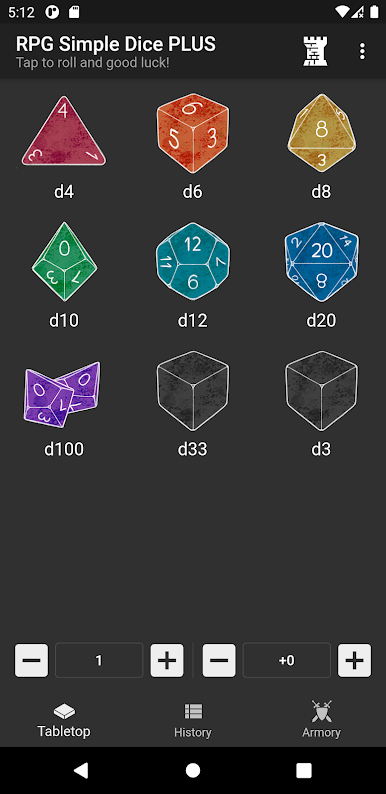
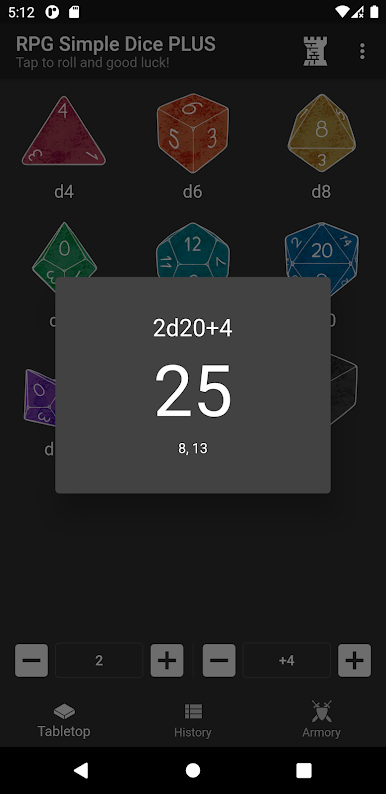
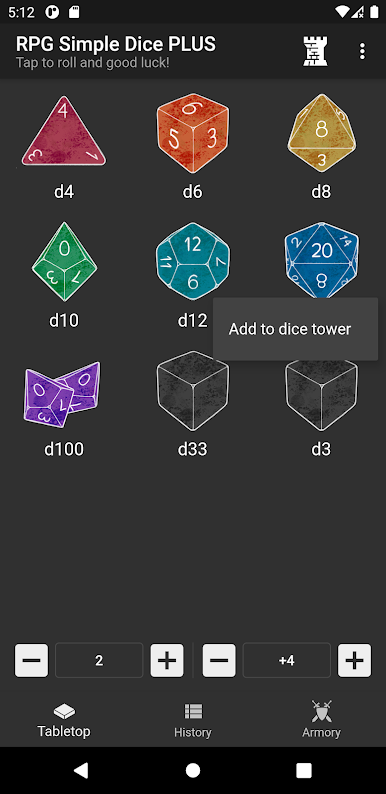
Classic tabletop dice—think d4, d6, d8, d10, d12, d20, and even the hefty d100—are all ready for you. Hit a button, and your results are right there, quick as a flash. -
Custom Dice for Any Occasion
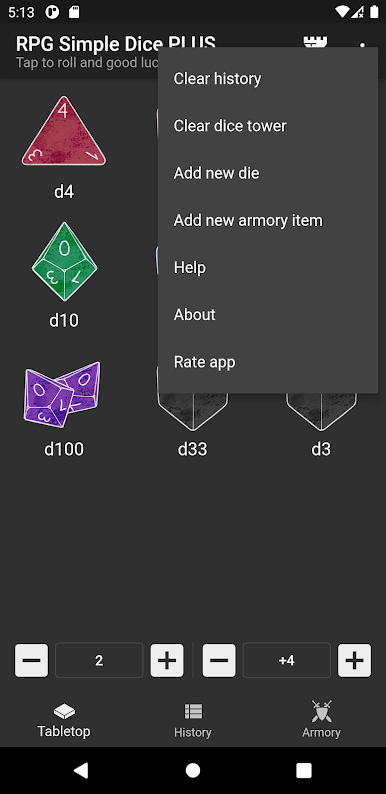
Need something specific, like a coin flip or a strange die for a homebrew rule? Just set the number of sides, and RPG Simple Dice PLUS has your back. -
Multiple Rolls & Math Made Easy
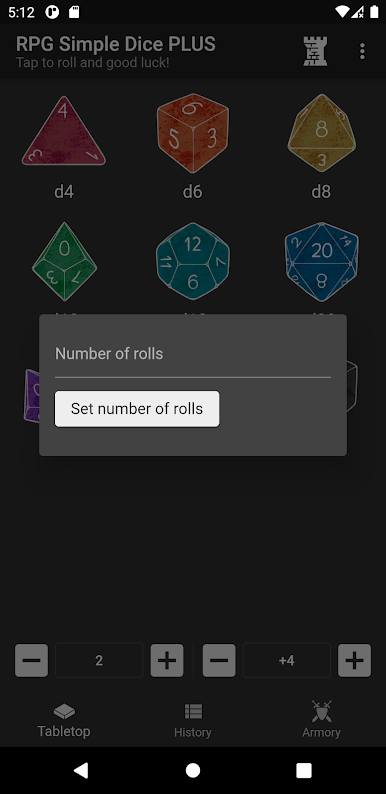
Toss a bunch of dice at once, tack on modifiers, or set up complex rolls, all without reaching for a calculator. Your combos and custom rolls are just a tap away. -
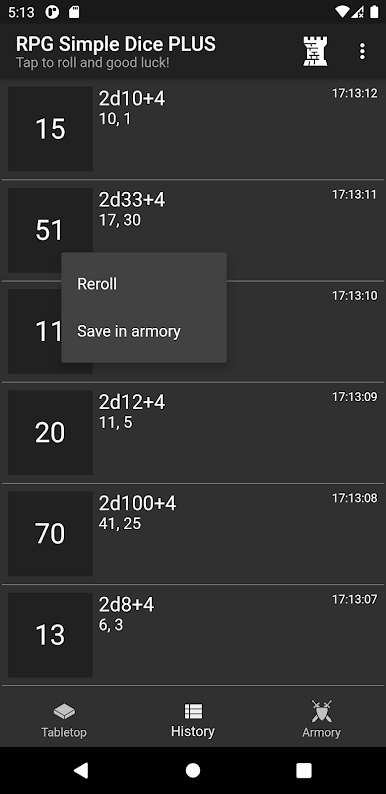
Roll History
Can’t remember if your last roll was a 17 or a 19? The built-in history keeps track, so you can double-check or settle debates. -
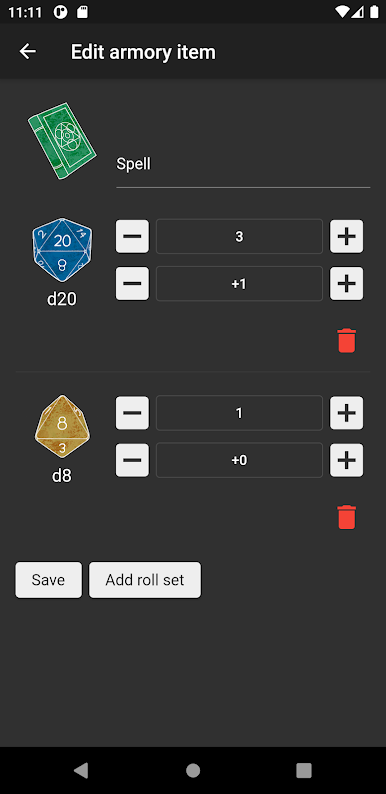
Armory for Saved Rolls
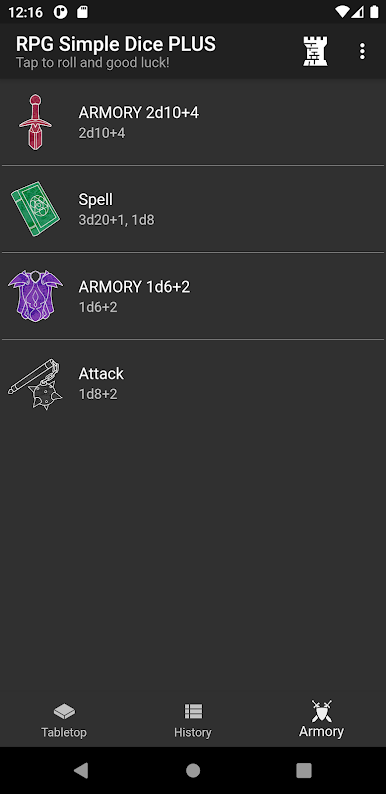
Got a favorite roll combo you use every session? Save it in the app so you don’t have to set it up every time—perfect for recurring checks or complicated attacks. -
Dice Tower Mode
Roll a pile of dice all at once with the dice tower feature, speeding things along when the party’s in the heat of battle (or just impatient). -
Easy to Use Anywhere
Super simple, clean interface that won’t distract you from the game whether you’re playing at a table, on the couch, or streaming through BlueStacks for a bigger display.
Get ready for a buttery smooth, high-performance gaming action only on BlueStacks.
Juega RPG Simple Dice PLUS en la PC. Es fácil comenzar.
-
Descargue e instale BlueStacks en su PC
-
Complete el inicio de sesión de Google para acceder a Play Store, o hágalo más tarde
-
Busque RPG Simple Dice PLUS en la barra de búsqueda en la esquina superior derecha
-
Haga clic para instalar RPG Simple Dice PLUS desde los resultados de búsqueda
-
Complete el inicio de sesión de Google (si omitió el paso 2) para instalar RPG Simple Dice PLUS
-
Haz clic en el ícono RPG Simple Dice PLUS en la pantalla de inicio para comenzar a jugar

Juegos Similares