

Medicine Dash: Hospital Game
Juega en PC con BlueStacks: la plataforma de juegos Android, en la que confían más de 500 millones de jugadores.

Página modificada el: Aug 22, 2025
Play Medicine Dash: Hospital Game on PC or Mac
Step into the World of Medicine Dash: Hospital Game, a thrilling Simulation game from the house of Tapps Games. Play this Android game on BlueStacks App Player and experience immersive gaming on PC or Mac.
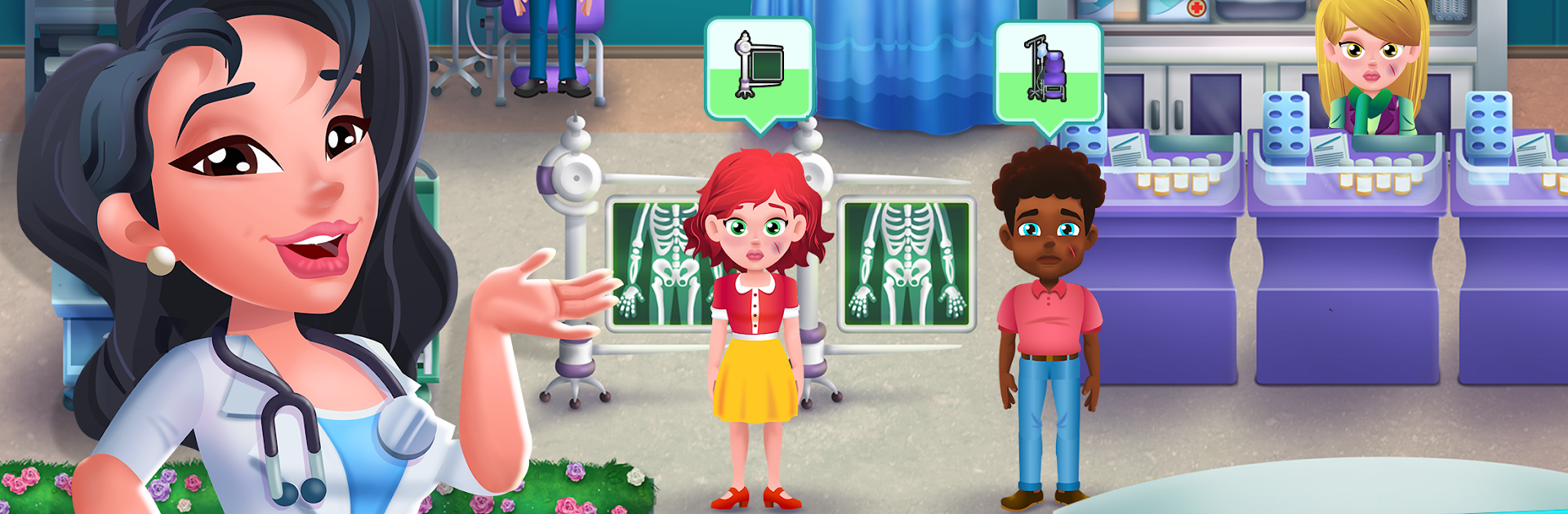
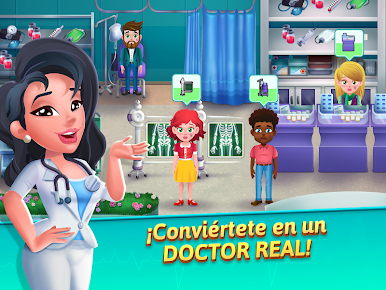
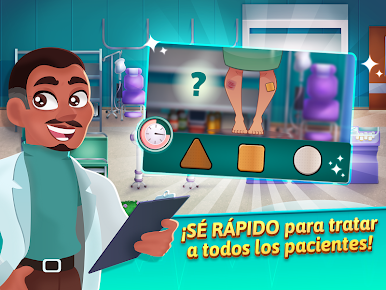
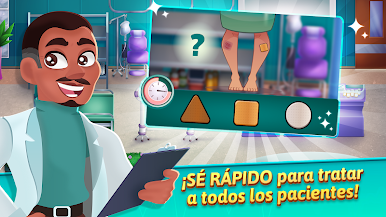
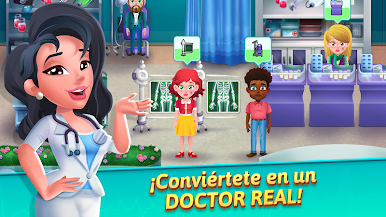
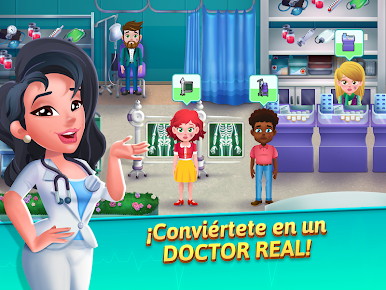
Medicine Dash is one of those fast time-management games where the ER never slows down and every tap matters. Patients roll in with little timers over their heads, some sneezing, some looking a bit grey, and the player has to triage, grab the right meds, prep tests, and send them to the right station before patience runs out. The fun part is how much the game asks the player to watch faces and little cues, since those expressions hint at what to do next. There are quick mini games sprinkled in, like a speedy checkup or a focused procedure, and they break up the clicky rhythm in a good way. It feels hectic, but not mean, more like a clean rush where a smooth run through a shift actually feels satisfying.
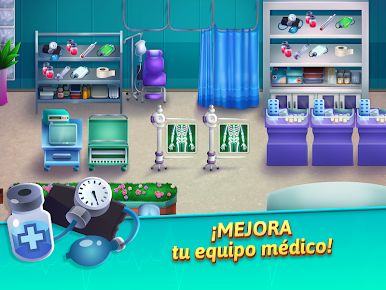
As the stages move along, new rooms, tools, and upgrades unlock, so treatment steps get faster, chairs hold more people, and the ER layout gets more efficient. Difficulty bumps show up with VIPs and multiple symptoms stacking at once, so prioritizing turns into a small puzzle. On PC with BlueStacks, the mouse clicks help a lot with juggling lines and doing those mini games, and the bigger screen makes reading patient tells easier. It is free to play, there are optional purchases for boosters and gear, and that can help with tough stages, but careful play still gets wins. The art is bright, the pace is brisk, and it scratches that “one more shift” feeling without taking an hour per level.
Ready to top the leaderboard? We bet you do. Let precise controls and sharp visuals optimized on BlueStacks lead you to victory.







Juega Medicine Dash: Hospital Game en la PC. Es fácil comenzar.
-
Descargue e instale BlueStacks en su PC
-
Complete el inicio de sesión de Google para acceder a Play Store, o hágalo más tarde
-
Busque Medicine Dash: Hospital Game en la barra de búsqueda en la esquina superior derecha
-
Haga clic para instalar Medicine Dash: Hospital Game desde los resultados de búsqueda
-
Complete el inicio de sesión de Google (si omitió el paso 2) para instalar Medicine Dash: Hospital Game
-
Haz clic en el ícono Medicine Dash: Hospital Game en la pantalla de inicio para comenzar a jugar

