


My Taco Shop: Food Game
Gioca su PC con BlueStacks: la piattaforma di gioco Android, considerata affidabile da oltre 500 milioni di giocatori.

Pagina modificata il: Nov 12, 2025
Play My Taco Shop: Food Game on PC
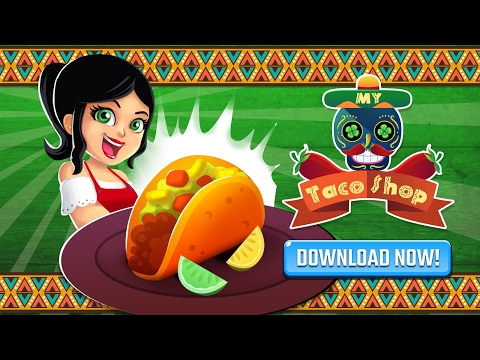
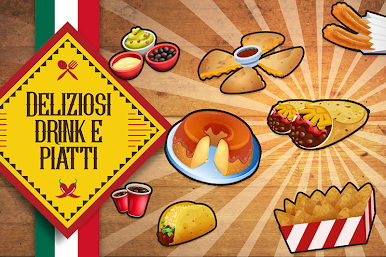
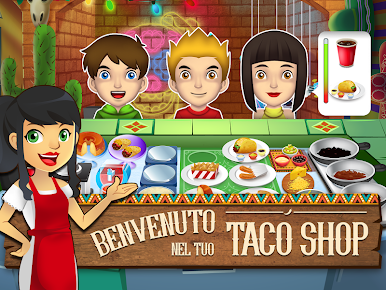
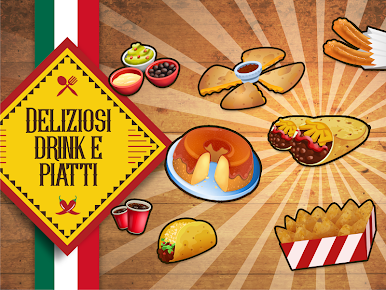
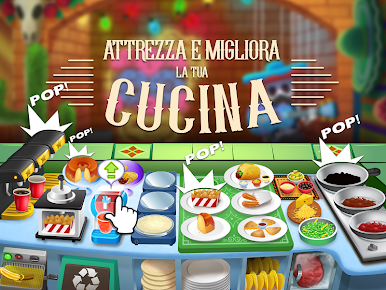
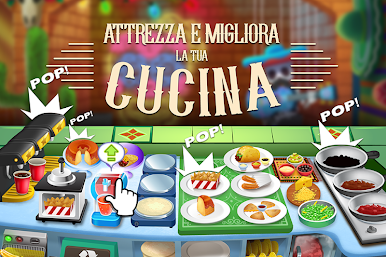
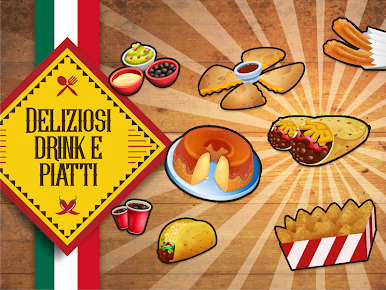
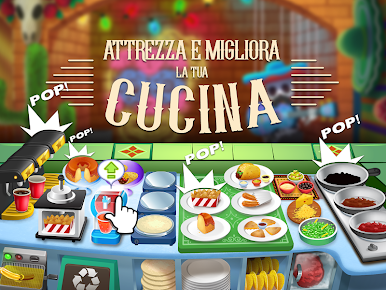
In My Taco Shop, you will have to serve your clients with your restaurant’s tasty specialties: DELICIOUS ground meat, taco shells, salad, SPICY quesadillas, nachos, burritos, churros and so much more! Give your clients the best FREEZE DRINKS, sodas and flans!
HIGHLIGHTS
• Many ingredients to choose from!
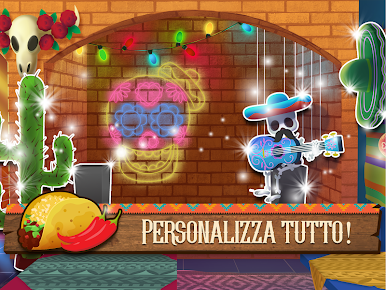
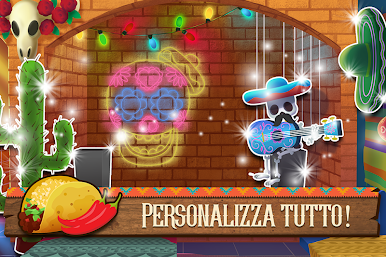
• Customizable items to give the store the look you want
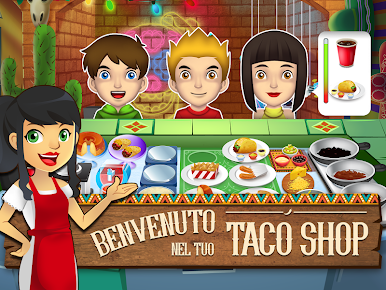
• Serve weird and funny customers
• Addictive time management gameplay!
Make food so delicious that it will even BREAK WALLS! i ARRIBA!
Expand your food business!
My Sushi Shop - http://bit.ly/MySushiShop - Japanese food at its finest!
My Cake Shop - http://bit.ly/MyCakeShop - Bake your way to sweet success!
Please note! This game is free to play, but it contains items that can be purchased for real money. Some features and extras mentioned in the description may also have to be purchased for real money.
Gioca My Taco Shop: Food Game su PC. È facile iniziare.
-
Scarica e installa BlueStacks sul tuo PC
-
Completa l'accesso a Google per accedere al Play Store o eseguilo in un secondo momento
-
Cerca My Taco Shop: Food Game nella barra di ricerca nell'angolo in alto a destra
-
Fai clic per installare My Taco Shop: Food Game dai risultati della ricerca
-
Completa l'accesso a Google (se hai saltato il passaggio 2) per installare My Taco Shop: Food Game
-
Fai clic sull'icona My Taco Shop: Food Game nella schermata principale per iniziare a giocare

