


Mahjong: Tile Sort
Play on PC with BlueStacks – the Android Gaming Platform, trusted by 500M+ gamers.

Page Modified on: Nov 12, 2026
Play Mahjong Sort on PC or Mac
Step into the World of Mahjong Sort, a thrilling Board game from the house of EASY PLAY GAME TECHNOLOGY LIMITED-ball. Play this Android game on BlueStacks App Player and experience immersive gaming on PC or Mac.
About the Game
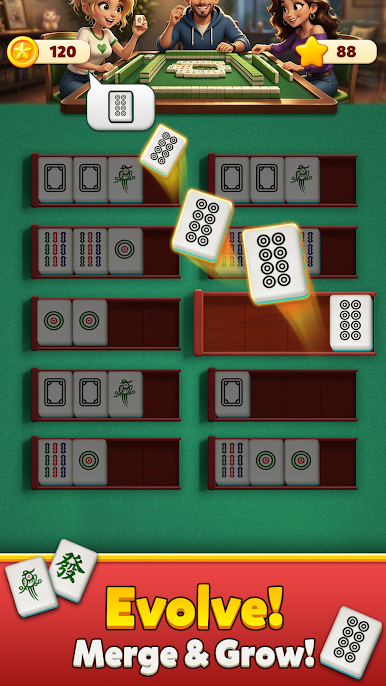
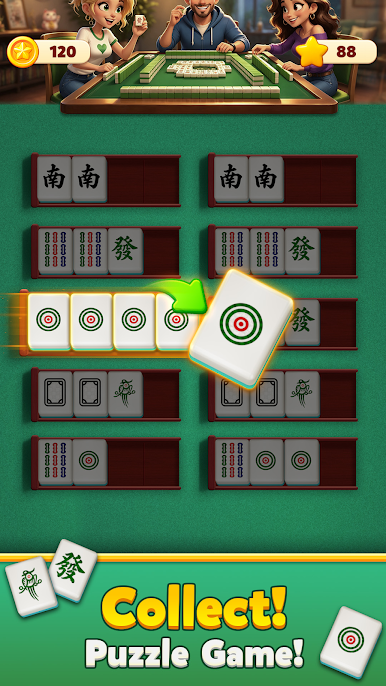
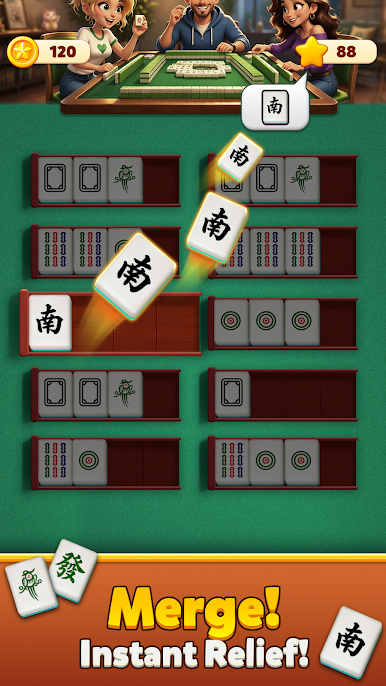
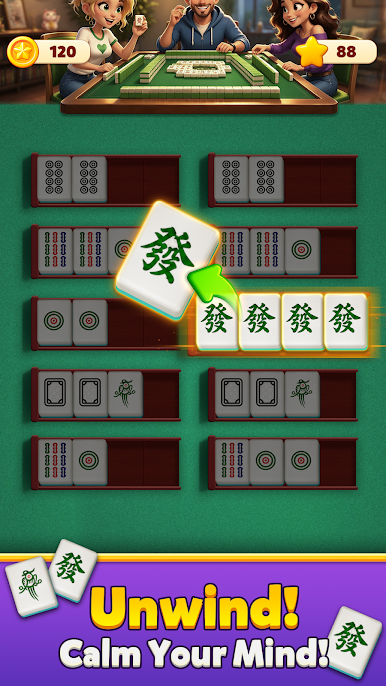
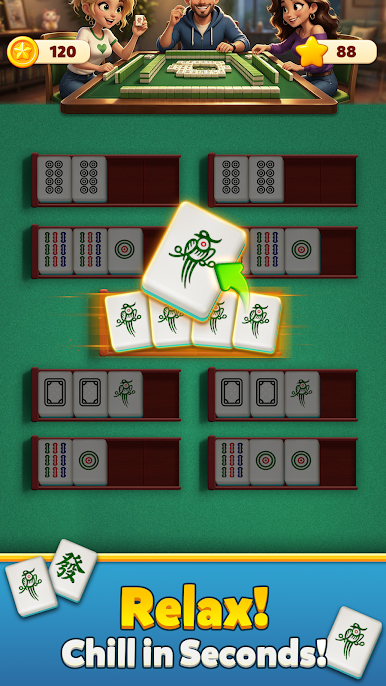
Mahjong Sort takes the familiar look of mahjong tiles and turns it into a satisfyingly neat puzzle about putting everything in its place. This Board game has you sorting characters, dots, bamboos, and honors into the right slots, one thoughtful move at a time. It’s calm, a little brainy, and easy to get hooked on—especially on PC with BlueStacks, where drag-and-drop feels extra smooth.
Game Features
- Sorting-first gameplay: Arrange tiles by suit into dedicated slots, so the challenge is all about planning, organization, and smart sequencing—not chasing identical pairs.
- Simple, tactile controls: Drag, drop, or tap to place pieces; it feels natural on touchscreens and precise on PC, including when playing through BlueStacks.
- Smooth difficulty curve: Start with breezy two-suit boards and steadily advance to multi-suit puzzles that test your foresight without piling on stress.
- Undo without stress: Made a misstep? Roll it back with a quick undo and keep your run going instead of restarting the whole level.
- Soothing look and feel: Clean tile art and a clear layout keep distractions low and your head in puzzle-solving mode.
- No timers, no pressure: Take as long as you like; it’s great for a quick mental refresh or a relaxed, end-of-day sortathon.
- Play anywhere, anytime: Everything works offline, so you can chip away at puzzles during commutes, short breaks, or those quiet late-night moments.
BlueStacks gives you more room to focus on the game and less time adjusting around mobile limitations.
Play Mahjong: Tile Sort on PC. It’s easy to get started.
-
Download and install BlueStacks on your PC
-
Complete Google sign-in to access the Play Store, or do it later
-
Look for Mahjong: Tile Sort in the search bar at the top right corner
-
Click to install Mahjong: Tile Sort from the search results
-
Complete Google sign-in (if you skipped step 2) to install Mahjong: Tile Sort
-
Click the Mahjong: Tile Sort icon on the home screen to start playing

