


EchoCalc
Mainkan di PC dengan BlueStacks – platform Game-Game Android, dipercaya oleh lebih dari 500 juta gamer.

Play EchoCalc on PC
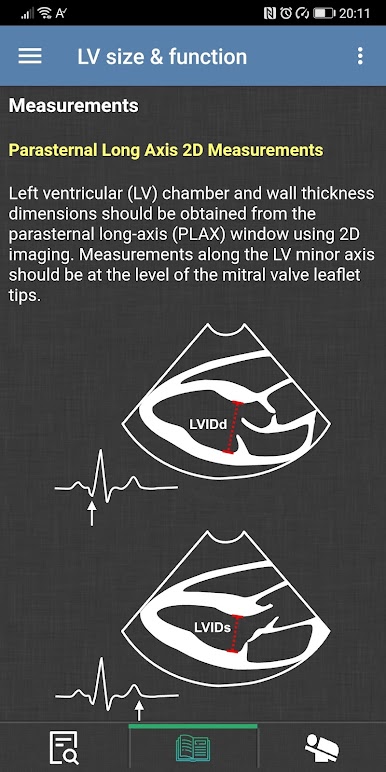
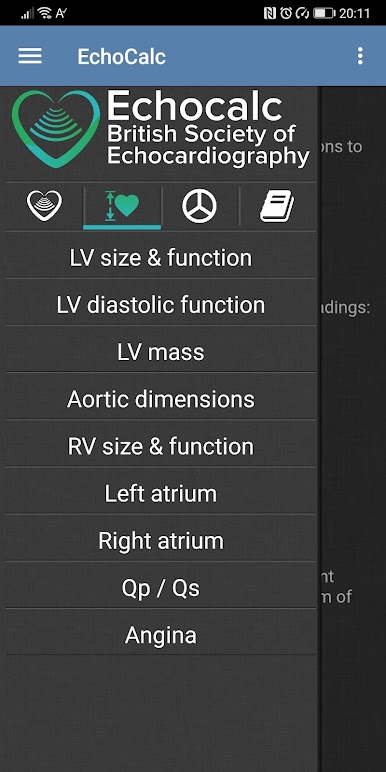
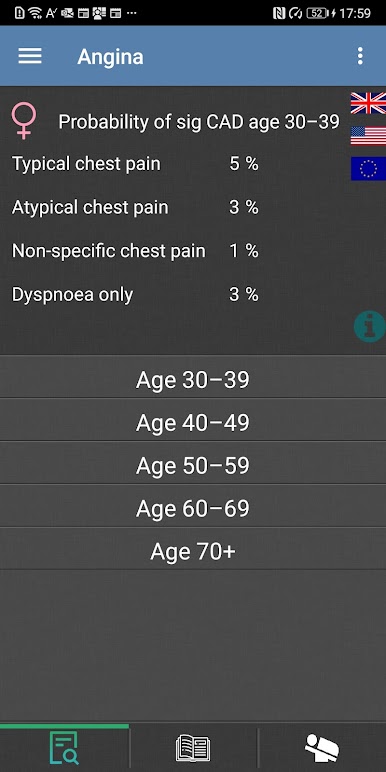
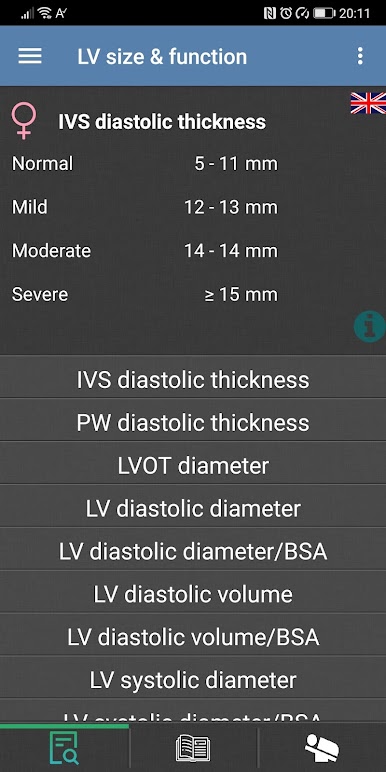
- LV/RV size & function, LV mass, aortic dimensions, atrial dimensions
- Diastolic function
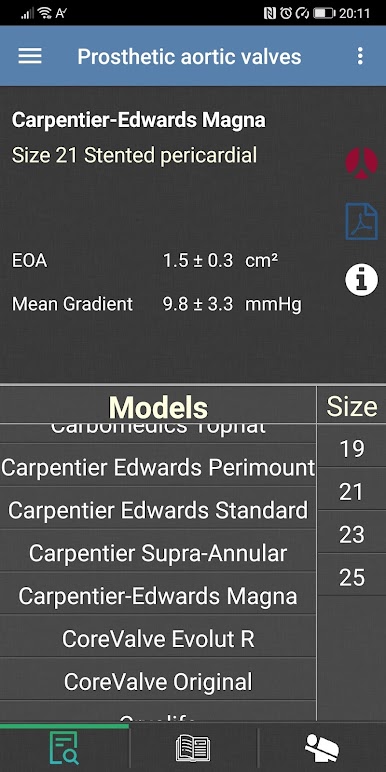
- Prosthetic aortic & mitral valve reference data
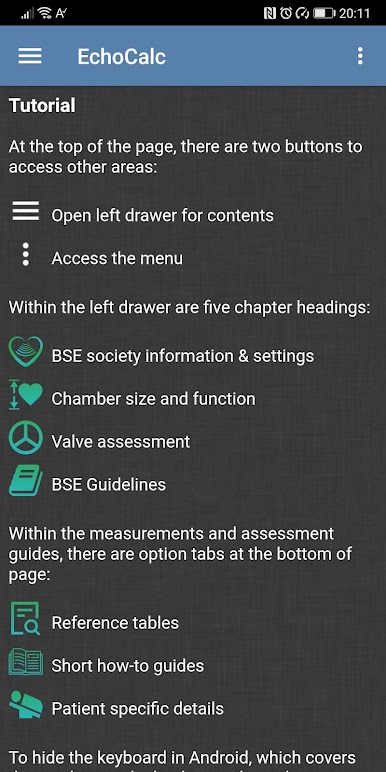
- Topic guides on each chapter with how-to explanations on how to measure and interpret echo data
- Updated to the latest BSE reference data but also allows switching to ASE/EACVI references
- Access to a mobile-friendly version of all recent BSE guidelines:
- Standard TTE Study
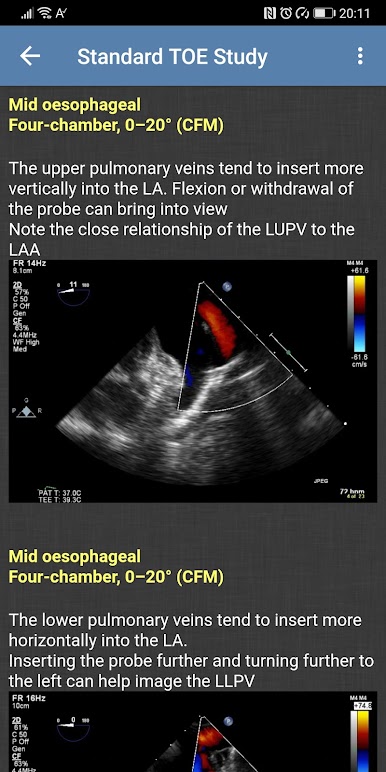
- Standard TOE Study
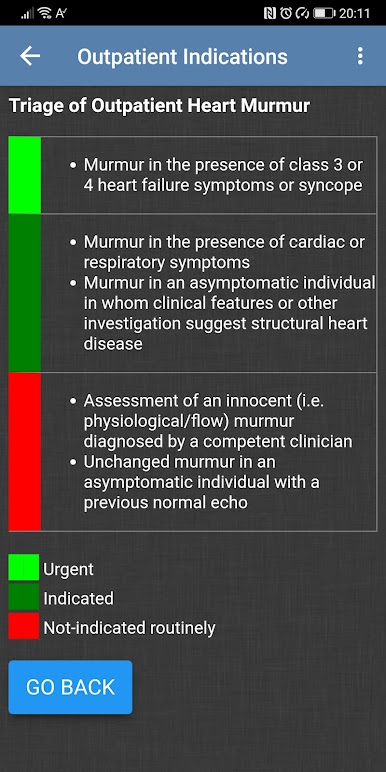
- Outpatient Indications
- Inpatient Indications
- Aortic Stenosis
- Aortic Regurgitation
- Mitral Valve
- Tricuspid & Pulmonary Valves
- Right Heart
- Pulmonary Hypertension
- Diastolic Dysfunction
- Cardio-Oncology
- Hypertrophic Cardiomyopathy
- Valve Replacement
- Stress Echo
- Restrictive Cardiomyopathy
- ARVC
- Marfan Syndrome
Update to comply with European policies on medical apps.
Mainkan EchoCalc di PC Mudah saja memulainya.
-
Unduh dan pasang BlueStacks di PC kamu
-
Selesaikan proses masuk Google untuk mengakses Playstore atau lakukan nanti
-
Cari EchoCalc di bilah pencarian di pojok kanan atas
-
Klik untuk menginstal EchoCalc dari hasil pencarian
-
Selesaikan proses masuk Google (jika kamu melewati langkah 2) untuk menginstal EchoCalc
-
Klik ikon EchoCalc di layar home untuk membuka gamenya

