


Weight Loss Tracker
Gioca su PC con BlueStacks: la piattaforma di gioco Android, considerata affidabile da oltre 500 milioni di giocatori.

Pagina modificata il: Jul 30, 2025
Play Weight Loss Tracker on PC
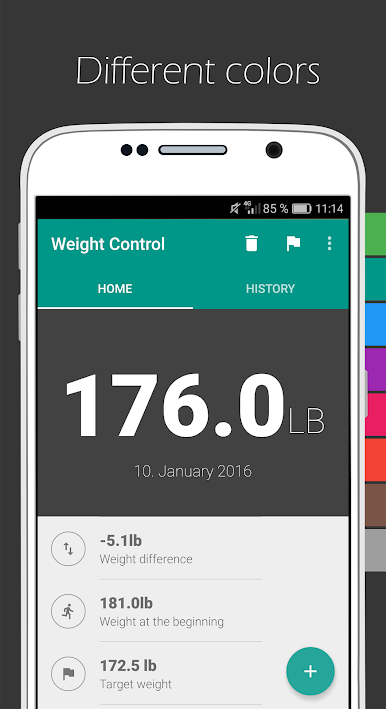
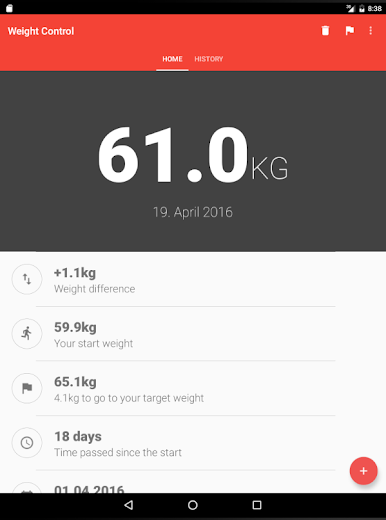
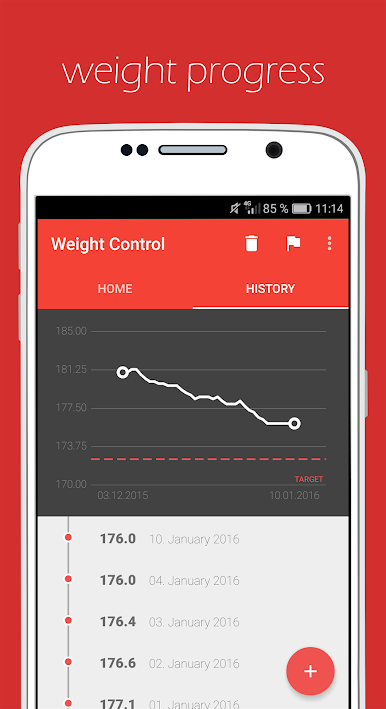
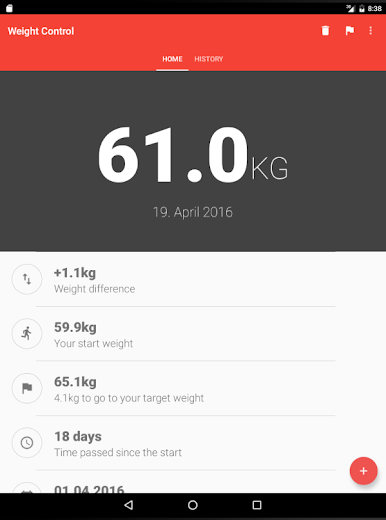
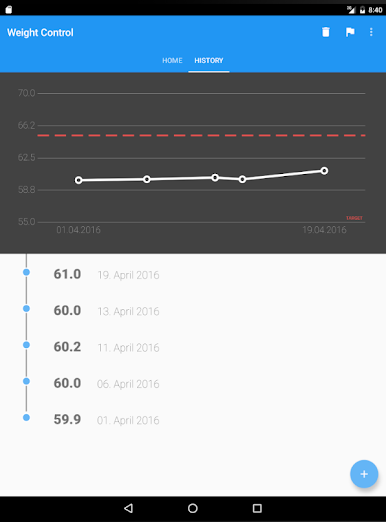
With Weight Loss Tracker, you’ll have a clear overview of your weight changes through daily entries and progress charts. The app is designed for simplicity, cutting out all unnecessary features so you can log your weight in just two quick taps a day.
Key Features of Weight Loss Tracker:
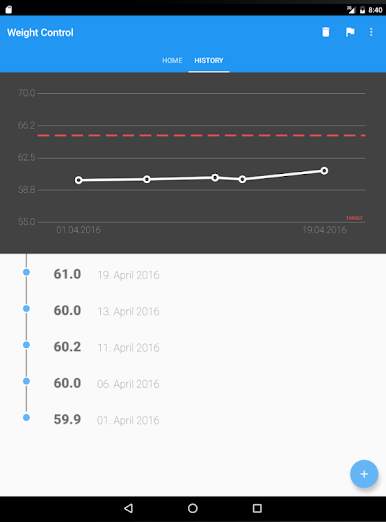
– Track Weight Loss & Gain Progress. Visualize your journey with an easy-to-read weight chart.
– BMI Calculator. Instantly calculate your Body Mass Index and monitor health indicators.
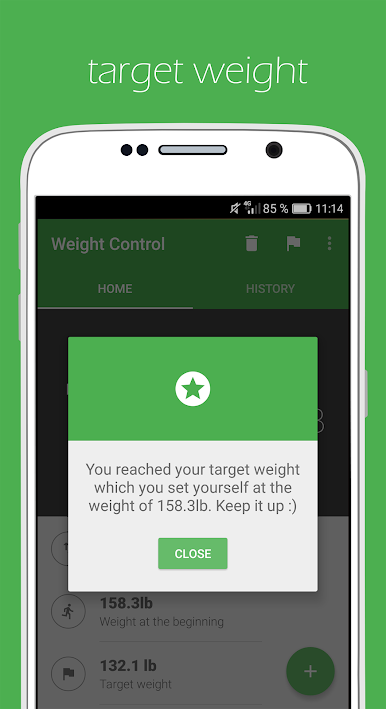
– Set & Achieve Your Target Weight. Define personal goals and stay motivated.
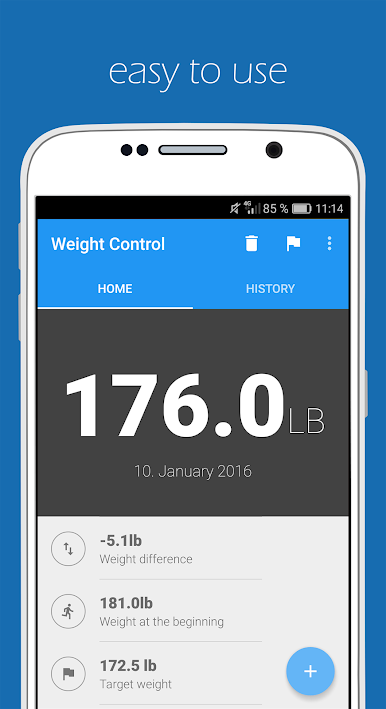
– Quick & Simple Weight Entries. Log your weight effortlessly with a minimalist design.
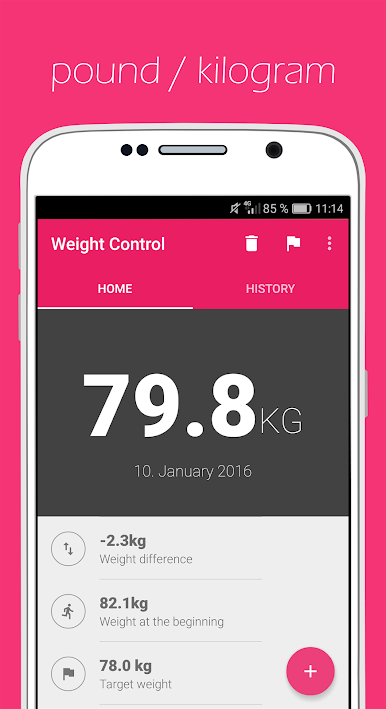
– Pounds or Kilograms Support. Switch between units as per your preference.
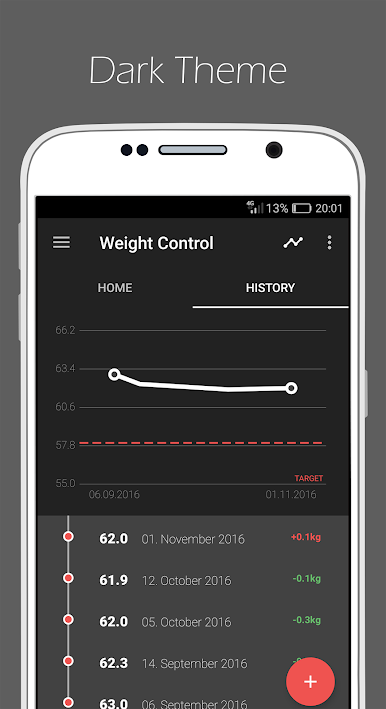
– Customizable Colors & Themes. Personalize the app to suit your style, including Dark Mode.
– Daily Reminders. Get gentle notifications to stay consistent with your entries.
– User-Friendly Interface. Intuitive design focused on ease of use.
Whether you are starting a weight loss plan, working towards body recomposition, or simply want to maintain your ideal weight, Weight Loss Tracker is your perfect companion.
Best of all – it’s completely free! 🎉✨
Gioca Weight Loss Tracker su PC. È facile iniziare.
-
Scarica e installa BlueStacks sul tuo PC
-
Completa l'accesso a Google per accedere al Play Store o eseguilo in un secondo momento
-
Cerca Weight Loss Tracker nella barra di ricerca nell'angolo in alto a destra
-
Fai clic per installare Weight Loss Tracker dai risultati della ricerca
-
Completa l'accesso a Google (se hai saltato il passaggio 2) per installare Weight Loss Tracker
-
Fai clic sull'icona Weight Loss Tracker nella schermata principale per iniziare a giocare

