

Batteria HD - Battery
Gioca su PC con BlueStacks: la piattaforma di gioco Android, considerata affidabile da oltre 500 milioni di giocatori.

Pagina modificata il: Nov 2, 2025
Run Battery HD on PC or Mac
Upgrade your experience. Try Battery HD, the fantastic Tools app from smallte.ch, from the comfort of your laptop, PC, or Mac, only on BlueStacks.
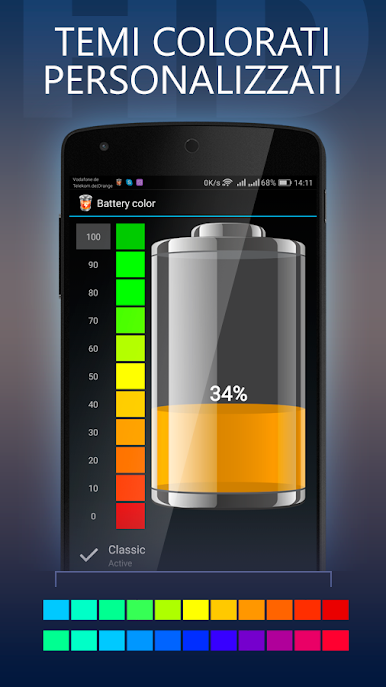
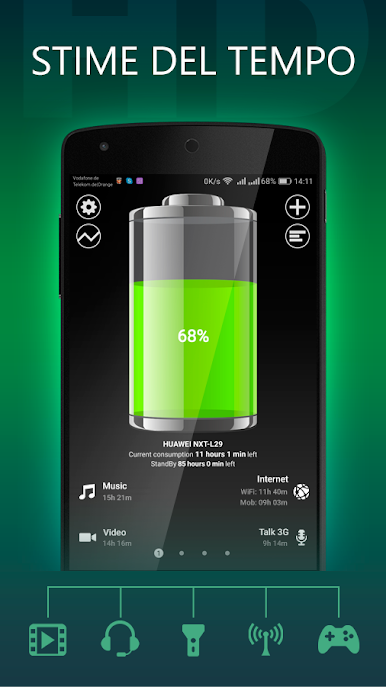
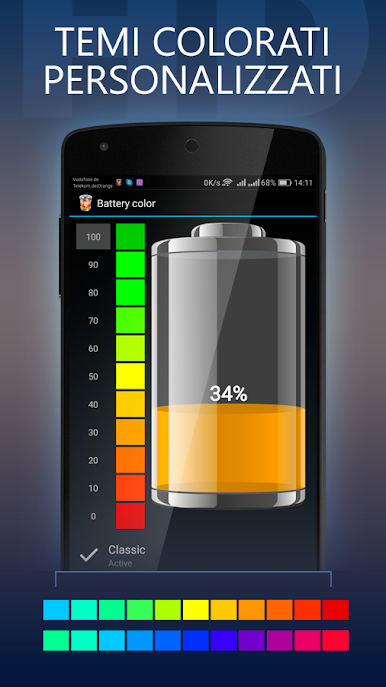
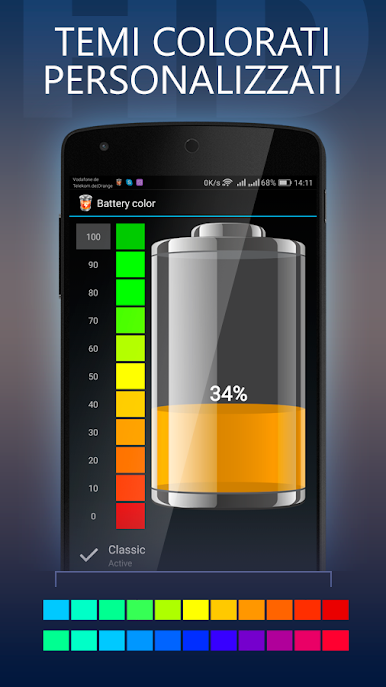
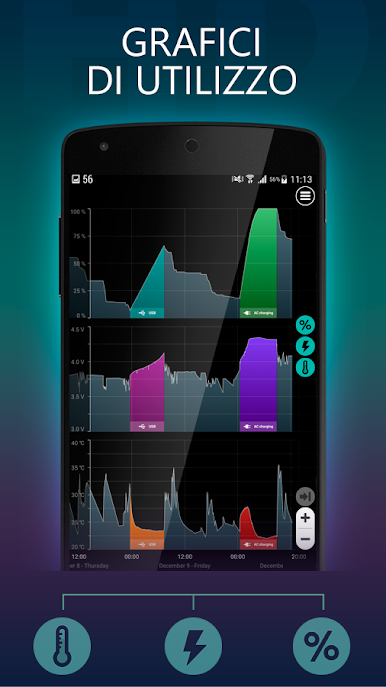
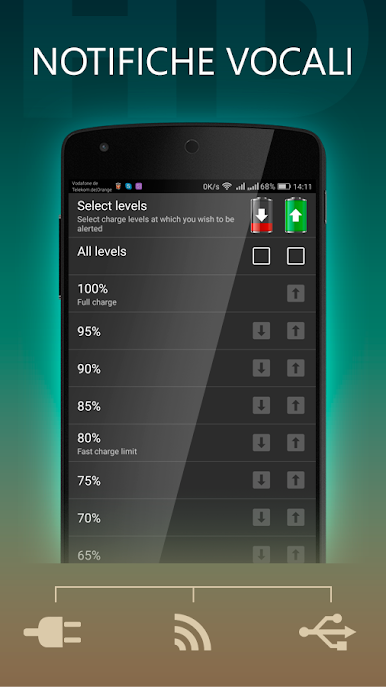
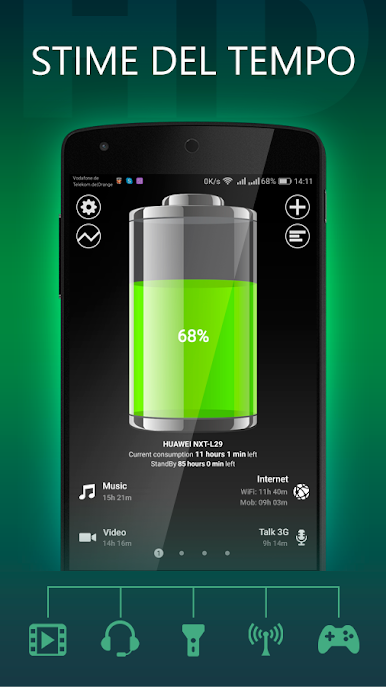
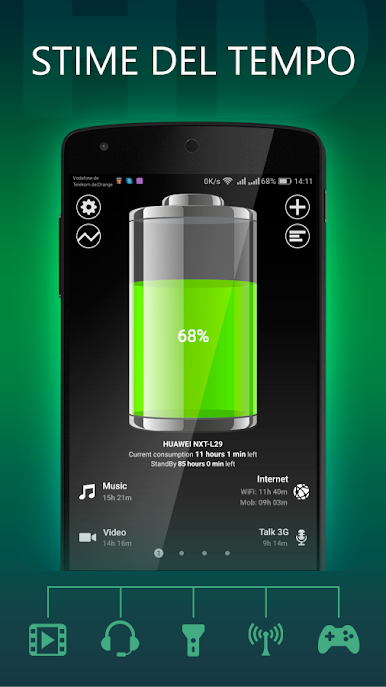
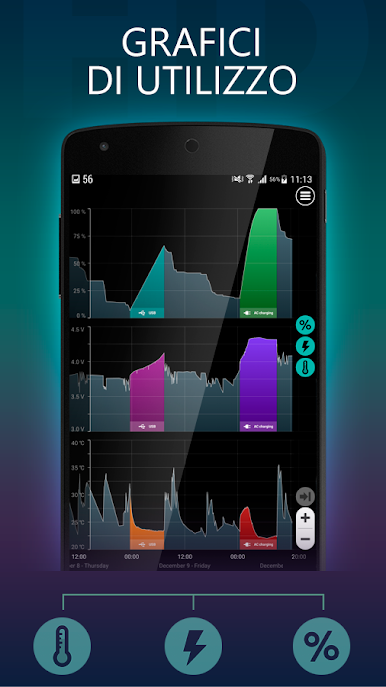
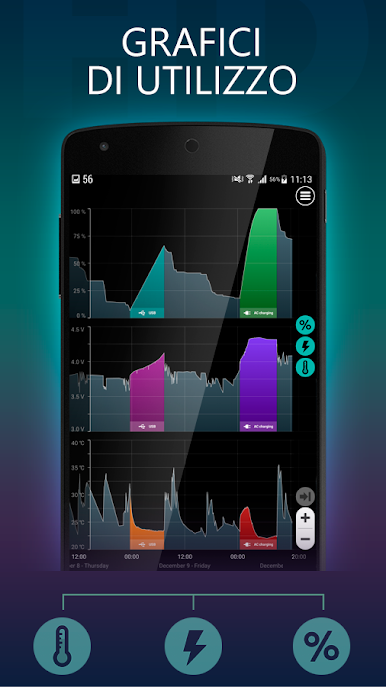
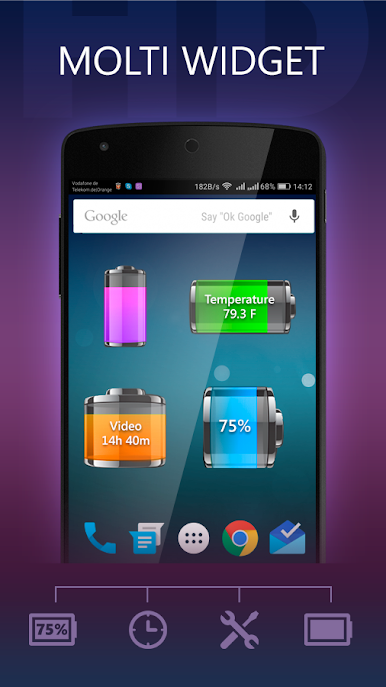
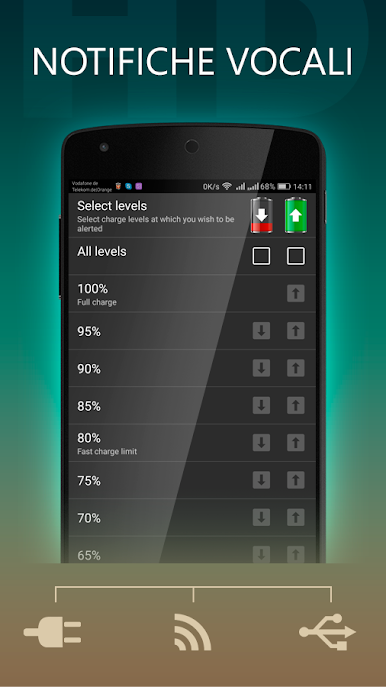
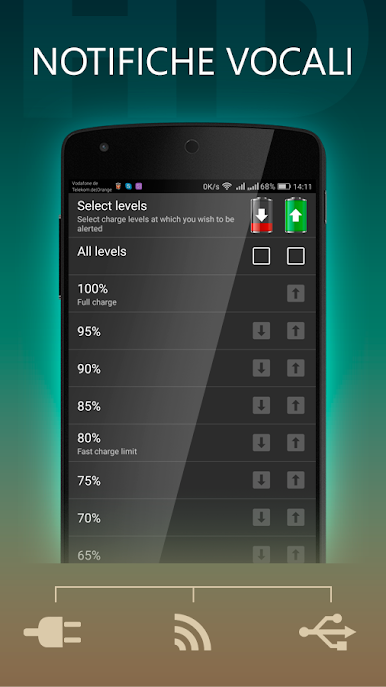
Battery HD feels like a calm little dashboard that spells out how long the battery will actually last for real things, not random percentages. It breaks time left into stuff people care about, like listening to music, watching video, phone calls, web browsing on WiFi or mobile data, standby, using the flashlight, playing 2D or 3D games, reading, GPS, video chat, taking photos, and recording clips. It also shows how long until a full charge, which is nice when a charger is plugged in and there is a meeting in 20 minutes. Alerts can be set for specific percentages on the way up or down, so the phone does not surprise anyone by dying or sitting at 100 for hours.
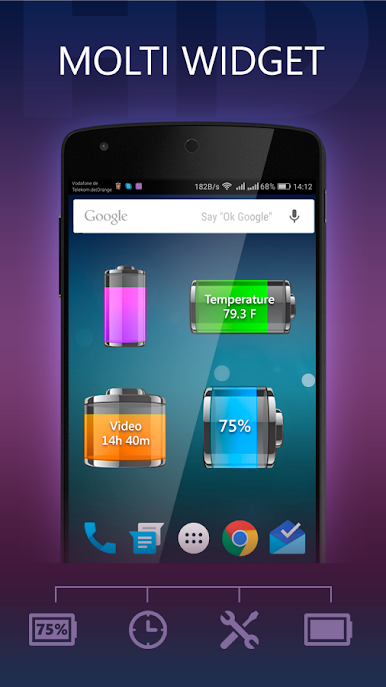
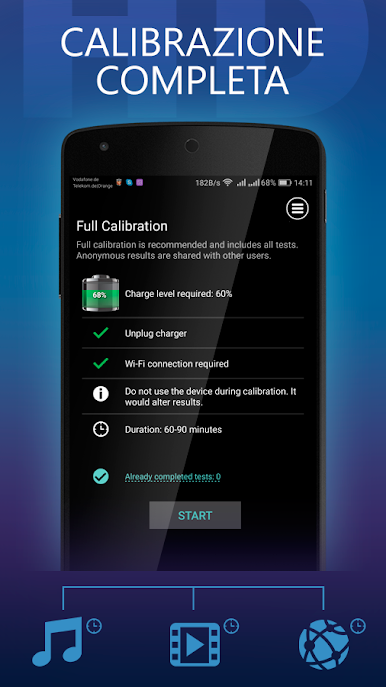
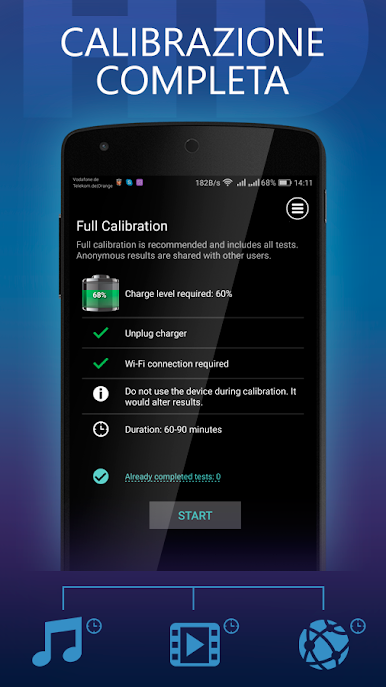
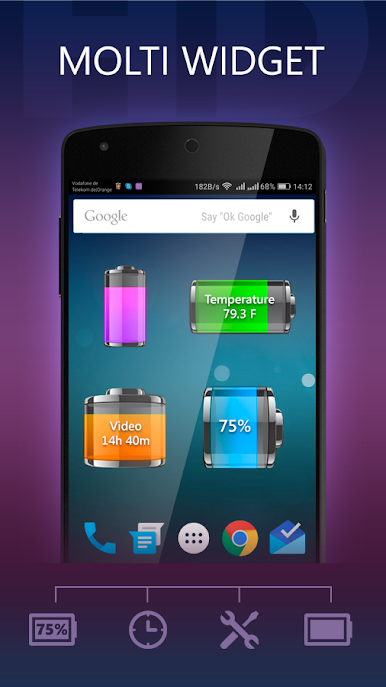
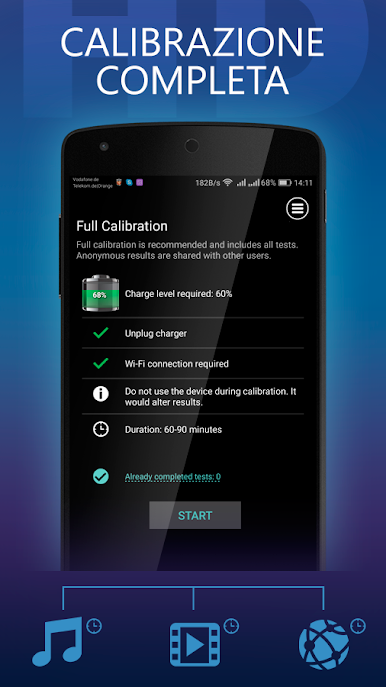
On a PC with BlueStacks, it is kind of like having a battery command center parked on the desk. The bigger screen makes the usage graph and the bold gauge easy to read at a glance, and notifications pop where they are hard to miss. The widget and the status bar view are handy if the window is kept small in a corner while doing other things. Estimates get smarter with calibration, which helps a lot on newer or uncommon devices, and the app explains the steps without being fussy. Nothing flashy here, just clean info and clear numbers that make battery life feel predictable instead of mysterious.
BlueStacks brings your apps to life on a bigger screen—seamless and straightforward.
Gioca Batteria HD - Battery su PC. È facile iniziare.
-
Scarica e installa BlueStacks sul tuo PC
-
Completa l'accesso a Google per accedere al Play Store o eseguilo in un secondo momento
-
Cerca Batteria HD - Battery nella barra di ricerca nell'angolo in alto a destra
-
Fai clic per installare Batteria HD - Battery dai risultati della ricerca
-
Completa l'accesso a Google (se hai saltato il passaggio 2) per installare Batteria HD - Battery
-
Fai clic sull'icona Batteria HD - Battery nella schermata principale per iniziare a giocare

