

Linterna LED HD Pro Flashlight
Juega en PC con BlueStacks: la plataforma de juegos Android, en la que confían más de 500 millones de jugadores.

Página modificada el: Nov 2, 2025
Run FlashLight HD LED Pro on PC or Mac
What’s better than using FlashLight HD LED Pro by smallte.ch? Well, try it on a big screen, on your PC or Mac, with BlueStacks to see the difference.
About the App
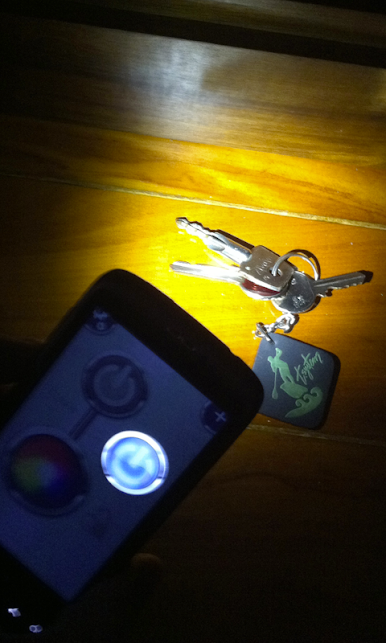
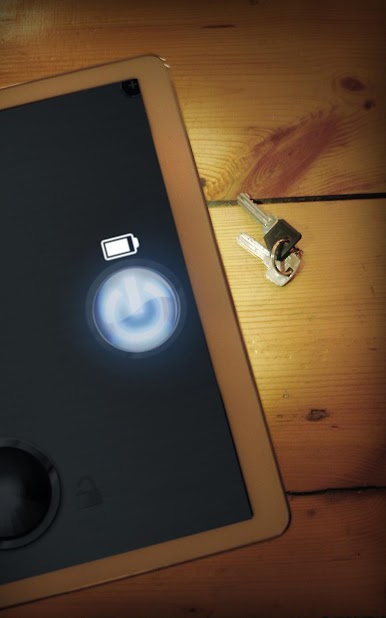
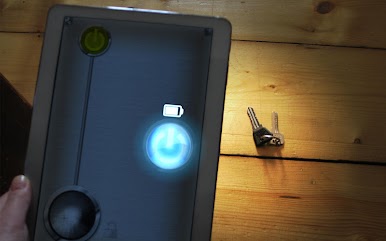
Ever found yourself rummaging in the dark for your keys or trying to read small print at night? FlashLight HD LED Pro from smallte.ch has you covered with a no-fuss, super-bright flashlight whenever you need it. This easy-to-use Tools app keeps things simple— just one tap and you’ve got instant light, whether you’re out camping, dealing with a power outage, or just checking under the couch.
App Features
-
Incredibly Bright Light
Need some serious illumination? The app puts the brightest light your phone can offer right at your fingertips. -
One-Tap Access
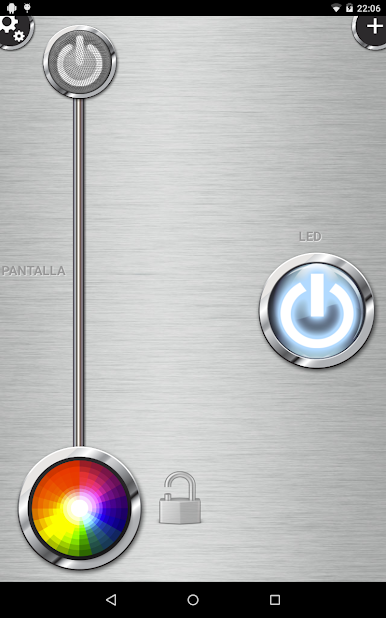
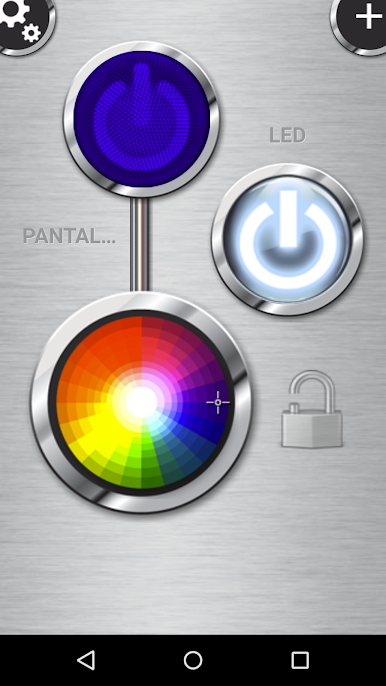
No complicated menus here. Launch the app, tap one button, and you’ve got light—fast. Perfect when you need it right now. -
Sleek, User-Friendly Design
Everything feels straightforward, so you won’t be fumbling through settings to get what you need. -
Full Screen Illumination
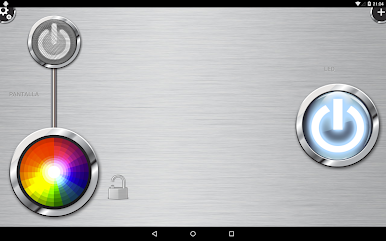
Not just your phone’s LED—if you want, you can turn your device’s whole screen into a big, bright light source. Handy for any device, even if you don’t have an LED flash. -
Handy Widget
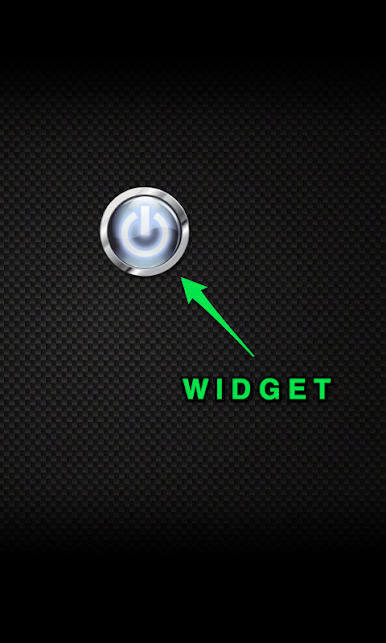
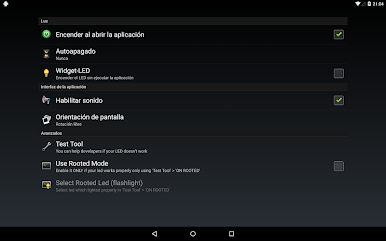
Want light even faster? Drop the widget on your home screen for instant, one-tap access anytime. -
Compatibility with Most Devices
Got a Samsung, Sony Xperia, Xiaomi, or something else? FlashLight HD LED Pro works on a huge range of phones—even some that other flashlight apps skip.
If you’re using BlueStacks, you’ll find FlashLight HD LED Pro works just as simply and reliably as it does on your phone.
BlueStacks gives you the much-needed freedom to experience your favorite apps on a bigger screen. Get it now.

Juega Linterna LED HD Pro Flashlight en la PC. Es fácil comenzar.
-
Descargue e instale BlueStacks en su PC
-
Complete el inicio de sesión de Google para acceder a Play Store, o hágalo más tarde
-
Busque Linterna LED HD Pro Flashlight en la barra de búsqueda en la esquina superior derecha
-
Haga clic para instalar Linterna LED HD Pro Flashlight desde los resultados de búsqueda
-
Complete el inicio de sesión de Google (si omitió el paso 2) para instalar Linterna LED HD Pro Flashlight
-
Haz clic en el ícono Linterna LED HD Pro Flashlight en la pantalla de inicio para comenzar a jugar

