


Christmas Match: Juego Navidad
Juega en PC con BlueStacks: la plataforma de juegos Android, en la que confían más de 500 millones de jugadores.

Página modificada el: Dec 11, 2025
Play Royal Christmas Match 🎄 Frozen Match 3 Game 🎅 on PC or Mac
Explore a whole new adventure with Christmas Match Game, a Puzzle game created by Tiny Tactics Games. Experience great gameplay with BlueStacks, the most popular gaming platform to play Android games on your PC or Mac.
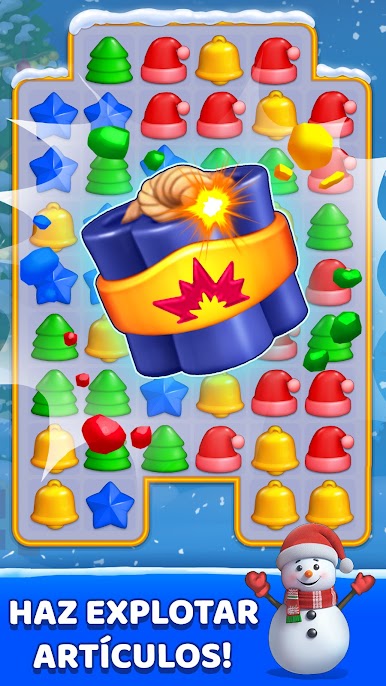
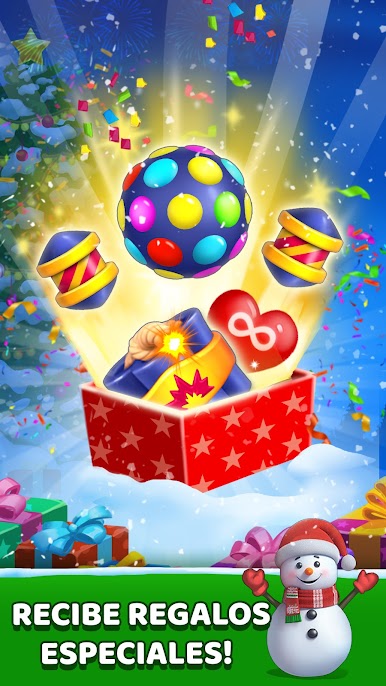
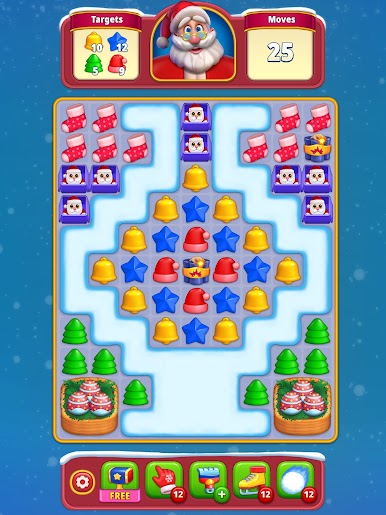
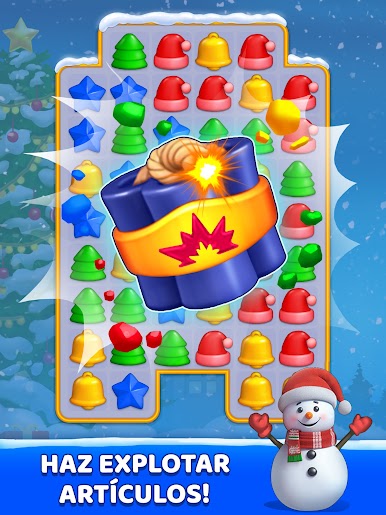
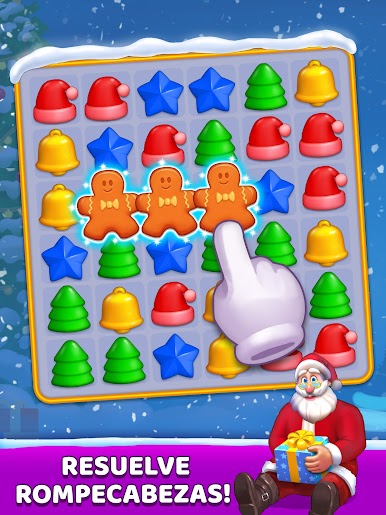
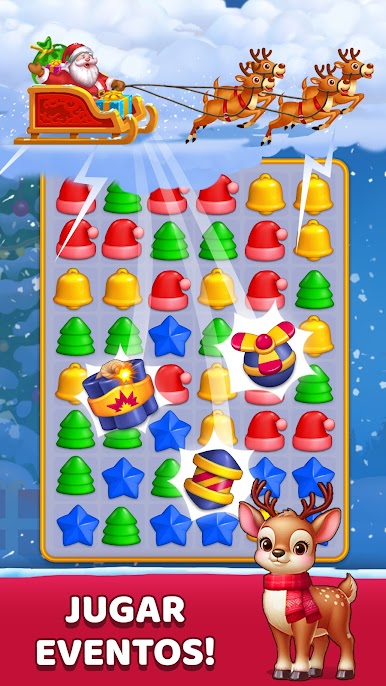
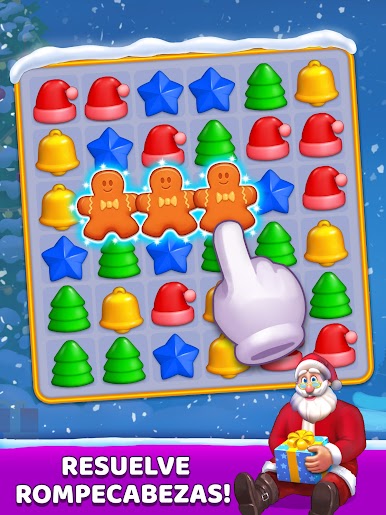
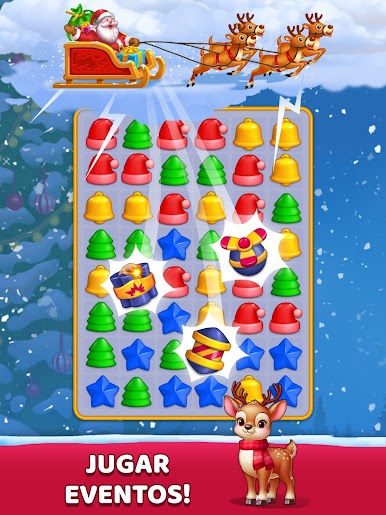
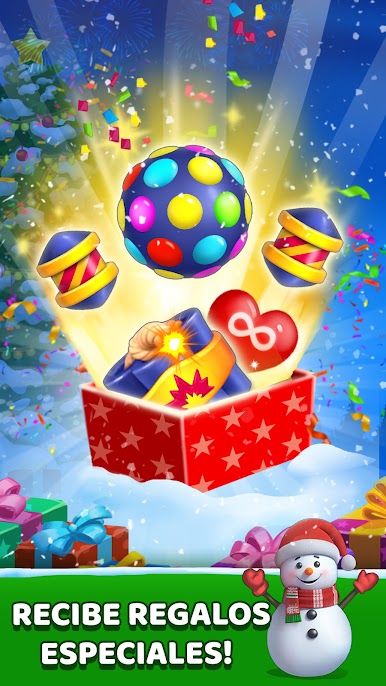
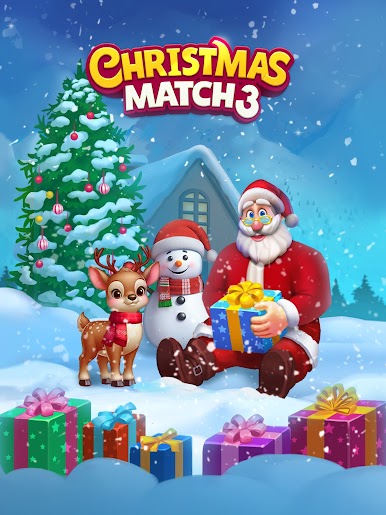
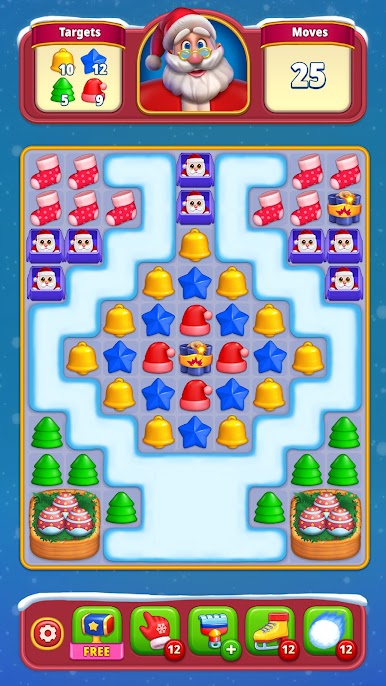
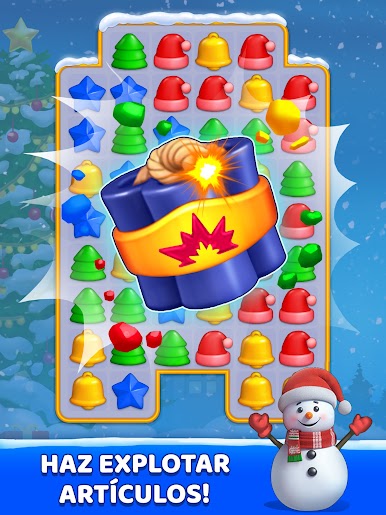
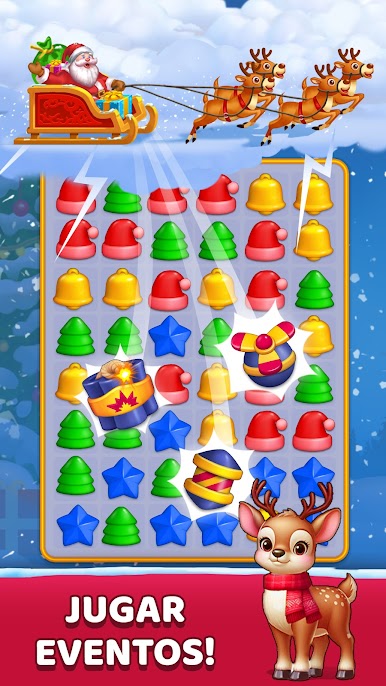
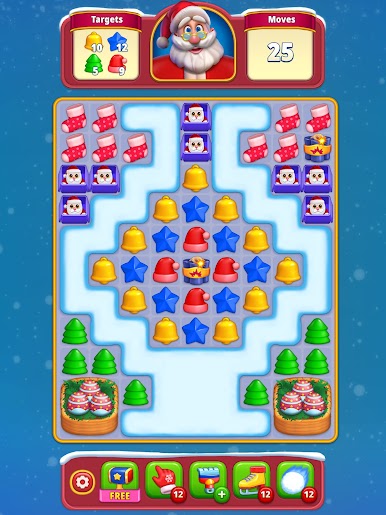
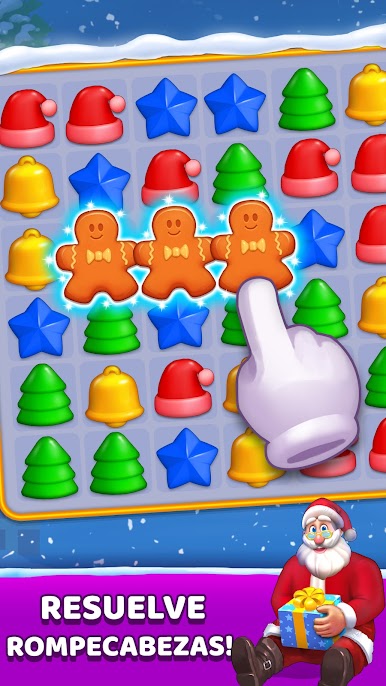
So Christmas Match Game is basically one of those classic match-3 puzzle games, but the whole thing is wrapped up in holiday colors and music. There are a ton of levels—seriously, you won’t run out soon—and each one has that cozy Christmas look, like lights, snow, candy canes, all the usual stuff. The gameplay is straight-up match-3. You swap tiles to line up matching symbols, clear them, and try to finish whatever goal the level gives you. Sometimes obstacles pop up, and they all stick to the Christmas theme, so it actually feels a little different from the usual candy or gem matchers.
It’s surprisingly easy to just plop down and play, whether there’s internet or not. The music is all festive and kind of makes the puzzles feel laid-back. People can even join teams to get some extra lives or send stuff back and forth, if that’s your thing. Progress syncs between devices, but if you use BlueStacks to play on PC the game actually looks bigger and you can just kind of zone out in a way you might not on a little screen. Not the most challenging thing in the world, but it’s relaxing, and the holiday setting pulls you in if you want a break from the usual puzzle grind. There’s something nice about putting on holiday music and knocking out a few levels, especially if all you want is some casual, no-stress gameplay.
Start your journey now. Download the game on BlueStacks, invite your friends, and march on a new adventure.

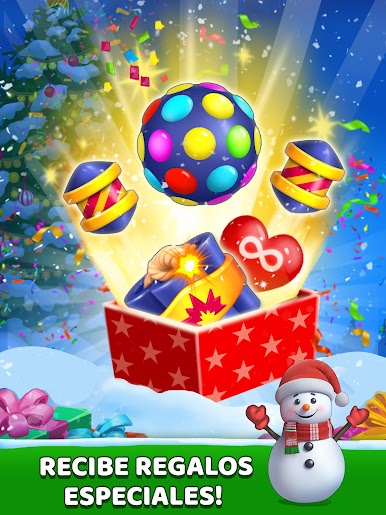
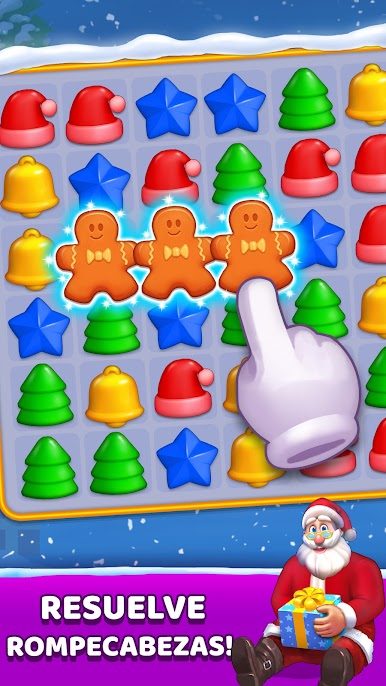
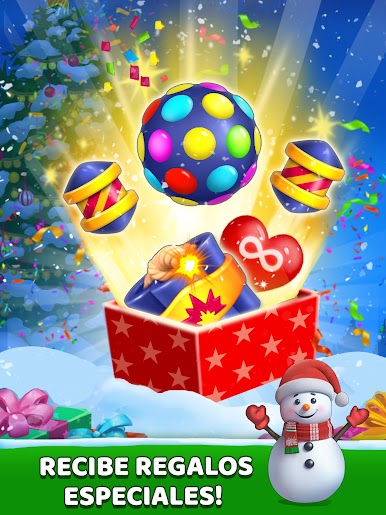
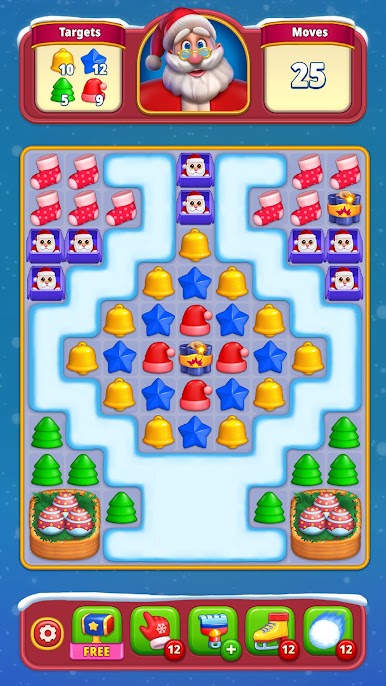
Juega Christmas Match: Juego Navidad en la PC. Es fácil comenzar.
-
Descargue e instale BlueStacks en su PC
-
Complete el inicio de sesión de Google para acceder a Play Store, o hágalo más tarde
-
Busque Christmas Match: Juego Navidad en la barra de búsqueda en la esquina superior derecha
-
Haga clic para instalar Christmas Match: Juego Navidad desde los resultados de búsqueda
-
Complete el inicio de sesión de Google (si omitió el paso 2) para instalar Christmas Match: Juego Navidad
-
Haz clic en el ícono Christmas Match: Juego Navidad en la pantalla de inicio para comenzar a jugar

