


Paperang
Juega en PC con BlueStacks: la plataforma de juegos Android, en la que confían más de 500 millones de jugadores.

Página modificada el: Aug 26, 2024
Run Paperang on PC or Mac
Multitask effortlessly on your PC or Mac as you try out Paperang, a Tools app by Polar Future, Ltd on BlueStacks.
About the App
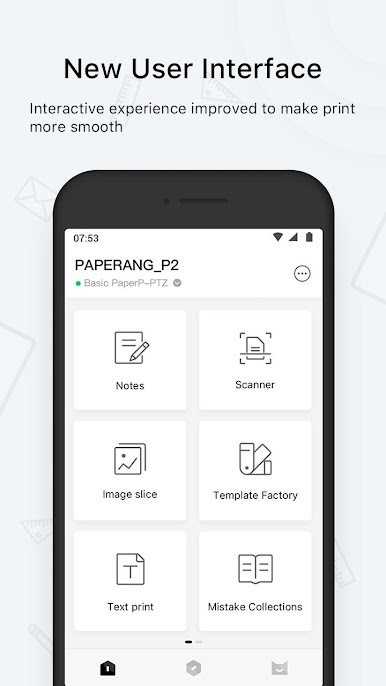
Paperang by Polar Future, Ltd is your pocket-sized printing companion that brings memorable moments to life—right from your fingertips. Easily print on post-its, stickers, and banners, capturing your favorite memories and sharing them with loved ones. Expect seamless printing of everything from lovely photos to quick memos, all with a tap on your phone.
App Features
Mini Fax & Easy Printing
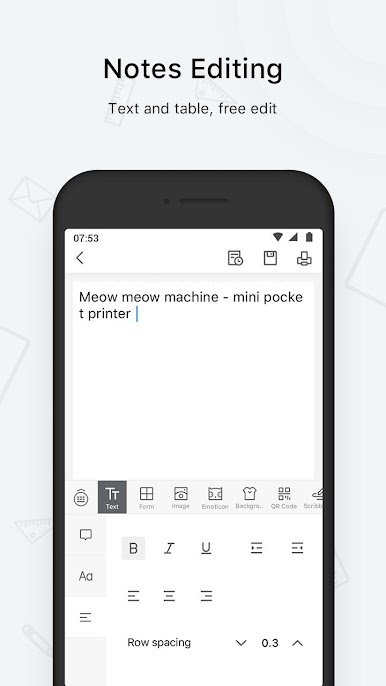
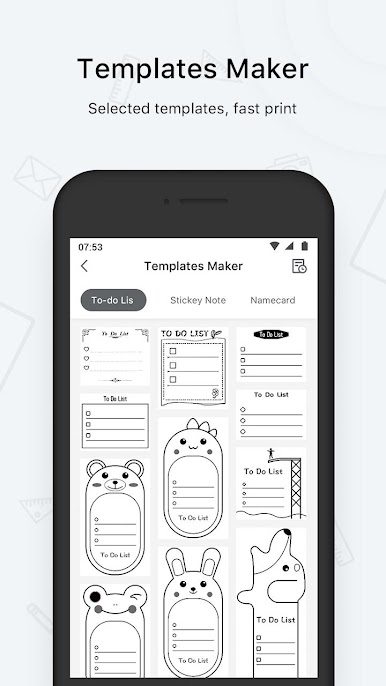
– Send and print memos, texts, and to-do lists effortlessly. Your daily tasks have never looked this good.
Photo Printing
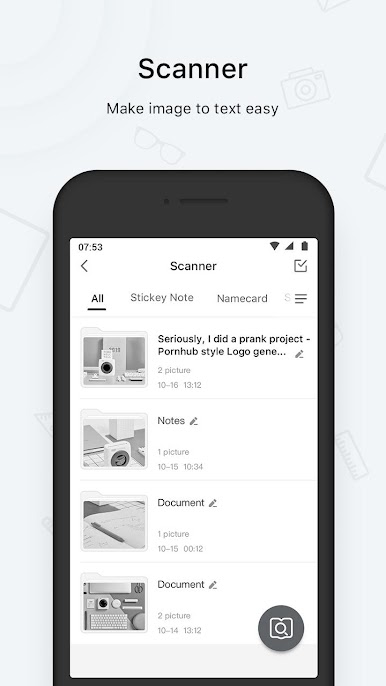
– Snap photos and print high-quality images instantly. The magic of memories, on paper, in no time.
Web & Banner Printing
– Surf the web and print anything you fancy. Need a banner for an event? It’s never been easier.
User-friendly Connectivity
– Quick Bluetooth pairing through QR codes—print without the hassle.
Paperang Printer Features
Portable Printing
– Carry the small mobile pocket printer anywhere. Fast, efficient, and ready when you are.
Exclusive Paper Rolls
– Choose from Post-it, Sticker, or Standard rolls. More paper varieties coming soon!
Experience Paperang’s full potential on your PC with BlueStacks.
Big screen. Bigger performance. Use BlueStacks on your PC or Mac to run your favorite apps.

Juega Paperang en la PC. Es fácil comenzar.
-
Descargue e instale BlueStacks en su PC
-
Complete el inicio de sesión de Google para acceder a Play Store, o hágalo más tarde
-
Busque Paperang en la barra de búsqueda en la esquina superior derecha
-
Haga clic para instalar Paperang desde los resultados de búsqueda
-
Complete el inicio de sesión de Google (si omitió el paso 2) para instalar Paperang
-
Haz clic en el ícono Paperang en la pantalla de inicio para comenzar a jugar

