


Brain Focus Productivity Timer
Mainkan di PC dengan BlueStacks – platform Game-Game Android, dipercaya oleh lebih dari 500 juta gamer.

Play Brain Focus Productivity Timer on PC
Brain Focus is a fantastic app to make you work effectively. It has an elaborate and simple design. It can help you keep the focus on your work and manage your time easily. 💎Have a try! You will like it!💎
⭐️ How To Use
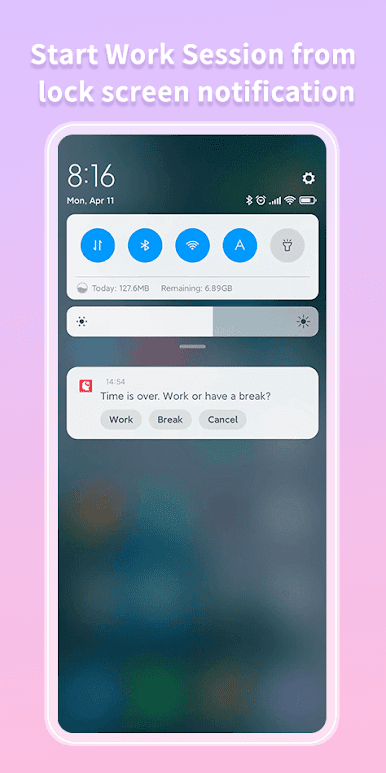
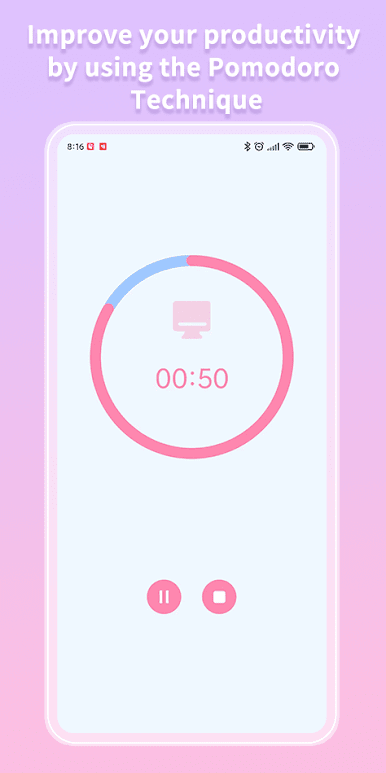
• Start a work session
• At the end of the work session, reward yourself with a break
• At the end of the break session, restart both previous steps
• X amount of break you can reward yourself with a longer break
⭐️ Basic Features
• Pause and resume sessions
• Notification before the end of the work session
• Customize "Work End Ringtone"
• Customize "Break End Ringtone"
• Long Break
• Ticking in work sessions
• Remind Continuously never miss tasks tip
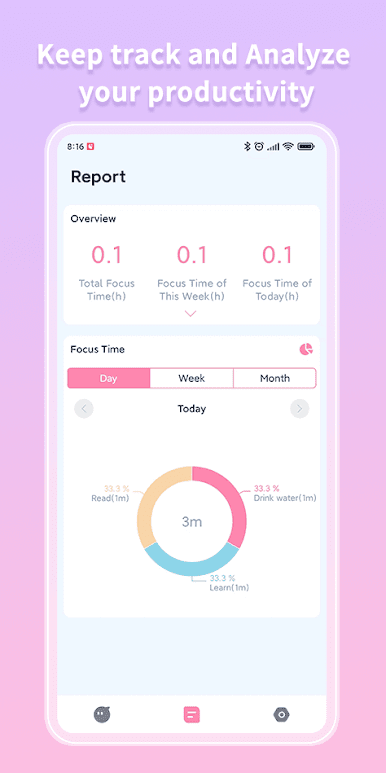
⭐️ Report
• Get an overview of your task time
• Pie Chart
• Bar Chart
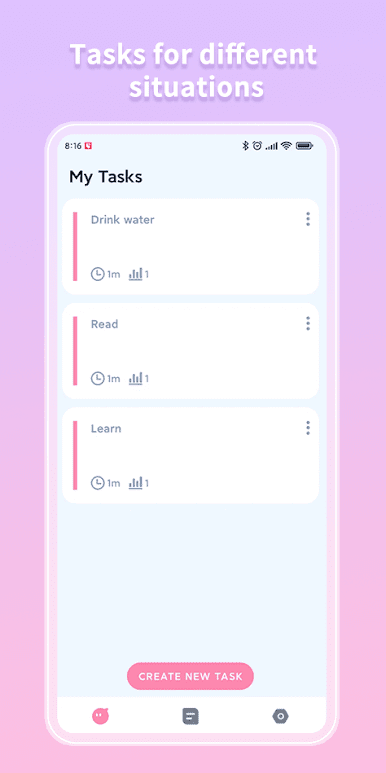
⭐️ Task
• Create tasks for different situations
• Configure different settings per task
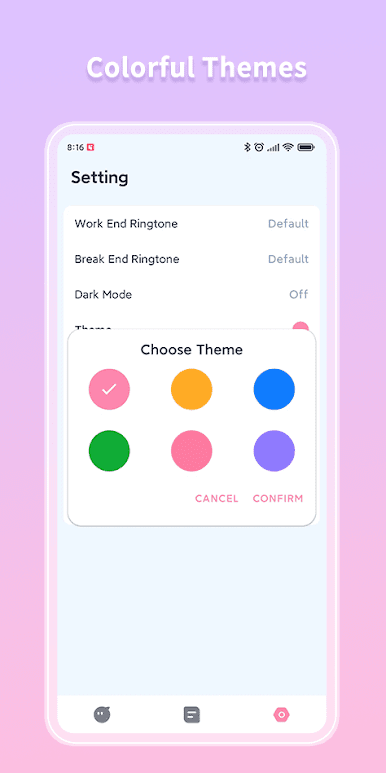
⭐️ Colorful Themes
• Red,Yellow,Blue,Green,Pink,Purple
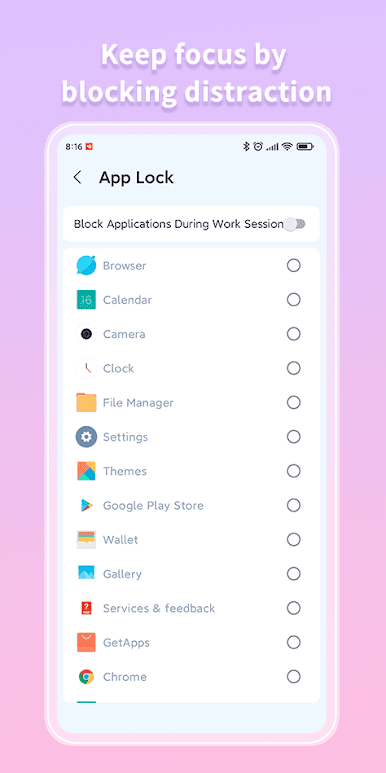
⭐️ App Lock
• Keep focus by blocking distraction
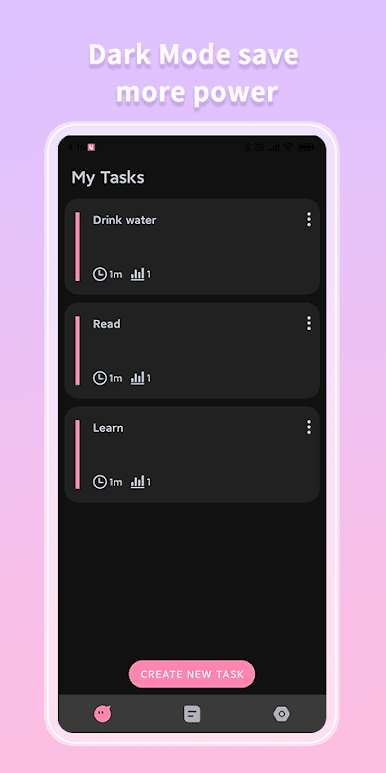
⭐️ Dark Mode
• Save more power
• Get your eyes relaxed in the night
⭐️ White Noise
• Various white noise to help you focus on work & study
⭐️ Support Multiple Languages
• English, Spanish, French, Italian, Japanese, Portuguese, Russian, Chinese
More features are developing...
Help Us to Translate
Help us to translate because you know best how Brain Focus should be translated into your language.
Contact Us
CXStudio2019@outlook.com
Mainkan Brain Focus Productivity Timer di PC Mudah saja memulainya.
-
Unduh dan pasang BlueStacks di PC kamu
-
Selesaikan proses masuk Google untuk mengakses Playstore atau lakukan nanti
-
Cari Brain Focus Productivity Timer di bilah pencarian di pojok kanan atas
-
Klik untuk menginstal Brain Focus Productivity Timer dari hasil pencarian
-
Selesaikan proses masuk Google (jika kamu melewati langkah 2) untuk menginstal Brain Focus Productivity Timer
-
Klik ikon Brain Focus Productivity Timer di layar home untuk membuka gamenya

