


Vandals
Mainkan di PC dengan BlueStacks – platform Game-Game Android, dipercaya oleh lebih dari 500 juta gamer.

Ikhtisar
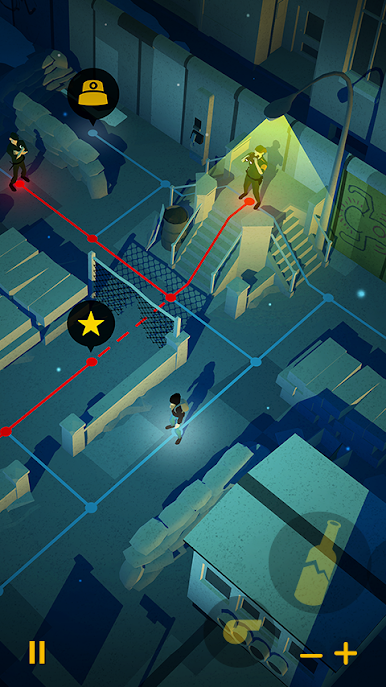
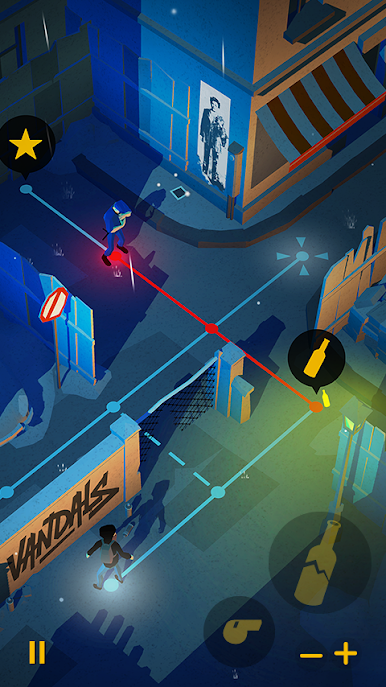
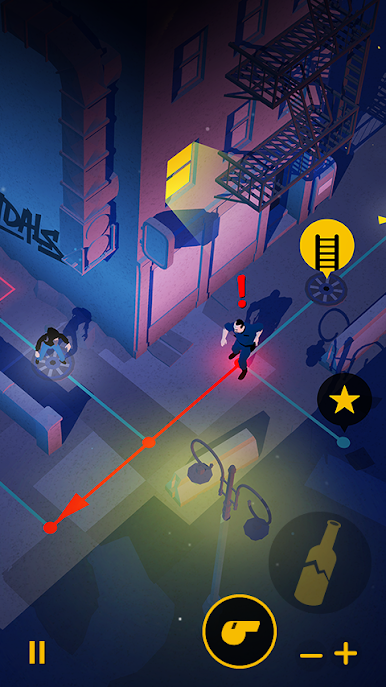
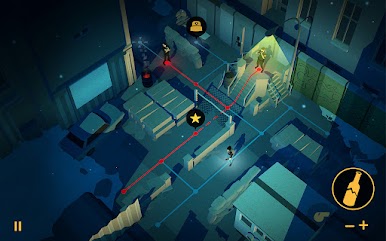
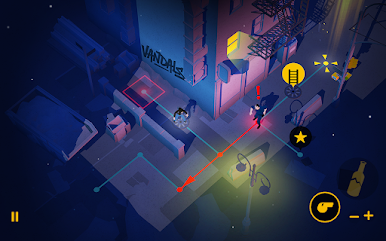
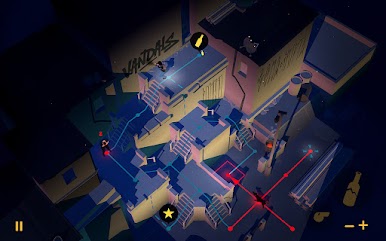
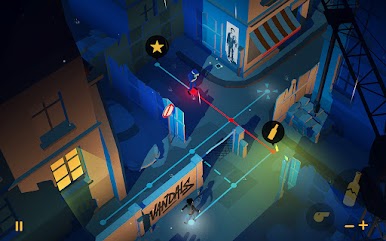
Dari Paris ke Tokyo melalui Sao Paulo, Berlin dan New York, sehingga Anda dapat berjalan di jejak para seniman jalanan terbesar seperti Blek Le Rat atau Keith Haring.
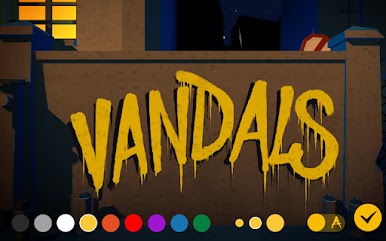
Pengacau akan memungkinkan Anda untuk hidangan nickname Anda pada dinding New York sebagai Lady Pink, menggambar karakter kekanak-kanakan dalam gaya Keith Haring atau untuk menginspirasi Anda untuk menulis Anda Miss.Tic puisi.
Setelah Type: Rider, Vandal adalah proyek baru dari Cosmografik. Ini adalah video game yang diterbitkan dan co-diproduksi oleh saluran TV ARTE dan digital budaya Eropa, diproduksi oleh Ex Nihilo dan dikembangkan dalam kemitraan dengan Novelab.
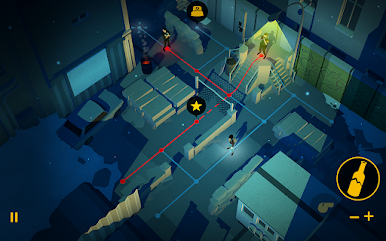
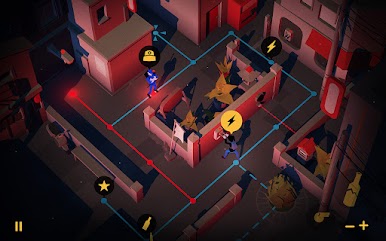
Mudah untuk belajar, puzzle berjanji jam perendaman dan menyenangkan.
• Bagi kreasi yang paling indah Anda di jaringan sosial
• Rasakan irama soundtrack asli: Headphone direkomendasikan!
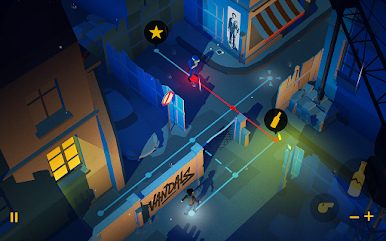
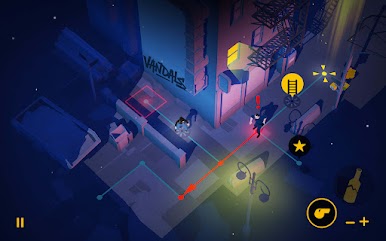
• Bermain dalam modus potret atau landscape. Opsi untuk kiri dan tangan kanan!
Permainan mencakup:
• 60 teka-teki untuk memecahkan
• 5 kota ke dunia grafis asli
• 40 lembar fakta pada evolusi seni jalanan sejak tahun 60an
• 18 piala untuk membuka

Mainkan Vandals di PC Mudah saja memulainya.
-
Unduh dan pasang BlueStacks di PC kamu
-
Selesaikan proses masuk Google untuk mengakses Playstore atau lakukan nanti
-
Cari Vandals di bilah pencarian di pojok kanan atas
-
Klik untuk menginstal Vandals dari hasil pencarian
-
Selesaikan proses masuk Google (jika kamu melewati langkah 2) untuk menginstal Vandals
-
Klik ikon Vandals di layar home untuk membuka gamenya

