

Hidden Object of Blackriver
Juega en PC con BlueStacks: la plataforma de juegos Android, en la que confían más de 500 millones de jugadores.

Página modificada el: Oct 12, 2025
Play Blackriver Mystery: Hidden Object Adventure Puzzle on PC or Mac
Explore a whole new adventure with Hidden Object of Blackriver, a Puzzle game created by Pixel Tale Games. Experience great gameplay with BlueStacks, the most popular gaming platform to play Android games on your PC or Mac.
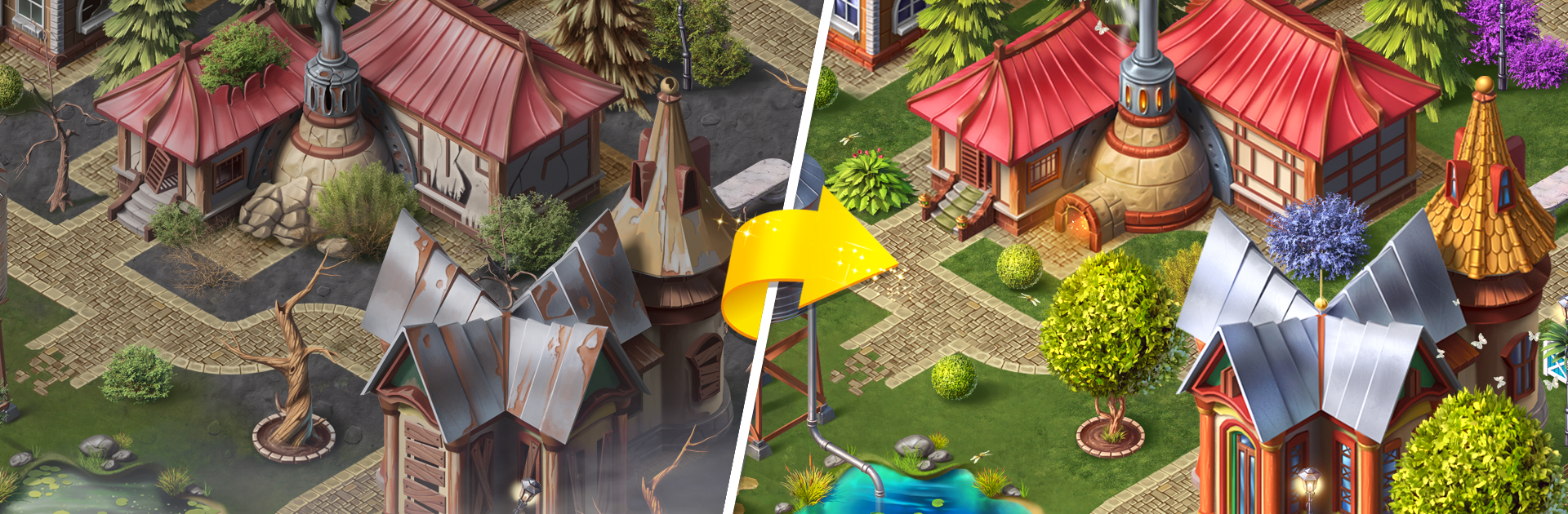
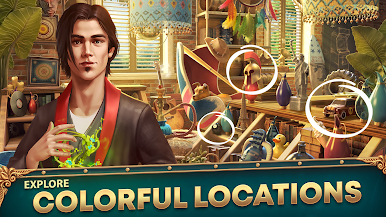
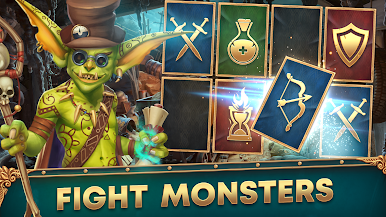
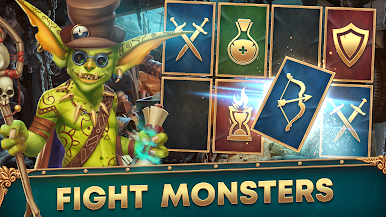
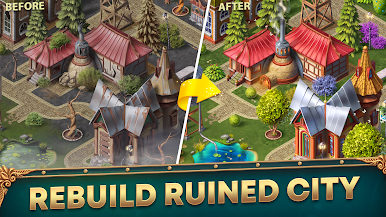
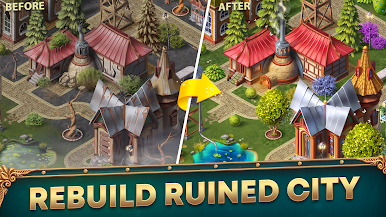
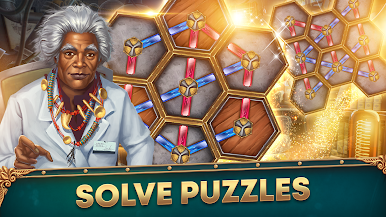
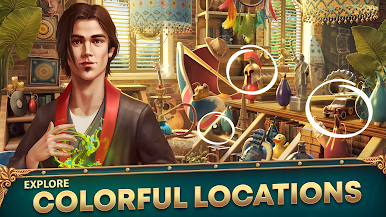
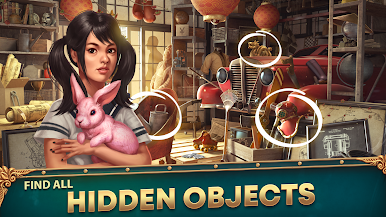
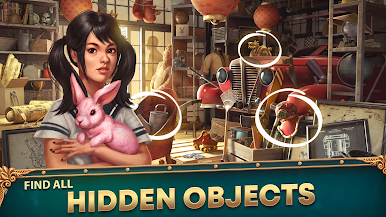
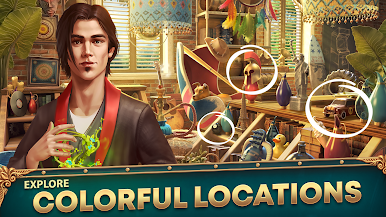
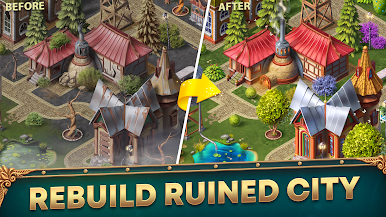
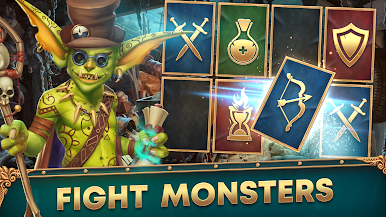
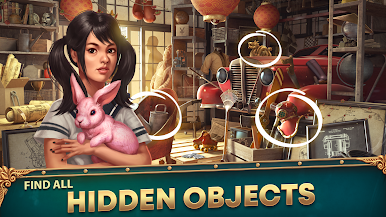
This one puts the player into the role of a mystical messenger who has to piece a ruined town back together while hunting down clues and strange happenings. The core is classic hidden object play: detailed scenes, lots of small items to spot, and a steady sense that something odd is happening in the background. The story moves things along, so the searches rarely feel aimless, and occasional monsters and eerie anomalies give the scenes a little edge instead of being just pretty pictures.
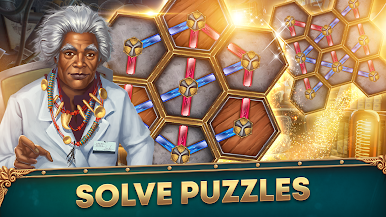
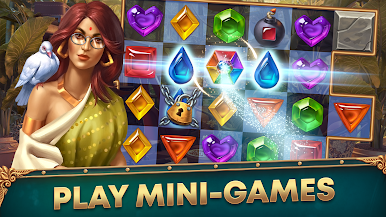
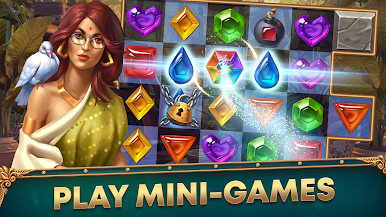
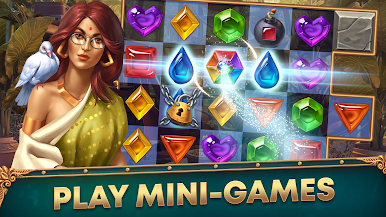
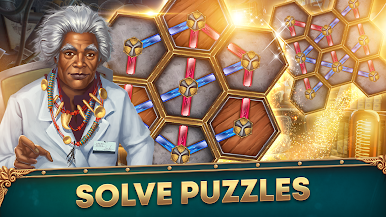
What keeps it from feeling repetitive are the side bits. There are match-3 style rounds and a wheel-of-fortune mini-game to break up the searching, plus collectible sets and small puzzles that can be oddly satisfying. The atmosphere leans toward moody and mysterious rather than loud and frantic, and the visuals are nicely worked so players can linger on the sceneries. Playing on PC through BlueStacks makes the clicking and switching between minigames smoother, if someone wants a more relaxed setup. It will likely appeal to anyone who enjoys methodical searching with a narrative thread, loves collecting things, and does not mind an occasional puzzle or enemy popping up to change the pace.
Ready to top the leaderboard? We bet you do. Let precise controls and sharp visuals optimized on BlueStacks lead you to victory.



Juega Hidden Object of Blackriver en la PC. Es fácil comenzar.
-
Descargue e instale BlueStacks en su PC
-
Complete el inicio de sesión de Google para acceder a Play Store, o hágalo más tarde
-
Busque Hidden Object of Blackriver en la barra de búsqueda en la esquina superior derecha
-
Haga clic para instalar Hidden Object of Blackriver desde los resultados de búsqueda
-
Complete el inicio de sesión de Google (si omitió el paso 2) para instalar Hidden Object of Blackriver
-
Haz clic en el ícono Hidden Object of Blackriver en la pantalla de inicio para comenzar a jugar

