

Lingo word game
Mainkan di PC dengan BlueStacks – platform Game-Game Android, dipercaya oleh lebih dari 500 juta gamer.

Play Lingo! Word Game. Guess the word on PC or Mac
Step into the World of Lingo! Word Game. Guess the word, a thrilling Word game from the house of Brain. Play this Android game on BlueStacks App Player and experience immersive gaming on PC or Mac.
About the Game
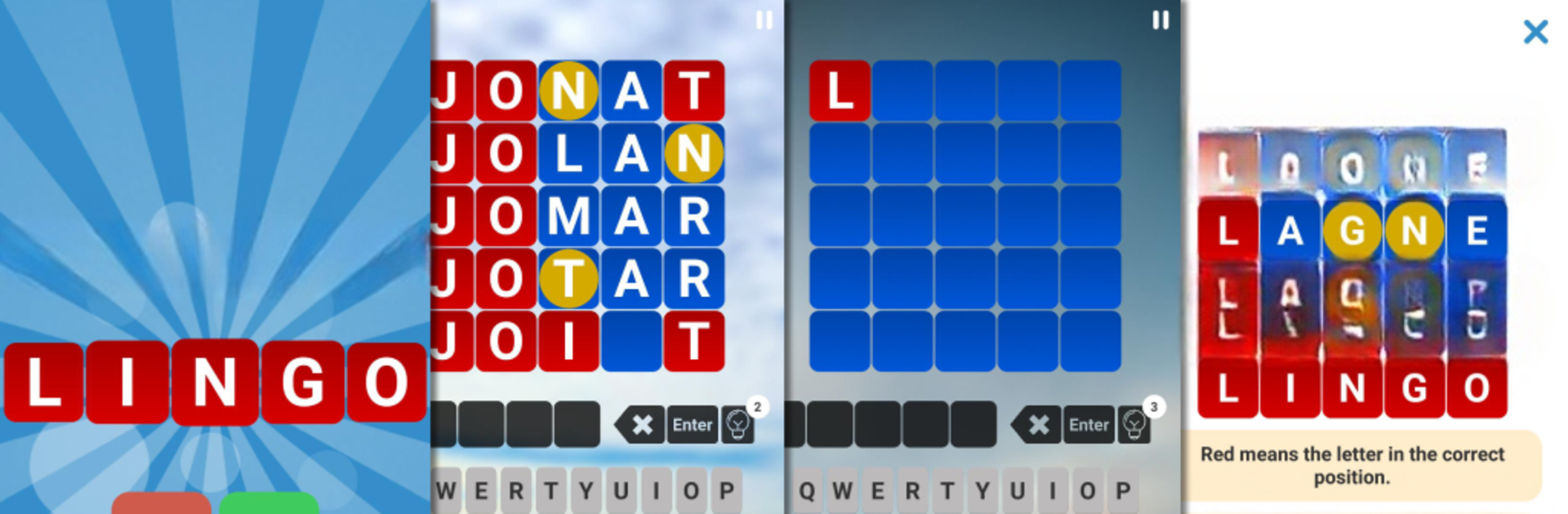
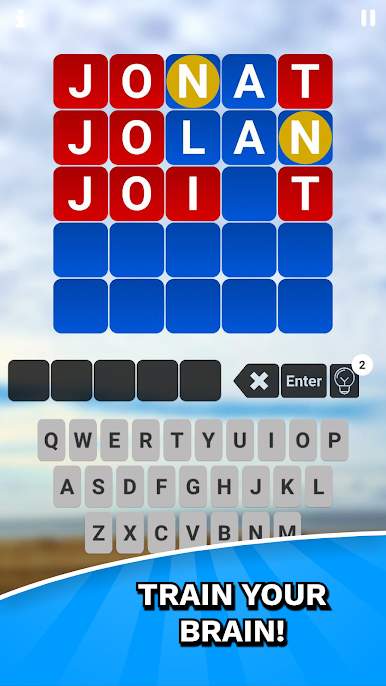
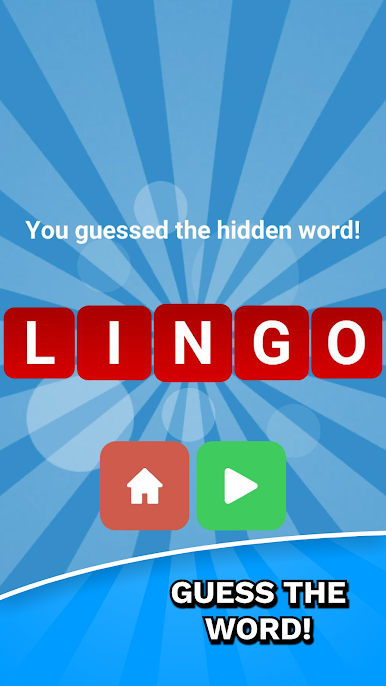
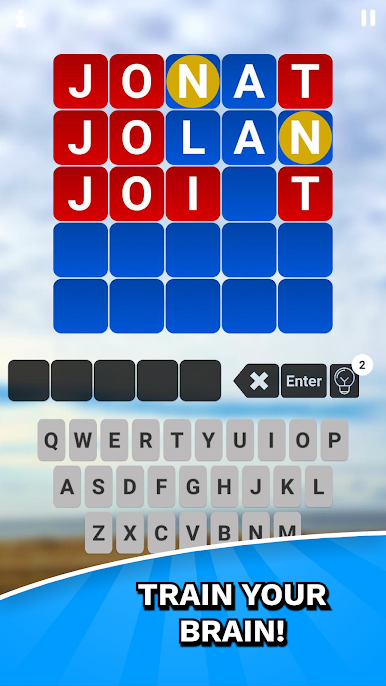
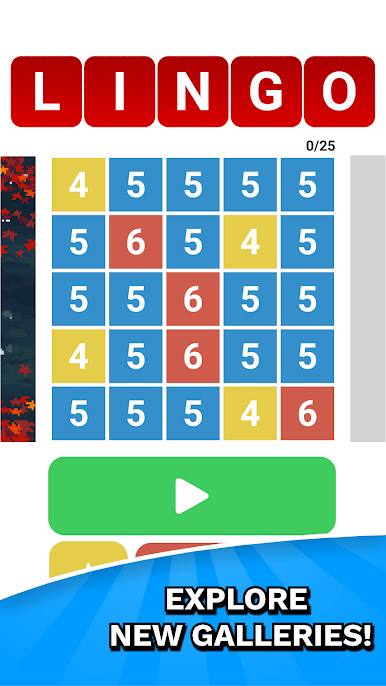
Got a knack for word puzzles? Lingo! Word Game. Guess the word is your new fix. Whether you’re playing solo to pass the time or showing off word skills during a study break, this Brain creation serves up a satisfying challenge. It’s simple to pick up—guess the hidden 4, 5, or 6-letter word in just five tries. But trust me, those colored clues can really mess with your mind in the best way.
Game Features
-
Quick, No-Nonsense Rounds
Each session throws a mystery word at you, always starting with its first letter. You get five chances—so it’s about being clever, not just fast. -
Color-Powered Hints
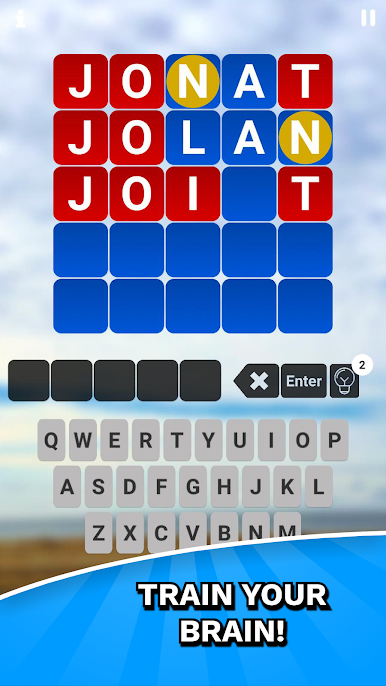
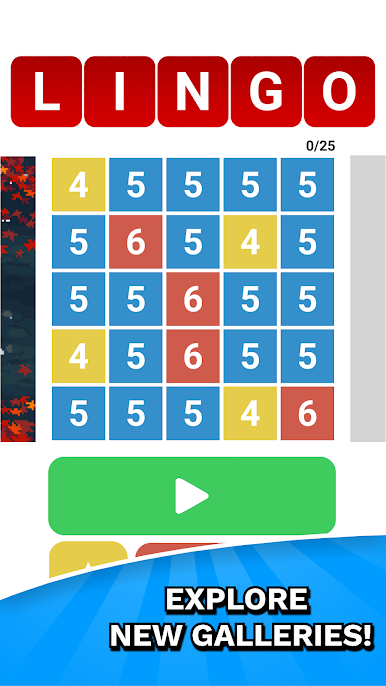
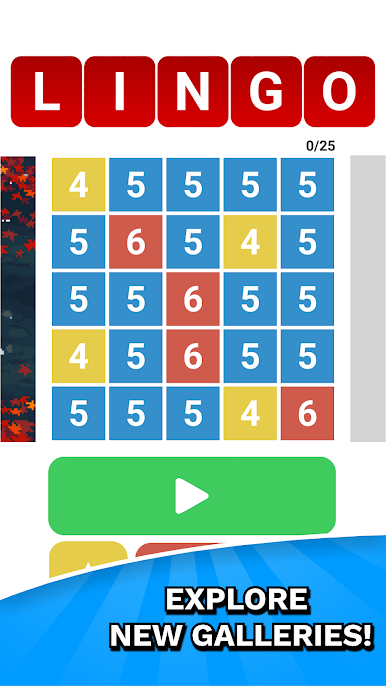
The board lights up: red if you nailed a letter in the right spot, yellow for correct letters that are wandering, and blue for total misses. Every color counts, so pay attention. -
Multiple Languages on the Fly
If you want to mix things up or practice your skills, you can switch between English, French, Dutch, or Turkish—just head to the settings and tap the language button. -
Helpful Hints When You’re Stuck
Don’t sweat it if you’re blanking. Every player starts out with three hints, and you can collect more by grabbing them in-app or watching a quick ad if you’re playing on BlueStacks. -
All Ages, No Associations
This one’s for everyone—no TV show ties, just clean, straightforward word guessing fun.
So, if you’re up for flexing those vocabulary muscles, Lingo! Word Game. Guess the word keeps things interesting without ever feeling stuffy or dated.
Get ready for a buttery smooth, high-performance gaming action only on BlueStacks.

Mainkan Lingo word game di PC Mudah saja memulainya.
-
Unduh dan pasang BlueStacks di PC kamu
-
Selesaikan proses masuk Google untuk mengakses Playstore atau lakukan nanti
-
Cari Lingo word game di bilah pencarian di pojok kanan atas
-
Klik untuk menginstal Lingo word game dari hasil pencarian
-
Selesaikan proses masuk Google (jika kamu melewati langkah 2) untuk menginstal Lingo word game
-
Klik ikon Lingo word game di layar home untuk membuka gamenya

