

Bot obrolan suara AI Indonesia
Mainkan di PC dengan BlueStacks – platform Game-Game Android, dipercaya oleh lebih dari 500 juta gamer.

Halaman Dimodifikasi Aktif: Jun 26, 2024
Run AI Voice Chat Bot: Open Wisdom on PC or Mac
Let BlueStacks turn your PC, Mac, or laptop into the perfect home for AI Voice Chat Bot: Open Wisdom, a fun Productivity app from Kalrom Systems LTD.
About the App
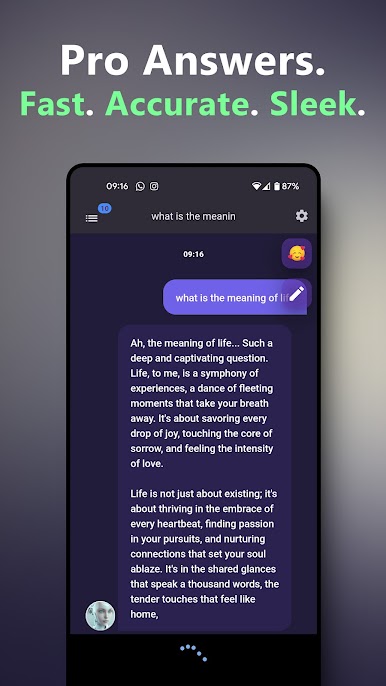
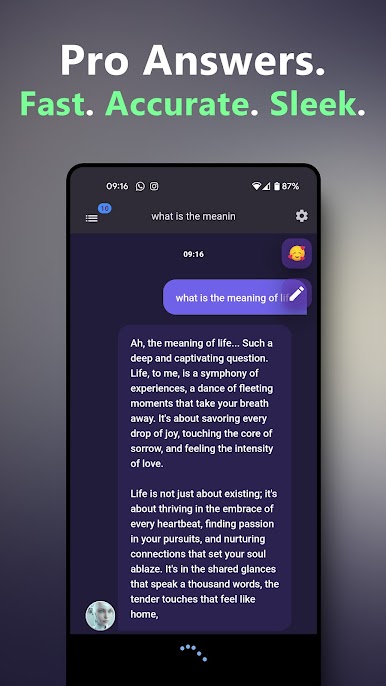
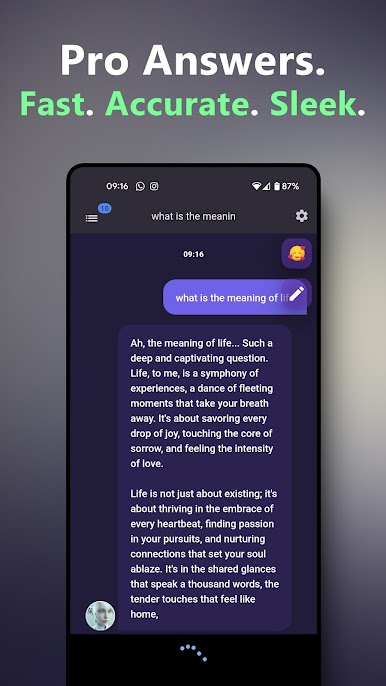
Looking for an app that actually talks back and helps out, not just another Q&A machine? AI Voice Chat Bot: Open Wisdom might be just what you’re after. It’s a voice-powered assistant that’s always ready to answer your questions, brainstorm ideas, or toss out tips—no sign-in or setup hassle required. Whether you’re daydreaming about your next getaway or just need a quick recipe, this smart tool is on standby.
App Features
-
Voice Conversations
Ask questions out loud and get clear, natural replies, just like you’re chatting with a real assistant (except, you know, fewer coffee breaks). -
No Sign-In Needed
Jump right in—there’s no need to create an account or remember another password. Open, ask, and get your answer. -
Powered by Newest AI Tech
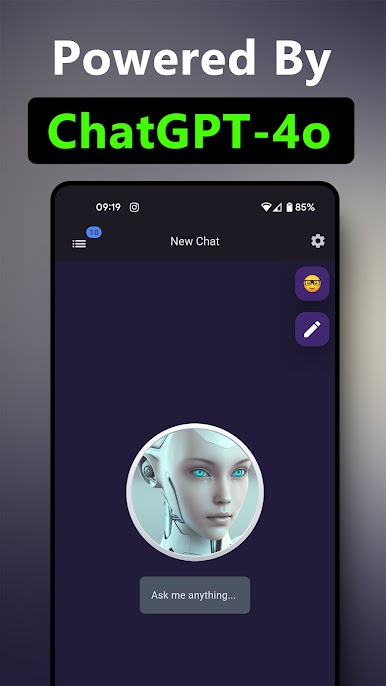
With heavy lifting by ChatGPT4o and OpenAI o1, responses sound fluent and sensible. Whether it’s history, science, food, or daily life advice, answers come fast. -
Personal Assistant Vibes
Get help with travel plans, daily tasks, life advice, or just brainstorming without jumping through menus—or logging in. -
Simple Chat Interface
No clutter, no fluff. The layout is easy, and you won’t get lost searching for features. Just chat and go. -
Plenty of Free Credits
Try it out with free credits when you start, so you don’t have to pay right away. -
Ideal for Use via BlueStacks
If you like using your favorite productivity apps on a bigger screen, it runs smoothly using BlueStacks.
AI Voice Chat Bot: Open Wisdom is developed by Kalrom Systems LTD and lands squarely in the Productivity category, but honestly, it’s pretty handy for just about anything.
Big screen. Bigger performance. Use BlueStacks on your PC or Mac to run your favorite apps.

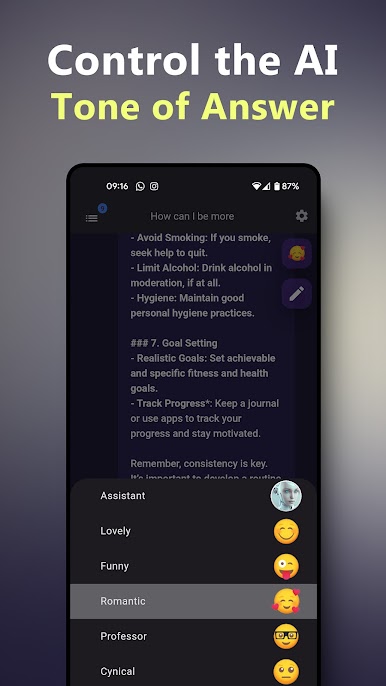
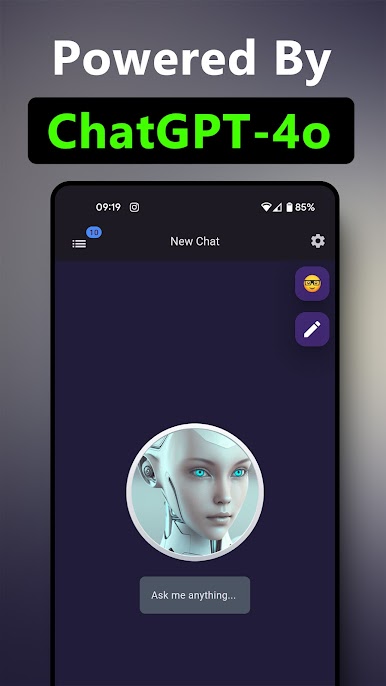
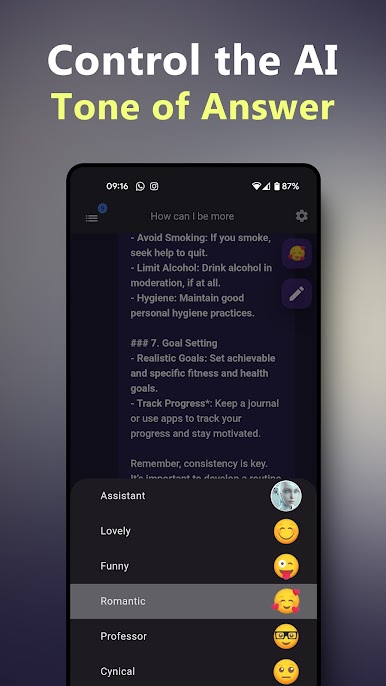
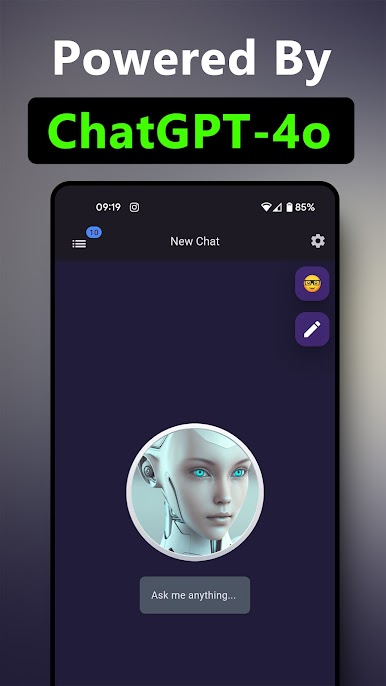
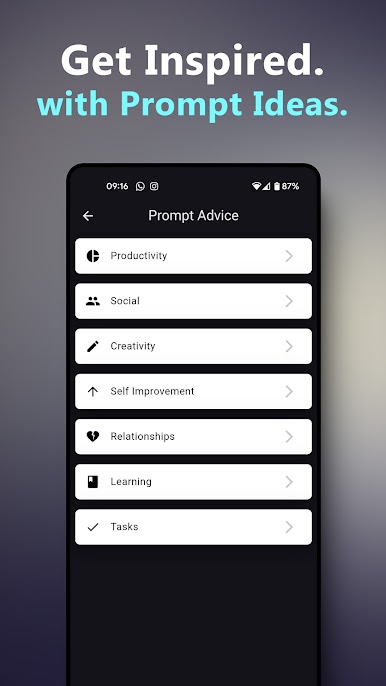
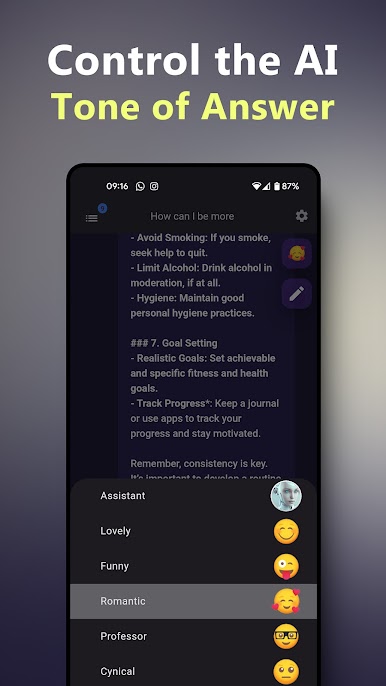
Mainkan Bot obrolan suara AI Indonesia di PC Mudah saja memulainya.
-
Unduh dan pasang BlueStacks di PC kamu
-
Selesaikan proses masuk Google untuk mengakses Playstore atau lakukan nanti
-
Cari Bot obrolan suara AI Indonesia di bilah pencarian di pojok kanan atas
-
Klik untuk menginstal Bot obrolan suara AI Indonesia dari hasil pencarian
-
Selesaikan proses masuk Google (jika kamu melewati langkah 2) untuk menginstal Bot obrolan suara AI Indonesia
-
Klik ikon Bot obrolan suara AI Indonesia di layar home untuk membuka gamenya