

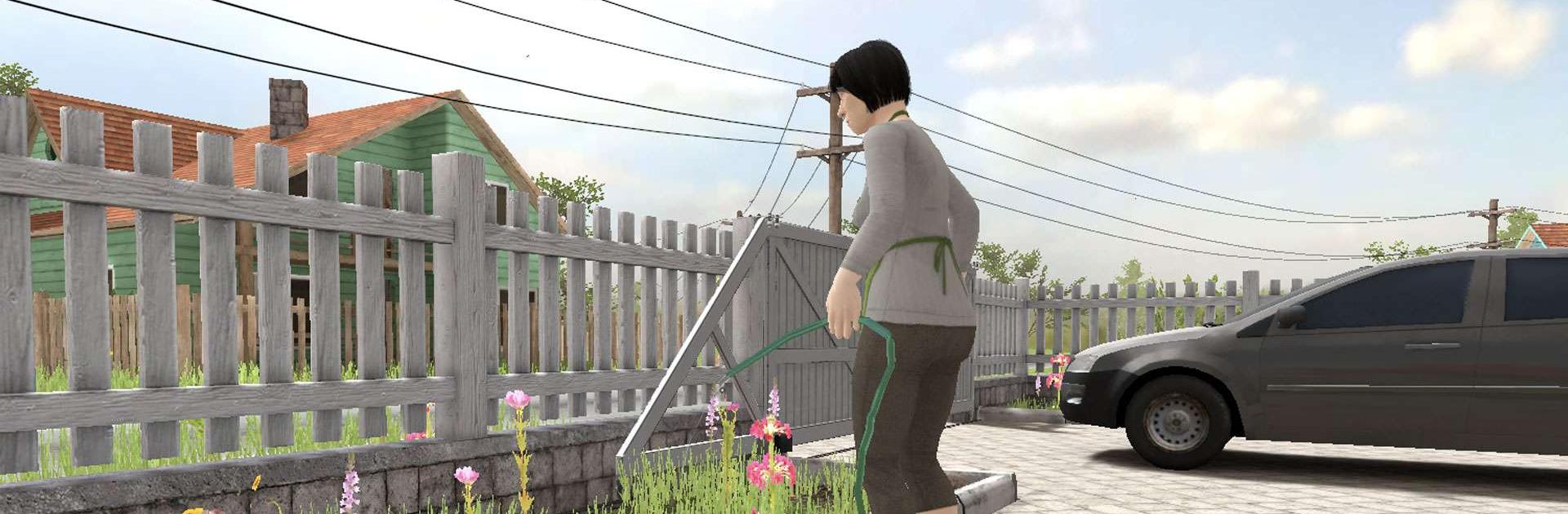
SCHOOLBOY RUNAWAY - STEALTH
Play on PC with BlueStacks – the Android Gaming Platform, trusted by 500M+ gamers.

Page Modified on: Aug 24, 2026
Play SCHOOLBOY RUNAWAY - STEALTH on PC or Mac
Play SCHOOLBOY RUNAWAY – STEALTH by Linked Squad on PC or Mac with BlueStacks. Use a bigger screen, mouse and keyboard controls, and smoother performance while you play.
About the Game
SCHOOLBOY RUNAWAY – STEALTH drops you into the sneakers of a kid who just got grounded and isn’t taking it lying down. This Arcade escape adventure plays out in first-person 3D, where patience, careful movement, and quick thinking are the only way past watchful parents. Expect tight stealth and light puzzles that keep the tension humming—it’s smooth on BlueStacks, too.
Game Features
- First-person 3D sneaking: See the world from the kid’s eye level, scout rooms, and plan every step as you creep toward freedom.
- Stealth that listens: Sound matters—keep footsteps soft, handle doors quietly, and avoid clattering into furniture if you want to stay invisible.
- Puzzles and riddles to solve: Piece together clues, track down useful items, and string them into a solid escape plan without drawing attention.
- Reactive parents: They notice open cabinets and doors and get suspicious fast, so tidy up your trail and don’t leave evidence behind.
- Hiding and timing: Use cover, peek around corners, and wait out patrols to slip past their line of sight at just the right moment.
- Small choices, big payoffs: Decide which rooms to search and what to carry; a smarter route can shave seconds and keep you out of trouble.
BlueStacks gives you more room to focus on the game and less time adjusting around mobile limitations.


Play SCHOOLBOY RUNAWAY - STEALTH on PC. It’s easy to get started.
-
Download and install BlueStacks on your PC
-
Complete Google sign-in to access the Play Store, or do it later
-
Look for SCHOOLBOY RUNAWAY - STEALTH in the search bar at the top right corner
-
Click to install SCHOOLBOY RUNAWAY - STEALTH from the search results
-
Complete Google sign-in (if you skipped step 2) to install SCHOOLBOY RUNAWAY - STEALTH
-
Click the SCHOOLBOY RUNAWAY - STEALTH icon on the home screen to start playing

