


Little Berry Forest 1
Gioca su PC con BlueStacks: la piattaforma di gioco Android, considerata affidabile da oltre 500 milioni di giocatori.

Pagina modificata il: Nov 1, 2025
Play Little Berry Forest 1 on PC
- Introduction of the game –
* 100% handmade fast paced game *
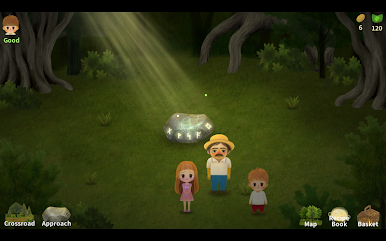
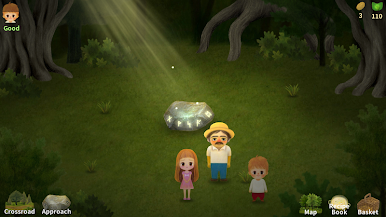
All image work in this forest game is not computer graphics work.
We used oil pastels to draw one by one with hands in this fairy tale!
* A little slow, simple but warm emotional healing game
Among Fairy tale games exciting and fast-paced games,
Discover the small charms that are slowly flowing.
Pictures and music seem like fairy tales.
Meet stories of individual characters
Feels the game's generous mind to share a small but many things.
* A delicious game where you can feel the warmth *
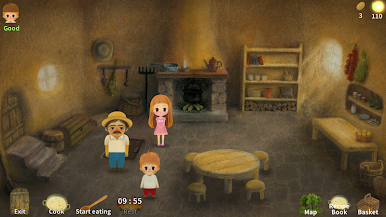
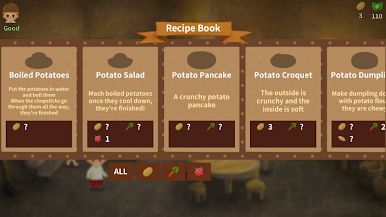
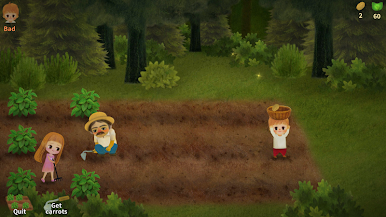
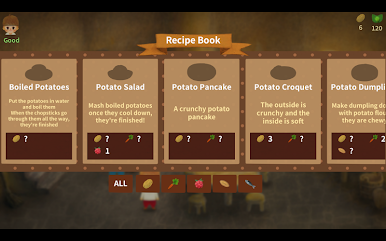
Meet fun mini-games and cute dishes & recipe book
We created the game by care, you can feel the warmth like homemade cooking
Features:
○ 3 hours of play time in this farming game
○ Optimized for 16: 9 screen
○ Support for Korean, Chinese, English, Japanese and Spanish
○ No ads or in-app purchases
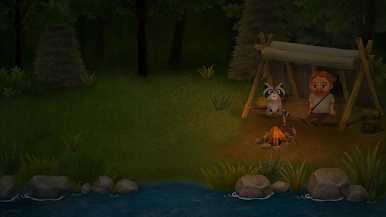
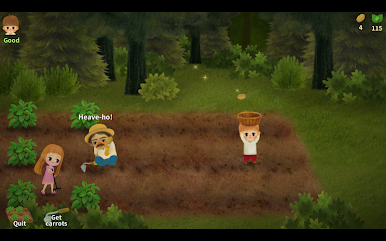
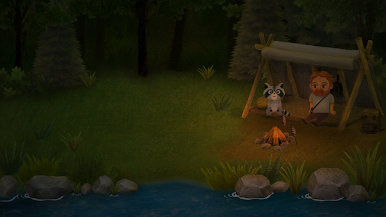
○ Beautiful scenery
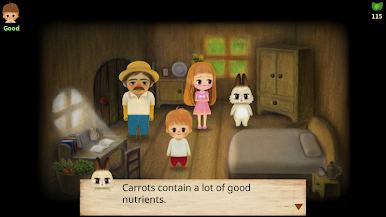
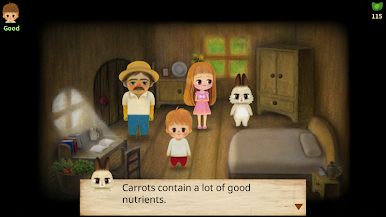
○ Cute characters in this farm game
○ Colorful pictures and graphics of green forest
○ Delicate game
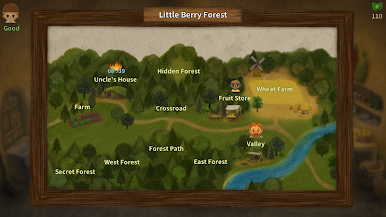
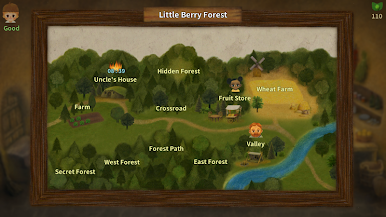
○ Forest map that can help to navigate
https://goo.gl/DRCR7Q
littleberrygames.kr@gmail.com









Gioca Little Berry Forest 1 su PC. È facile iniziare.
-
Scarica e installa BlueStacks sul tuo PC
-
Completa l'accesso a Google per accedere al Play Store o eseguilo in un secondo momento
-
Cerca Little Berry Forest 1 nella barra di ricerca nell'angolo in alto a destra
-
Fai clic per installare Little Berry Forest 1 dai risultati della ricerca
-
Completa l'accesso a Google (se hai saltato il passaggio 2) per installare Little Berry Forest 1
-
Fai clic sull'icona Little Berry Forest 1 nella schermata principale per iniziare a giocare

