


FreeCell Solitaire
Gioca su PC con BlueStacks: la piattaforma di gioco Android, considerata affidabile da oltre 500 milioni di giocatori.

Pagina modificata il: Nov 24, 2025
Gioca FreeCell Solitaire per PC
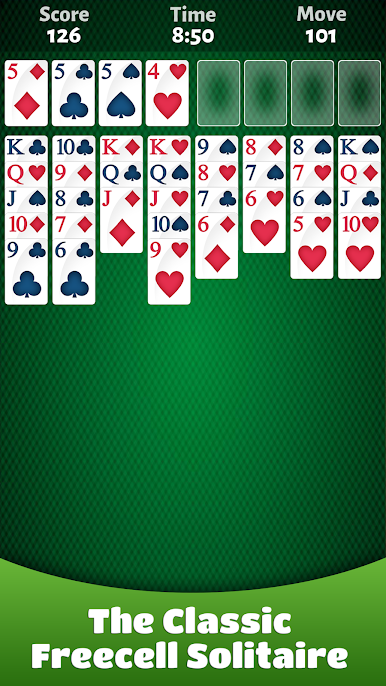
Se ami Solitaire, Klondike, Spider Solitaire, Tripeaks, Pyramid o qualsiasi gioco di carte Patience, Freecell è il gioco perfetto per te!
Abbiamo mantenuto vive le tradizioni della classica Free Cell che hai usato per giocare! L'obiettivo è di costruire le quattro basi in sequenza crescente da Ace a King. Goditi sfide uniche con ogni offerta.
CARATTERISTICHE:
♥ Classico gioco di carte Free Cell
♦ Splendida grafica ad alta risoluzione e animazioni vincenti
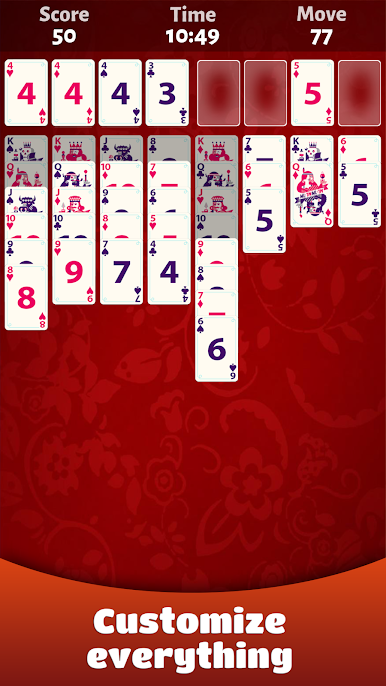
♣ Completa i giochi per vincere premi e sbloccare sfondi e carte unici
♠ Tutorial accessibile in qualsiasi momento
♥ suggerimenti intelligenti
♦ Annulla illimitata
♣ Opzione di completamento automatico
♠ Gioca fuori e online
♥ Realizzato per smartphone e tablet per la migliore esperienza ogni volta che vuoi, ovunque tu sia
Ricorda i suggerimenti più importanti di Freecell:
Suggerimenti 1: Scopri gli assi in anticipo
Suggerimenti 2: mantieni quante più celle libere possibile
Suggerimenti 3: creare colonne vuote per memorizzare l'intera sequenza
Suggerimenti 4: buon divertimento!
Se ti piace la nostra app FreeCell, dai un'occhiata agli altri giochi di carte e giochi gratuiti: Solitaire, Pyramid, Dominos, Yatzy!


Gioca FreeCell Solitaire su PC. È facile iniziare.
-
Scarica e installa BlueStacks sul tuo PC
-
Completa l'accesso a Google per accedere al Play Store o eseguilo in un secondo momento
-
Cerca FreeCell Solitaire nella barra di ricerca nell'angolo in alto a destra
-
Fai clic per installare FreeCell Solitaire dai risultati della ricerca
-
Completa l'accesso a Google (se hai saltato il passaggio 2) per installare FreeCell Solitaire
-
Fai clic sull'icona FreeCell Solitaire nella schermata principale per iniziare a giocare

