

Manzanota
Juega en PC con BlueStacks: la plataforma de juegos Android, en la que confían más de 500 millones de jugadores.

Página modificada el: Oct 18, 2025
Play Manzanota on PC or Mac
From the innovators and creators at Loquendero Dev, Manzanota is another fun addition to the World of Adventure games. Go beyond your mobile screen and play it bigger and better on your PC or Mac. An immersive experience awaits you.
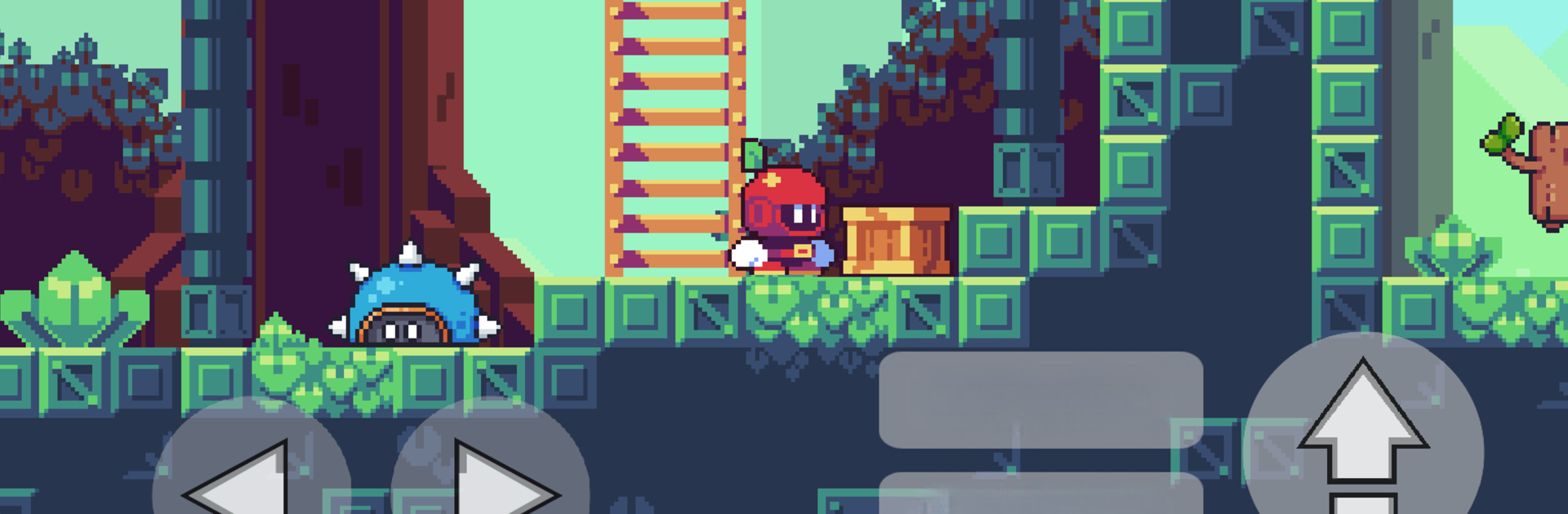
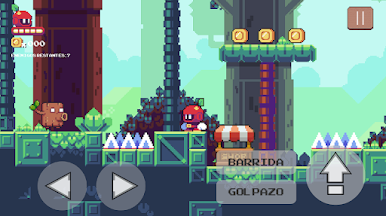
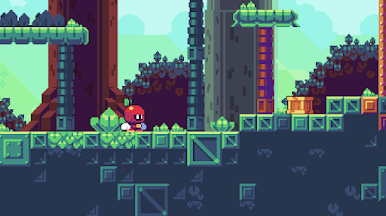
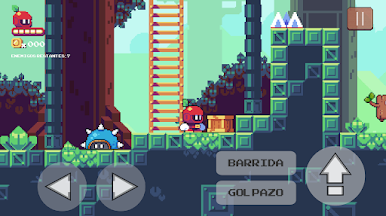
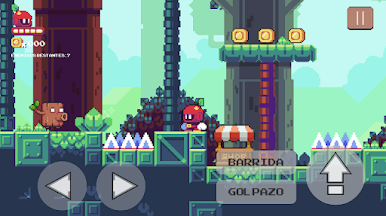
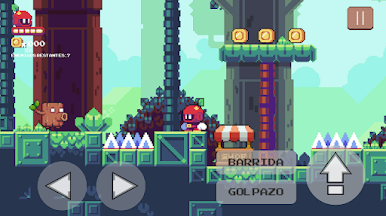
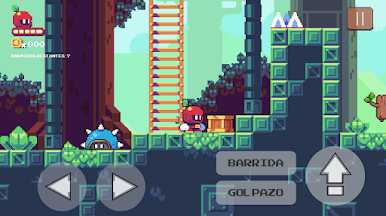
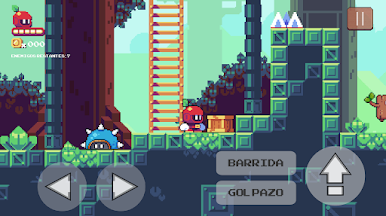
Manzanota is all about controlling a little apple with a mind of its own, just trying to get through a bunch of quirky adventures. The game has this funny, light look to it and doesn’t take itself too seriously. Most of it is helping the apple avoid random dangers, collect stuff, and figure out simple puzzles sprinkled through each area. Sometimes things get a bit unexpected – like suddenly running into an obstacle or having to react quickly – but nothing feels unfair or too complicated.
There’s a chill pace, with the kind of humor that pops up in the backgrounds and how the apple moves around. Playing on PC with BlueStacks makes it easy to use the keyboard controls, which actually feels pretty good if tapping on a phone isn’t your style. The whole thing has a laid-back energy, and it’s easy to pick up if someone likes platformers or just wants something casual to play between other things. It stands out for being silly but not annoying, sort of playful and a little odd, but pretty straightforward in what you’re supposed to do. Someone who enjoys light platforming and goofy ideas would probably have a good time.
Ready to top the leaderboard? We bet you do. Let precise controls and sharp visuals optimized on BlueStacks lead you to victory.
Juega Manzanota en la PC. Es fácil comenzar.
-
Descargue e instale BlueStacks en su PC
-
Complete el inicio de sesión de Google para acceder a Play Store, o hágalo más tarde
-
Busque Manzanota en la barra de búsqueda en la esquina superior derecha
-
Haga clic para instalar Manzanota desde los resultados de búsqueda
-
Complete el inicio de sesión de Google (si omitió el paso 2) para instalar Manzanota
-
Haz clic en el ícono Manzanota en la pantalla de inicio para comenzar a jugar

