


Merge Object Viewer
Juega en PC con BlueStacks: la plataforma de juegos Android, en la que confían más de 500 millones de jugadores.

Página modificada el: Nov 26, 2025
Run Merge Object Viewer on PC or Mac
Upgrade your experience. Try Merge Object Viewer, the fantastic Tools app from Merge EDU, from the comfort of your laptop, PC, or Mac, only on BlueStacks.
About the App
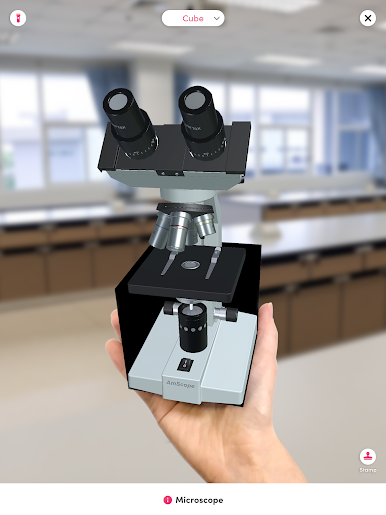
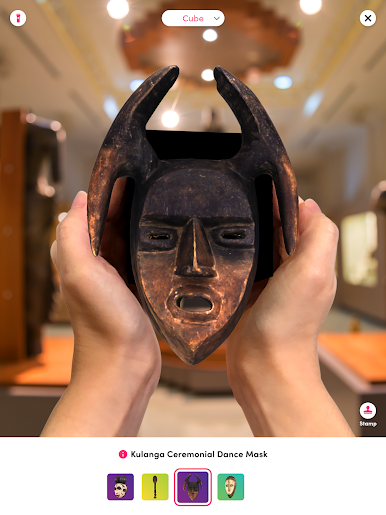
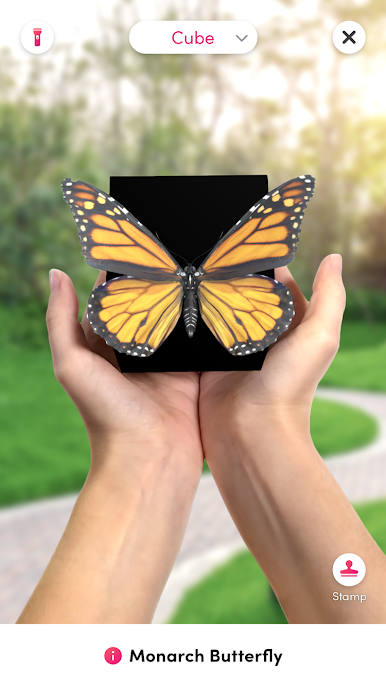
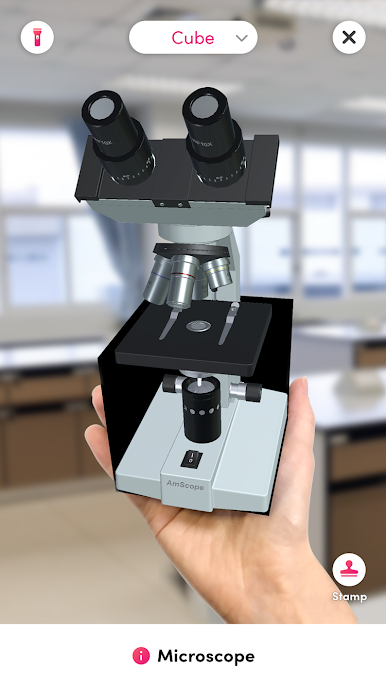
Ever wondered what it feels like to hold a digital creation in your hand? Merge Object Viewer is all about bringing your favorite 3D models to life using the magic of augmented reality. Whether you’re showing off a masterpiece you made yourself or exploring incredible objects from others, this app lets you interact with digital art in a totally new way. Just grab your MERGE Cube, fire up your phone or tablet, and you’re all set—seeing is believing.
App Features
-
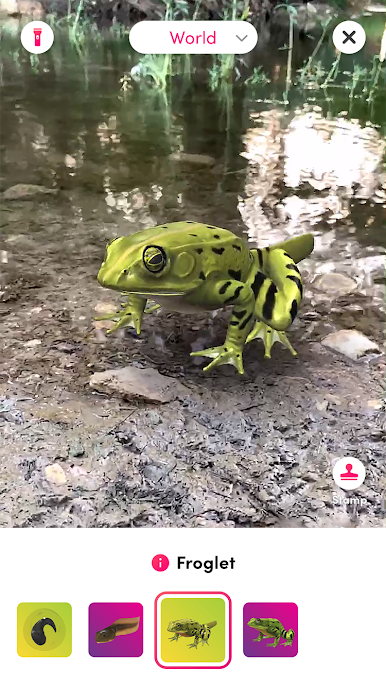
Instant Holograms
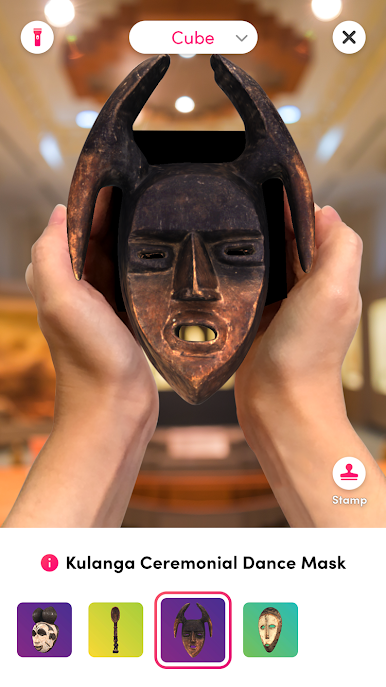
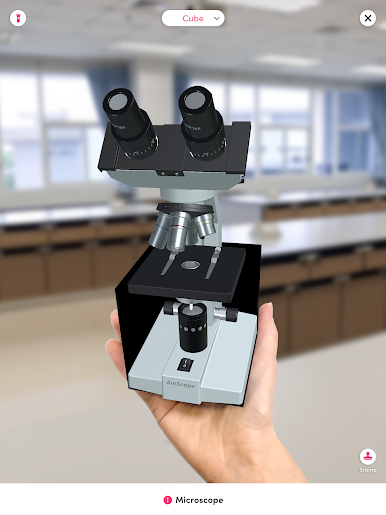
Watch as your 3D models transform into holograms you can actually hold. Place the MERGE Cube in your palm, and the objects appear right there through your device’s screen. It’s a little surreal. -
Easy Model Sharing
Have a cool model you designed? Upload it, grab your code, and share with friends—or check out what others are sharing. A couple of taps, and you’re swapping 3D creations with anyone. -
Simple Setup
Getting started isn’t rocket science. Launch Merge Object Viewer, grant camera access (so it can see the cube), punch in your model code, and you’re pretty much ready to roll. -
Supports Original Creations and Famous Art
Whether it’s classic sculptures or your own wild ideas, the app lets you upload almost any 3D model. Pretty neat for artists, hobbyists, and curious minds. -
View on BlueStacks
If you ever want to check things out on a bigger screen, the app works with BlueStacks, too. Makes those holograms even easier to explore. -
Hands-On Learning and Fun
It’s not just for show—there’s a playful, learn-by-doing vibe. Great for educators or anyone who loves seeing tech and creativity blend. -
Handy Stand Option
Don’t feel like holding the cube? Use the stand that comes in the box for a hands-free experience. Sometimes you just want to sit back and look.
Ready to experience Merge Object Viewer on a bigger screen, in all its glory? Download BlueStacks now.
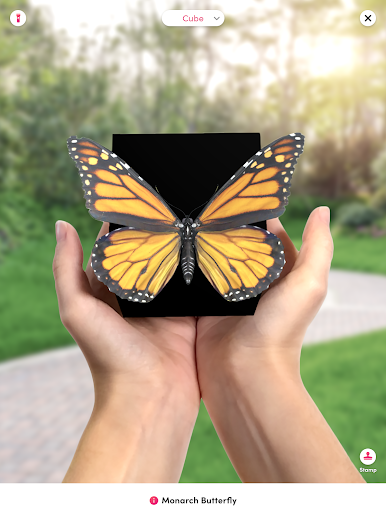
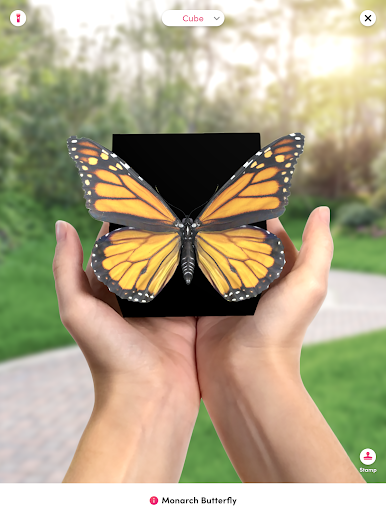
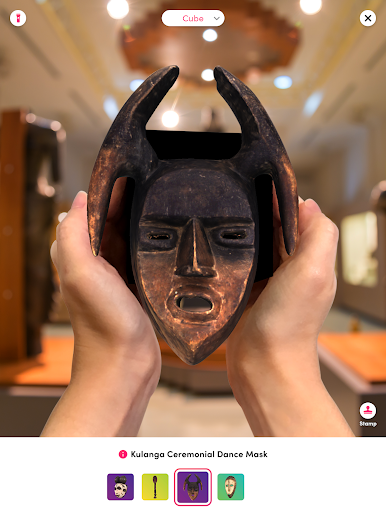
Juega Merge Object Viewer en la PC. Es fácil comenzar.
-
Descargue e instale BlueStacks en su PC
-
Complete el inicio de sesión de Google para acceder a Play Store, o hágalo más tarde
-
Busque Merge Object Viewer en la barra de búsqueda en la esquina superior derecha
-
Haga clic para instalar Merge Object Viewer desde los resultados de búsqueda
-
Complete el inicio de sesión de Google (si omitió el paso 2) para instalar Merge Object Viewer
-
Haz clic en el ícono Merge Object Viewer en la pantalla de inicio para comenzar a jugar

