

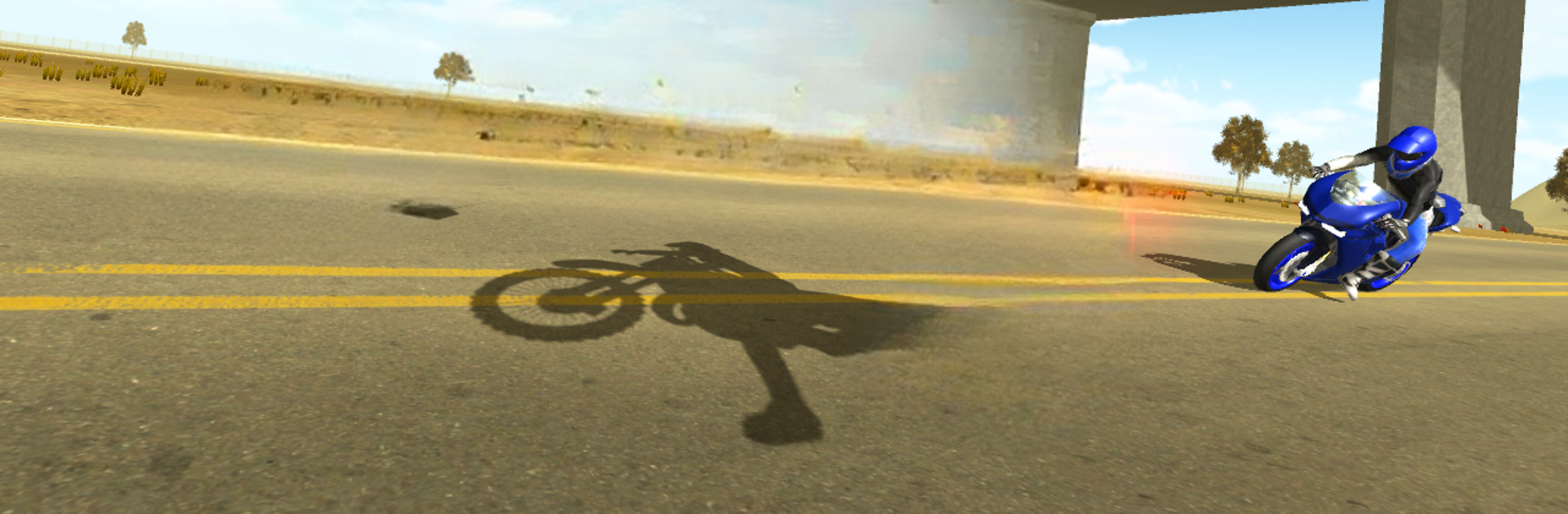
Moto Extreme 3D
Juega en PC con BlueStacks: la plataforma de juegos Android, en la que confían más de 500 millones de jugadores.

Página modificada el: 28 de octubre de 2017
Play Moto Extreme 3D on PC or Mac
Join millions to experience Moto Extreme 3D, an exciting Racing game from Oppana Games. With BlueStacks App Player, you are always a step ahead of your opponent, ready to outplay them with faster gameplay and better control with the mouse and keyboard on your PC or Mac.
About the Game
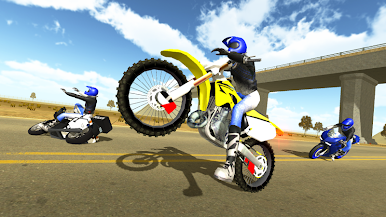
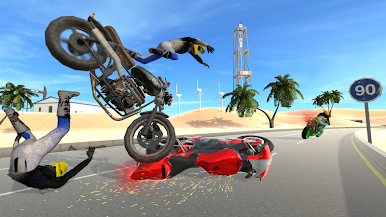
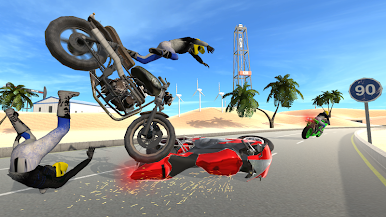
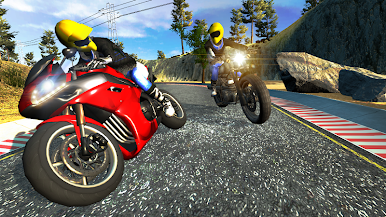
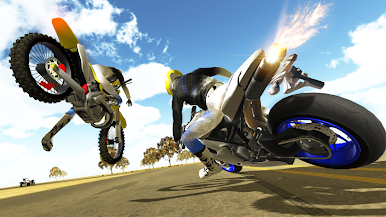
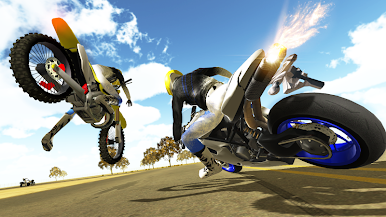
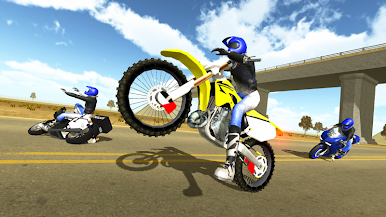
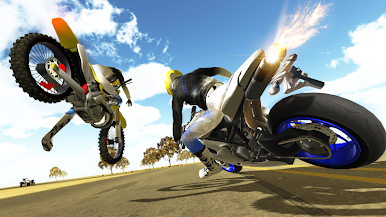
Ready to kick up the adrenaline? Moto Extreme 3D by Oppana Games puts you on a high-speed bike for a wild race through busy streets, packed with unpredictable moments. Think fast reflexes, slick maneuvers, and the thrill of squeezing between cars—that’s pretty much your new normal here. Whether you’re chasing higher scores or just want to see how far your nerves can take you, this Racing title’s got plenty to keep you coming back for “one more try.”
Game Features
-
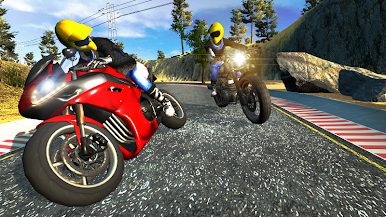
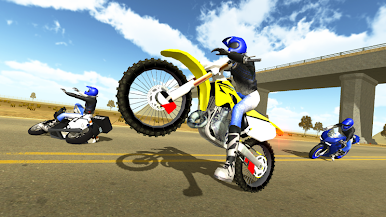
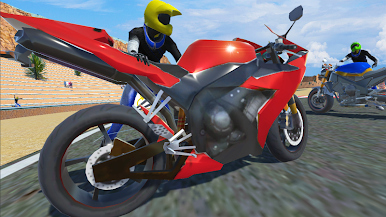
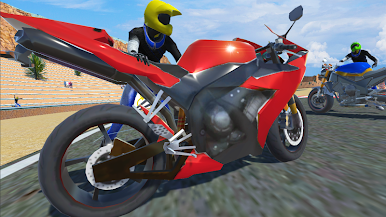
A Lineup of Cool Bikes
Swap between a bunch of different motorcycles and pick your favorite style. Each one has its own vibe, so you get to find the ride that just feels right. -
Smooth, Realistic Speed
Accelerating in Moto Extreme 3D isn’t just a numbers game—you can almost feel it in your fingertips. Every burst of speed and quick swerve packs a punch. -
Chaotic City Traffic
You’ll weave your way through moving traffic, dodging cars and trucks that don’t really care you’ve got a need for speed. Keeps you on your toes, trust me! -
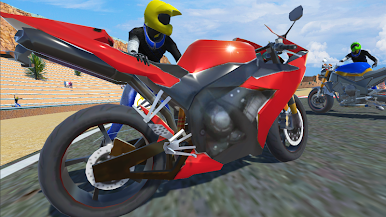
Solid Visuals
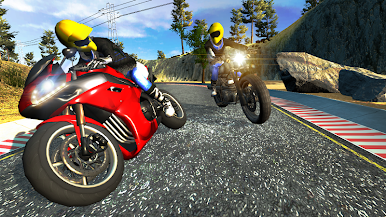
The graphics here catch all the shiny details of your bike and the world around it, so racing actually looks as fun as it feels. -
Achievement Challenges
If you’re the type who loves bragging rights, there’s a string of achievements to chase. Whether that’s racking up near-misses or hitting high scores, there’s always some goal to aim for. -
Works Great on BlueStacks
Playing on BlueStacks? Expect super-smooth performance and tight controls that make racing even more satisfying.
Start your journey now. Download the game on BlueStacks, invite your friends, and march on a new adventure.
Juega Moto Extreme 3D en la PC. Es fácil comenzar.
-
Descargue e instale BlueStacks en su PC
-
Complete el inicio de sesión de Google para acceder a Play Store, o hágalo más tarde
-
Busque Moto Extreme 3D en la barra de búsqueda en la esquina superior derecha
-
Haga clic para instalar Moto Extreme 3D desde los resultados de búsqueda
-
Complete el inicio de sesión de Google (si omitió el paso 2) para instalar Moto Extreme 3D
-
Haz clic en el ícono Moto Extreme 3D en la pantalla de inicio para comenzar a jugar

