

Painting By Numbers
Mainkan di PC dengan BlueStacks – platform Game-Game Android, dipercaya oleh lebih dari 500 juta gamer.

Play Painting By Numbers on PC or Mac
Step into the World of Painting By Numbers, a thrilling Puzzle game from the house of Volker Elzner – PrometheusheirRPGs. Play this Android game on BlueStacks App Player and experience immersive gaming on PC or Mac.
About the Game
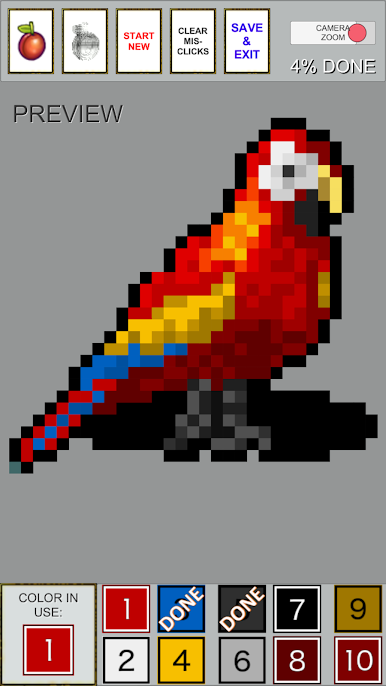
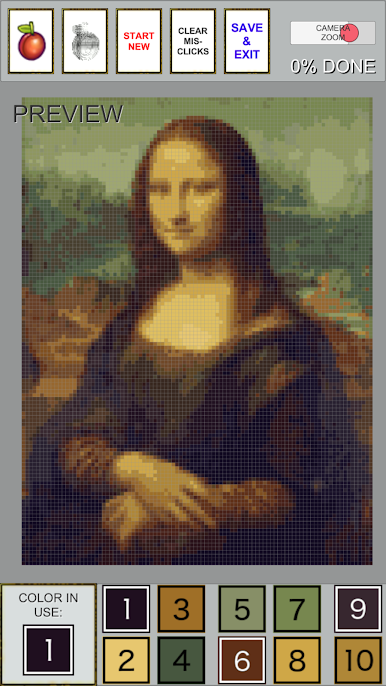
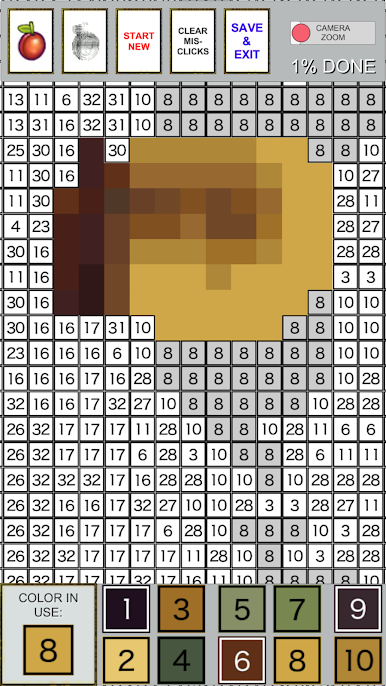
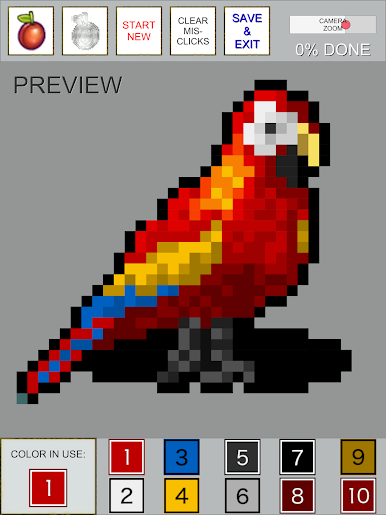
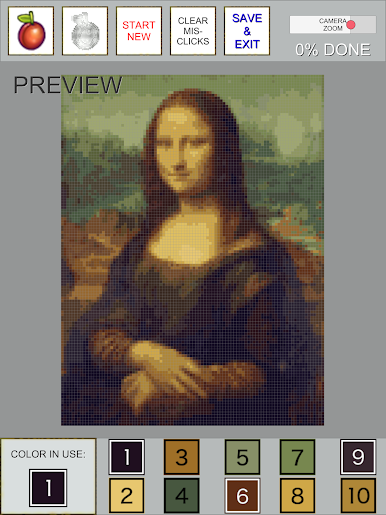
Painting By Numbers puts a creative spin on the classic coloring book—except this one fits right on your phone or computer. Whether you’re looking to unwind or just pass the time, this puzzle game from Volker Elzner – PrometheusheirRPGs delivers a laid-back experience that’s as relaxing as it is satisfying. Pick an image, grab some virtual colors, and fill in stunning pixel art, landscapes, portraits, and more—just follow the numbers and watch your masterpiece come to life. If you’re on BlueStacks, it looks even better on a big screen.
Game Features
-
Try Before You Buy
You can jump right in and color several pictures for free. If you’re hooked (and hey, who isn’t?), there’s just a small one-time payment to unlock hundreds more designs—no ads, no strings attached. -
Huge Image Selection
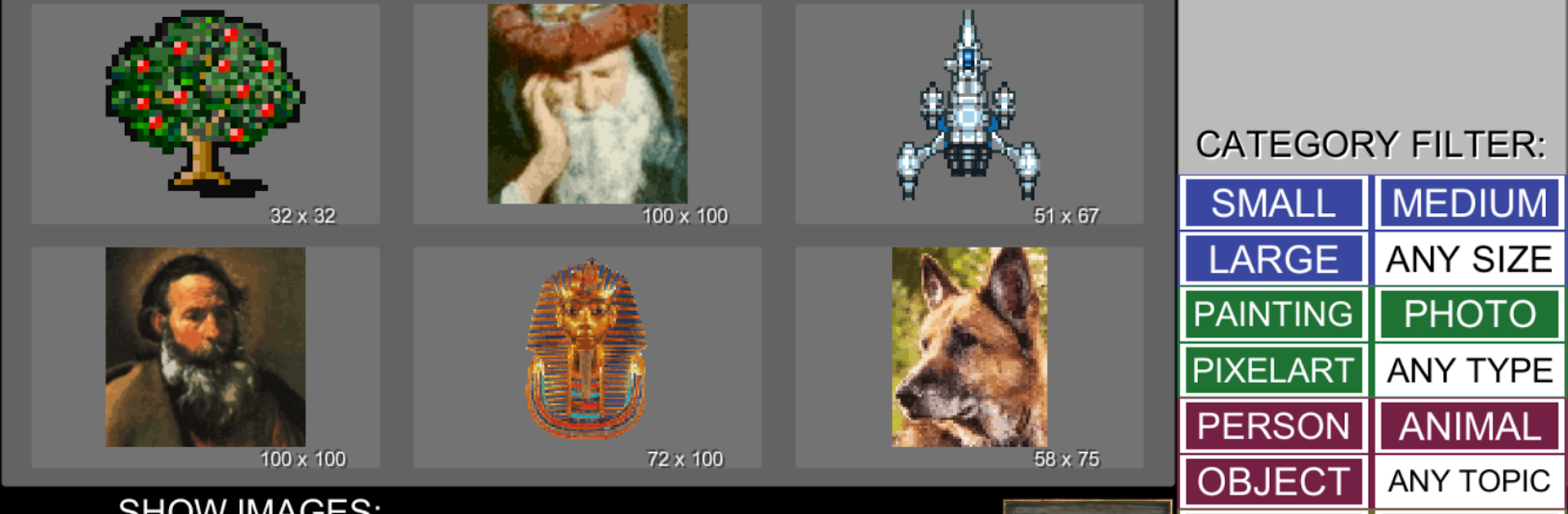
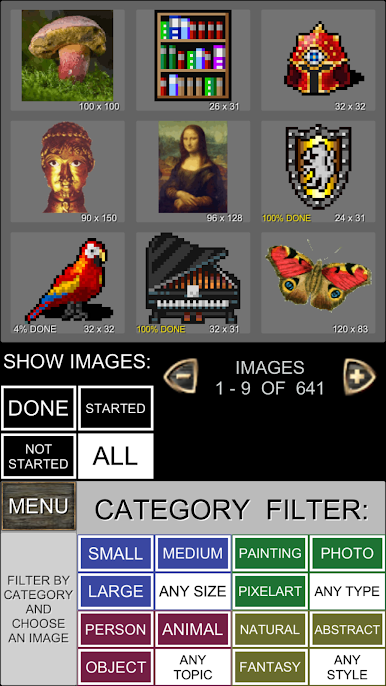
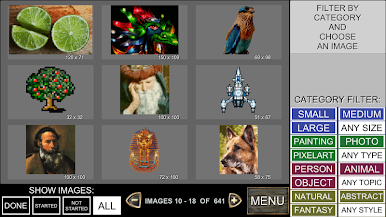
Over 500 pictures mean you’ll never run out of stuff to color. There’s a bit of everything—pixel art, vibrant paintings, photos, animals, world landmarks, gorgeous flowers, and portraits, so there’s always something that’ll catch your eye. -
Super Intuitive Controls
Pinch to zoom with your fingers or slide the screen to zoom in and out. Got a big area to fill? The continuous draw tool makes it quick and painless. Swiping effortlessly flips through images and changes your color palette. Made a mistake? Just tap a button to preview or clear any accidental clicks. -
Customize Your Challenge
Pick images by all kinds of filters: size, style, type, topic, and how much you’ve already finished. For an easier go (or maybe a bigger challenge), you can even choose reduced-color versions of any picture. -
Kid-Friendly Vibes
Everything’s laid out in a way that’s great for adults to relax or for kids to have fun. It’s got the same feel as those classic paint-by-number activities—simple, direct, and mess-free. -
Infinite Ways to Play
If you’re a perfectionist or just want to enjoy your favorites again, the full version lets you reset the progress and recolor images as often as you want.
Ready to top the leaderboard? We bet you do. Let precise controls and sharp visuals optimized on BlueStacks lead you to victory.
Mainkan Painting By Numbers di PC Mudah saja memulainya.
-
Unduh dan pasang BlueStacks di PC kamu
-
Selesaikan proses masuk Google untuk mengakses Playstore atau lakukan nanti
-
Cari Painting By Numbers di bilah pencarian di pojok kanan atas
-
Klik untuk menginstal Painting By Numbers dari hasil pencarian
-
Selesaikan proses masuk Google (jika kamu melewati langkah 2) untuk menginstal Painting By Numbers
-
Klik ikon Painting By Numbers di layar home untuk membuka gamenya

