


Proteja Aplicaciones Cerradura
Juega en PC con BlueStacks: la plataforma de juegos Android, en la que confían más de 500 millones de jugadores.

Página modificada el: Sep 3, 2020
Run App Lock Security on PC or Mac
Get freedom from your phone’s obvious limitations. Use App Lock Security, made by protect applock, a Tools app on your PC or Mac with BlueStacks, and level up your experience.
About the App
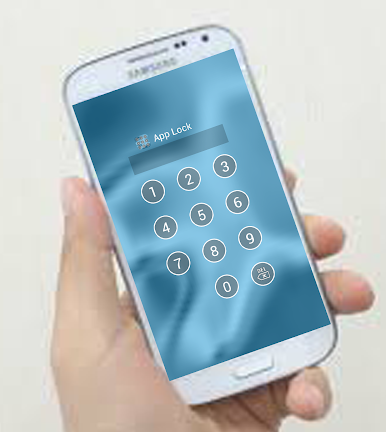
Ever wish you could keep nosy friends or family out of certain apps on your phone? App Lock Security makes it easy to add a layer of privacy to the stuff you care about most. With this handy tool, you get peace of mind knowing your texts, photos, and emails stay private, no matter who asks to borrow your device. It’s straightforward and doesn’t require any tech know-how—just set it up, pick what you want to lock, and you’re good to go.
App Features
-
Custom App Locking
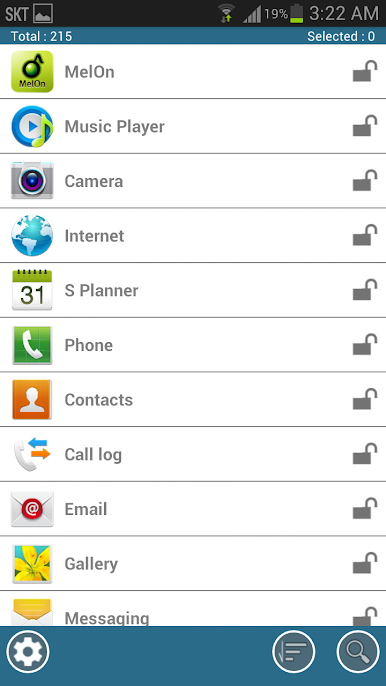
Choose which apps need an extra layer of protection—maybe it’s your messaging app, maybe it’s photos, or even email. App Lock Security lets you lock down exactly what matters to you. -
Password Protection
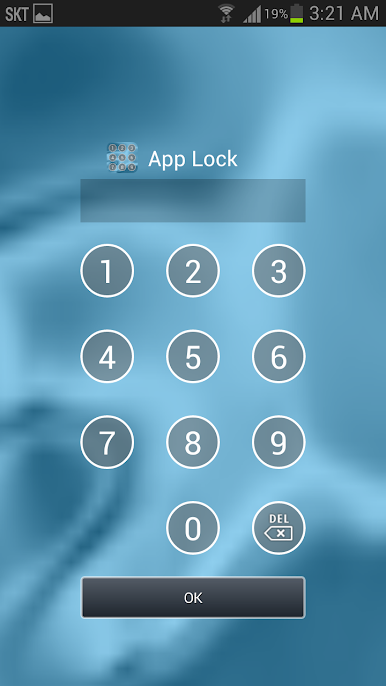
Set up a password, and you’re the only one who gets in. It’s simple: no code, no entry. -
Gallery Lock
Worried about people flipping through your photos? Put a stop to that by locking your entire gallery, or just specific albums if you want. -
Easy Setup
Taking control of your privacy is super simple here. The app walks you through each step, making it quick to secure any app with just a few taps. -
One-Tap Access
Need to add or remove a locked app? No problem. The interface is pretty intuitive, so you won’t be lost in menus or settings.
Run App Lock Security on your favorite Android device—or on your computer using BlueStacks if you prefer typing out those passwords on a big keyboard. Created by protect applock, this Tools app is all about putting control (and a little peace of mind) back in your hands.
BlueStacks gives you the much-needed freedom to experience your favorite apps on a bigger screen. Get it now.
Juega Proteja Aplicaciones Cerradura en la PC. Es fácil comenzar.
-
Descargue e instale BlueStacks en su PC
-
Complete el inicio de sesión de Google para acceder a Play Store, o hágalo más tarde
-
Busque Proteja Aplicaciones Cerradura en la barra de búsqueda en la esquina superior derecha
-
Haga clic para instalar Proteja Aplicaciones Cerradura desde los resultados de búsqueda
-
Complete el inicio de sesión de Google (si omitió el paso 2) para instalar Proteja Aplicaciones Cerradura
-
Haz clic en el ícono Proteja Aplicaciones Cerradura en la pantalla de inicio para comenzar a jugar

