


Confesión de Chocolate
Gioca su PC con BlueStacks: la piattaforma di gioco Android, considerata affidabile da oltre 500 milioni di giocatori.

Pagina modificata il: Oct 26, 2025
Play Chocolate Confession on PC or Mac
Bring your A-game to Chocolate Confession, the Simulation game sensation from Visuki. Give your gameplay the much-needed boost with precise game controls, high FPS graphics, and top-tier features on your PC or Mac with BlueStacks.
About the Game
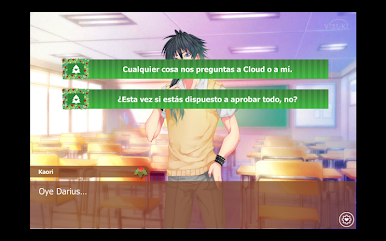
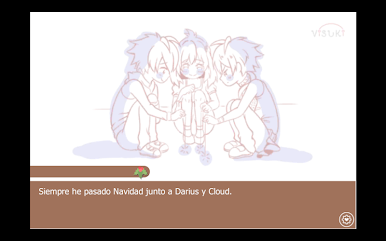
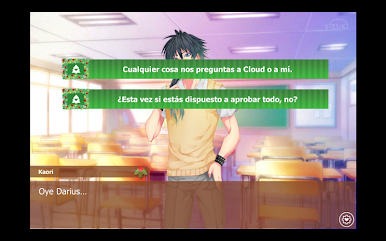
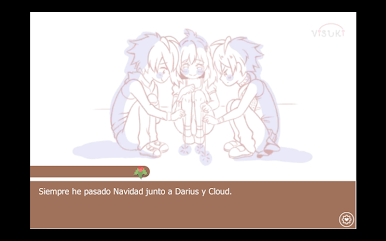
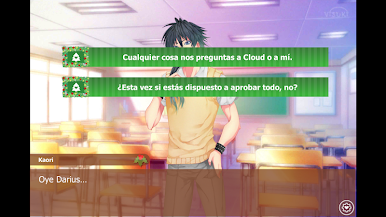
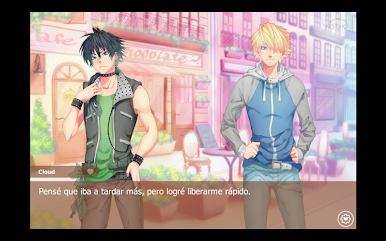
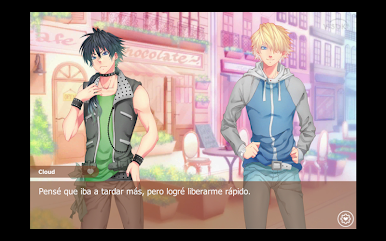
Chocolate Confession is a cozy, heart-on-its-sleeve Simulation story from Visuki where you step into Kaori’s shoes right as feelings get complicated. Valentine’s Day is around the corner, your two childhood friends—Darius and Cloud—are suddenly on your mind, and a confession is hanging in the air. There’s also a Christmas Special that adds a tender twist: a secret invitation and the question you’ve been avoiding—who do you want it to be?
Game Features
-
Two seasonal stories
Experience the original Valentine’s tale and a warm, wintery Christmas Special. You can play them in any order, though starting with Chocolate Confession first feels just right. -
Play as Kaori
See everything through Kaori’s perspective as you sort through mixed signals, sweet memories, and a confession that could change your friendships. -
Darius and Cloud, up close
Spend time with both childhood friends and notice the subtle differences in how they care about you—quiet moments, teasing jokes, and all the in-between. -
Confession at the center
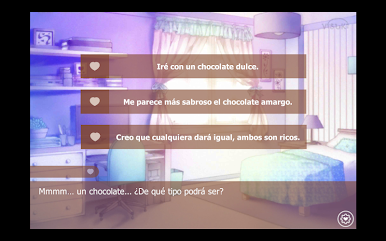
It’s all about timing, tone, and honesty. Decide when to speak up, how vulnerable to be, and whether the perfect moment is worth waiting for. -
Short, heartfelt sessions
Enjoy bite-sized scenes that are easy to pick up whenever you want something warm and romantic without a huge time sink. -
Play your way
On phone for a comfy read, or on PC with BlueStacks if you prefer a bigger screen and click-through pacing.
Make your gaming sessions memorable with precise controls that give you an edge in close combats and visuals that pop up, bringing every character to life.






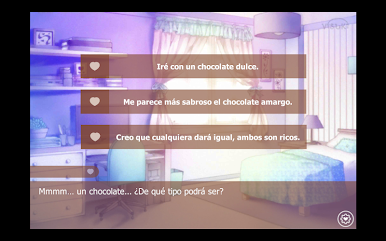
Gioca Confesión de Chocolate su PC. È facile iniziare.
-
Scarica e installa BlueStacks sul tuo PC
-
Completa l'accesso a Google per accedere al Play Store o eseguilo in un secondo momento
-
Cerca Confesión de Chocolate nella barra di ricerca nell'angolo in alto a destra
-
Fai clic per installare Confesión de Chocolate dai risultati della ricerca
-
Completa l'accesso a Google (se hai saltato il passaggio 2) per installare Confesión de Chocolate
-
Fai clic sull'icona Confesión de Chocolate nella schermata principale per iniziare a giocare

