


Digital Powertrain
Juega en PC con BlueStacks: la plataforma de juegos Android, en la que confían más de 500 millones de jugadores.

Página modificada el: Oct 30, 2025
Play Digital Powertrain on PC
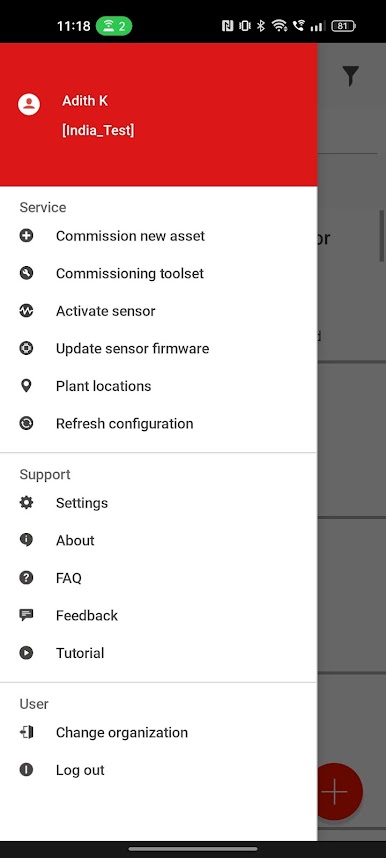
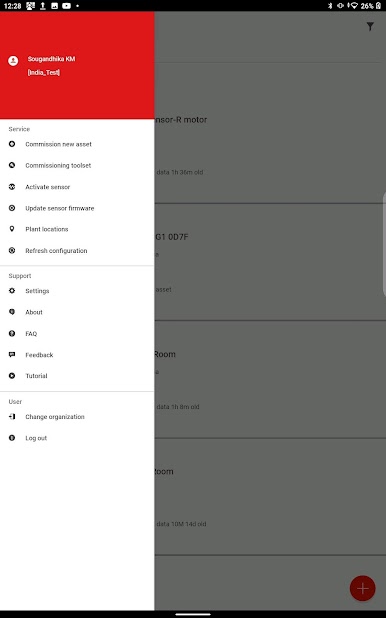
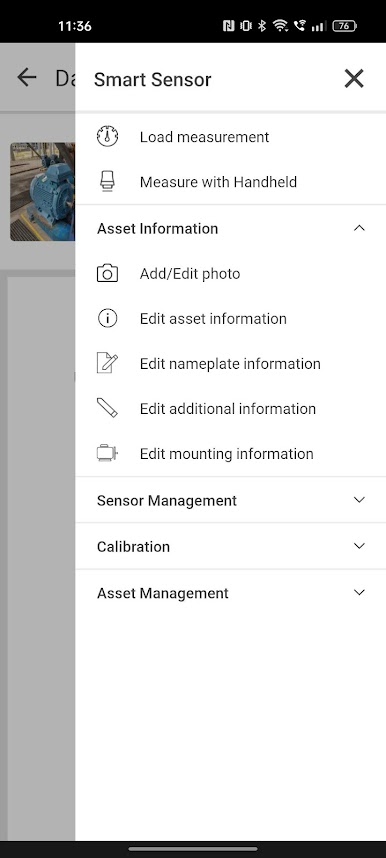
Install this App to bring advanced condition monitoring to your phone.
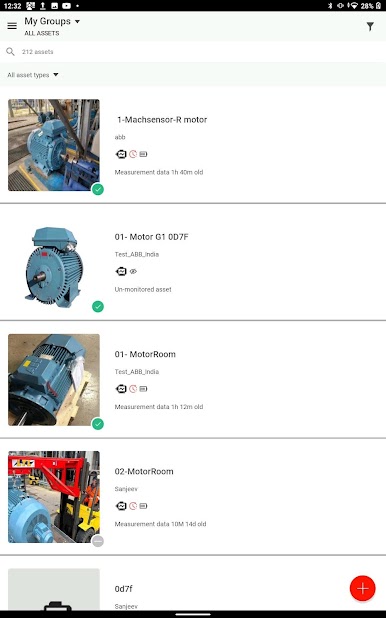
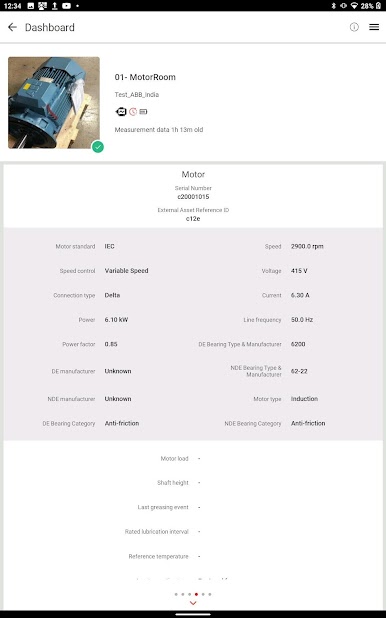
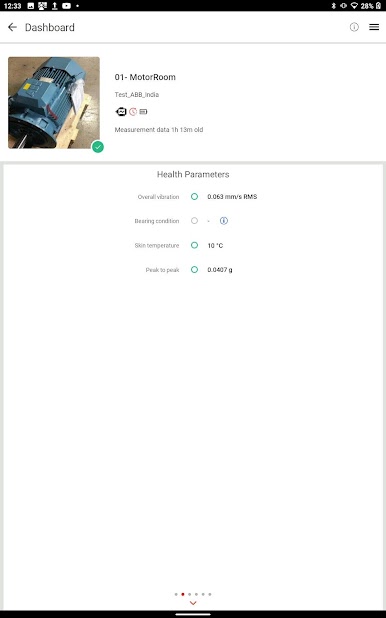
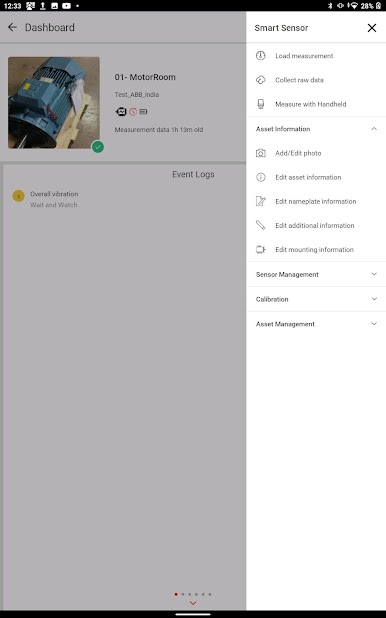
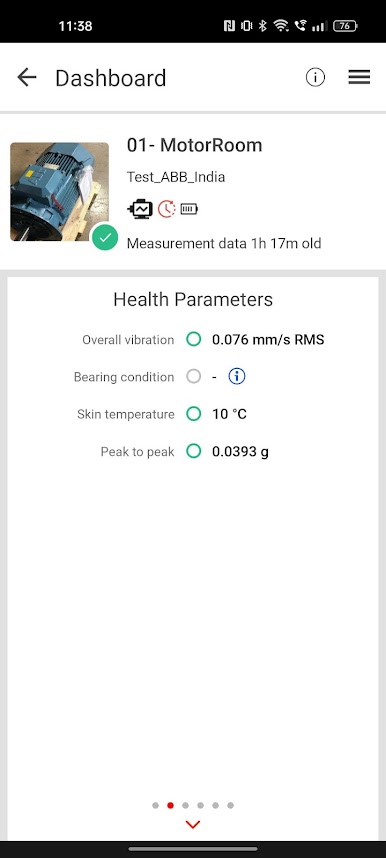
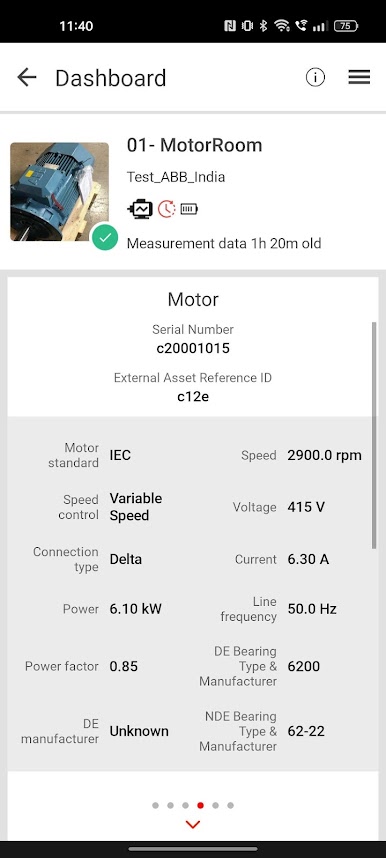
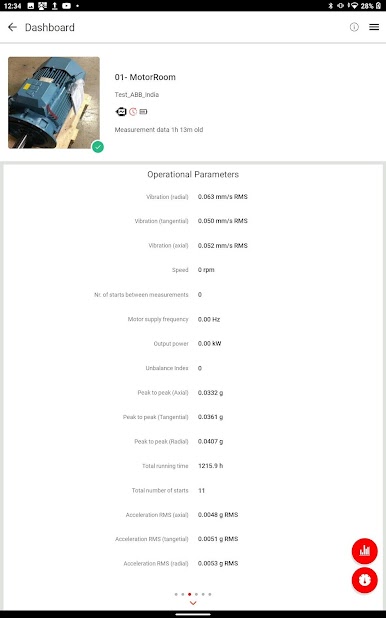
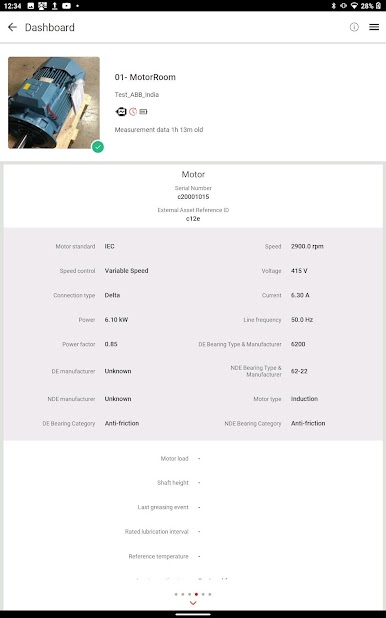
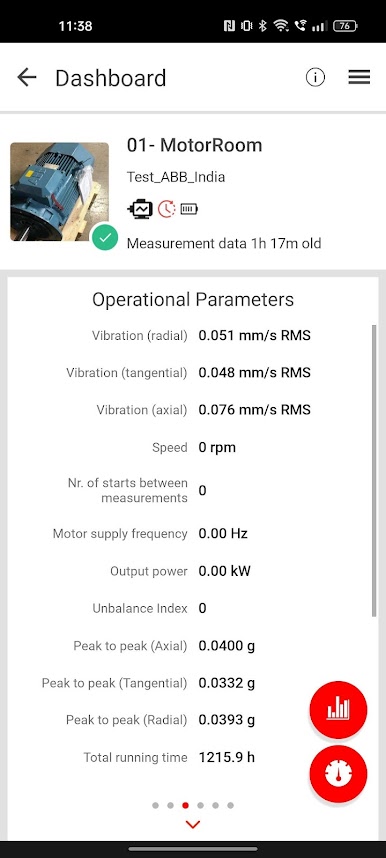
ABB Ability Smart Sensors and Machine Guardian mounted on your motors, gearboxes, fans and pumps measure operating key parameters at regular intervals and on-demand.
Using your smartphone as a bridge to the internet, the sensors send the collected data to a secure cloud-based solution.
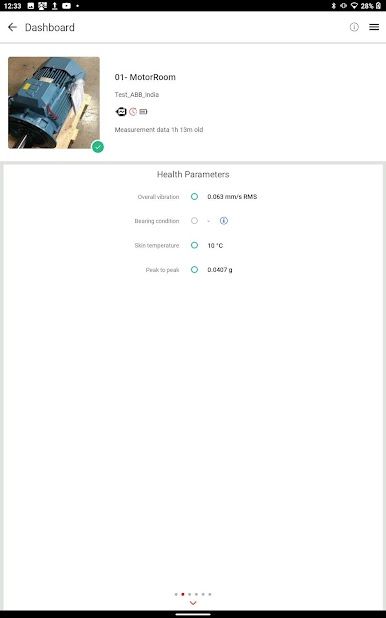
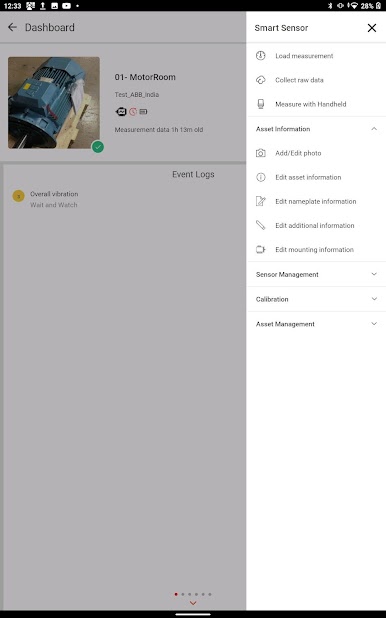
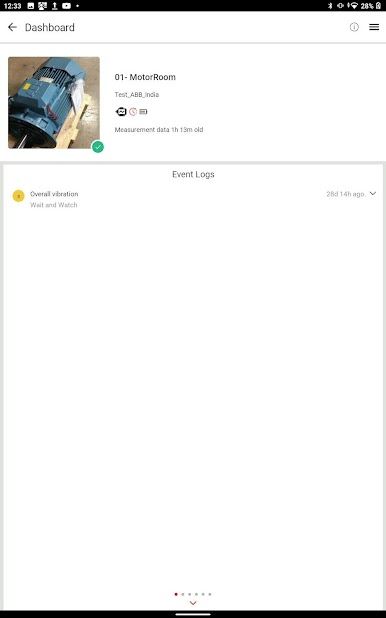
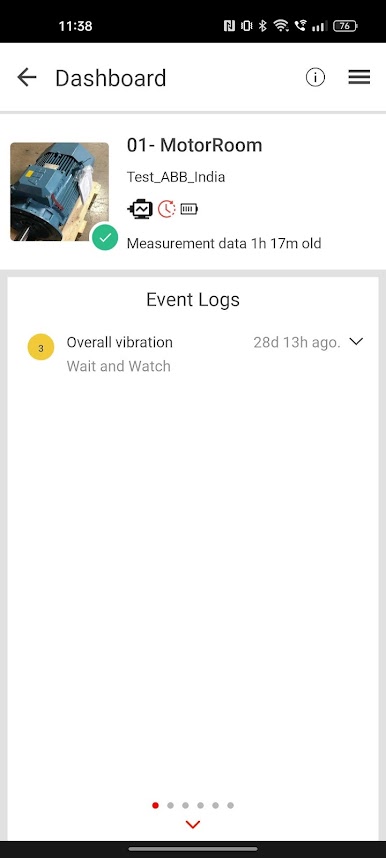
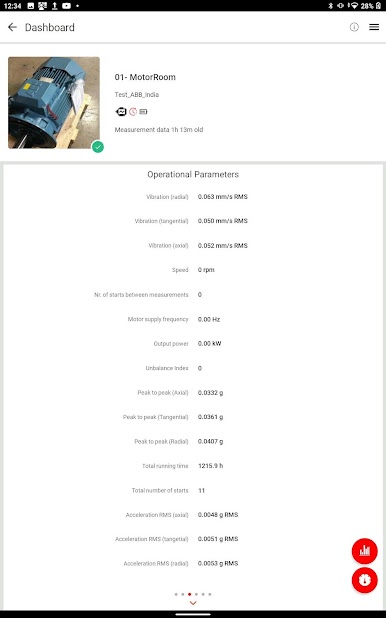
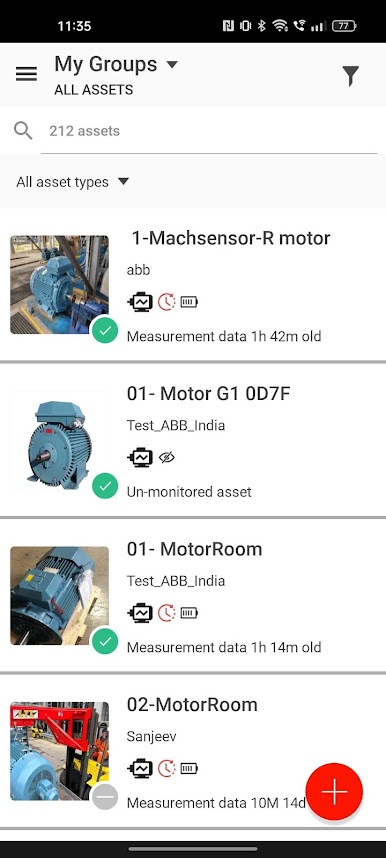
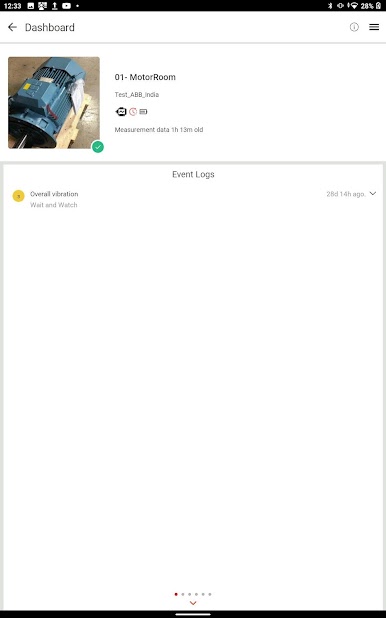
The solution provides status information, alarm notifications and analytics results about your rotating machines back to your phone.
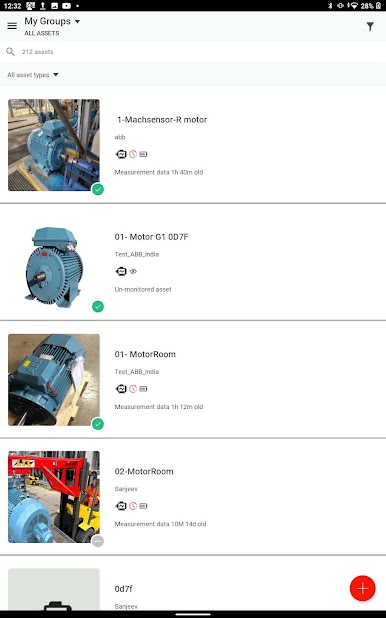
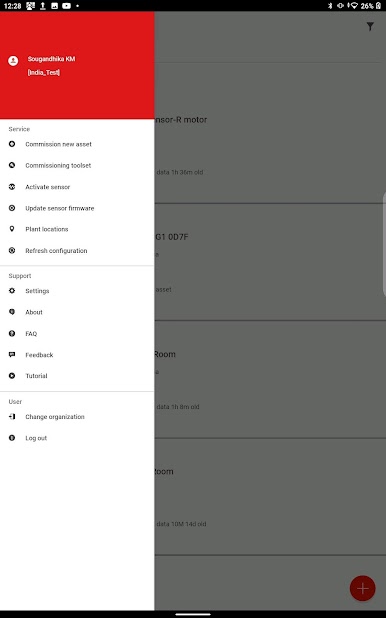
With this App and ABB’s smart monitoring solution you can use your phone to check the condition and performance of your motors, gearboxes, fans and pumps at any time.
Juega Digital Powertrain en la PC. Es fácil comenzar.
-
Descargue e instale BlueStacks en su PC
-
Complete el inicio de sesión de Google para acceder a Play Store, o hágalo más tarde
-
Busque Digital Powertrain en la barra de búsqueda en la esquina superior derecha
-
Haga clic para instalar Digital Powertrain desde los resultados de búsqueda
-
Complete el inicio de sesión de Google (si omitió el paso 2) para instalar Digital Powertrain
-
Haz clic en el ícono Digital Powertrain en la pantalla de inicio para comenzar a jugar

