

Attack the Block: Shoot'em Up
Juega en PC con BlueStacks: la plataforma de juegos Android, en la que confían más de 500 millones de jugadores.

Página modificada el: Oct 21, 2025
Play Attack the Block: Shoot'em Up on PC or Mac
From the innovators and creators at ONESOFT, Attack the Block: Shoot’em Up is another fun addition to the World of Arcade games. Go beyond your mobile screen and play it bigger and better on your PC or Mac. An immersive experience awaits you.
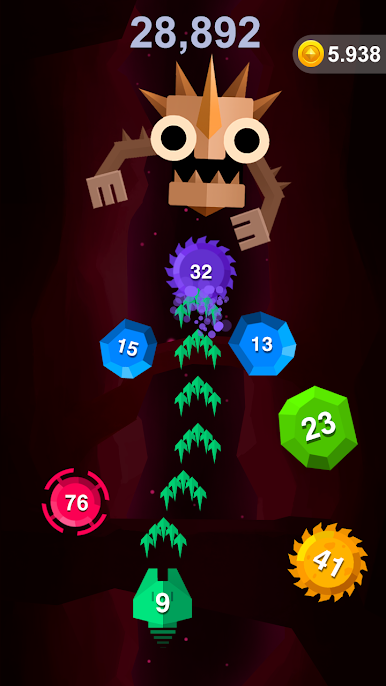
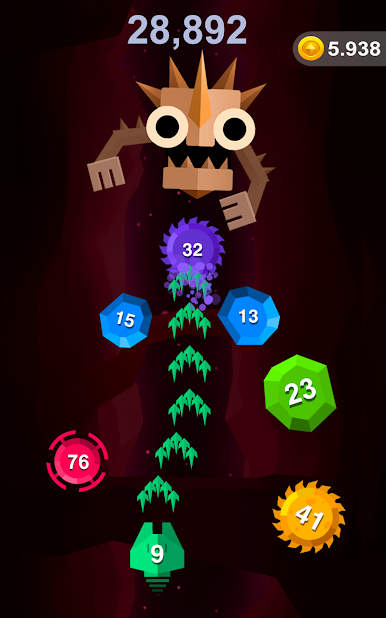
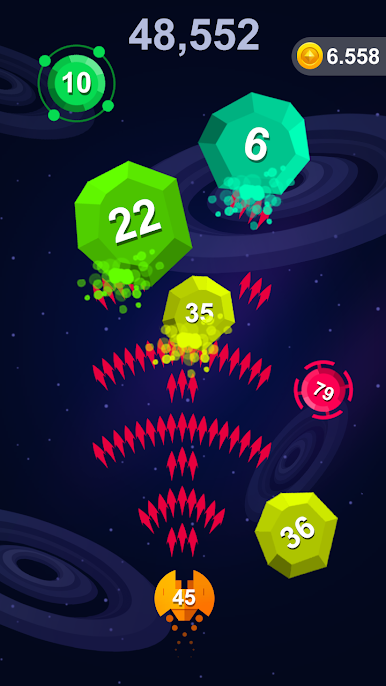
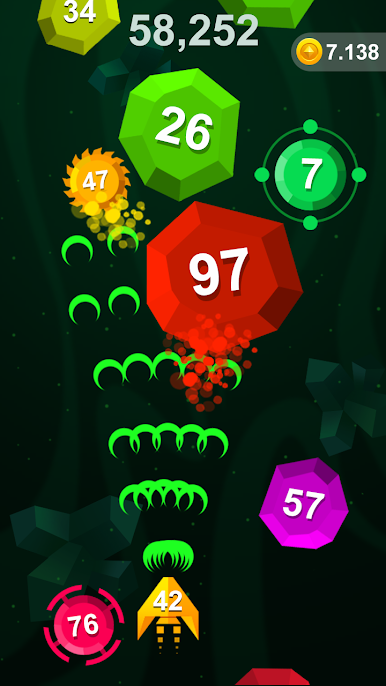
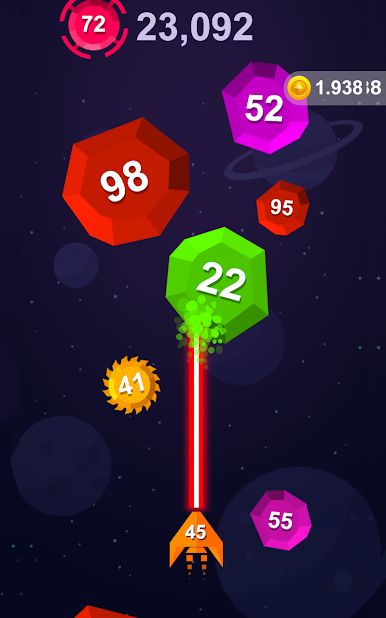
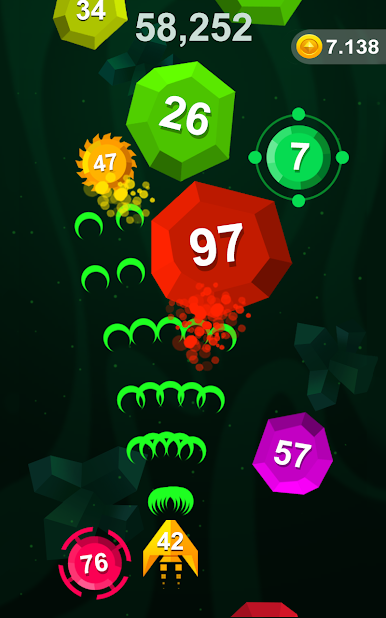
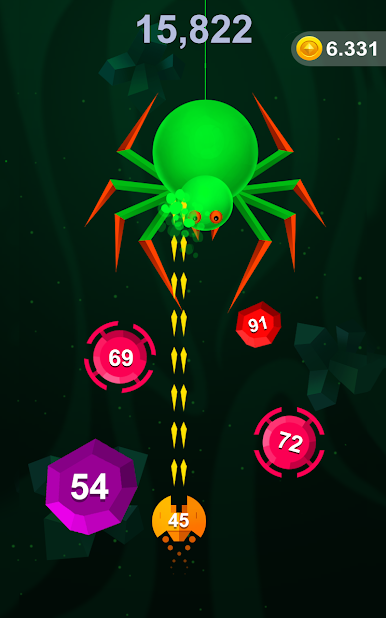
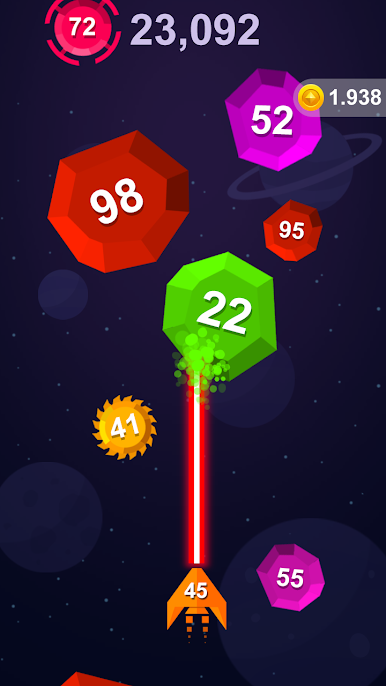
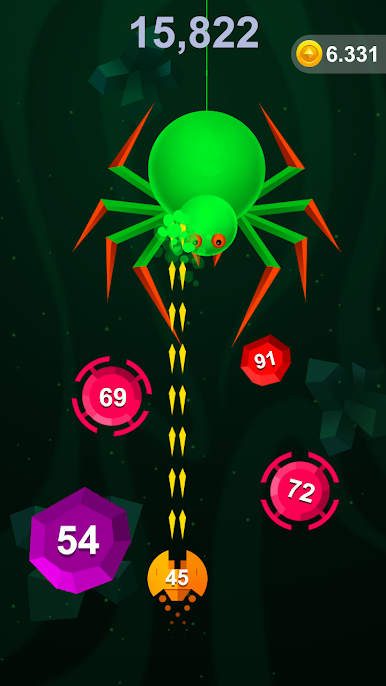
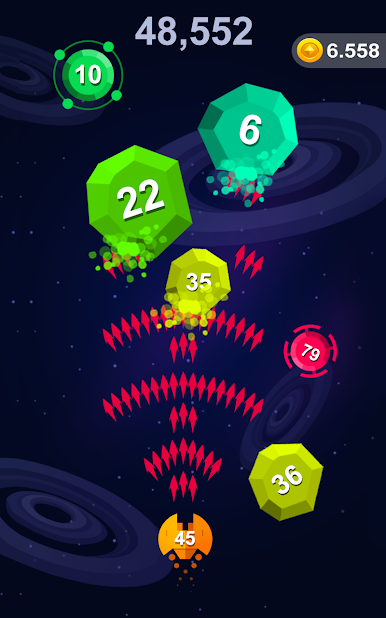
Attack the Block: Shoot’em Up is one of those games that works well for when you just want to relax and zone out for a bit, without any complicated rules or setups. The whole idea is simple — swipe to move your shooter and fire at tons of floating balls, trying to break them before they reach you. Some of the balls take more hits, and things speed up the longer you play, so there’s a nice bit of challenge even though it starts off easy. The boss fights tend to pop up every so often and break the routine, so you’re not just doing the same thing forever.
What stands out is how everything happens really fast — as soon as you get into the game, it’s just you, the blocks, and your finger going for another round. There are different backgrounds every time you jump in, which helps keep things from getting dull. People like competing for high scores too, so there’s a reason to do better each run if you want to beat a friend. It’s pretty accessible, the controls are just swipes and taps, and you’re not stuck waiting through any long tutorials or menus. Played on BlueStacks, it feels even smoother with a keyboard or mouse, especially when you want a break from mobile. If someone likes easy-to-pick-up arcade games with endless runs and a bit of a challenge, this one’s fun to have on hand.
Start your journey now. Download the game on BlueStacks, invite your friends, and march on a new adventure.
Juega Attack the Block: Shoot'em Up en la PC. Es fácil comenzar.
-
Descargue e instale BlueStacks en su PC
-
Complete el inicio de sesión de Google para acceder a Play Store, o hágalo más tarde
-
Busque Attack the Block: Shoot'em Up en la barra de búsqueda en la esquina superior derecha
-
Haga clic para instalar Attack the Block: Shoot'em Up desde los resultados de búsqueda
-
Complete el inicio de sesión de Google (si omitió el paso 2) para instalar Attack the Block: Shoot'em Up
-
Haz clic en el ícono Attack the Block: Shoot'em Up en la pantalla de inicio para comenzar a jugar

