


MiraPlug
Gioca su PC con BlueStacks: la piattaforma di gioco Android, considerata affidabile da oltre 500 milioni di giocatori.

Pagina modificata il: Aug 25, 2025
Run MiraPlug on PC or Mac
Get freedom from your phone’s obvious limitations. Use MiraPlug, made by Mirascreen LTD, a Tools app on your PC or Mac with BlueStacks, and level up your experience.
About the App
MiraPlug makes it super simple to get your phone’s screen onto a big display with almost no hassle. Whether you’re streaming a movie, sharing vacation photos, or launching into your favorite mobile game, MiraPlug is all about quick setup and smooth performance. Straight from Mirascreen LTD, this Tools app offers an experience that’s pretty much plug, play, and you’re good to go.
App Features
-
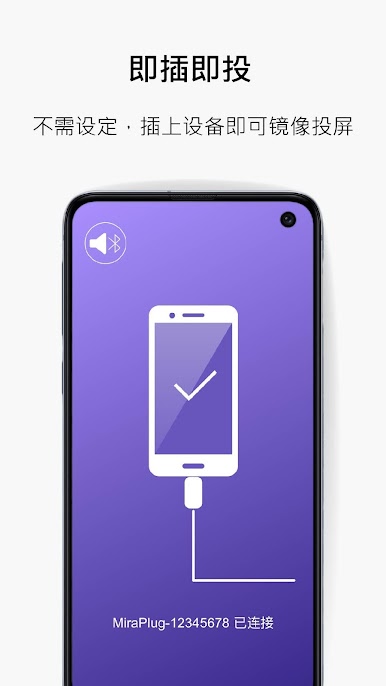
Instant Screen Mirroring
Just plug your phone into your TV or monitor—the app takes care of the rest, so there’s no need to mess with complicated settings. -
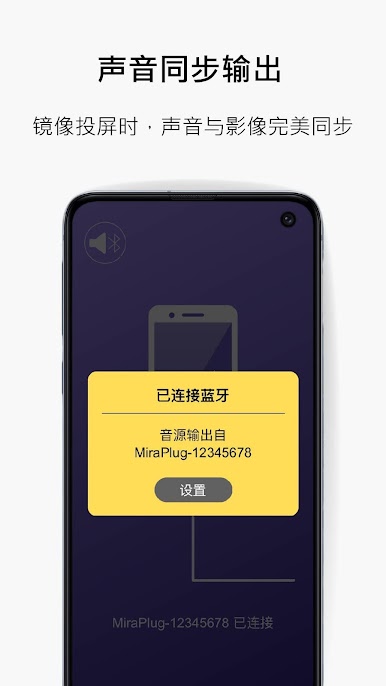
Perfect Audio & Video Sync
No more awkward lip sync issues here. MiraPlug keeps audio perfectly in line with what’s on screen, so you get a smooth experience every time. -
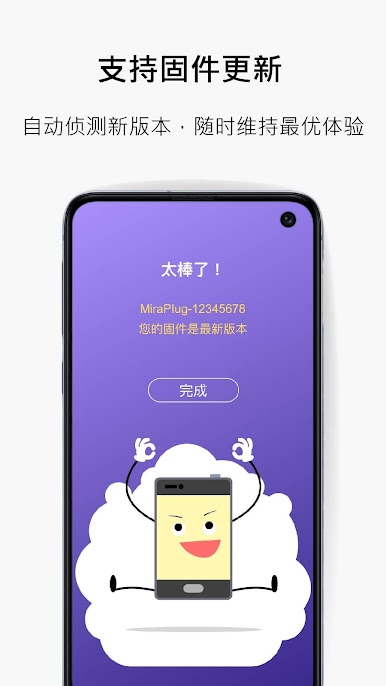
Automatic Firmware Updates
Stay up to date without even thinking about it. MiraPlug pulls the latest firmware updates from the cloud, keeping your connection reliable and fuss-free. -
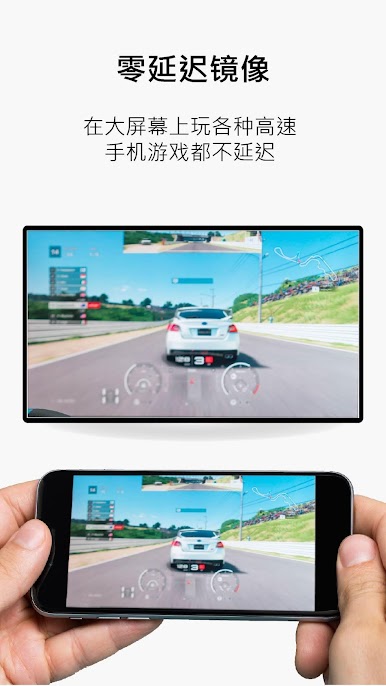
Zero-Lag Gaming Experience
Playing fast-paced games on a bigger screen? MiraPlug delivers instant response with no lag, letting you enjoy mobile gaming on a larger display just like you would on your phone.
If you want to use MiraPlug from your computer, you can always try running it with BlueStacks for added flexibility.
Big screen. Bigger performance. Use BlueStacks on your PC or Mac to run your favorite apps.
Gioca MiraPlug su PC. È facile iniziare.
-
Scarica e installa BlueStacks sul tuo PC
-
Completa l'accesso a Google per accedere al Play Store o eseguilo in un secondo momento
-
Cerca MiraPlug nella barra di ricerca nell'angolo in alto a destra
-
Fai clic per installare MiraPlug dai risultati della ricerca
-
Completa l'accesso a Google (se hai saltato il passaggio 2) per installare MiraPlug
-
Fai clic sull'icona MiraPlug nella schermata principale per iniziare a giocare

