


AdGuard VPN - Unlimited Proxy
Mainkan di PC dengan BlueStacks – platform Game-Game Android, dipercaya oleh lebih dari 500 juta gamer.

Play AdGuard VPN — private proxy on PC
We’re proud of our AdGuard VPN:
🚀 Proprietary VPN protocol
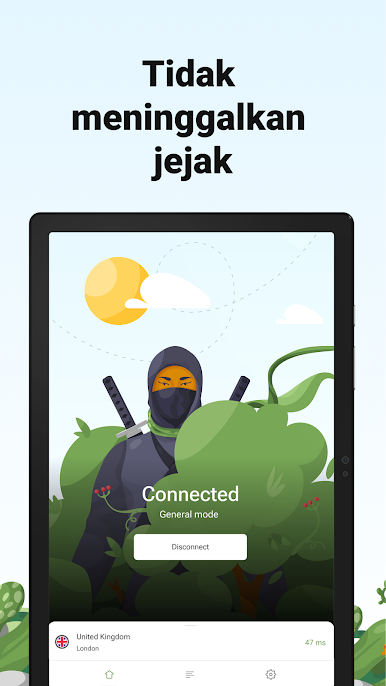
We have developed our own AdGuard VPN protocol. It’s fast, secure, and disguises itself as usual traffic — it’s far more difficult to detect and ban it.
✅🚫 Website exclusions
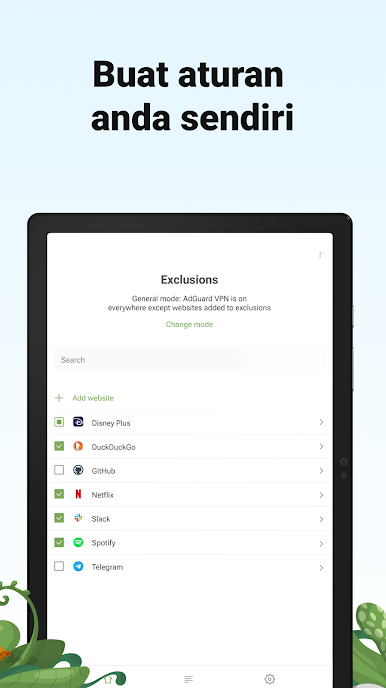
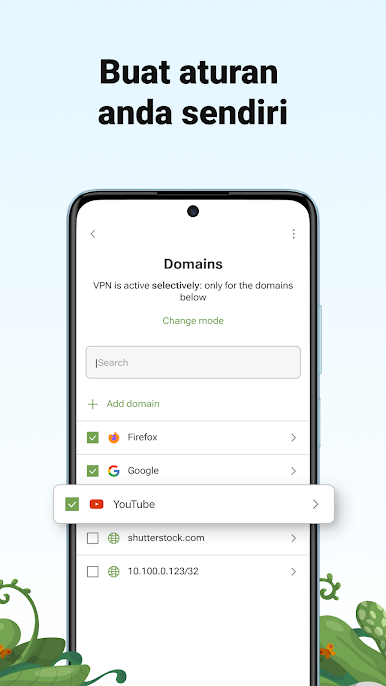
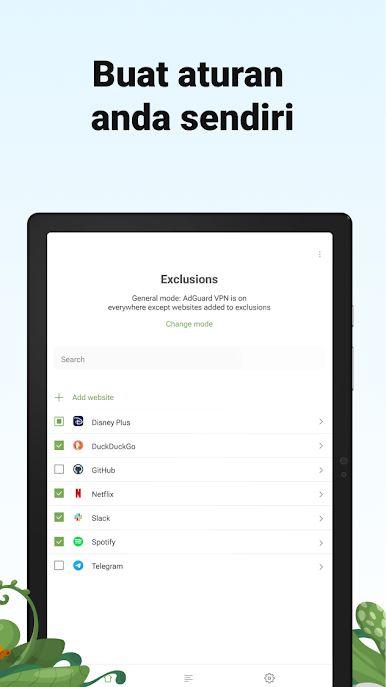
Decide where AdGuard VPN should be on: everywhere except for certain websites or on selected websites only.
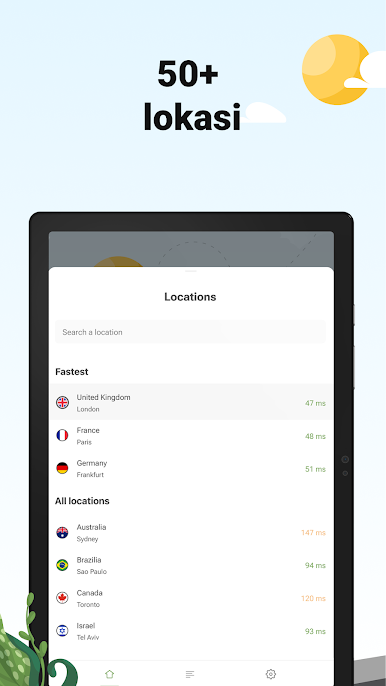
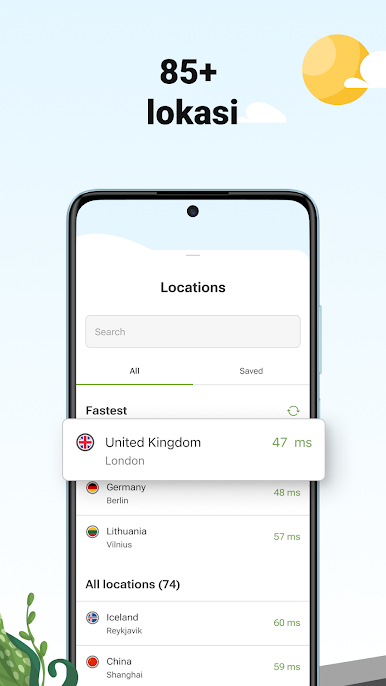
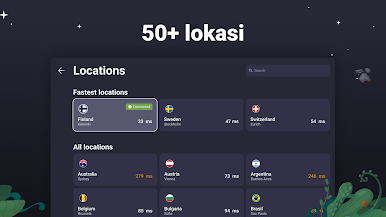
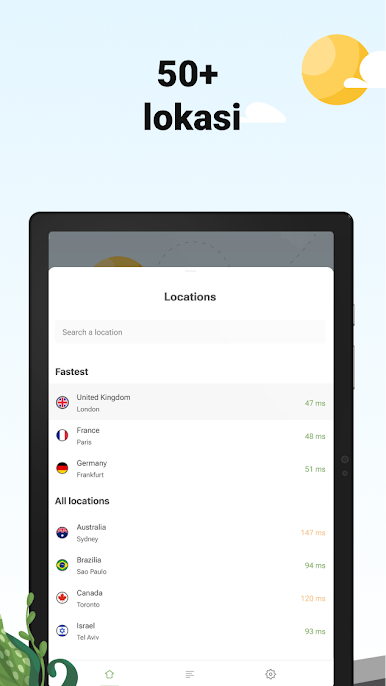
🌍 50+ locations
Choose the location that best meets your needs — we have servers from America to Australia.
📱💻 Up to 10 devices simultaneously
Log in to your AdGuard account on any of your devices — with a subscription, you can use your VPN on 10 devices simultaneously.
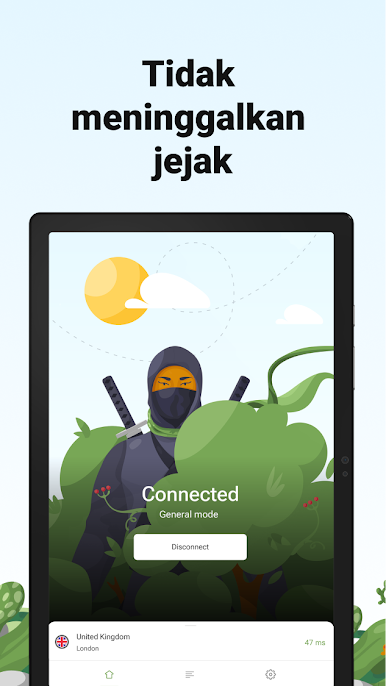
🔒 Safe and secure browsing
AdGuard VPN securely encrypts your traffic — purchase online or use public Wi-Fi networks, and be sure your personal data is safe.
👁️ No-logging policy
We don’t collect or share your personal data with anyone. Neither we nor your Internet service provider know what you’re doing online.
Contact us
Support team: support@adguard-vpn.com
Twitter: https://twitter.com/AdGuard
Facebook: https://www.facebook.com/adguarden
Telegram: https://t.me/adguarden
Website: https://adguard-vpn.com
Privacy policy: https://adguard-vpn.com/en/privacy.html
© Adguard Software Limited






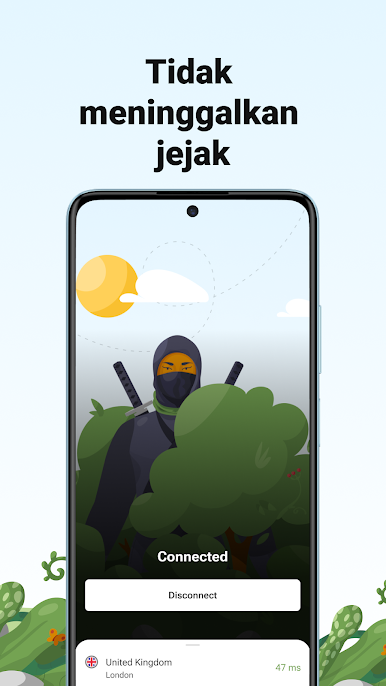



Mainkan AdGuard VPN - Unlimited Proxy di PC Mudah saja memulainya.
-
Unduh dan pasang BlueStacks di PC kamu
-
Selesaikan proses masuk Google untuk mengakses Playstore atau lakukan nanti
-
Cari AdGuard VPN - Unlimited Proxy di bilah pencarian di pojok kanan atas
-
Klik untuk menginstal AdGuard VPN - Unlimited Proxy dari hasil pencarian
-
Selesaikan proses masuk Google (jika kamu melewati langkah 2) untuk menginstal AdGuard VPN - Unlimited Proxy
-
Klik ikon AdGuard VPN - Unlimited Proxy di layar home untuk membuka gamenya

