


Interpolation Calculator
Gioca su PC con BlueStacks: la piattaforma di gioco Android, considerata affidabile da oltre 500 milioni di giocatori.

Pagina modificata il: May 24, 2024
Run Interpolation Calculator on PC or Mac
Let BlueStacks turn your PC, Mac, or laptop into the perfect home for Interpolation Calculator, a fun Productivity app from A. Sulaiman.
About the App
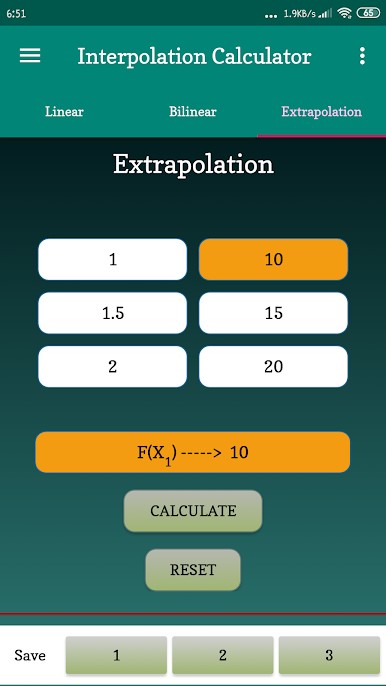
Ever found yourself stuck trying to figure out a value that falls somewhere between numbers you already have? Interpolation Calculator by A. Sulaiman takes the hassle out of those tricky in-between calculations. Whether you’re crunching numbers for work, studying, or dealing with a project that needs quick answers, this Productivity app is built to make precision simple and smooth.
App Features
-
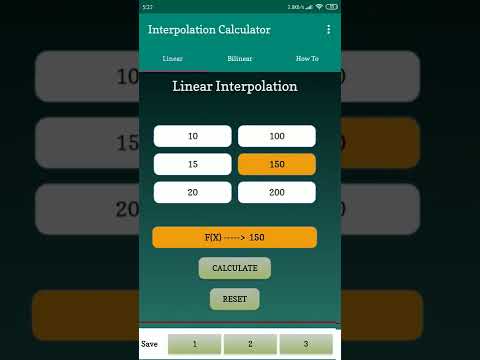
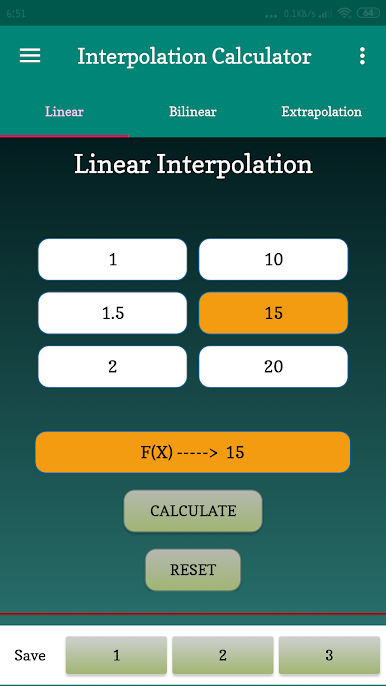
Easy Linear Interpolation:
No need for spreadsheets or guesswork—just enter your known values, and let the app find that missing number right between them in seconds. -
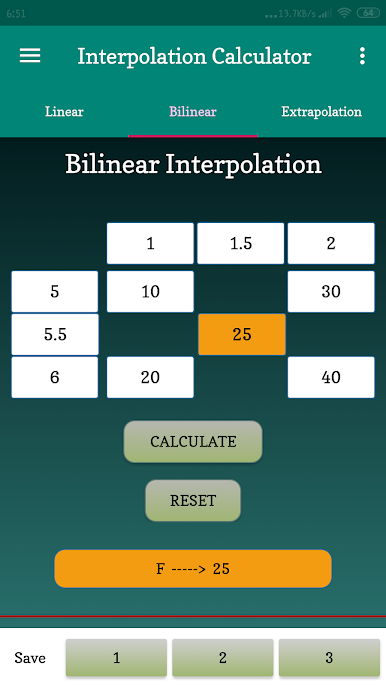
Bilinear Interpolation:
Have data laid out in a grid and want to estimate a value inside it? The tool’s got you covered. It handles two-dimensional cases with ease, cutting down the math steps and giving fast results. -
Save & Load Sessions:
Working on long computations or need to revisit earlier results? The save and load option lets you pick up right where you left off, no re-entering required. -
Clean, No-Frills Interface:
Everything’s organized, so you don’t have to hunt around for features. Enter your numbers, pick your interpolation type, and you’re on your way—no distractions, just results. -
Great for Big Screens:
Using BlueStacks on your PC? The larger display makes working with numbers even easier. You’ll see all your calculations clearly, which is especially handy for detailed work.
Big screen. Bigger performance. Use BlueStacks on your PC or Mac to run your favorite apps.
Gioca Interpolation Calculator su PC. È facile iniziare.
-
Scarica e installa BlueStacks sul tuo PC
-
Completa l'accesso a Google per accedere al Play Store o eseguilo in un secondo momento
-
Cerca Interpolation Calculator nella barra di ricerca nell'angolo in alto a destra
-
Fai clic per installare Interpolation Calculator dai risultati della ricerca
-
Completa l'accesso a Google (se hai saltato il passaggio 2) per installare Interpolation Calculator
-
Fai clic sull'icona Interpolation Calculator nella schermata principale per iniziare a giocare

