

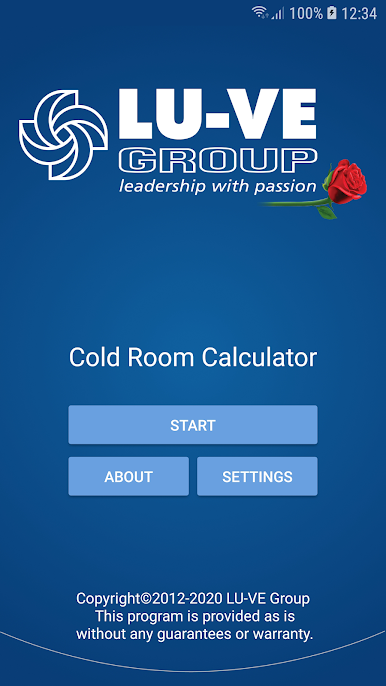
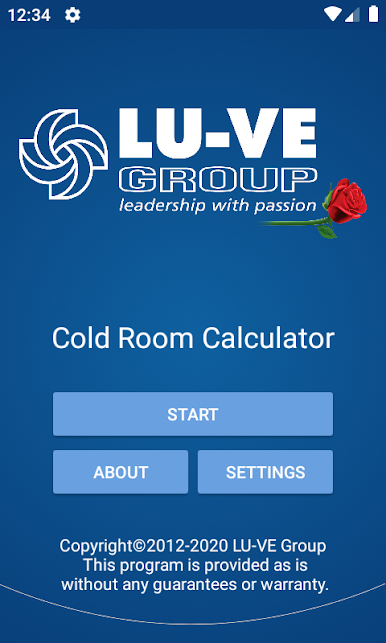
Cold Room Calculator
Gioca su PC con BlueStacks: la piattaforma di gioco Android, considerata affidabile da oltre 500 milioni di giocatori.

Pagina modificata il: Nov 1, 2024
Run Cold Room Calculator on PC or Mac
Why limit yourself to your small screen on the phone? Run Cold Room Calculator, an app by Alfa Laval, best experienced on your PC or Mac with BlueStacks, the world’s #1 Android emulator.
About the App
Cold Room Calculator from Alfa Laval takes the guesswork out of sizing cold rooms—whether you’re working on a cooler, a walk‑in, or a deep‑freeze. Enter a few practical details and get fast, reliable cooling capacity estimates you can use for specifying equipment or checking an existing setup. It’s a straightforward Productivity tool you can use on the go, or on a bigger screen via BlueStacks when you’re at your desk.
App Features
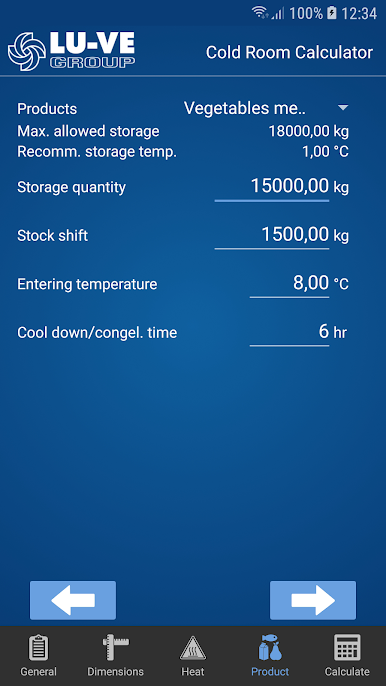
- Guided input tabs: Walk through temperature targets, room dimensions, insulation quality, heat loss factors, and stored products so you don’t miss the essentials.
- Cooling or freezing modes: Account for different operating conditions and see how the required capacity changes between chilled and frozen storage.
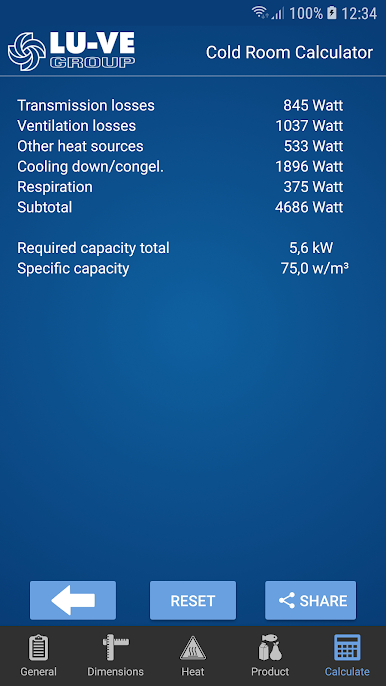
- Instant calculations: Hit Calculate and get clear results in seconds—great for quick decisions during site visits or design reviews.
- Shareable results: Send a tidy summary of inputs and outputs by email to yourself, teammates, or clients for easy follow‑up.
- Try “what‑ifs” easily: Adjust setpoints, change insulation assumptions, or tweak room size and rerun the numbers to compare scenarios.
- Practical, field‑ready logic: Built with real-world refrigeration practice in mind, so the workflow matches how pros actually work.
- Clean, no‑frills design: Focused layout keeps the important pieces front and center, helping you move faster without distractions.
- Made by Alfa Laval: Developed by a trusted name in heat transfer and refrigeration, bringing dependable know‑how to everyday jobs.
Ready to experience Cold Room Calculator on a bigger screen, in all its glory? Download BlueStacks now.
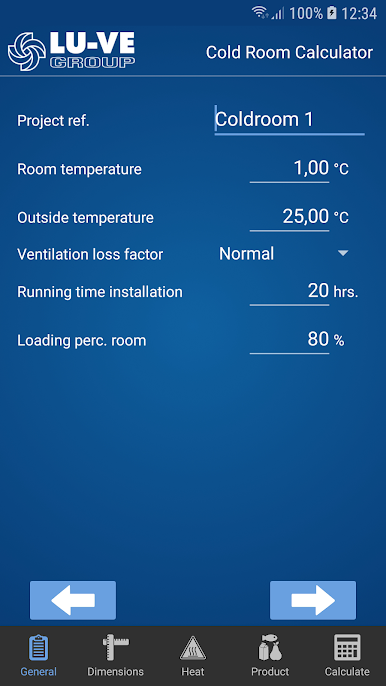
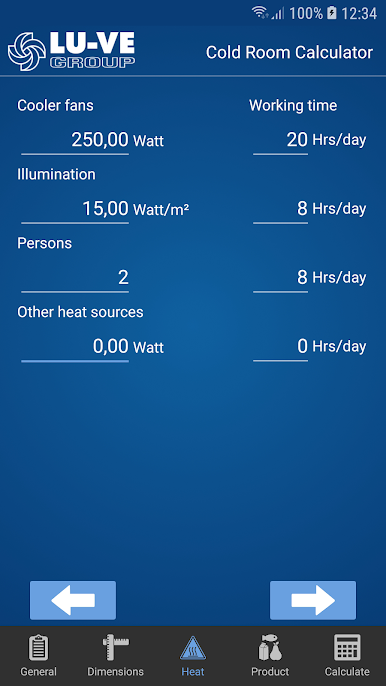
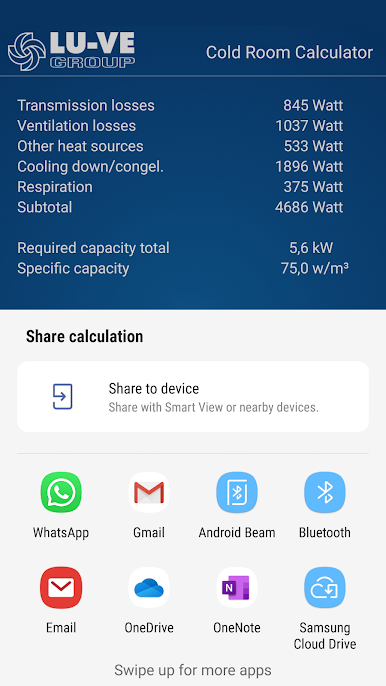
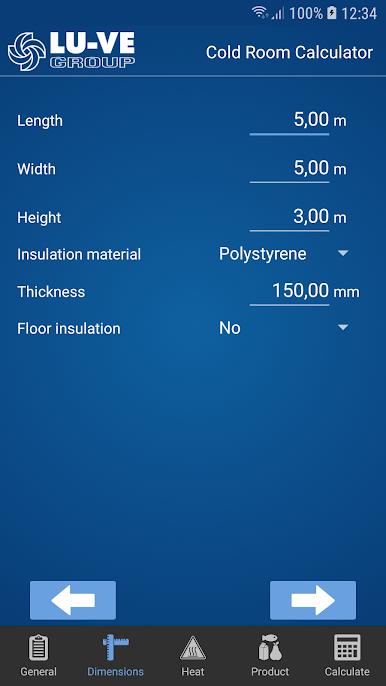
Gioca Cold Room Calculator su PC. È facile iniziare.
-
Scarica e installa BlueStacks sul tuo PC
-
Completa l'accesso a Google per accedere al Play Store o eseguilo in un secondo momento
-
Cerca Cold Room Calculator nella barra di ricerca nell'angolo in alto a destra
-
Fai clic per installare Cold Room Calculator dai risultati della ricerca
-
Completa l'accesso a Google (se hai saltato il passaggio 2) per installare Cold Room Calculator
-
Fai clic sull'icona Cold Room Calculator nella schermata principale per iniziare a giocare

