


Tally Counter & Tasbih
Juega en PC con BlueStacks: la plataforma de juegos Android, en la que confían más de 500 millones de jugadores.

Página modificada el: Nov 6, 2025
Run Digital Tally Counter - Tasbih, Zikr, Tasbeeh on PC or Mac
Multitask effortlessly on your PC or Mac as you try out Digital Tally Counter – Tasbih, Zikr, Tasbeeh, a Tools app by Worldot Apps on BlueStacks.
About the App
Need a simple way to keep track of your daily tasbeeh, zikr, or just want an easy digital tally counter handy? Digital Tally Counter – Tasbih, Zikr, Tasbeeh by Worldot Apps is built with flexibility in mind. It’s the kind of tool you’ll find surprisingly helpful, whether you’re keeping up with personal spiritual routines or simply counting just about anything else. Expect a straightforward, smooth experience that puts everything you need just a tap away.
App Features
-
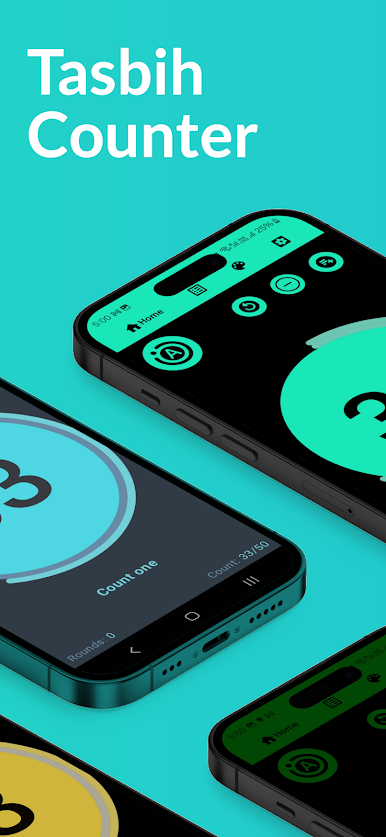
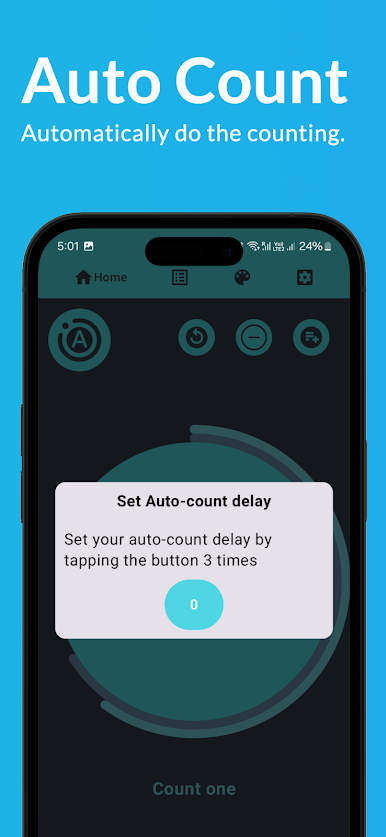
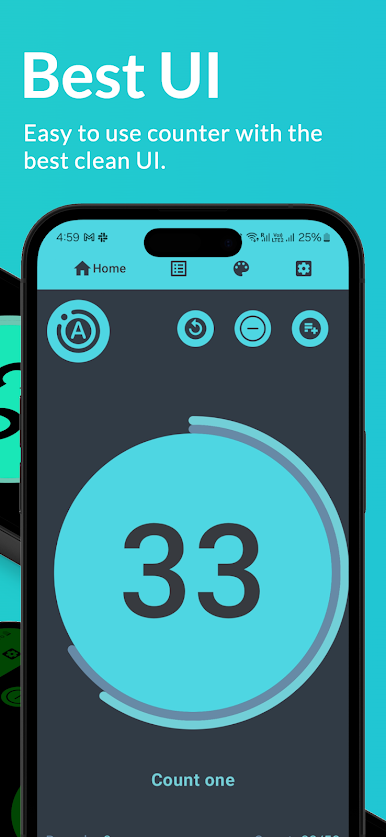
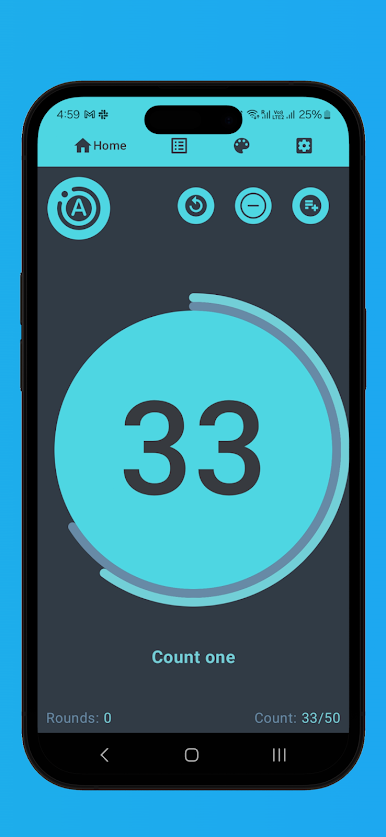
One-Tap Counting: Tap anywhere on the screen, and the app adds to your tally instantly. Looking for a no-fuss click counter? This is it.
-
Physical Microphone Button Support: Prefer a more tactile click? You can even use a connected microphone’s button to increment your count—great for when you want to keep your eyes on something else.
-
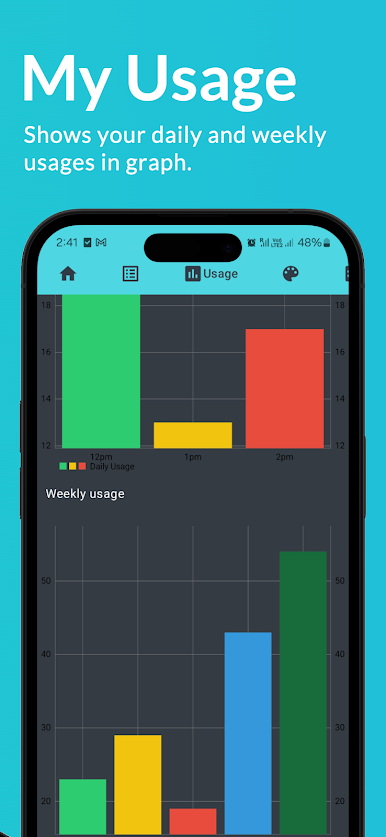
Automatic Progress Saving: Your latest counts are safe, even if you close the app and come back later. No need to start over every time.
-
Easy Reset Option: Hit the reset icon to clear your current tally and start again. Perfect for fresh sessions or new rounds of counting.
-
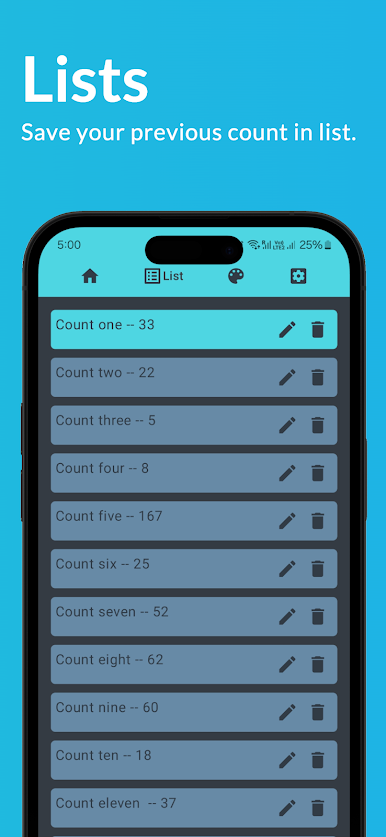
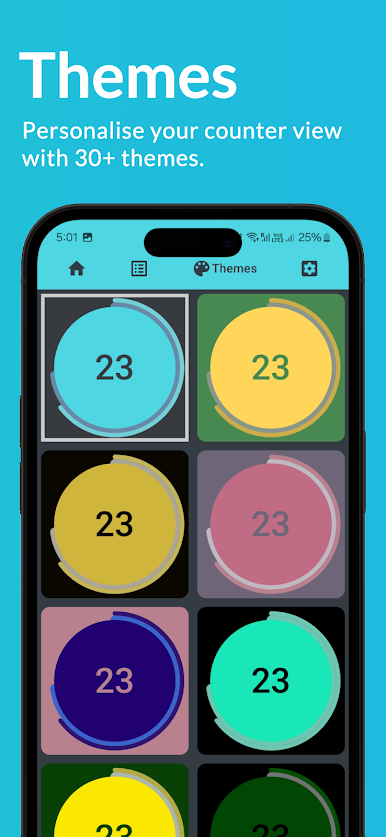
Multiple Counter Management: Got more than one thing to count? Add as many counters as you want and keep them all organized in the handy counter list.
You can even run Digital Tally Counter – Tasbih, Zikr, Tasbeeh through BlueStacks if you’d rather keep your counting on a bigger screen.
BlueStacks gives you the much-needed freedom to experience your favorite apps on a bigger screen. Get it now.


Juega Tally Counter & Tasbih en la PC. Es fácil comenzar.
-
Descargue e instale BlueStacks en su PC
-
Complete el inicio de sesión de Google para acceder a Play Store, o hágalo más tarde
-
Busque Tally Counter & Tasbih en la barra de búsqueda en la esquina superior derecha
-
Haga clic para instalar Tally Counter & Tasbih desde los resultados de búsqueda
-
Complete el inicio de sesión de Google (si omitió el paso 2) para instalar Tally Counter & Tasbih
-
Haz clic en el ícono Tally Counter & Tasbih en la pantalla de inicio para comenzar a jugar

