


Semplici note
Gioca su PC con BlueStacks: la piattaforma di gioco Android, considerata affidabile da oltre 500 milioni di giocatori.

Pagina modificata il: Nov 18, 2025
Run Simple Notes on PC or Mac
Let BlueStacks turn your PC, Mac, or laptop into the perfect home for Simple Notes, a fun Tools app from AngkorWorld.
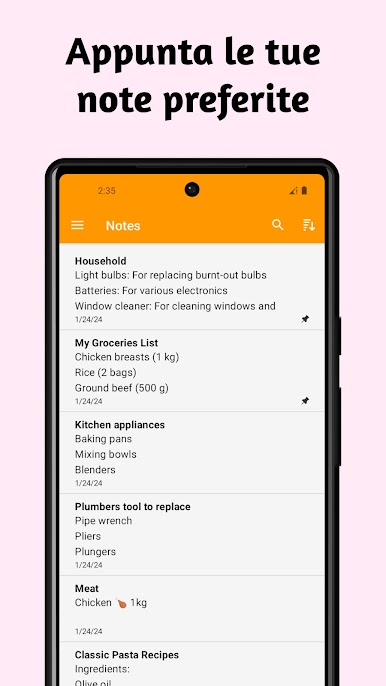
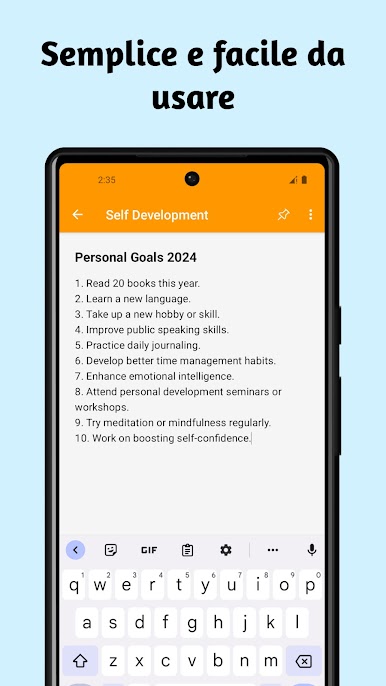
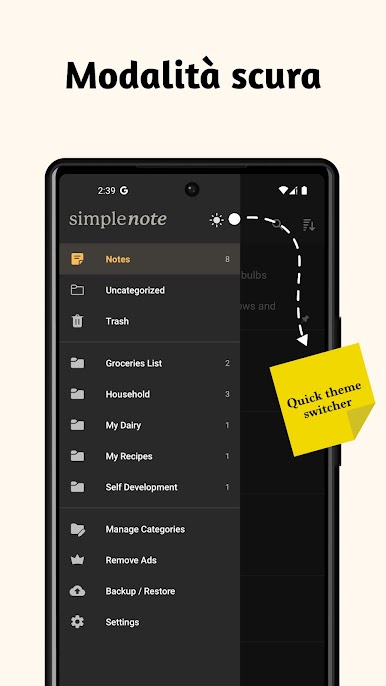
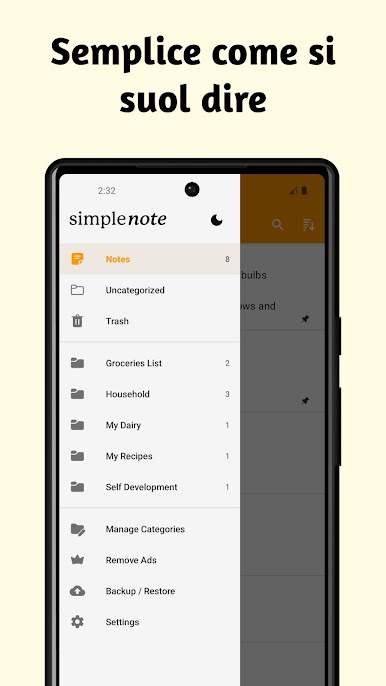
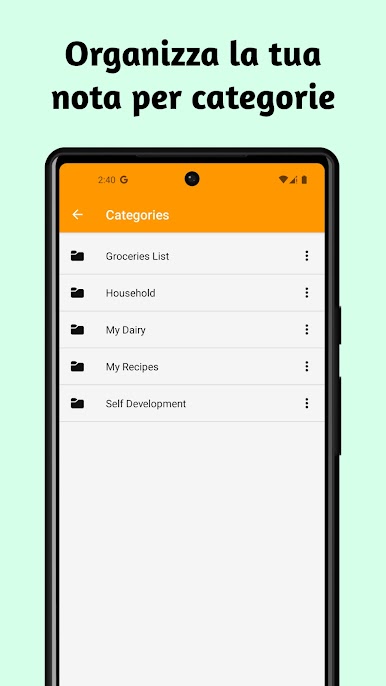
Simple Notes is really straightforward — it feels like exactly what you’d want from a notes app without a bunch of distractions. On PC, especially with BlueStacks, it’s just easy to open up and start jotting things down, whether that’s a shopping list, a random idea, or tasks for later. Everything’s simple to organize, so it doesn’t end up looking cluttered, and you can create different notebooks to keep stuff separated if that helps. It’s quick to save a thought before you forget and there’s hardly any lag or extras to slow things down.
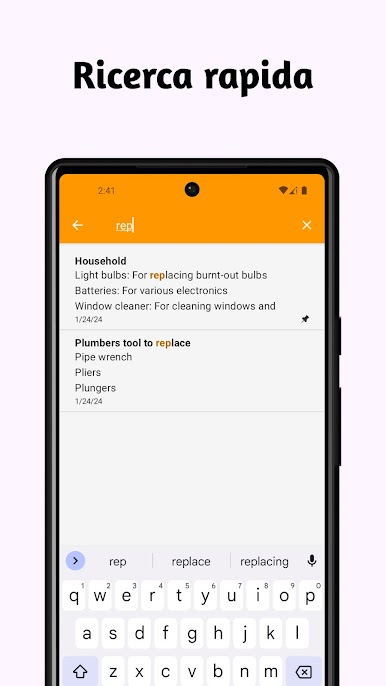
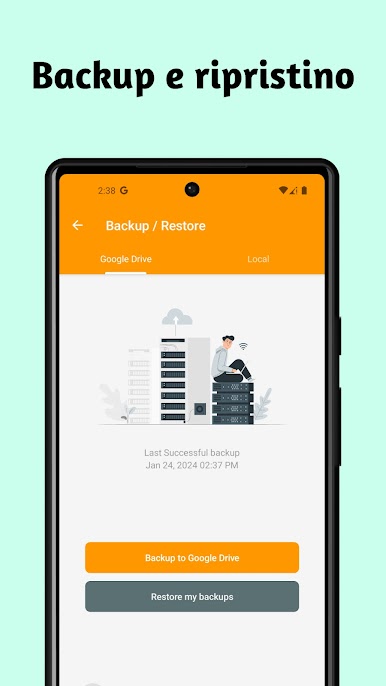
One really handy thing is you can pull up your notes pretty much instantly, and even pin a sticky note widget so something important sits on your home screen for as long as you need it. There’s an easy search, so you’re not digging around for what you wrote last week, and sharing is built in — stuff can be sent off by message or email without much effort. It’s not overloaded with features, but everything needed to just write and find notes is right there, and there’s a backup option too for peace of mind. The whole thing is just low-key and practical, and it does the basics really, really well.
BlueStacks brings your apps to life on a bigger screen—seamless and straightforward.
Gioca Semplici note su PC. È facile iniziare.
-
Scarica e installa BlueStacks sul tuo PC
-
Completa l'accesso a Google per accedere al Play Store o eseguilo in un secondo momento
-
Cerca Semplici note nella barra di ricerca nell'angolo in alto a destra
-
Fai clic per installare Semplici note dai risultati della ricerca
-
Completa l'accesso a Google (se hai saltato il passaggio 2) per installare Semplici note
-
Fai clic sull'icona Semplici note nella schermata principale per iniziare a giocare

