


Fidget cube 3D: Antistress toy relaxing games
Juega en PC con BlueStacks: la plataforma de juegos Android, en la que confían más de 500 millones de jugadores.

Página modificada el: Dec 13, 2025
Visión general
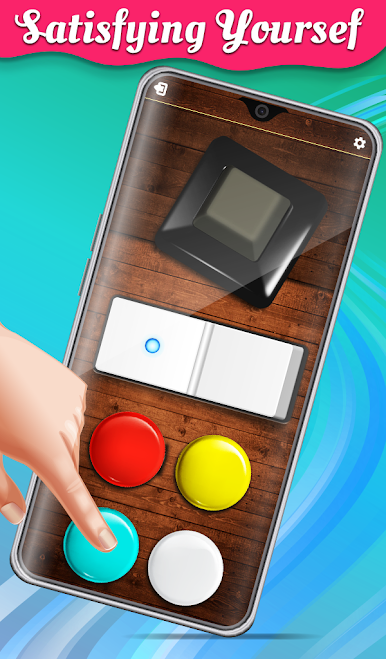
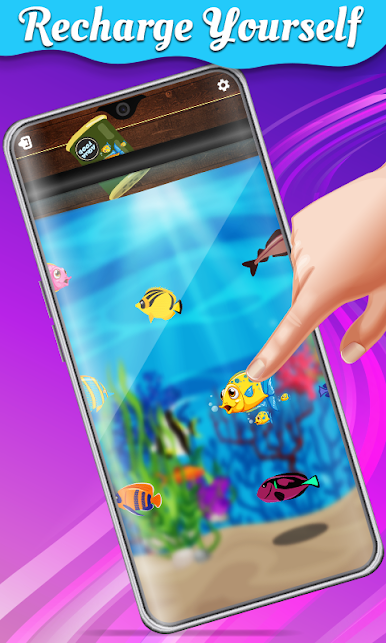
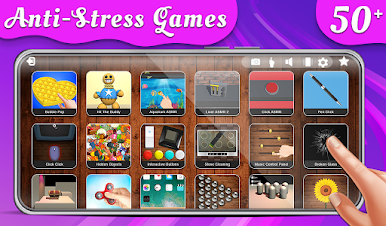
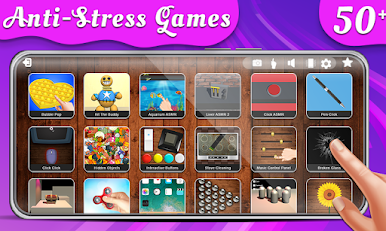
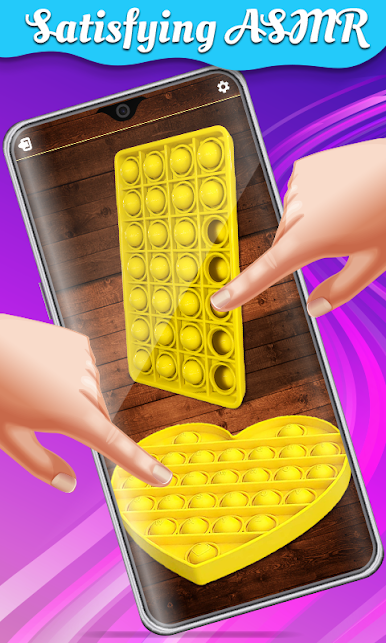
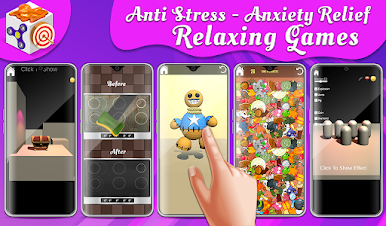
This fidget toys 3D games contains a bunch of mini games of antistress that will release you stress in minimum time. Have a look below on stress free relaxing games
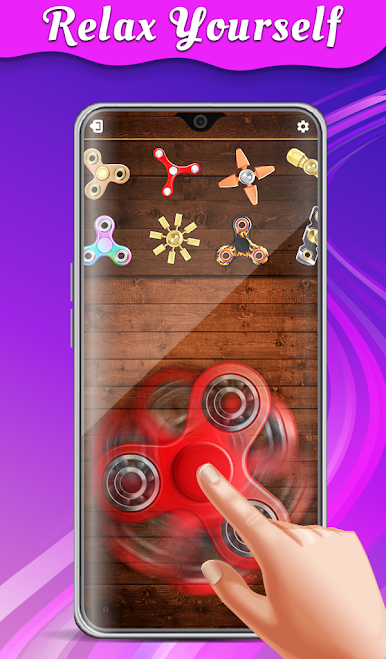
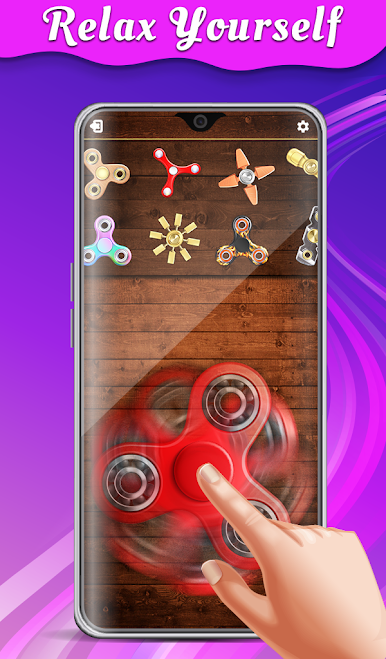
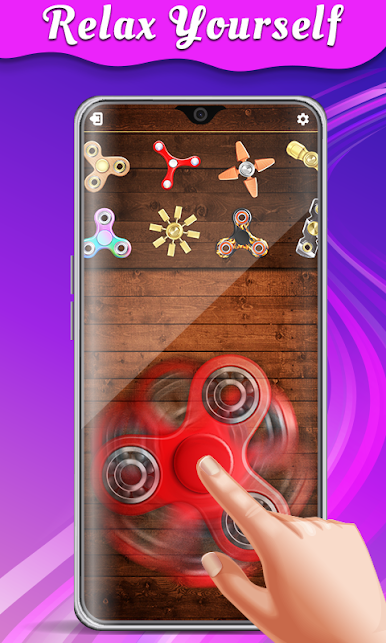
💡 Fidget spinner
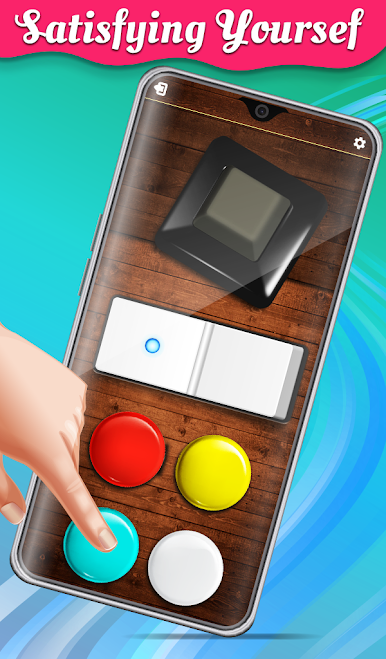
💡 3D fidget cube
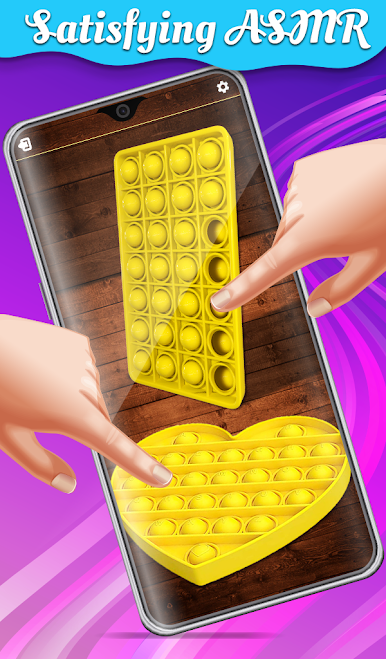
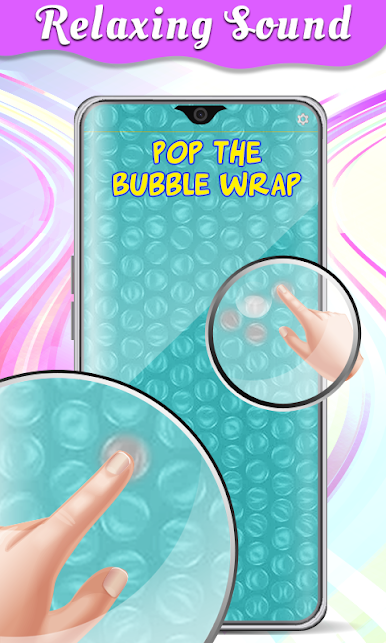
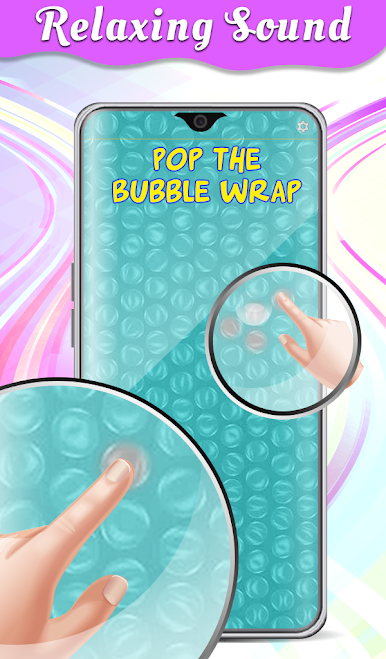
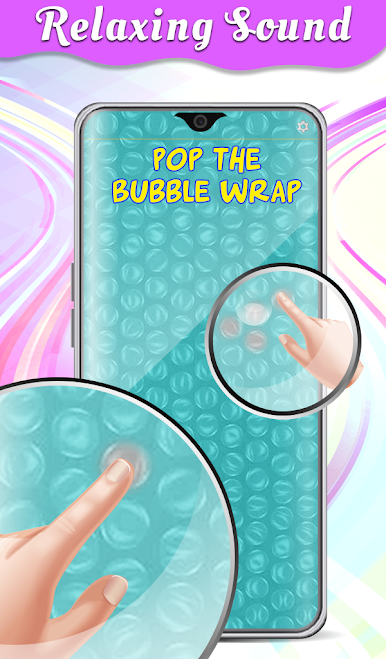
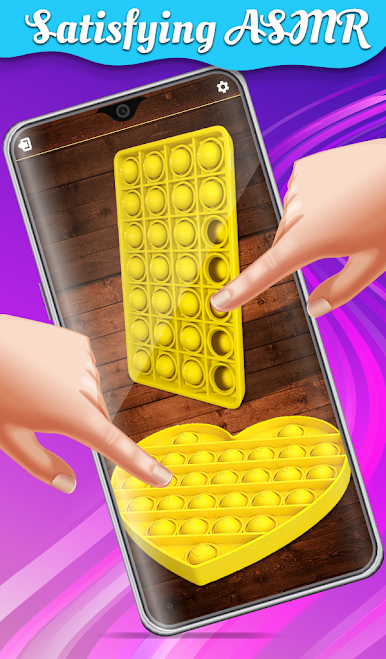
💡 Bubble wrap
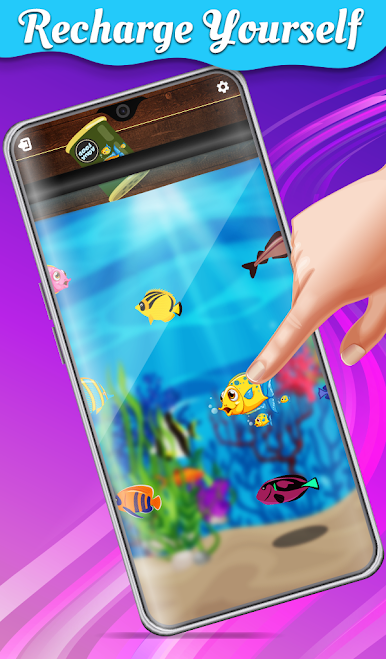
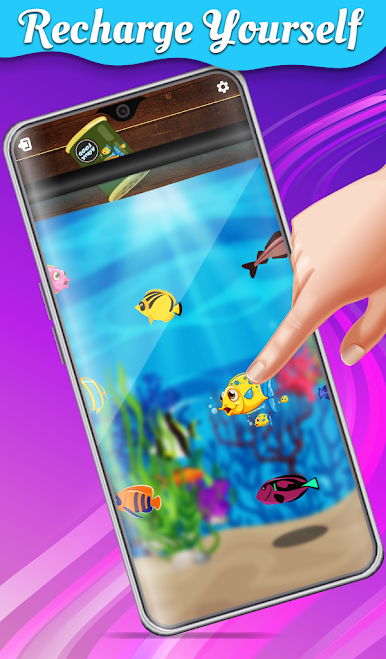
💡 melodious sounds fidget toys relaxing games
💡 Stone assembling calming games
💡 Pen clicking anti stress games specially for busy fingers and much more...
How to play 🤔 ?
Hit the install button on the right and get the most anticipated antistress toys relaxing games on your mobile .Enjoy the best antistress toys calming games on your phone.
🧠 3D fidget spinner is just amazing .Get the realistic feel of having 3D fidget spinner by tapping the screen and spinning it.
🧠 Mobile movement will be more fun in ball movement but you can also click the screen for ball movement.
🧠 Click the Screen for ball wrap
🧠 Music gives a relaxing feel to you and harmonize your feeling listen to melodious voice in and relax yourself .
Juega Fidget cube 3D: Antistress toy relaxing games en la PC. Es fácil comenzar.
-
Descargue e instale BlueStacks en su PC
-
Complete el inicio de sesión de Google para acceder a Play Store, o hágalo más tarde
-
Busque Fidget cube 3D: Antistress toy relaxing games en la barra de búsqueda en la esquina superior derecha
-
Haga clic para instalar Fidget cube 3D: Antistress toy relaxing games desde los resultados de búsqueda
-
Complete el inicio de sesión de Google (si omitió el paso 2) para instalar Fidget cube 3D: Antistress toy relaxing games
-
Haz clic en el ícono Fidget cube 3D: Antistress toy relaxing games en la pantalla de inicio para comenzar a jugar

