


Apowersoft Background Eraser
Gioca su PC con BlueStacks: la piattaforma di gioco Android, considerata affidabile da oltre 500 milioni di giocatori.

Pagina modificata il: Aug 25, 2025
Play Apowersoft Background Eraser on PC
👇Why Apowersoft Background Eraser stands out?
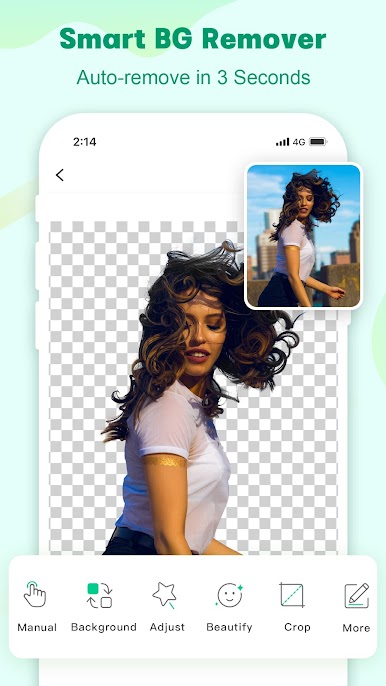
• Stunning hair cutout
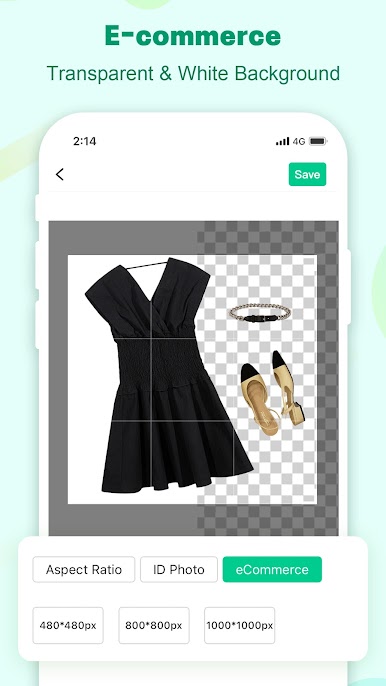
• Best choice for making white background porduct photo
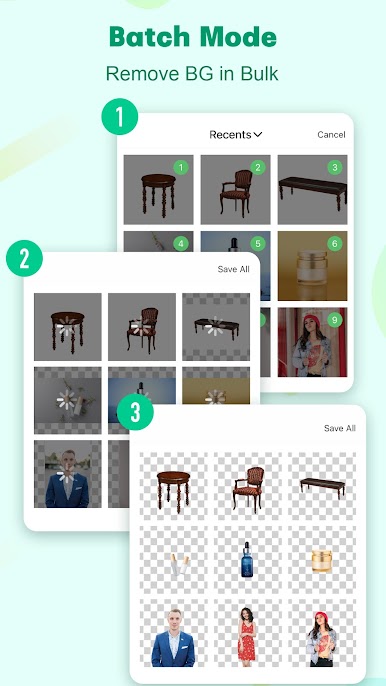
• Supprot for removing multiple backgrounds at once
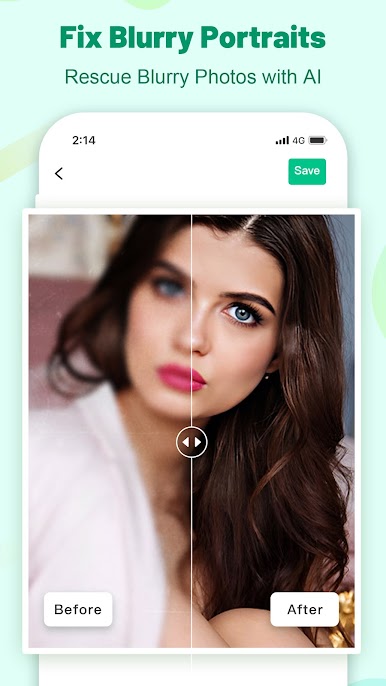
• Powerful feature to unblur photo, especially enhancing face
• Keep the original quality of the image (under 2k)
• Easy to use & Satisfied Result
• Reasonable price
Are you looking for an automatic background remover? Apowesoft Background Eraser can help you erase background quickly and efficiently! 📢 It's a genuine all-in-one photo background eraser to remove people, products, animals, cars, texts, signatures, logos, graphics, digital stamps, and any other objects from the background.
⭐️Main Features
*As a background remover☑️
- Automatically remove background for any image in 3 seconds
- Remove multiple backgrounds at once for eCommerce
- Excel at cutting out hair
- Touch where you want to remove with the magic brush tool to have a precise transparent background
*As a background changer☑️
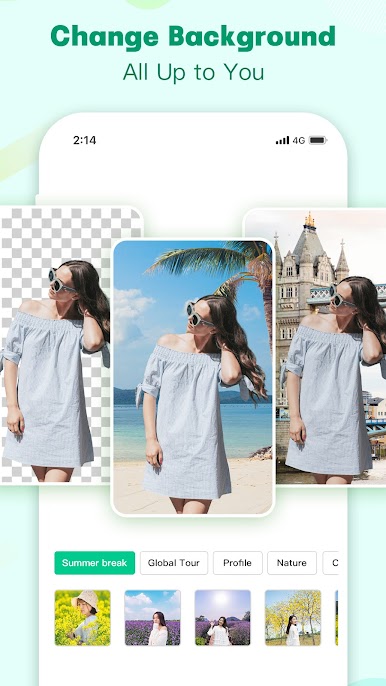
- One tap to change background to white from images without removing bg
- Massive solid colors and templates for you to create a new design
- Upload your own images as the background
*As a photo enhancer☑️
- Unblur photo with a clever AI
- Make blurry portrait photos clear
*As an ID photo maker☑️
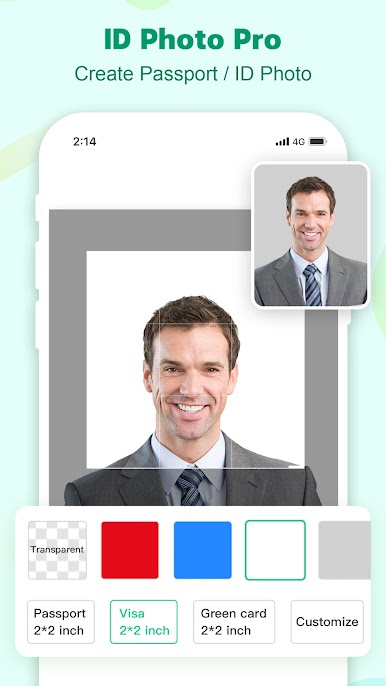
- Create own passport photos and Visa photos
- Change ID photo background in single tap
*As a photo retouch editor☑️
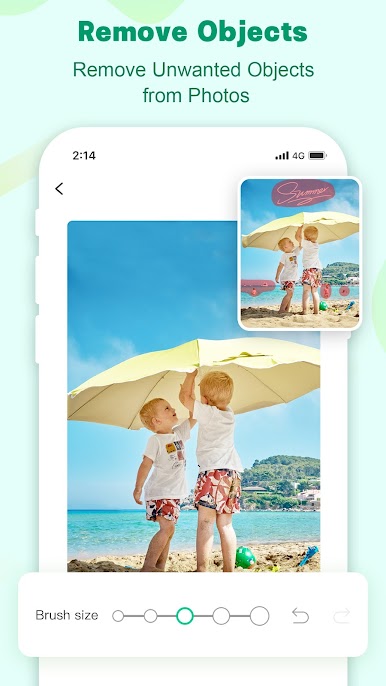
- Freely remove objects in photos
- The simplest photo eraser
*As a photo editor☑️
- Crop photos to an exact size, such as 1000*1000 px
- Create transparent and colorful profile photos and stickers
- Create your own holiday cards and digital scrapbook
Downloading this all-in-one photo background eraser app is equal to getting a background remover, photo enhancer, background changer, photo retouch editor, photo eraser, and be easier to erase background, remove objects, unblur photo as well as do more creative editing.

Gioca Apowersoft Background Eraser su PC. È facile iniziare.
-
Scarica e installa BlueStacks sul tuo PC
-
Completa l'accesso a Google per accedere al Play Store o eseguilo in un secondo momento
-
Cerca Apowersoft Background Eraser nella barra di ricerca nell'angolo in alto a destra
-
Fai clic per installare Apowersoft Background Eraser dai risultati della ricerca
-
Completa l'accesso a Google (se hai saltato il passaggio 2) per installare Apowersoft Background Eraser
-
Fai clic sull'icona Apowersoft Background Eraser nella schermata principale per iniziare a giocare

