

Katana Librarian
Juega en PC con BlueStacks: la plataforma de juegos Android, en la que confían más de 500 millones de jugadores.

Página modificada el: Nov 16, 2025
Run Katana Librarian on PC or Mac
Upgrade your experience. Try Katana Librarian, the fantastic Music & Audio app from Apps For Amps, from the comfort of your laptop, PC, or Mac, only on BlueStacks.
About the App
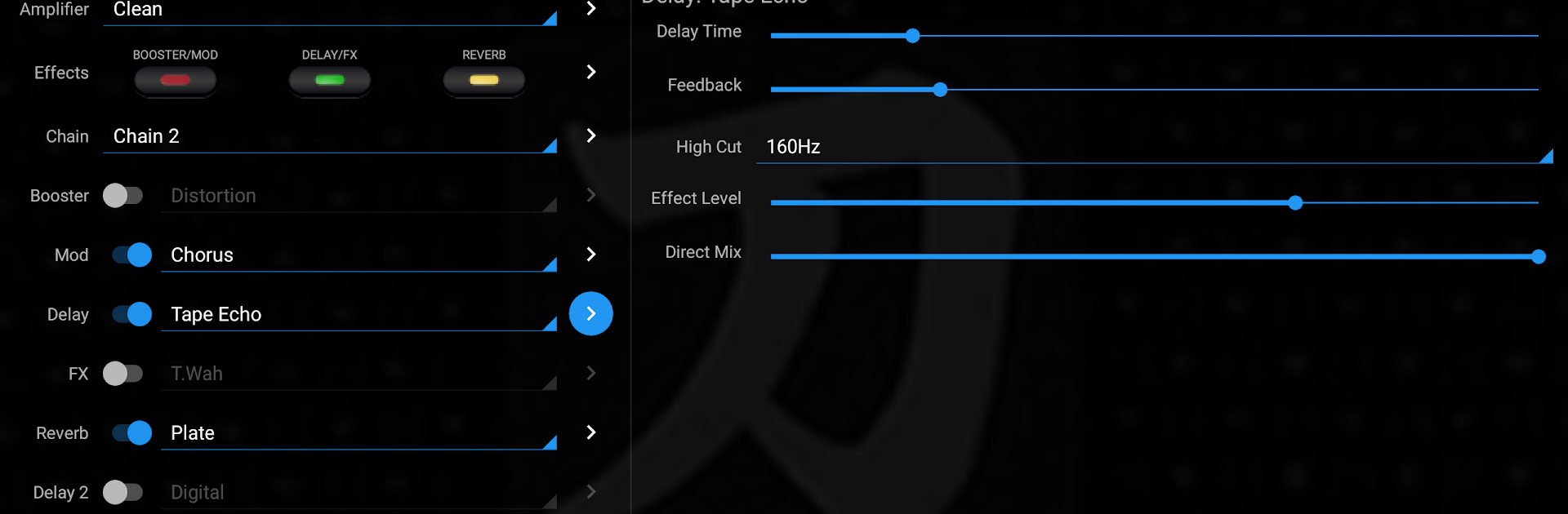
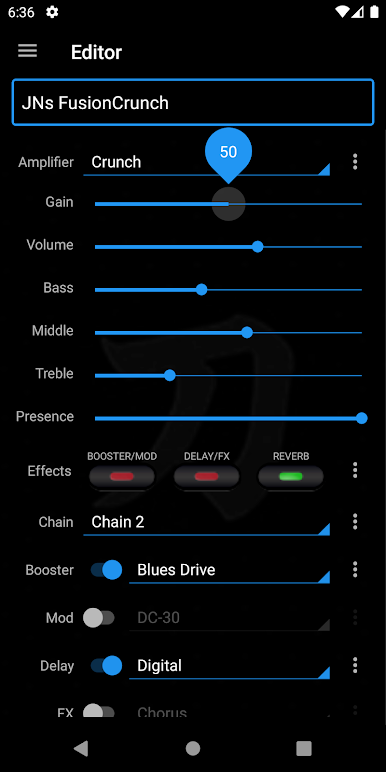
Katana Librarian is your ultimate sidekick for getting the most out of your BOSS Katana amplifier. Forget being glued to a computer every time you want to work with your amp—now, you can manage your tones right from your Android device. Whether you’re tweaking sounds before a gig or organizing your favorite patches at home, this app makes life for guitarists a whole lot simpler.
App Features
-
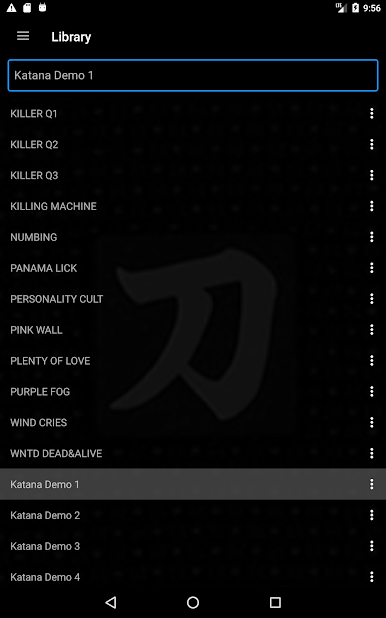
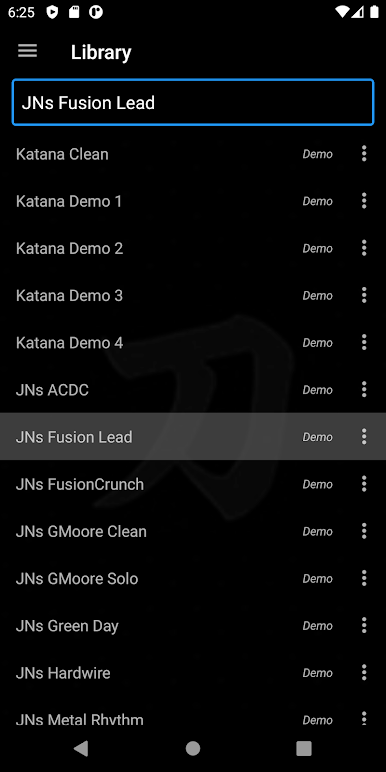
Easy Patch Management
Quickly store, edit, or swap out patches on your Katana amp without needing a laptop. Everything’s accessible straight from your phone or tablet. -
Unlock More Effects
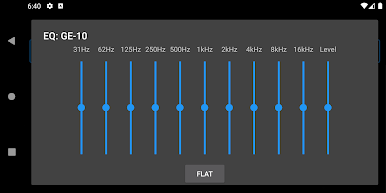
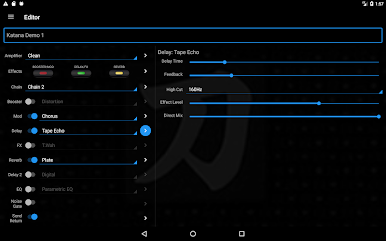
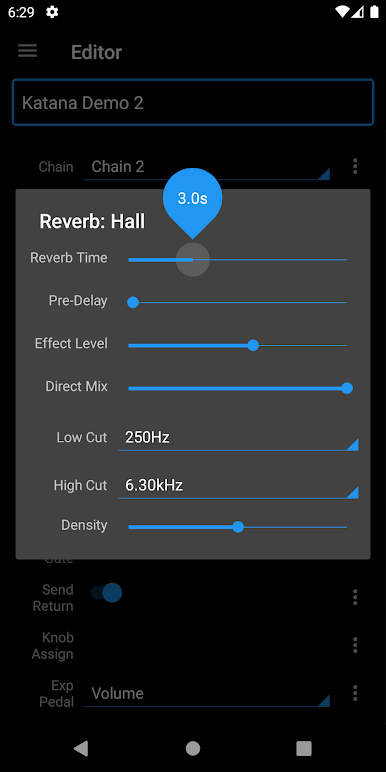
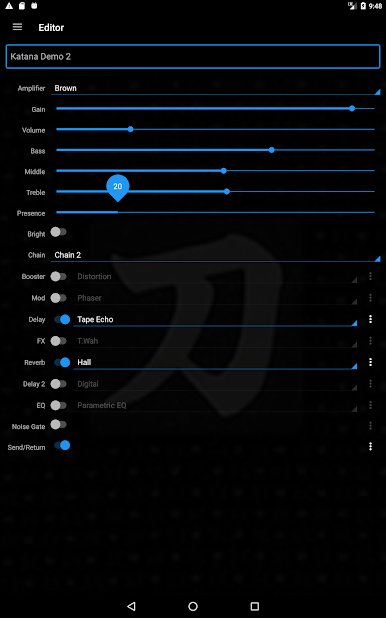
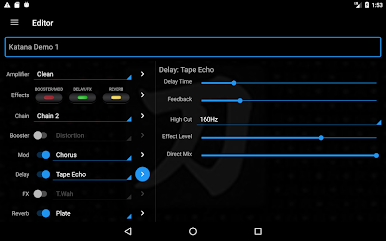
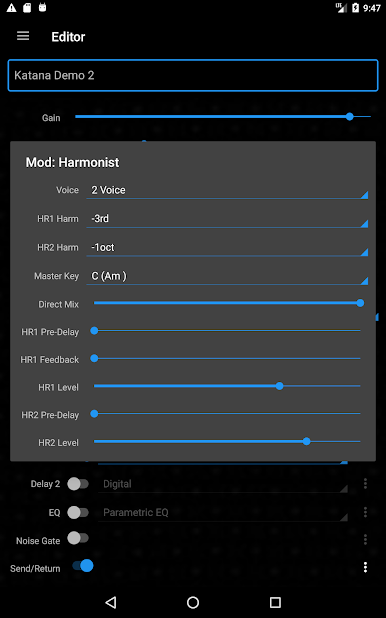
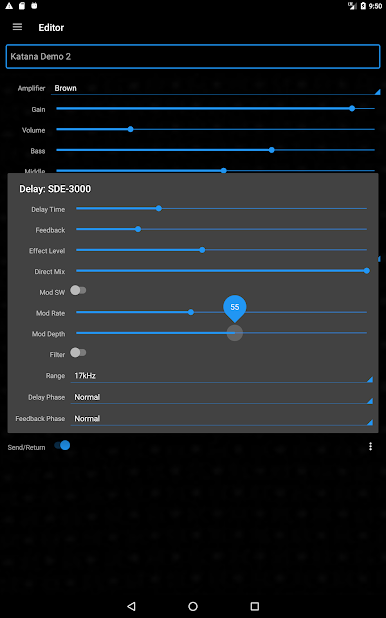
Get hands-on control over a huge range of amp features—even the ones that usually hide behind extra menus or require special connections on your PC. -
Real-Time Adjustments
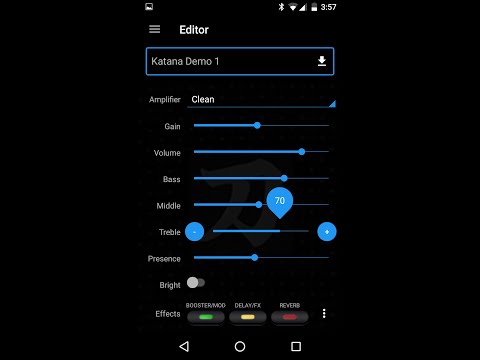
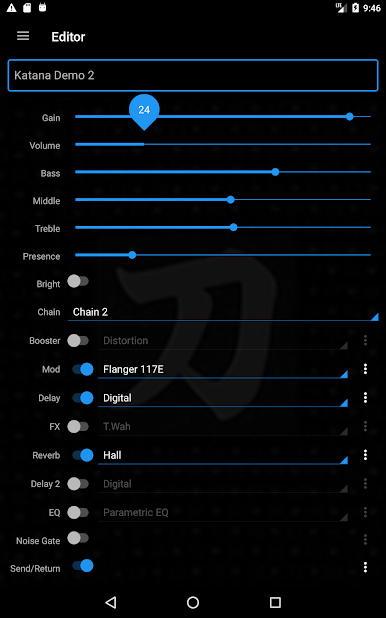
Tweak your effects or amp settings and see instant changes, both in the app editor and on your amp. No more going back and forth between screens. -
Organize Patches Your Way
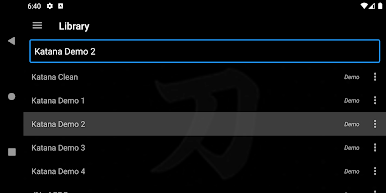
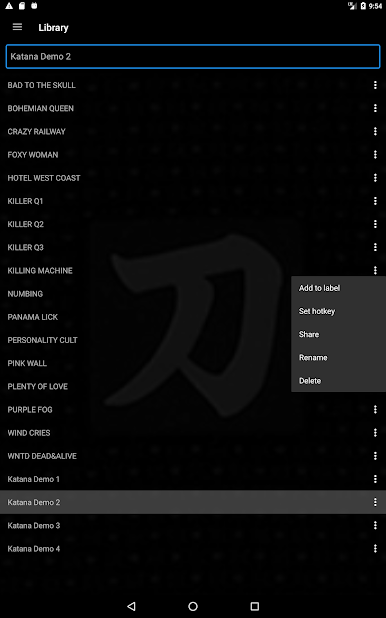
Label and group patches however you like. Create custom tags to track your favorites or sort out set lists before a performance. -
Built for Live Performers
Switch patches hands-free using Bluetooth keyboards or pedal boards, keeping your focus where it belongs—on playing. -
Full Patch Support
Import or export patch files (MkI or MkII .TSL), rename them, or even delete unwanted ones. You can write patches to the amp’s channels at any time. -
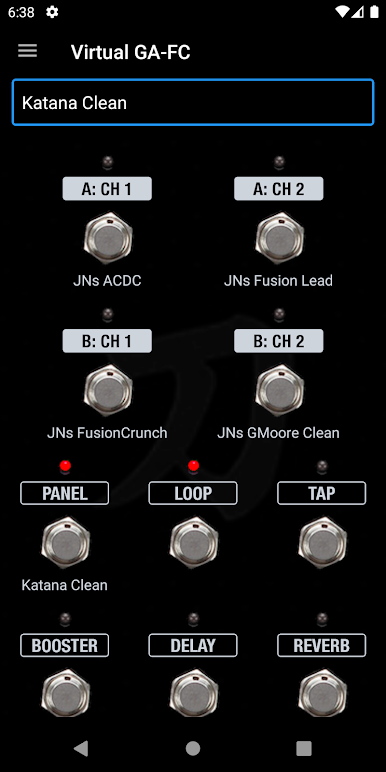
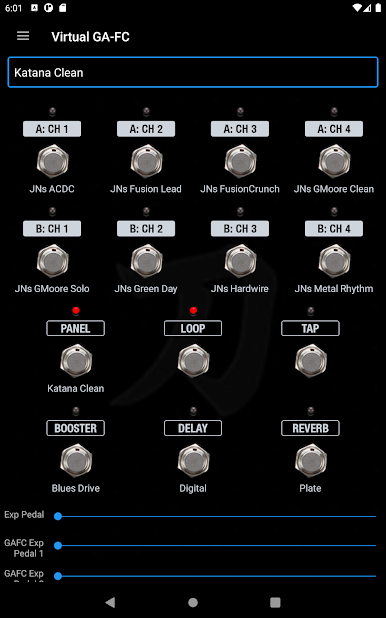
GA-FC Pedal Emulation
Control your amp like you have a GA-FC pedal, even if you’re using a Katana-50 model. Handy if you want footswitch-like convenience without extra gear. -
Share and Backup
Send patches to friends, back them up to cloud storage, or share via services like email or Android Beam. -
Try Before You Buy
Test out your connection and play with demo patches for free. Unlock all the features through a simple in-app purchase if you want the full experience.
Katana Librarian from Apps For Amps works with popular Katana amp models and even plays nicely with BlueStacks in case you want to run it on a bigger screen. No need for a PC anymore—just grab your Android and start creating.
Eager to take your app experience to the next level? Start right away by downloading BlueStacks on your PC or Mac.
Juega Katana Librarian en la PC. Es fácil comenzar.
-
Descargue e instale BlueStacks en su PC
-
Complete el inicio de sesión de Google para acceder a Play Store, o hágalo más tarde
-
Busque Katana Librarian en la barra de búsqueda en la esquina superior derecha
-
Haga clic para instalar Katana Librarian desde los resultados de búsqueda
-
Complete el inicio de sesión de Google (si omitió el paso 2) para instalar Katana Librarian
-
Haz clic en el ícono Katana Librarian en la pantalla de inicio para comenzar a jugar

